

Customer database software is a core part of a sales team’s toolkit. If you don’t have a dedicated customer database platform, now is the time. In this guide, we’ll walk you through the ins and outs of customer database software, why it’s such an important tool for your business, and 12 of the best platforms available today.
What is Customer Database Software?
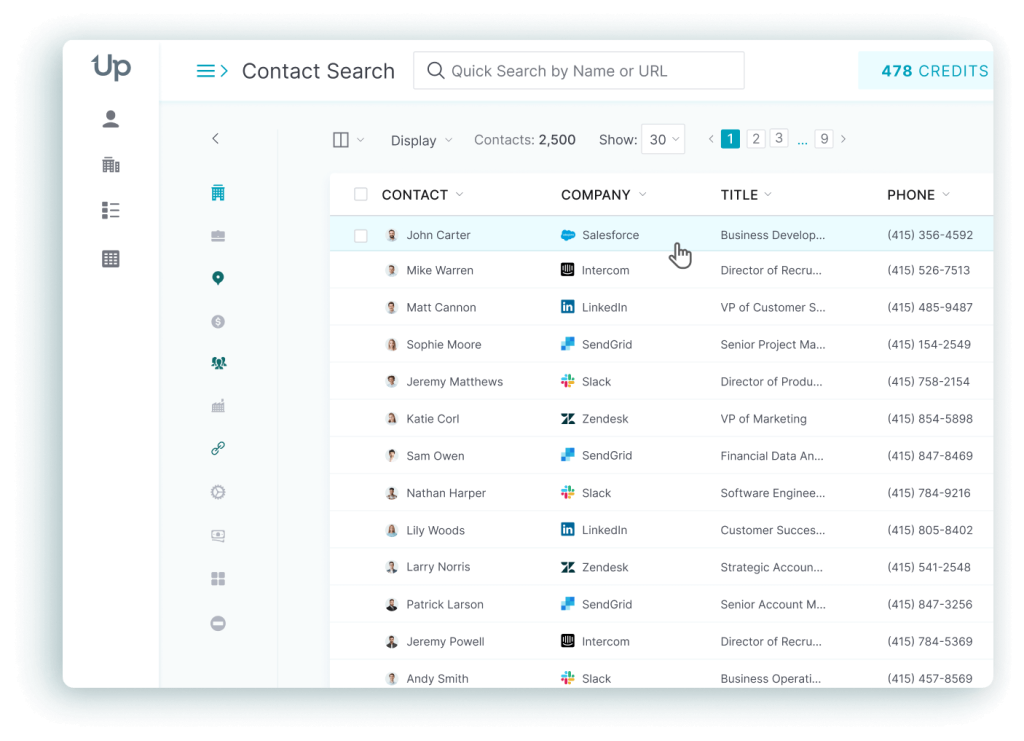
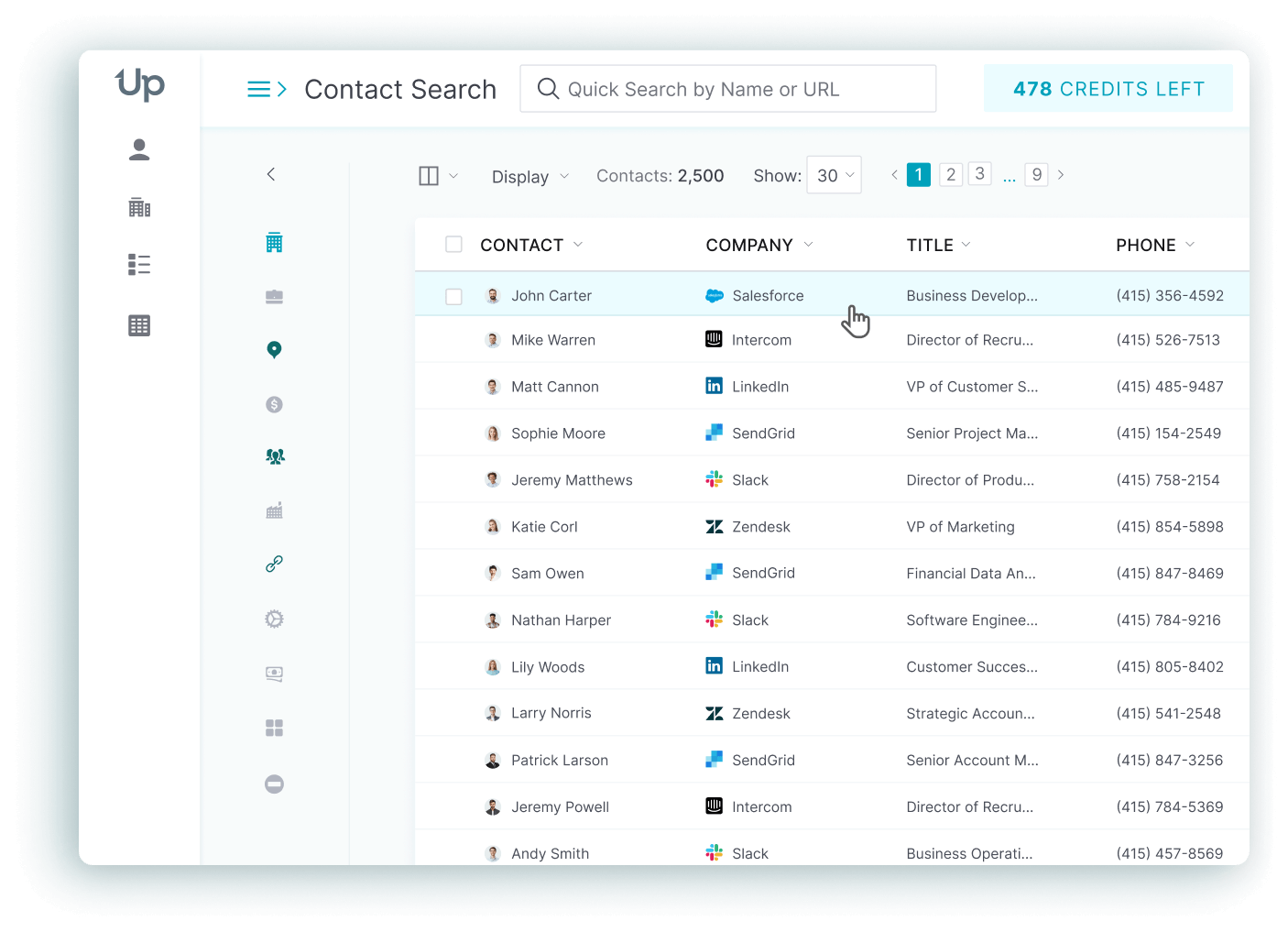
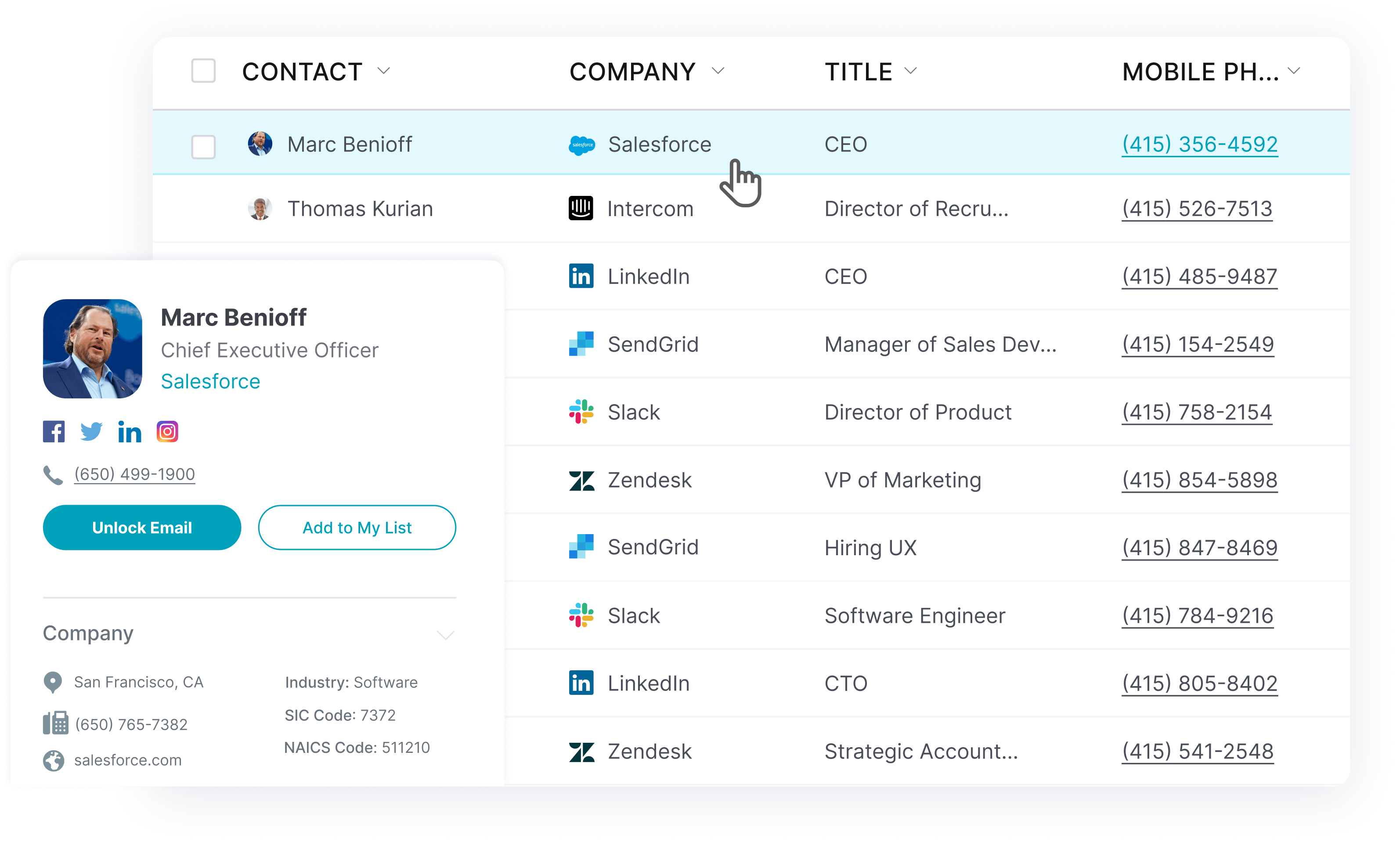
Simply put, customer database software is a platform that lets you search, save, and organize customer data. The database enables users to search for contacts easily, save contact information, and build a list of prospects, all within an (ideally) easy-to-use platform.
Whether you’re a small sales team with relatively low outreach volumes or a massive enterprise with tens of thousands of outbound contacts yearly, a customer database is essential for your business growth. Without one, you’ll have to not only manually search for contact information (much of which may be outdated or inaccurate), but also manually maintain a database in another program, which can quickly become too much to manage.
Here are some of the top benefits of using customer database software.
Benefits of Using Customer Database Software
Customer database software can make a big difference for any sales team. Platforms like UpLead make it simple to search for high-value contacts, organize your database, and manage entire lead generation campaigns, all in one central system.
Managing a customer database in software that isn’t designed for that purpose (such as a spreadsheet program) is like using a free trial with limited features knowing that it isn’t meeting your needs. Sure, it’s available to you and has some features that can help, but it may end up creating even more work in the long run.
Here are some fantastic benefits of using customer database software:
- Capture your entire sales funnel in one platform
- Integrate across multiple platforms to allow for real-time customer data updates
- Use in-platform reporting
- Automate routine tasks
- Ability to add team members to the platform
How to Choose the Best Customer Database Software
There are many things to consider when choosing the best program for you. While price is undoubtedly an important factor, it isn’t the only thing you should be thinking about. Here’s what you should consider when choosing your customer database software.
Ease of Use
Is the platform easy to use? Can users with no customer database software experience understand the platform? Software is only as good as its usability, so it’s important to test drive it before you purchase.
Platforms should be intuitive and easy to navigate. If you have to review user guides and how-to articles when simply trying to explore the platform, it may not be the right software for you.
User Interface Design
How does the software display data? Separate from ease-of-use, user interface design is another element you should consider when choosing your software. Cleanly displayed and well-organized data is a must-have for any customer database software.
Integration With Other Platforms
Does your sales team use multiple platforms to move prospects through a sales funnel? Do you have embedded programs that you want to maximize? Make sure you choose a program that integrates smoothly with other platforms. This will maximize your new software purchase and your existing programs.
Update Frequency
How often does the database update? Some platforms provide real-time data, while others only update at certain intervals. It’s important to understand how often the data updates and how your team can use that new information.
12 Best Customer Database Software to Grow Your Business
Let’s take a look at 12 of the best customer database software to grow your business.
1. Uplead
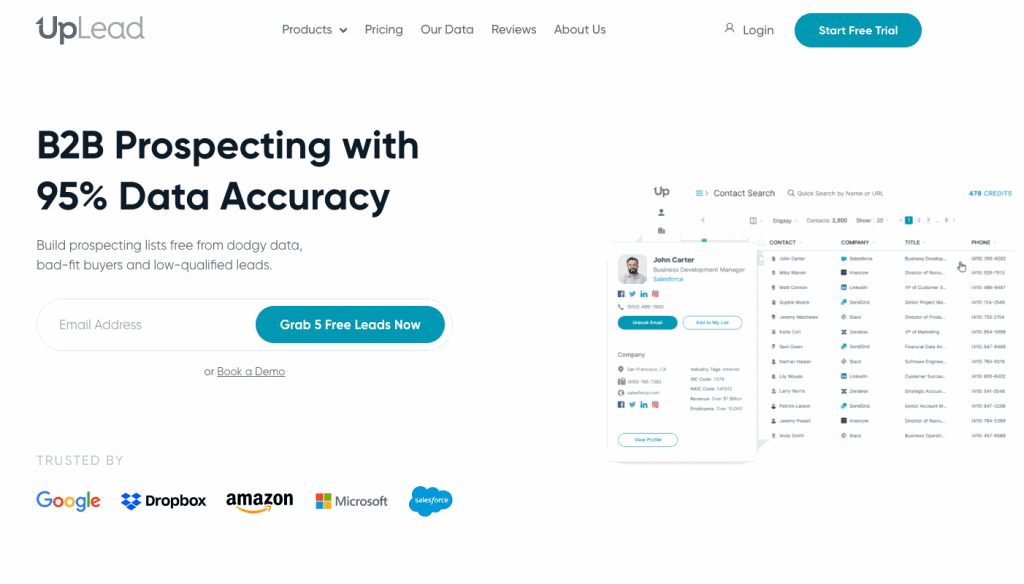
UpLead’s customer database software is built for sales teams that need accurate contact data. Its search engine and database tools help your team find the right contacts faster. UpLead guarantees 95% data accuracy, so you don’t have to worry about faulty data when searching for contacts.
Here are some top features of UpLead’s customer database:
- Over 200 million contacts are available
- 50+ filters
- Create contact lists in just a few clicks
- Prices range from $74 to $199 per month (Essentials and Plus), with custom pricing for Professional, and you can try UpLead with a 7-day free trial (5 credits)

2. Zendesk
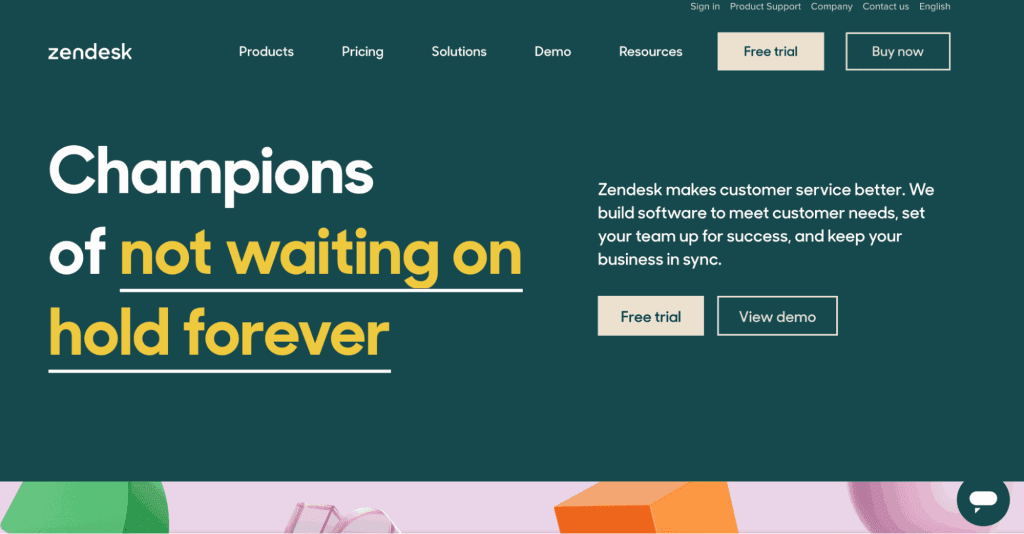
Focusing on sales pipeline tools, Zendesk is best for sales teams with ambitious sales and outreach strategies. Not only does Zendesk offer a customer database platform, but you’ll also get access to a host of tools and features, including list building and campaign management plus cross-collaboration with your teammates in one platform.
Here’s what else you should know about Zendesk:
- Two separate solutions, one for sales and one for service
- Pricing ranges from $19 to $169 per user per month billed annually
- Zendesk announced in September 2025 that Zendesk Sell will be retired on August 31, 2027, with Pipedrive as its migration partner, so new buyers should plan for a later move
- Limited to either sales or service or pay more for access to all Zendesk tools
3. Monday
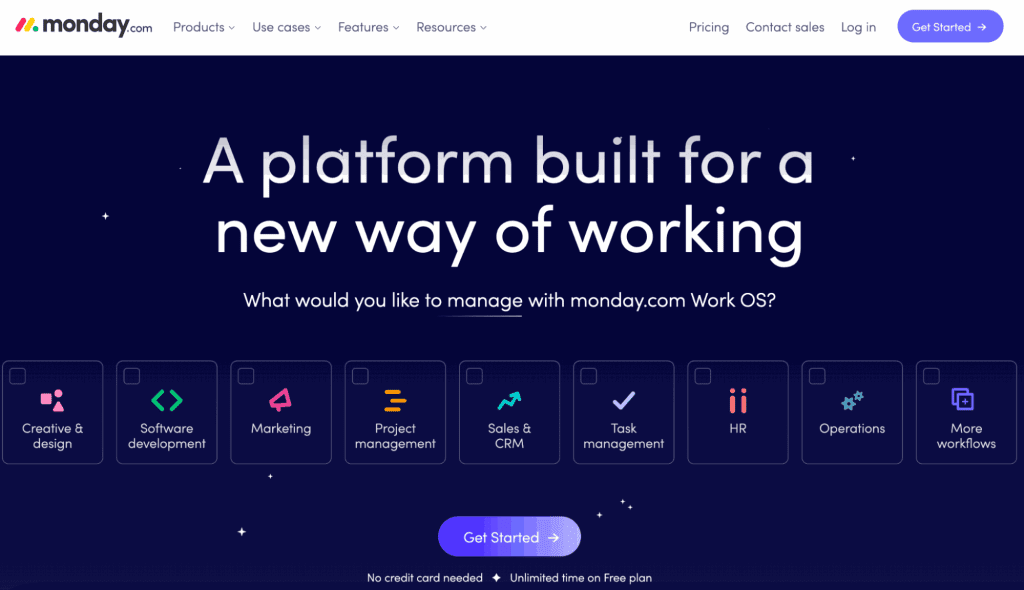
Monday is a service that seemingly offers it all, which is quite impressive. However, it can be overwhelming, and it’s easy to get lost searching through the platform’s products and services, especially if you’re unsure what you need. Monday’s customer database and CRM platform focus on automation and centralization, making it a good choice regardless of your sales team’s size.
Let’s take a look at some of Monday’s highlights:
- No free plan (14-day free trial); paid plans range from $12 to $28 per seat per month billed annually, minimum 3 seats, with custom pricing for Enterprise
- Email campaign tools such as email tracking, templates, and analytics
- Embedded reporting for outbound campaigns
- Easily export your contact lists
4. Freshsales
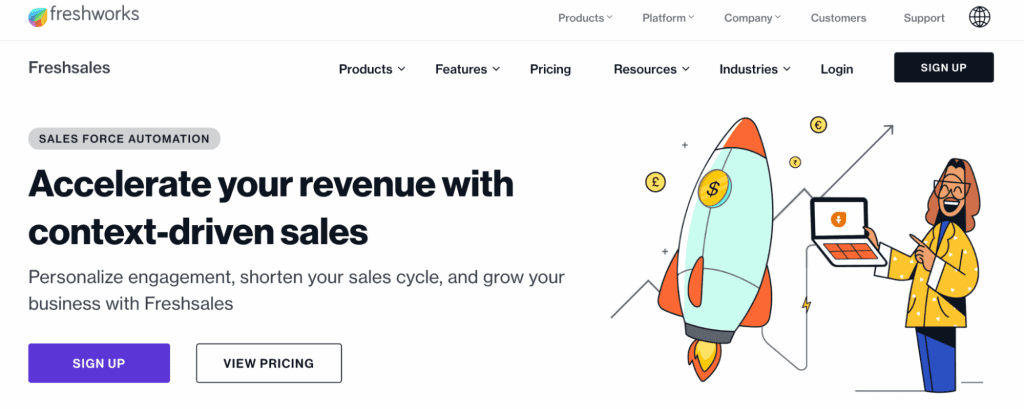
Freshsales is a solid customer database tool that’s great for marketing campaigns. The customer database lets you search for contacts, validate contact information, and create contact lists.
Here are some things you should know about Freshsales:
- Features powerful account management tools, including contact lifecycle stage tools
- Great for moving prospects through your sales funnel
- Integrated contact options, including chat, phone, and email
- Various price points, ranging from $9 to $59 per user per month billed annually ($11 to $71 monthly), with a 21-day free trial (pricing is billed per user, not per plan)
5. Hubspot
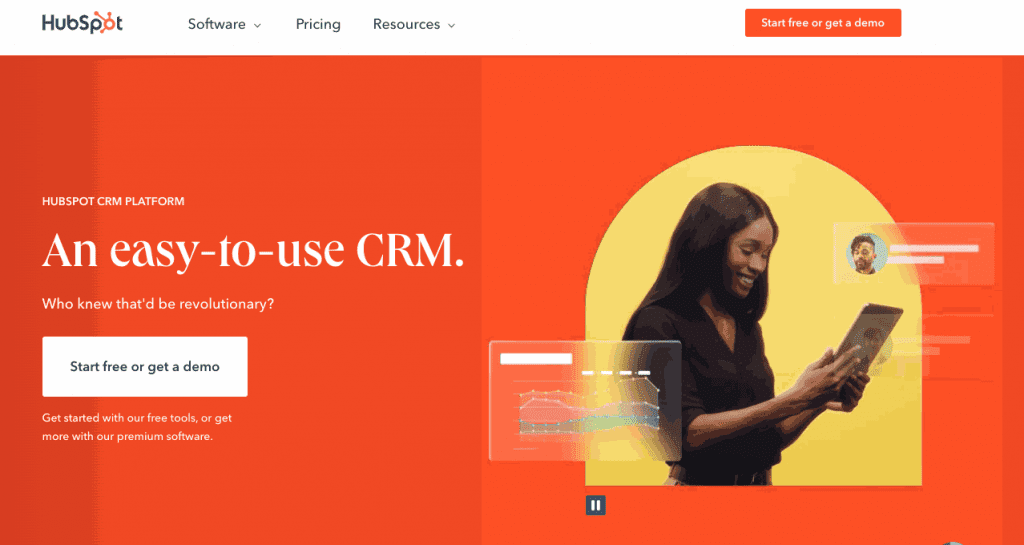
Hubspot is a major name in the customer database software industry, and for a good reason. The platform scales from a free CRM up to enterprise plans and is packed with features, including a full customer database.
Here’s what to know about Hubspot’s customer database platform:
- Various price points depending on your needs; the most expensive plan (Marketing Hub Enterprise) starts at $3,600 per month
- Integration into all other Hubspot tools, as well as countless external platforms
- Automation, A/B marketing testing, and list-building features
6. Airtable
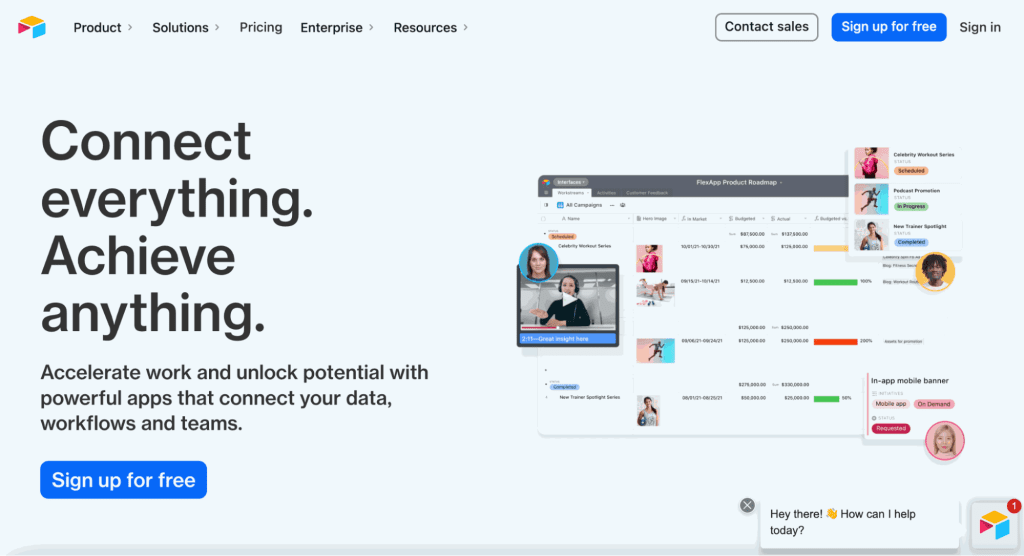
Airtable is a customer database software that focuses on a simple user experience. You’ll notice that the platform is similar to an Excel spreadsheet, which can be both a good and bad thing. While many of us are familiar with Excel, paying for a tool that mimics an Excel sheet may not be worth it. However, there are some additional Airtable features that you should consider.
Here’s what you should know about Airtable when choosing a customer database software:
- Straightforward pricing, ranging from free to $45 per user per month (Business, billed annually), with custom Enterprise Scale pricing
- Grid/spreadsheet-style platform makes it easy to organize but potentially too similar to an Excel database
- Simple to automate and integrate with other platforms
7. Salesforce
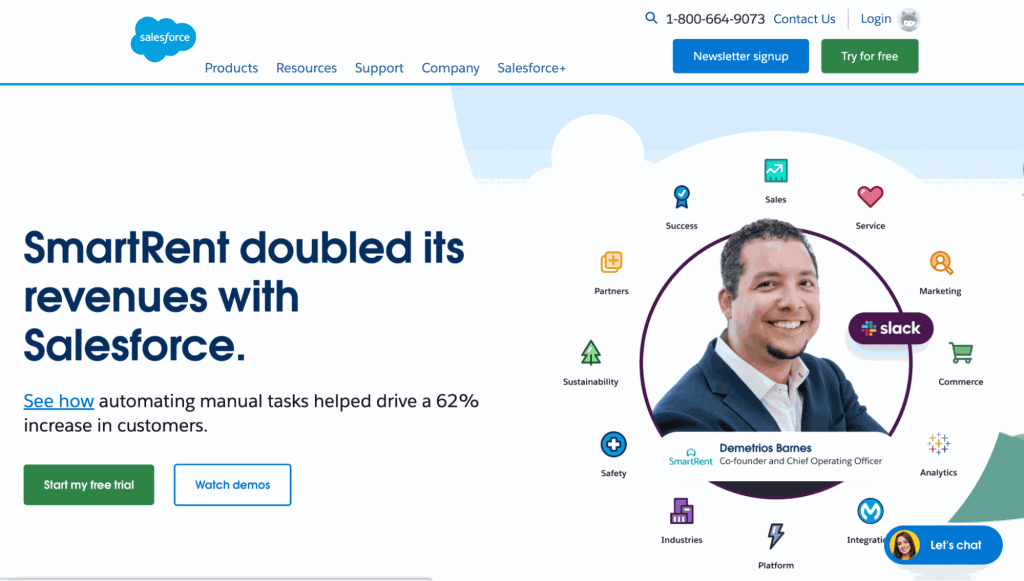
One of the most well-known names in the CRM industry, Salesforce is a very popular tool for businesses of all sizes. The platform has a host of products and services available, so many that it can be overwhelming to navigate.
However, their sales tools are straightforward and capable. There are some key points you should know about Salesforce:
- Contact management tools make it easy to build lists, validate contact information, and manage outbound campaigns
- Integrate with countless programs
- Intelligent sales forecasting
- Prices run from a Free Suite and $25 per user per month (Starter Suite) up to $550 per user per month (Max), billed annually
8. Keap CRM
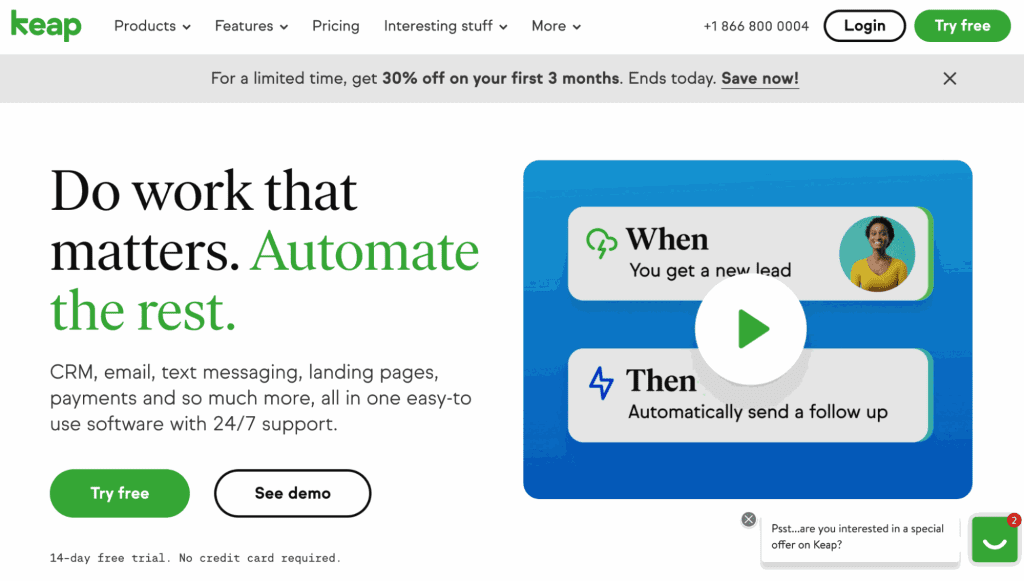
Keap CRM is a tool that focuses on automation and high-quality customer support. Keap has simple lead capture tools and a reliable customer database platform. The tool makes it easy to stay organized, and you can access all of your Keap tools and features on one dashboard.
Here’s what else you should know about Keap CRM:
- Contact-based pricing starts at $249 per month billed annually ($2,988/year), including 2 users; the price rises with your contact count
- Automated lead capture using modern forms
- Centralized database your entire team can access
9. Zoho
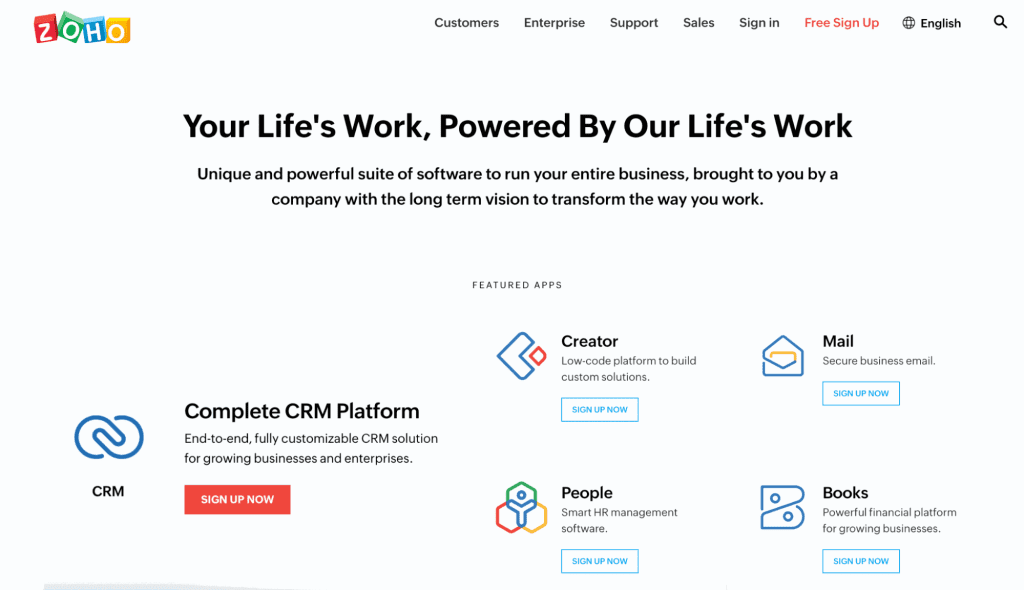
Zoho is a customer database platform that offers a decent lineup of CRM tools and features. Zoho covers much more than customer database software, so it may be worth exploring if you’re looking for an all-inclusive program for your business.
- Zoho CRM has a free edition for up to 3 users, and paid plans run from $14 to $52 per user per month billed annually
- Strong lineup of CRM tools and other sales features
10. Streak CRM
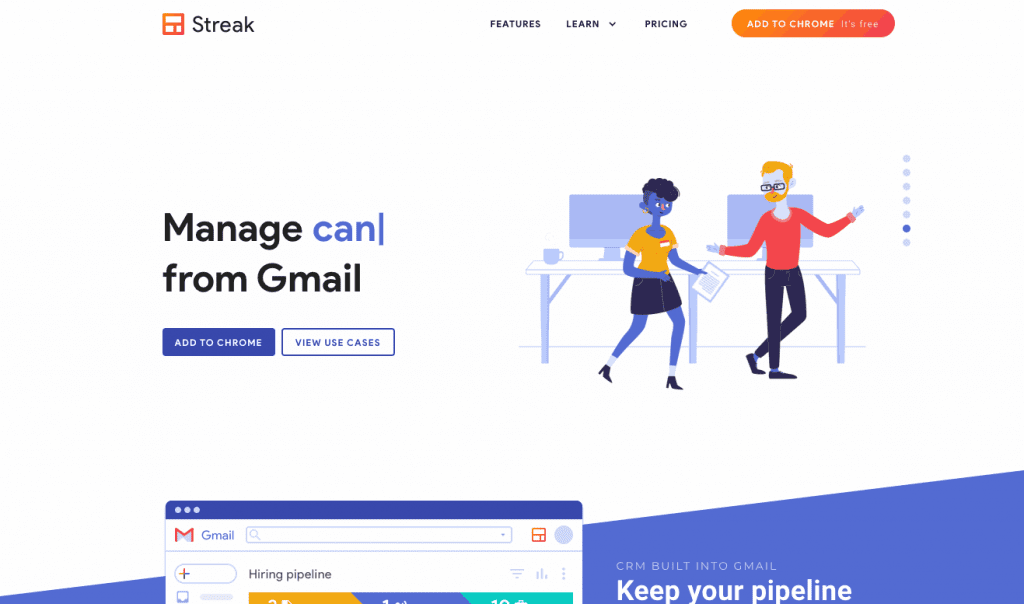
A unique approach to a customer database platform, Streak CRM was designed for direct Gmail integration, allowing you to manage leads and projects right from the Gmail platform. If you’re looking for something simple and prefer Gmail as your primary work platform, this may be a good choice for your team.
- Pricing includes a free plan (email tracking and mail merge, no CRM pipelines) and paid plans from $49 to $129 per user per month billed annually ($59 to $159 monthly), which is on the higher end compared to other tools
- Use a CRM platform, mail merge, and email tracking features
- Simple integration that is easy to set up and start using
11. Pipedrive
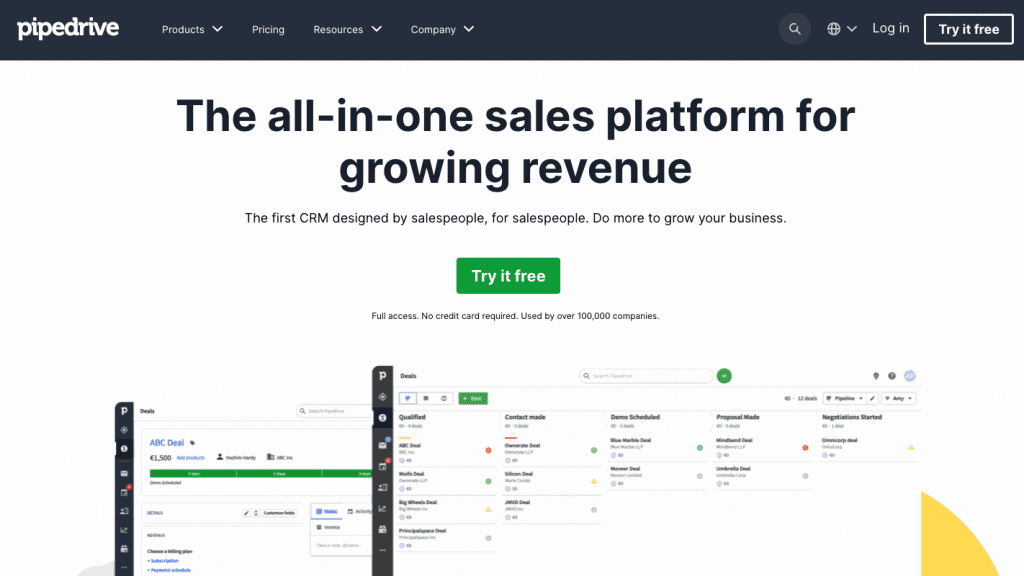
Claiming to be the first CRM designed for salespeople by salespeople, Pipedrive is a good option for businesses looking for an all-in-one CRM platform. The tool offers easy integration, full customization, automation, and more. Here’s what else you should know about Pipedrive:
- No free plan
- Prices range from $14 to $79 per seat per month billed annually (Lite, Growth, Premium, Ultimate)
- All-in-one CRM tool
- The platform focuses on measurable results with built-in, high-quality reporting
12. Bitrix24
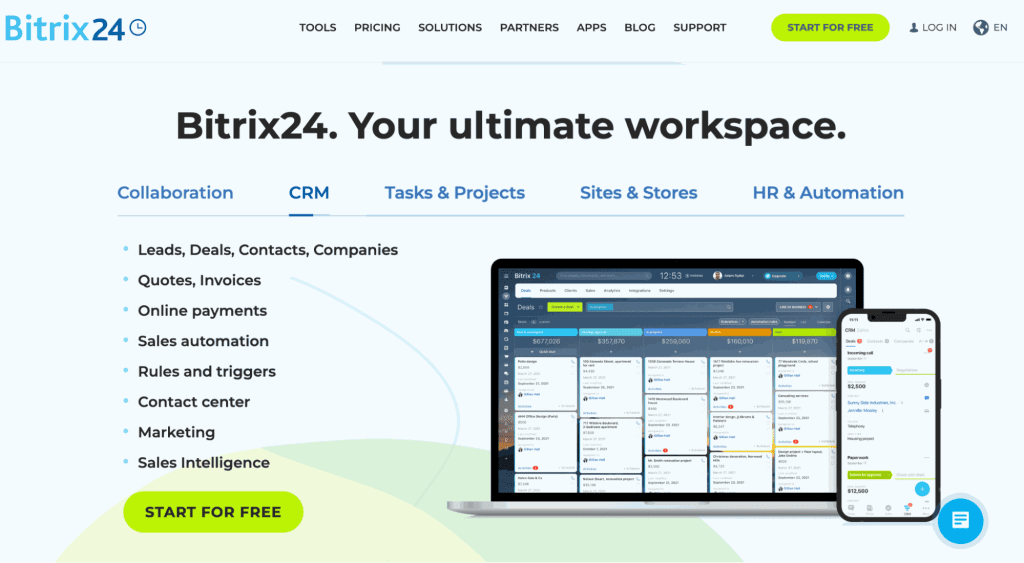
Bitrix24 is a relatively inexpensive platform that offers many sales and marketing tools. If your company doesn’t need full-business solutions, Bitrix24 may not be right for you. The platform is ideal for small to mid-sized businesses focused on rapid growth.
- Good pricing options, ranging from a free plan (up to 2 users) to $199 per month billed annually for 100 users (Professional), with Enterprise from $399 per month for 250 users (which breaks from the per-user pricing common among the competition)
- Full-business solutions, including CRM, website builder tools, collaboration options, and more
FAQs About Customer Database Software
Here are some top questions and answers about customer database software.
How do you create a customer database?
The first step in creating a customer database is choosing a dedicated database software. There are tons of fantastic options out there that can help you quickly build a solid contact list for your next lead generation campaign.
UpLead offers an industry-leading prospecting tool to help you improve your sales results.
How do you use a customer database?
Using a customer database is extremely easy. While some platforms only offer a search function, others allow list building and campaign management in one centralized tool. A customer database lets you search for contact information, whether individually or in bulk, to use as part of your next marketing campaign. You can search by name, company, title, and so much more.
Why is a customer database important?
A customer database is important for many reasons. Without a customer database platform, your sales team will have to search and compile information about prospects manually. This is an extremely time-consuming task, and the results may not be accurate. Save time, money, and effort with a customer database platform.
Is CRM a customer database?
You may see the term CRM (Customer Relationship Management) and customer database used interchangeably, but this comparison isn’t entirely accurate. While some CRMs can be databases, that isn’t always the case. A CRM platform lets you track and manage interactions with contacts. A database, which can also include these features, allows you to search for contact information which can then be added to your CRM.
Can Excel be used as a database?
While Excel can be used as a database, it’s highly recommended to use a dedicated customer database software instead. Manually building lists of contacts and searching for contact information can be a massive waste of time. Your sales team could spend countless hours building and managing an Excel database instead of reaching out to prospects, resulting in missed sales opportunities.
What You Need to Remember About Customer Database Software
Remember, customer databases are powerful platforms that you can use to boost sales production significantly. If you haven’t invested in a platform, now is the time. Get rid of your manual Excel database and upgrade to UpLead.