



The telephone is a salesperson’s best friend. Over 92% of all customer interactions happen over the phone. Sales staff have to make an average of eight attempts at cold calling before they finally reach a prospect. Your team must use the best sales dialer tools to work efficiently and get results.
What Are the Best Sales Dialer Tools?
The best sales dialer tools are:
| Tool | Best for | Dialer Types Supported | Key Features | Pricing* | Free Trial |
|---|---|---|---|---|---|
| Close | All-in-one CRM with integrated power & predictive dialer | Power, predictive, preview | Built-in CRM, call recording & logging, voicemail drop, call monitoring, AI predictive dialer, conversation intelligence | Essentials plan starts $35/seat/mo; Growth $99/seat/mo adds power dialer; Scale $139/seat/mo adds predictive dialer | 14-day free trial |
| Dialpad | AI-driven unified communications & sales dialer | Power (with voice AI), predictive | Real-time AI transcription & coaching, AI Playbooks, CRM integrations, call analytics dashboards, voicemail drop | Phone system plans: Standard $15/user/mo, Pro $25/user/mo, Enterprise (quote); sales dialer functions part of higher tiers | 14-day free trial |
| JustCall | Automated dialer with AI coaching & sales engagement | Power, predictive | Power dialer for warm leads, predictive dialer for large lists, AI analytics & coaching, call scripting, spam protection, CRM integrations | Sales suite with dialer from $49/user/mo (Pro plan) to $89/user/mo (Pro Plus) | 14-day free trial |
| Ringover | Global dialing & call campaigns with local presence | Power | Unlimited calls to 75+ destinations, 65+ local phone numbers, call supervision, post-call wrap-up, CRM integrations (Pipedrive, Salesforce, HubSpot), call campaigns & scripts | Smart plan $21/user/mo, Business $44/user/mo, Advanced (custom) includes power dialer & call campaigns | 7-day trial |
| Koncert | Multi-line & AI-powered dialing for high-volume teams | AI parallel, AI power, agent-assisted, click-to-call | AI Parallel Dialer (multi-line) & AI Flow Dialer (single-line), local presence & caller ID management, remote coaching & call recording, CRM integrations, Waterfall Data Enrichment and AI PitchLab | Pricing custom; plans (Melody, Symphony, Melody+ & Symphony+) include analytics, caller-ID management, automated local presence & voicemail sequencing | Demo available |
| PhoneBurner | High-volume calling with spam-shield & unlimited minutes | Power | Unlimited calling, workflow automation, call analytics, call blending (phone/email/SMS), voicemail drop, spam-shield (ARMOR), lead management & real-time monitoring | Standard $140/user/mo, Professional $165/user/mo, Premium $183/user/mo (annual billing) | Free trial |
| Revenue.io (RingDNA) | Salesforce-centric dialer & conversation intelligence | Power, progressive, predictive, preview | Click-to-call anywhere in Salesforce, call blitz lists, voicemail drop, local presence, call recording & monitoring, CTI integration, compliance reminders | Pricing on request | Demo |
| Ring.io | SMB dialer with built-in sequences & local presence | Power, AI parallel | Instant connection (no telemarketer delay), voicemail drop, SMS/MMS, multi-channel sequences, call tracking & analytics, call monitoring & recording, RingLocal local presence, custom reports | Startup $90/user/mo (annual), Growth $120/user/mo (annual), Enterprise $250/user/mo (annual) | Free trial |
| Aircall | Cloud call center with 100+ integrations | Power, predictive | AI transcripts, AI voice agent (add-on), IVR, call recording, click-to-dial, SMS/MMS, Salesforce CTI integration, mandatory call tagging, smart routing, power dialer & voicemail drop | Pricing not publicly available – plans include Essentials & Professional with add-ons; contact sales | 7-day trial |
| Voicent | Affordable auto dialer with built-in CRM | Auto, predictive, progressive, preview | Auto dialer plus predictive/progressive/preview modes, built-in CRM, 2 outbound voice lines/user, optional inbound call center number, text-message campaign tool, workflow automation | $19/user/mo (annual) or $29/mo monthly for Voicent Cloud plan | Free trial |
| CallFire | Mass voice campaigns & cloud call center | Power (VoIP), predictive | Mass voice broadcast tool with press-1 campaigns, call firewall, call scheduling; cloud call center with power dialer for agents & SmartDrop voicemail leaving | Plans: Lite $99/mo (2,500 min/text), Startup $199/mo (5,500), Grow $299/mo (10,000), Pro $599/mo (20,000) with unlimited contacts & reporting | Pay-as-you-go at $0.06/min available |
| Sales Sling | Call center software with scripting & callback reminders | Power, auto | Features include call reporting, recording, tracking, conferencing, transfer & intelligent routing; on-screen caller details, CRM integrations, callback reminders, smart dialing modes & agent scripts | Pricing not publicly available | Demo |
| Ozonetel | Customizable dialer with AI & omnichannel features | Power, predictive, IVR | Power dialer with answering machine detection, multiple number formats, flexible retry rules, voicemail & SMS follow-up; AI-based predictive dialer & IVR blaster; CRM integrations (Zoho, Zendesk, Salesforce), 40+ reports, open APIs | Plans start around $25–$45/agent/mo according to comparison page | Free trial |
| CloudTalk | Global VoIP phone system with smart dialer & AI | Power, preview, smart | Features: unlimited call history, smart dialer (power & preview), click-to-call, IVR, call queues, outbound caller ID, real-time analytics, 95+ integrations; advanced plans add AI conversation intelligence | Lite €19/user/mo (annual), Starter €25, Essential €29, Expert €49; monthly options €27/34/39/69 | 14-day free trial |
| DialedIn (ChaseData) | Call center platform with predictive & progressive dialing | Predictive, progressive, preview | Predictive/preview/progressive dialing, integration with email, text & social, call logging & recording, call queues & routing, IVR, analytics & coaching | Small Business $79/user/mo (annual); Professional $59, Enterprise $39, Enterprise Plus $25 | Demo |
| CallHub | Campaign-oriented dialer for political & fundraising use | Auto, power, predictive, preview | AI Smart Insights, inbound calling, branching scripts, patch-through calling, spam-label shield, dynamic caller ID, call monitoring, answering machine detection; integrates with voice & SMS broadcasts | Pricing not public; likely per-campaign or contact-based | Contact sales |
| SalesDialers | Sales dialer with CRM integration & data resources | Power | Public info limited; site promises online dialers, data verification, enhanced reporting and flexible choices; integrates with CRMs and supports multiple lines | Pricing not public | Demo |
| CallHippo | VoIP platform with dialer & broad features | Power, predictive (higher plans) | Global virtual numbers, auto dialer, smart DID routing, call analytics & recording, click-to-dial, call forwarding, campaign management, voicemail drop, AI features & CRM | Pricing not publicly available | Contact sales |
What Are Sales Dialers?
A sales dialer is dialer software that calls numbers from a list so sales reps do not have to dial by hand. Modern sales dialers log calls to your CRM, record conversations, detect voicemail and connect answered calls to available agents. Sales teams spend more time talking to prospects and less time on manual dialing.
Over 92% of all customer interactions happen over the phone. Sales staff make an average of eight cold call attempts before they reach a prospect. Your sales team must use the best sales dialer tools to work efficiently and get results.
Sales Dialer Tools and Software Compared
Ready to power up your sales calls? Here is a look at the top tools out there.
Close – Best for all-in-one CRM + built-in dialer
Close combines CRM and sales dialer in a single cloud platform. It is ideal for SMBs that want one tool for leads, communication and analytics. The Growth plan adds a power dialer to automate outbound calls. The Scale plan introduces a predictive dialer and unlimited call recording.
Key features
- Built-in power and predictive dialers (Growth/Scale plans) with voicemail drop.
- Unlimited contacts, multiple pipelines & centralized inbox (all plans).
- Automated workflows and AI email assistant in the Growth plan.
- Call monitoring, call recording and advanced lead filters.
- Native CRM with built-in email, calling & SMS.
Pros
- Integration of CRM and dialer eliminates data silos.
- Simple pricing tiers with clear dialer inclusion (power dialer at Growth; predictive at Scale).
- Automation and AI features help prioritize leads and speed up follow-ups.
- Unlimited call recording on the Scale plan.
Cons
- Entry-level Essentials plan lacks a dialer; you must upgrade for dialer features.
- Pricing can be steep for small teams.
- Predictive dialer requires Scale plan at $139/user/mo.
Pricing: Essentials $35/seat/month (no dialer), Growth $99/seat/month (adds power dialer), Scale $139/seat/month (adds predictive dialer).
Why I picked it: Close is best for teams that value an integrated CRM/dialer with automation; you pay more for advanced dialer types but get a comprehensive sales hub.
Dialpad – Best for AI-driven call transcription & coaching
Dialpad’s AI-powered automation platform merges voice, video, messaging and dialer functions. Its “Sell” features focus on real-time transcription and coaching rather than just dialing.
Key features
- Real-time AI transcription and call summaries with action items.
- Live coaching and AI Playbooks provide instant guidance during calls.
- CRM integrations (Salesforce, HubSpot etc.) and call logging.
- Voicemail drop and local presence dialing.
- Unified communications (calls, video, chat) from one platform.
Pros
- AI transcriptions and coaching help reps improve call quality.
- Deep CRM integrations streamline workflow.
- Simple, modern interface; available on desktop and mobile app.
- Company-wide unified communications platform reduces tool sprawl.
Cons
- Pricing details for the dedicated sales dialer are not public; you must contact sales.
- Focuses more on AI coaching than high-volume dialing.
- Some advanced features require enterprise plans.
Pricing: General Dialpad phone plans start at $15/user/month for Standard and $25/user/month for Pro; AI-focused dialer capabilities are add-ons with “Contact sales” pricing.
Why I picked it: Dialpad is ideal for teams that prioritize AI-driven coaching and transcription, but you will need custom pricing to unlock its full sales-dialer package.
JustCall – Best for AI-enhanced power & predictive dialing
JustCall provides both communication and sales-engagement tools. Its SalesPro suite includes power and predictive dialers with AI features for monitoring and coaching.
Key features
- Power dialer for warm leads and predictive dialer for large lists.
- AI analytics, sentiment analysis and objection handling.
- Call scripting and compliance monitoring with spam number protection.
- 100+ CRM/integration options and local phone numbers in 70+ countries.
- Unlimited outbound calls with sales suite plans.
Pros
- Combines voice, SMS and workflow automations in one platform.
- AI features (call scoring, sentiment) provide deep insight into reps’ sales performance.
- Offers voicemail automation and live agent assist.
- Supports different dialing modes (single, multi-line).
Cons
- Predictive dialer only available on SalesPro (custom) plan.
- Pricing is higher than some competitors for full AI suite.
- Interface can feel complex with many features.
Pricing: Communication suite plans start around $29–$89/user/month; the SalesPro suite (with predictive dialer) is quote-based.
Why I picked it: Great for teams that want AI-driven dialing and analytics; expect to pay more for the predictive dialer and advanced coaching.
Ringover – Best for global calling & outbound campaigns
Ringover is a cloud contact-center platform with a built-in power dialer and features for international teams.
Key features
- Unlimited outbound calls to 75+ destinations and 65+ local phone numbers.
- Power dialer with call campaigns, scripts and voicemail drop (Advanced plan).
- Advanced IVR, call supervision and post-call wrap-up.
- CRM integrations (Salesforce, HubSpot, Pipedrive) and single sign-on.
- Live call transcription, voicemail transcription and call summaries on Business plan.
Pros
- Competitive international calling with wide country coverage.
- Power dialer and call campaign tools for high call volume outreach.
- Advanced analytics and call coaching built in.
- Flexible, remote-friendly solution with mobile app.
Cons
- Advanced plan required for power dialer and call campaigns (custom pricing).
- Business plan expensive at $44/user/month.
- Basic Smart plan lacks dialer features.
Pricing: Smart $21/user/mo, Business $44/user/mo, Advanced plan (with power dialer) requires custom pricing.
Why I picked it: Ringover suits organizations that need international calling and outbound campaigns; you will need the Advanced plan to access the dialer.
Koncert – Best for multi-line dialing with AI coaching
Koncert specializes in parallel dialing and power dialing for high-volume sales teams, supported by AI for coaching and analytics.
Key features
- AI Parallel Dialer (multi-line dialing) and AI Flow Dialer (single line).
- Local presence and caller-ID management to improve connect rates.
- Remote coaching, call recordings and workflow automation.
- Integrations with major CRM systems (Salesforce, HubSpot, Salesloft, Outreach).
- AI PitchLab for analyzing calls and highlighting objection-handling patterns.
Pros
- Multi-line dialing maximizes talk time for large teams.
- Data-driven insights help sales leaders coach agents in real time.
- Strong integration with leading CRM and sales-engagement tools.
- Local presence increases callback rates.
Cons
- Pricing is custom; no published rates.
- May be overkill for small teams.
- Setup and training can be more complex due to advanced features.
Pricing: Contact sales for Melody (single-line) and Symphony (multi-line) plans; pricing is custom.
Why I picked it: Koncert is designed for teams that need multi-line, AI-assisted dialing at scale—call centers in particular—though you will need custom pricing and training.
PhoneBurner – Best for unlimited outbound calling with spam protection
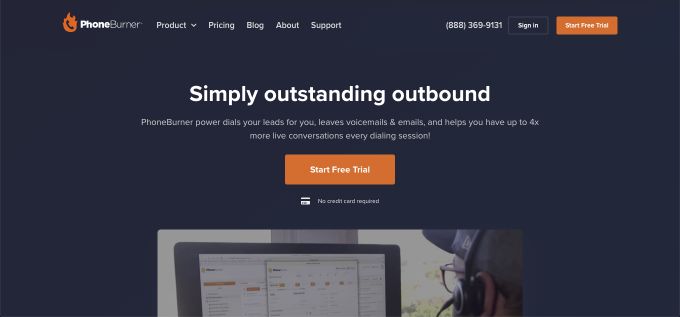
PhoneBurner offers a browser-based power dialer with unlimited calling, workflow automation and advanced anti-spam features. The tool focuses on ease of use and claims it can help sales professionals dial leads 4x faster.
Key features
- Unlimited outbound calls with no per-minute charges.
- Power dialer with call blending (phone, email, SMS) and voicemail drop.
- Workflow automation and lead management plus ARMOR spam-protection algorithm.
- Live call monitoring, coaching and call analytics.
- Open API and CRM integrations for custom workflows.
Pros
- Unlimited dialing eliminates variable costs.
- Spam-shield helps avoid call blocking and spam labels.
- Strong workflow automation and follow-up tools.
- Packages scale with advanced features (AI noise cancellation, call transcriptions).
Cons
- Pricing starts high compared with entry-level competitors.
- Predictive dialer is not available; this is a power dialer.
- Some features (AI call notes, SMS) only in Premium plan.
Pricing: Standard $140/user/month, Professional $165/user/month, Premium $183/user/month when billed annually.
Why I picked it: PhoneBurner suits high-volume teams that need unlimited calling and spam protection; it is pricier but eliminates per-minute charges. Local phone numbers help increase response rates. The tool also helps sales leaders distribute leads among their teams. A series of rules can be adjusted to ensure that the right leads are delivered to the right agents. This tool has reporting options; its workflow automation is a nice touch. PhoneBurner gives sales professionals a helping hand with tedious tasks (e.g., leaving voicemails and sending and tracking emails).
Revenue.io (RingDNA) – Best for Salesforce-centric sales teams
Revenue.io (formerly RingDNA) provides a Salesforce-integrated dialer with call intelligence and coaching features. It targets companies that live in Salesforce. This tool was launched in 2012. Since then, it has grown, thanks to its efforts to fix the broken sales experience. This tool aims at giving sales teams a helping hand and making it easier for them to communicate with prospects and customers at the right time and in the right context. The tool is an end-to-end sales engagement platform that helps businesses build closer links with their customers.
Key features
- One-click dialing from any Salesforce page with local presence.
- List-based power dialer with voicemail drop and call-blitz tools.
- Call recording, transcription and real-time monitoring with compliance prompts.
- Salesforce CTI integration auto-logs calls and surfaces data in the CRM.
- Priority lead routing and AI-driven call outcome analysis.
Pros
- Deep Salesforce integration ensures data accuracy and reduces manual entry.
- Combines dialer, call analytics and coaching in one platform.
- Local presence dialing helps improve connection rates.
- Designed for large sales teams that need compliance controls.
Cons
- Pricing is not public; requires a sales call.
- Platform tailored to Salesforce; less appealing if you do not use that CRM.
- Some features may require professional services for setup.
Pricing: Quote-based; contact Revenue.io for details.
Why I picked it: Perfect for orgs wedded to Salesforce who want an all-in-one dialer, call analytics and coaching solution—but be prepared for enterprise-level pricing.
Ring.io – Best for SMBs needing parallel dialing & built-in sequences
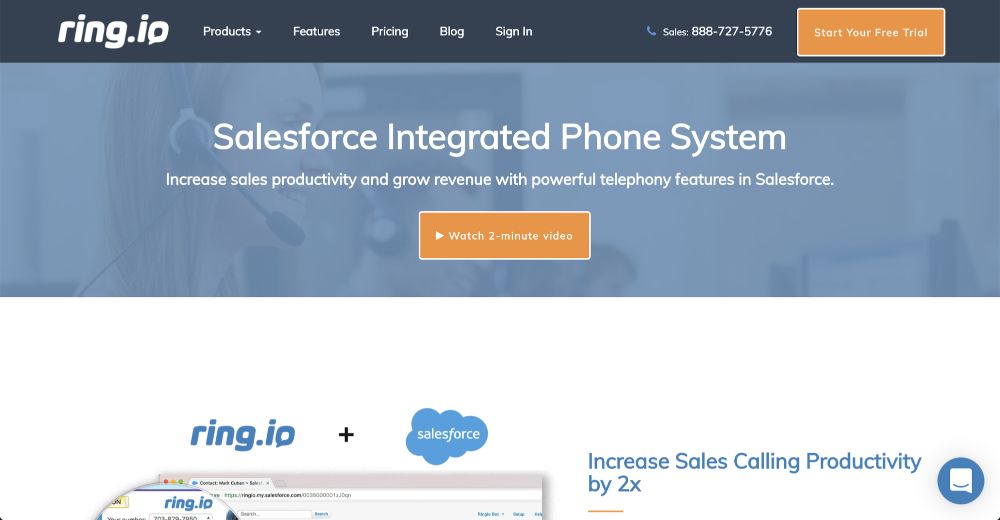
Ring.io combines a power dialer with parallel dialing and a sequence engine, aimed at growing SMBs. This tool is a cold calling dialer that aims at helping businesses improve caller productivity while gaining insights into sales teams’ activity. This tool is a Salesforce-integrated phone system. A range of premium features helps sales teams increase their productivity while they grow revenue. The features include a native click-to-call button and the ability to leave prerecorded voicemails from the local area code. The tool also caters to reporting, which makes it easy for teams to track key sales metrics and log call data. The calls are also recorded, providing a complete conversation history.
Key features
- Instant connection and no telemarketer delay.
- Power dialer with voicemail drop, SMS/MMS, call recording and call monitoring.
- AI Parallel Dialer on Growth and Enterprise plans for multi-line calling.
- RingLocal local presence dialing and BulletProof Caller ID.
- Multichannel sales sequences with email and call tasks plus ChatGPT email personalization.
Pros
- Built-in sequence engine eliminates need for separate sales-engagement tool.
- Local presence features improve pickup rates and avoid spam flags.
- AI call summaries and transcription included on Growth plan.
- Flexible: free plan available for small tests.
Cons
- Enterprise plan only available for teams of 25+ users.
- Startup plan lacks parallel dialing and advanced AI features.
- Pricing is mid-range to high for SMB budgets.
Pricing: Startup $90/user/month (annual), Growth $120/user/month (annual), Enterprise $250/user/month (annual).
Why I picked it: Ring.io is a strong choice for small and mid-sized teams wanting integrated sequences and multi-line dialing, but features scale with each tier.
Aircall – Best for cloud call centers with broad integrations
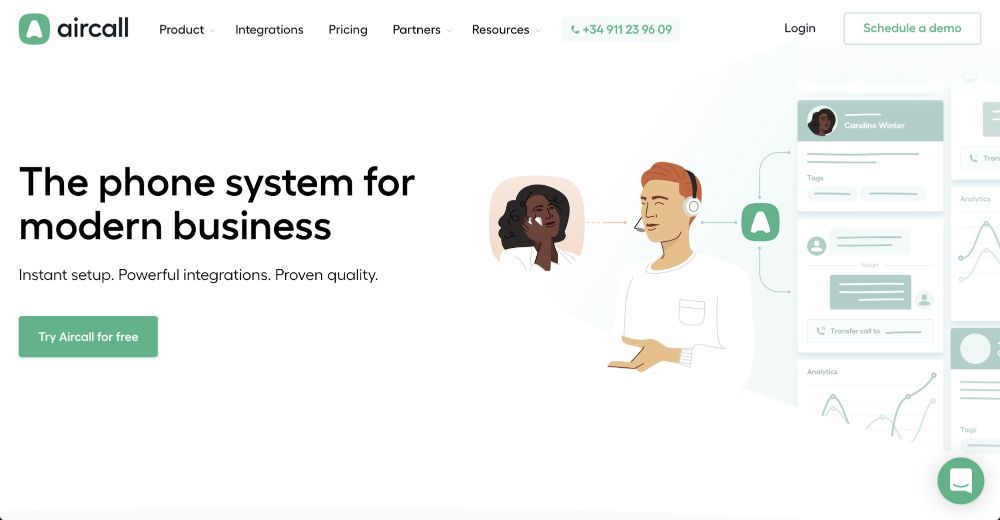
Aircall positions itself as a modern cloud phone system with hundreds of integrations; its dialer capabilities sit within higher-end plans. The tool is a cloud-based software for call centers and corporate phone systems. The tool boasts instant setup times and powerful integrations aimed at modern businesses. The tool offers its users a simple four-step sales process. This process begins by setting up the cloud-based tool in a matter of seconds before it is connected to a range of other tools. At this point, tracking progress, eliminating the guesswork and focusing on data-driven sales is simple. The tool makes it simple to grow and scale it among teams. This end-to-end tool helps sales teams secure new prospects and customer-success teams reduce churn.
Key features
- Power and predictive dialing with AI transcripts and voicemail drop.
- 100+ CRM and helpdesk integrations, plus API access.
- IVR, call recording, click-to-dial, unlimited inbound calls and SMS/MMS.
- Advanced plans add Salesforce CTI integration, mandatory call tagging and queue callback.
- Optional AI voice agent and analytics add-ons.
Pros
- Wide integration ecosystem and open APIs.
- Unlimited inbound calls and softphone mobile apps for remote teams.
- Higher plans include power dialer & voicemail drop.
- Quick setup and easy onboarding with mobile apps.
Cons
- Pricing is not transparent; you must request a quote for Professional and Enterprise.
- Power dialer available only on higher-tier plans.
- Some users report limited customization of call flows.
Pricing: Essentials plan around €30/license/month; Professional with dialer features around €50/license/month; current pricing is quote-based.
Why I picked it: Aircall is great for global companies that need a flexible phone system with deep integrations; expect to pay more for dialer capabilities.
Voicent – Best budget auto dialer with CRM included
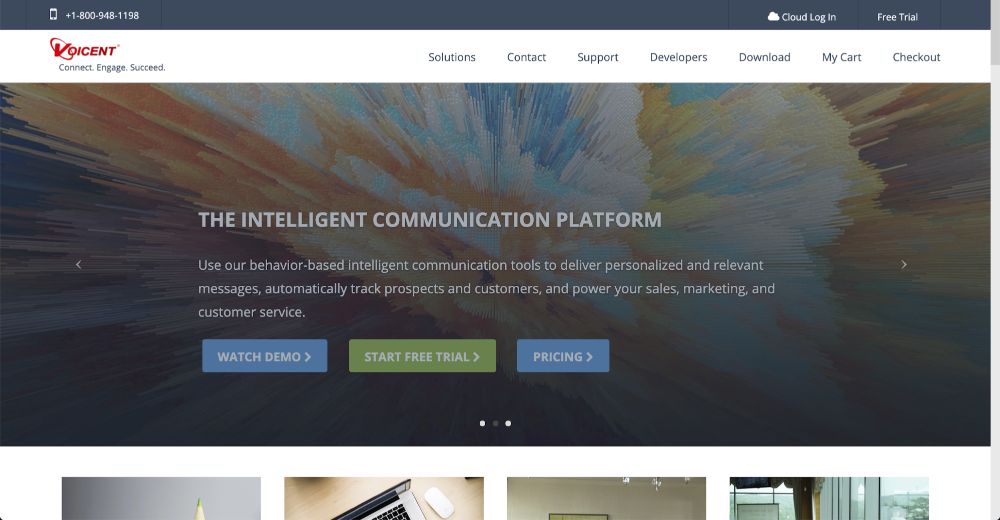
Voicent offers an inexpensive cloud dialer with different dialing modes and a built-in CRM. This platform has been in the game for over ten years and serves a diverse range of customers from around the world. As an all-in-one communication software, it is popular and helps enterprises running complex sales operations stay on track. The wide range of tools on offer includes a predictive dialer, a power dialer and a range of marketing automation tools. Its whisper coaching also enhances call management and monitors dropped calls. (If you are looking for further alternatives, check out these VoIP providers.)
Key features
- Auto dialer, predictive, progressive and preview dialers included in one subscription.
- Built-in CRM with workflow automation and inbound call routing.
- Dedicated account manager and 2 outbound voice lines per user.
- Optional add-ons: inbound call center number, SMS tool and marketing automation.
- Buy-to-own software option for on-premise deployments.
Pros
- Affordable entry pricing for small teams.
- Supports multiple dialing modes out of the box.
- Built-in CRM and automated workflows reduce reliance on separate tools.
- Flexibility to run on cloud or purchase on-premise license.
Cons
- Interface and reporting are less polished than newer tools.
- Add-ons for inbound numbers and SMS cost extra.
- Lacks advanced AI coaching or analytics found in more expensive platforms.
Pricing: $19/user/month (annual) for the cloud plan.
Why I picked it: Voicent is best for budget-conscious small teams that need simple auto dialing or predictive dialing without advanced AI features.
CallFire – Best for mass voice broadcasts and call center campaigns
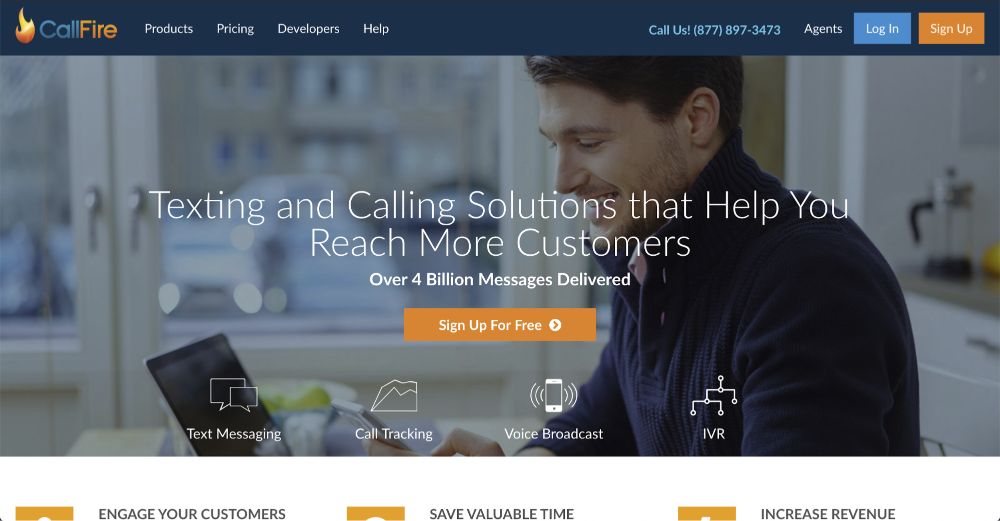
CallFire specializes in mass texting and voice broadcasting alongside a cloud call center. The tool offers text and calling solutions to businesses that help them reach more customers. To date, the platform has delivered over 4 billion messages, which continues to grow daily. The tool has a few benefits for customers. First, it helps drive deeper engagement and helps sales professionals develop lasting customer relationships. It also helps sales professionals save time by driving efficiency, which helps them contact more prospects and revenue. A range of dialer tools are included within the product, so sales managers should investigate the tool and determine whether it is right for them.
Key features
- Mass voice broadcast campaigns with press-1 transfers and SmartDrop voicemail.
- Cloud call center with power dialer that connects agents only when a live call answers.
- Predictive dialer mode for high call volume campaigns, skipping busy signals and bad numbers.
- API integration to connect broadcasts with existing systems.
- Unlimited contact management, text-to-speech and real-time reporting.
Pros
- Great for mass notifications, fundraising or political campaigns.
- Voicemail drop and skip-busy features speed up outreach.
- Pay-as-you-go option allows small tests with no monthly commitment.
- Supports both voice and text campaigns.
Cons
- Plans are based on minutes/texts rather than per-user pricing; heavy users may hit caps.
- CRM integration and analytics are basic.
- Not ideal for complex sales workflows; more oriented towards campaigns.
Pricing: Lite $99/mo (2,500 mins/texts), Startup $199/mo (5,500), Grow $299/mo (10,000), Pro $599/mo (20,000); pay-as-you-go at around $0.06/min or text.
Why I picked it: Choose CallFire if you need high call volume voice or SMS campaigns more than day-to-day outbound selling.
Sales Sling – Best for call centers needing scripting & workflow tools
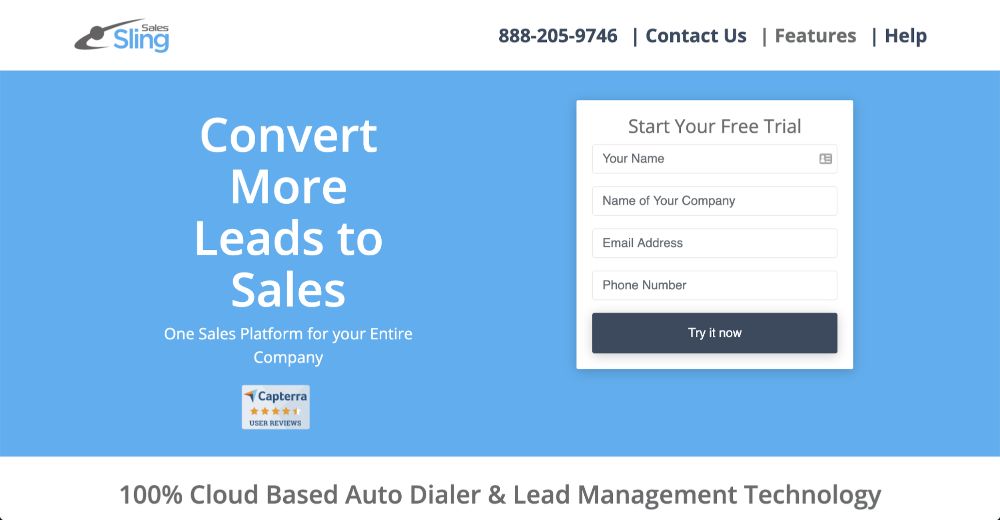
SalesSling (often stylized Sales Sling) provides call-center software with built-in scripting and intelligent routing. This tool provides cloud-based auto dialers and leads management software that helps sales teams convert more leads to sales. This tool aims at becoming the primary sales platform for entire companies. Sales managers appreciate this tool for a variety of reasons. First, the tool offers daily stats to make sure that sales activities are based on quantifiable data. A web phone makes it simple for reps to perform outbound calls and receive inbound ones. This tool also ranks agents while determining the inbound capability of each one. This feature drives transparency and accountability, which inspires the team to reach new heights of productivity and attainment.
Key features
- Power and auto dialers with call reporting, recording and tracking.
- On-screen caller details with CRM integration.
- Intelligent call routing, call conferencing and call transfer.
- Callback reminders and smart dialing rules.
- Agent scripting tools to guide meaningful conversations.
Pros
- Designed for call centers with heavy scripting requirements.
- Intelligent routing helps ensure callers reach the right agent.
- Supports comprehensive call reporting and analytics.
- Flexible dialer modes including manual dialing, auto and power.
Cons
- Pricing is not publicly disclosed; must request a quote.
- Interface may be dated compared with newer SaaS dialers.
- Limited information available about AI or advanced analytics features.
Pricing: Contact Sales Sling for pricing; earlier sources note power dialer licenses around $149 each.
Why I picked it: Sales Sling is suited for teams that need script-driven calls and basic dialer options, but expect to engage with sales for pricing and details.
Ozonetel – Best for customizable dialers with omnichannel capability
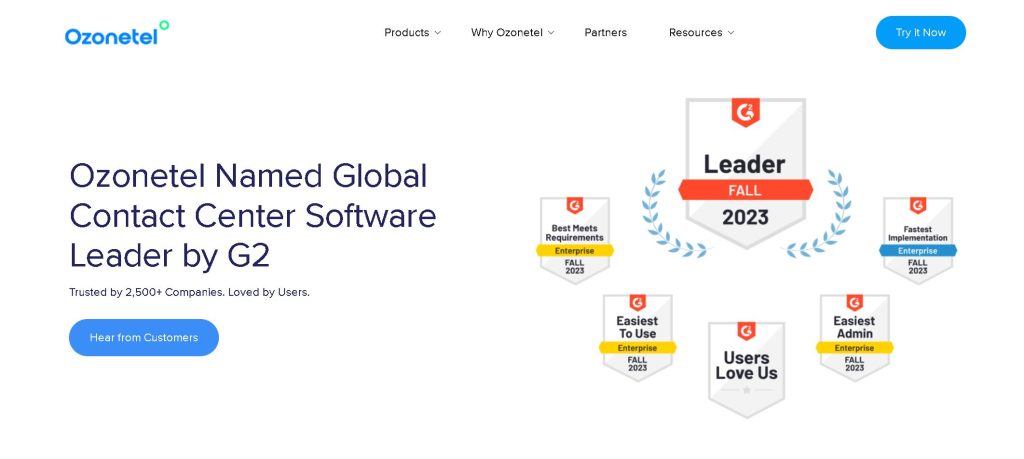
Ozonetel provides a full contact-center platform with multiple dialer types and open APIs, popular in APAC and emerging markets. Ozonetel, a unified, full-stack CX platform, serves as a sales dialer tool to enhance outbound services and drive sales efficiency. Ozonetel’s powerful auto dialers can double your sales teams’ productivity, minimize lead response times and be customized to fit your business needs.
Key features
- Power dialer with answering-machine detection, flexible retry logic and voicemail/SMS follow-ups.
- AI-based predictive dialer and IVR blaster for outbound campaigns.
- 40+ ready-to-use reports plus open APIs and CRM integrations (Zoho, Zendesk, Freshdesk, Salesforce).
- Cloud deployment with no hardware required; can scale from 3 agents to 1,500.
- Customizable dialing logic and multi-channel communication (voice, WhatsApp, SMS, bots).
- Personalized campaigns that utilize SMS, voice bots and WhatsApp, along with the convenience of auto dialers.
- Automated reminders and callbacks, as well as call recording and tracking.
Pros
- Flexible and configurable, supporting multiple dialer types.
- Pay-as-you-go and small-team options starting at around $25/agent/month.
- Robust reporting and API access for custom workflows.
- Suitable for BPOs and enterprises that need large-scale deployments.
- Seamless integration capabilities, live monitoring and reporting functions, contact management and omnichannel support.
Cons
- Brand recognition lower than US-based competitors.
- Interface and documentation may be less polished for non-technical users.
- Pricing varies; local currency conversions may apply.
- Minor software issues, occasional call logouts, complex customization processes and network issues that might arise.
Pricing: Smaller plans from $25/agent/month; comparable enterprise plans around $45/agent/month.
Why I picked it: Ozonetel is a strong fit for companies that need flexible dialer configurations and omnichannel capabilities in one platform, outside North America in particular.
CloudTalk – Best for VoIP phone systems with smart dialer & analytics
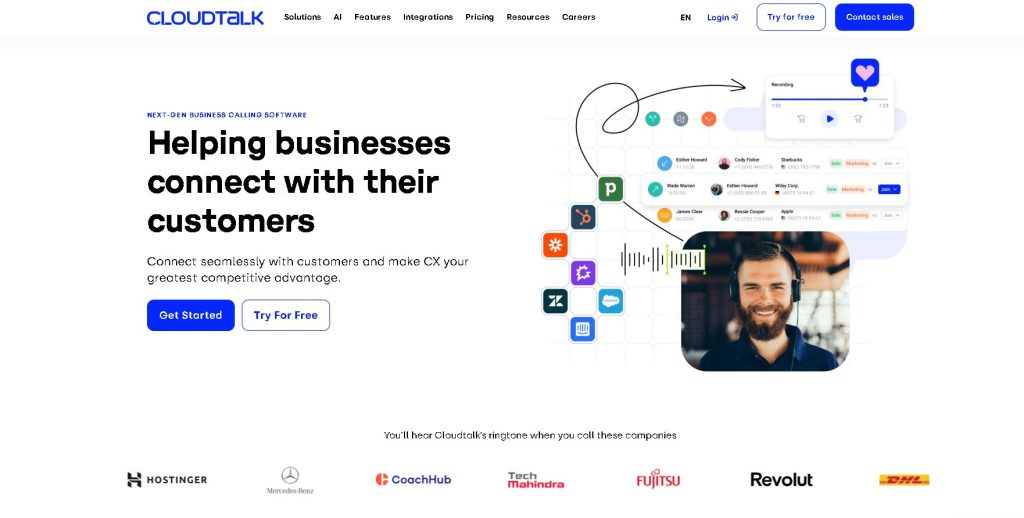
CloudTalk offers a global cloud-phone system that includes a smart dialer and AI add-ons for mid-sized businesses. CloudTalk is a cloud-based call center and business phone system built to let you maximize your customer support efforts across all channels. There are 160+ supported countries, with advanced features to start optimizing your workflows with advanced features including IVR, click-to-call, power dialers and more. CloudTalk also supports 35+ other powerful integrations for helpdesk, e-commerce and CRM systems, including HubSpot and Zendesk. CloudTalk is the perfect phone system for mid-sized companies looking to grow. It is used in sales for outbound calls and in customer service for inbound calls.
Key features
- Smart dialer supporting both power and preview modes.
- Global numbers management with unlimited call history and call recording.
- Click-to-call, IVR, call queues and advanced call routing.
- Real-time analytics and 95+ CRM/helpdesk integrations; AI conversation intelligence in higher tiers.
- Softphone apps for desktop and mobile; SOC 2, GDPR and HIPAA compliant.
Pros
- Transparent pricing with several tiers; good value for features.
- Wide geographic coverage for global teams.
- Integrates with popular sales and support tools.
- Easy to scale and manage via user-friendly interface.
Cons
- Power dialer and AI features only on higher-tier plans.
- Minimum license requirements (e.g. 3 users on Expert plan).
- SMS pricing may vary by country and is not always included.
Pricing: Lite €19/user/mo (€27 monthly), Starter €25 (€34 monthly), Essential €29 (€39 monthly), Expert €49 (€69 monthly).
Why I picked it: CloudTalk is a strong choice for mid-sized teams that need a VoIP system with built-in smart dialer and analytics; pricing is competitive and transparent.
DialedIn (ChaseData) – Best for configurable contact centers
DialedIn (formerly ChaseData) delivers a call-center platform with different dialing modes and robust routing. ChaseData is an affordable, powerful and easy-to-use software for inbound and outbound call centers. It is used by sales and telemarketing teams worldwide, which helps them improve business outcomes. ChaseData understands that a company’s call center is a touchstone for the client experience. This software helps make those experiences fast, efficient and personalized. Reporting also helps sales and marketing departments make data-backed decisions that boost business outcomes. This same focus on reporting can also boost agent productivity and maximize sales.
Key features
- Predictive, progressive and preview dialers with automated call pacing.
- Call queuing, routing and escalation with IVR and auto attendant.
- Integration with email, text and social channels plus call logging & recording.
- Trainee mode, call monitoring and real-time analytics.
- Nationwide and toll-free DIDs included; remote agent support.
Pros
- Flexible dialing modes and call management for inbound/outbound blends.
- Transparent, per-user pricing with volume discounts.
- Suitable for small to large teams, scaling from 5 to 200+ agents.
- Includes advanced features like trainee mode and intelligent routing.
Cons
- User-friendly interface may feel dated compared with newer SaaS products.
- Some features require training to configure.
- Additional telephony minutes billed separately.
Pricing: Small Business $79/user/month, Professional $59, Enterprise $39, Enterprise Plus $25 (annual billing).
Why I picked it: DialedIn is best for organizations that need a configurable contact center with different dialing modes and inbound features, offered at competitive per-user pricing.
CallHub – Best for political, nonprofit and fundraising campaigns
CallHub is a specialist platform used by campaigns and nonprofits for phone banking, canvassing and SMS outreach. The tool is an award-winning software for voice broadcasting, phone banking and SMS broadcasts that are used in over 200 countries. The tool can be integrated with a wide range of CRMs, which helps businesses power up their sales activities without causing confusion. This tool is used in many different initiatives, including fundraising and political campaigns. This product improves and brings new features together, which helps enterprise-level businesses benefit from new technology and sales techniques. Signing up for the tool and getting a taste of it is free.
Key features
- Auto, predictive, power and preview dialers with AI-based Smart Insights and dynamic caller ID.
- Branching scripts, patch-through calling and voicemail drop.
- Spam-label shield and answering machine detection.
- Integration with SMS/voice broadcasting and fundraising platforms.
- Per-minute, pay-as-you-go pricing suited to campaign spikes.
Pros
- Tailored to political & nonprofit use cases with compliance support.
- Combines call center and mass texting in one platform.
- AI features highlight at-risk contacts and optimize call outcomes.
- Flexible for short campaigns with pay-per-usage pricing.
Cons
- Pricing is not published; you need to contact sales or purchase credits.
- Not ideal for standard B2B sales workflows.
- Interface may be less polished than mainstream sales tools.
Pricing: Pay-as-you-go with per-minute rates (around $0.274/min voice broadcast; $0.297/min power dialer); custom plans available.
Why I picked it: CallHub shines for campaign-style outreach; it is less suited to B2B sales but perfect for nonprofits, political organizations and advocacy groups.
SalesDialers – Best for data-driven dialing with CRM integration
SalesDialers markets itself as a suite of dialers and data resources, though detailed information is scarce. SalesDialers lays a suite of online dialers, tools and data resources in front of sales managers who want the best results. The cloud-based tool boasts easy integration with a range of popular CRM systems. This feature is important when it comes to finding a sales dialer. This tool helps sales reps use four lines at the same time to boost their productivity. This tool offers a range of next-gen features that help reps make calls and convert leads into sales. These features include verifying telephone data, enhanced reporting and flexible choices that will stay within your department’s budget.
Key features
- Online dialer integrated with CRM platforms.
- Data verification tools and automated lead distribution.
- Enhanced reporting and analytics.
- Multi-line calling to boost productivity.
Pros
- Promises robust lead data and verification to improve calling lists.
- Supports multiple lines per agent for higher call volume.
- Integrates with popular CRM systems.
Cons
- Little public information on features; documentation is minimal.
- Pricing is not disclosed.
- Unknown about AI, compliance or coaching capabilities.
Pricing: Contact SalesDialers for details; no public pricing.
Why I picked it: Hard to evaluate due to limited information—best considered if you need data + dialer integration and are willing to explore via demo.
CallHippo – Best for global virtual numbers and AI features
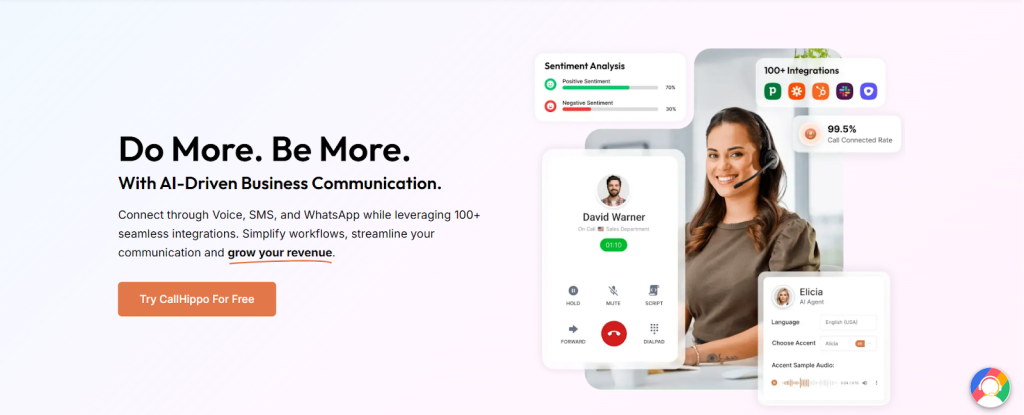
CallHippo is a modern VoIP platform offering virtual phone numbers in 50+ countries with dialer features in higher tiers. CallHippo is a modern VoIP phone system designed to enhance business communication through global virtual numbers, advanced call analytics and seamless CRM integrations. Ideal for sales and support teams, it offers the efficiency, scalability and remote accessibility needed in today’s business environment.
With virtual phone numbers available in over 50 countries, CallHippo allows businesses to establish a local presence. Its powerful features include predictive and power dialers, smart call routing, call forwarding and real-time analytics to help teams track sales performance and make data-driven decisions. The platform also supports call recording, voicemail and multi-device compatibility, ensuring smooth communication across various channels.
CallHippo integrates with over 100 CRMs and business tools, enabling workflow automation and improved customer interaction tracking. The inclusion of AI-powered agents streamlines support by handling basic queries and tasks around the clock. Backed by technical support and affordable, scalable pricing plans, CallHippo stands out as a comprehensive communication solution for modern businesses.
Key features
- Virtual phone numbers worldwide with call routing and forwarding.
- Power & predictive dialers on Ultimate/Enterprise plans.
- AI-powered smart DID routing, voicemail drop, call analytics and reporting.
- Click-to-dial, campaign management and API integration.
- 24/7 support and AI agents to handle basic queries.
Pros
- Broad geographic coverage and local phone numbers.
- Combines dialer, analytics and AI features.
- Integrates with 100+ CRMs and business tools.
- Offers AI-powered agents for after-hours support.
Cons
- Pricing not transparent; requires contacting sales.
- Dialer features only available on higher-tier plans.
- Company growing; may lack some enterprise-grade features compared with established competitors.
Pricing: Base plans start around $18–$19/user/month; Ultimate plans with dialers are quote-based.
Why I picked it: CallHippo is ideal for global teams that need virtual numbers and AI enhancements, but you will need higher-tier plans for power or predictive dialing.
Types of Sales Dialers
Sales dialer tools fall into several categories. The right dialing mode depends on team size, call volume and desired level of automation.
Preview Dialer – Presents the agent with customer information before dialing; best when calls require personalization or research. Agents control when to dial next.
Progressive Dialer – Automates dialing but only calls one lead per available agent; ensures someone is ready when a call connects. Ideal for moderate volumes and regulated environments.
Power Dialer – Dials numbers from a list back-to-back and connects answered calls to available agents; increases call volume and eliminates manual dial time. Many tools differ in the functionality they offer. Power dialers allow you to make more calls one after another. This feature helps sales teams focus on the task rather than be distracted by manual tasks.
Predictive Dialer – Uses algorithms to predict agent availability and dial multiple numbers at the same time. It screens out voicemails and busy tones. Predictive dialers accelerate the speed and efficiency of sales professionals and help them make more calls and close more sales. This tool calls big phone number lists to boost efficiency. It maximizes talk time but requires larger sales teams (often more than 10 agents) to avoid dropped calls.
Parallel (Multi-line) Dialer – Calls several numbers per agent at the same time (often 2–10 lines) to boost connects; useful for high-volume sales teams but demands careful compliance and call pacing.
Auto Dialer / Robo Dialer – Basic dialer that calls a list and plays recorded messages or connects calls to agents; good for mass campaigns or notifications.
Smart/CRM-Integrated Dialer – Builds dialer functionality into a CRM or sales engagement platform; logs calls, syncs notes and uses data (lead scores, activities) to prioritize calls.
VoIP Dialing – Voice over Internet Protocol (VoIP) software allows sales professionals to perform calls over the internet. Many providers are out there; their services are cost-effective and do not require a phone line or carrier.
Sales Dialer Software Market & Pricing Overview
Demand for sales dialer software has grown as teams shift to remote work and emphasize call efficiency. Industry reports estimate double-digit annual growth. Adoption is driven by AI-powered automation and compliance tools. According to vendor data, power dialers can increase call volume 3–4× compared with manual dialing and boost conversion rates by 20–30%.
Pricing falls into three tiers:
Entry-level / SMB plans (less than $40/user/month) – Provide basic power or progressive dialing, call logging, unlimited in-app calls to major regions and a handful of integrations. Examples: Voicent ($19/user/mo), Ringover Smart ($21/user/mo) and CloudTalk Lite (€19/user/mo).
Mid-market / Growth plans ($40–$100/user/month) – Add predictive dialers, local presence, voicemail drop, analytics dashboards, AI coaching and deeper CRM integration. Tools like Close Growth ($99/user/mo), Ring.io Growth ($120/user/mo) and DialedIn Professional ($59/user/mo) fall here.
Enterprise plans ($100+/user/month or custom pricing) – Offer multi-line or AI parallel dialing, advanced compliance features, custom routing, unlimited call recording/transcription, real-time analytics and dedicated technical support. PhoneBurner’s Premium plan ($183/user/mo) and Ozonetel’s large-team plan (around $45/agent/mo) illustrate this tier.
Keep in mind that some vendors price per minute (e.g., CallFire), require minimum seats (CloudTalk’s Expert plan) or include unlimited calling only within specific regions. Always verify details and contact sales for enterprise quotes.
How to Choose the Right Sales Dialer
Identify your dialer type. For small teams or personalized selling, preview or progressive dialers suffice. High-volume outbound teams should consider power or predictive dialers. AI parallel dialers are best for call centers with many agents.
Assess call volume and team size. Predictive and parallel dialers require many agents to avoid dropped calls. Power dialers can triple call volume even for teams of 3–5 reps.
Ensure CRM and tool integration. CRM integration with your existing CRM and sales stack (e.g., HubSpot, Salesforce, Zendesk) keeps data consistent and automates logging. Many dialers now include a built-in CRM (Close, Voicent).
Check compliance and spam prevention. Look for features like STIR/SHAKEN certified caller ID, local presence, Telephone Consumer Protection Act compliance reminders and spam protection (PhoneBurner ARMOR).
Evaluate AI & analytics. Real-time transcription, coaching and AI playbooks (Dialpad, Revenue.io) help reps improve on calls.
Consider pricing vs ROI. Low-cost entry plans may suffice for new teams, but features like predictive dialing or AI can pay off through higher connect rates and conversion rates.
Sales Dialer Tools: Frequently Asked Questions
What is a sales dialer?
A sales dialer is software that calls numbers from a list so sales reps do not have to dial by hand. Modern sales dialers log calls to your CRM, record conversations, detect voicemail and connect answered calls to available agents. Teams spend more time talking to prospects. Many platforms now extend these capabilities with an AI virtual assistant that can handle call routing, real-time transcription and post-call follow-ups automatically.
What are the main types of sales dialers?
The main types include preview dialers (research first, then dial), progressive dialers (one call per available agent), power dialers (rapid back-to-back dialing), predictive dialers (algorithmic multi-line dialing), parallel dialers (multi-line), auto dialers (play messages) and smart/CRM-integrated dialers. Each offers different trade-offs between call volume and personalization.
Who should use sales dialer software?
Any team that conducts outbound calls can benefit: inside sales teams, SDRs, fundraising/political campaigns, call centers and customer success teams. Power or predictive dialers suit high-volume cold calling. Preview or progressive dialers are better for high-value enterprise prospects.
How much does a sales dialer cost?
Pricing varies. Basic plans start around $19/user/month for simple auto/power dialing. Mid-tier plans with predictive dialing and analytics cost $59–$120/user/month. Advanced, AI-driven or multi-line dialers can exceed $150/user/month. Some platforms charge by minutes/text (CallFire).
Is using a sales dialer legal?
Yes, but dialers must comply with the Telephone Consumer Protection Act and other telephone consumer protection laws. Predictive dialers should avoid dropped calls; tools like Five9 mention “Certified Caller” to meet STIR/SHAKEN authentication. Always obey Do-Not-Call lists and local regulations.
How do I set up a sales dialer?
Most cloud dialers offer simple setup: sign up, import your contact lists, choose dialing mode, configure scripts/voicemail and integrate your CRM. Vendors often provide onboarding assistance and trial periods for testing.

If you want to learn more about cold calling and sales calls, check out this guide on how to sell by phone.
Sales Dialer Tools: Conclusion
A quality dialer can help take your sales initiatives to the next level. It is important to take your time assessing the various tools out there to make a prudent choice. Investing in the right dialer will help you achieve the sales results you dream of.
Modern sales dialers automate calls, log activity to your CRM and connect answered calls to available agents. Teams spend more time talking to prospects. Power dialers can increase call volume 3–4× and boost conversion rates by 20–30%. Choose based on your team size, call volume, CRM needs and budget. Consider compliance features, AI coaching and local presence to improve connect rates. The tools above offer options for every use case—from budget SMB plans to enterprise-grade multi-line dialers.
For more resources on building your prospect lists and managing leads, explore UpLead’s phone number lists and lead management guides.




