


If you’re looking to find a person online, you need the right tool. There are countless ways to find someone online. However, most of them will either give you unreliable or no data. Unreliable data is often worse than no data at all: it can hurt your reputation and email deliverability, and it wastes the resources you spent chasing it.
That’s why, in this list, we’ll review the best tools to find a person online. By the end of the list, you’ll know exactly which tool to use to find accurate data on the right people.
Let’s get started.
UpLead
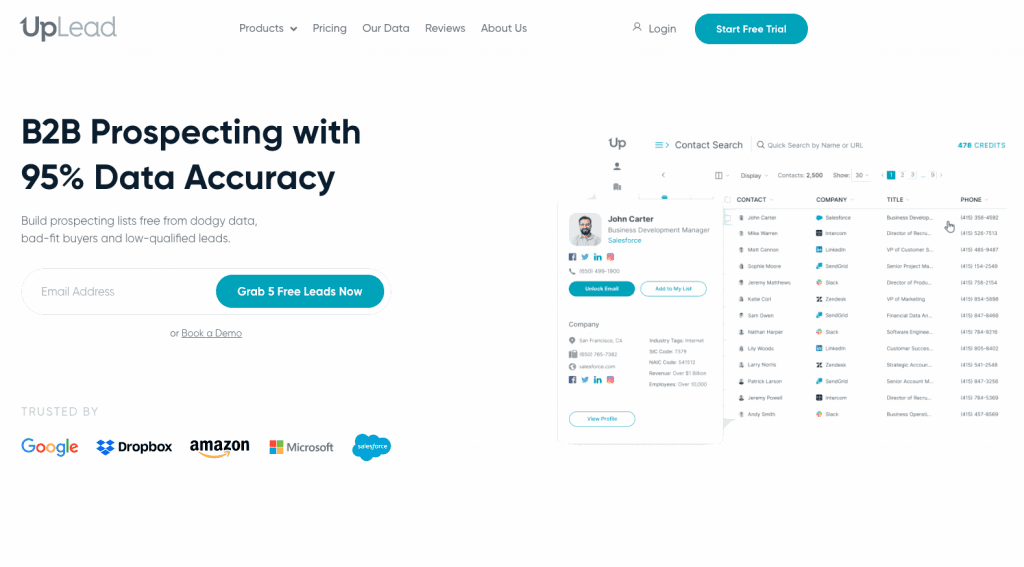
UpLead is a simple tool to help you find the right person for a product or service.
Unlike many other search tools, UpLead’s data is of the highest quality because the platform crawls and stores it from multiple public and private sources, then keeps it updated over time. A careful validation process checks the data for accuracy and removes anything unreliable.
UpLead is one of the very few people search engines capable of backing up its data with a 95 percent accuracy guarantee . This allows you to find the right information on the right person, even if they’re gatekeepers or CEOs.
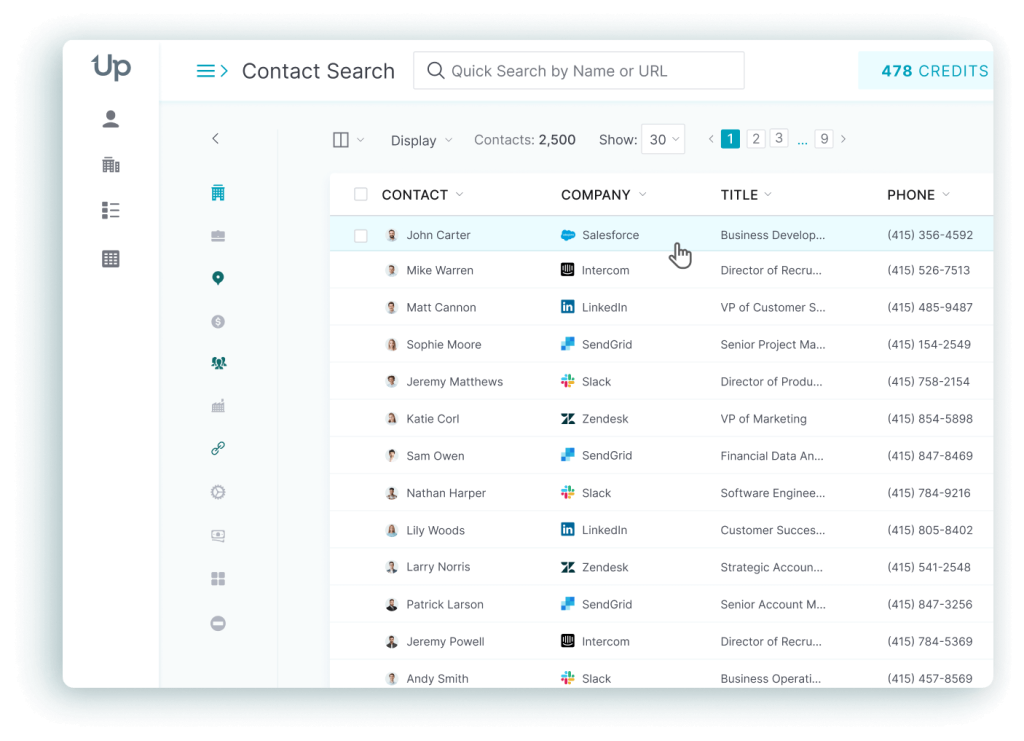
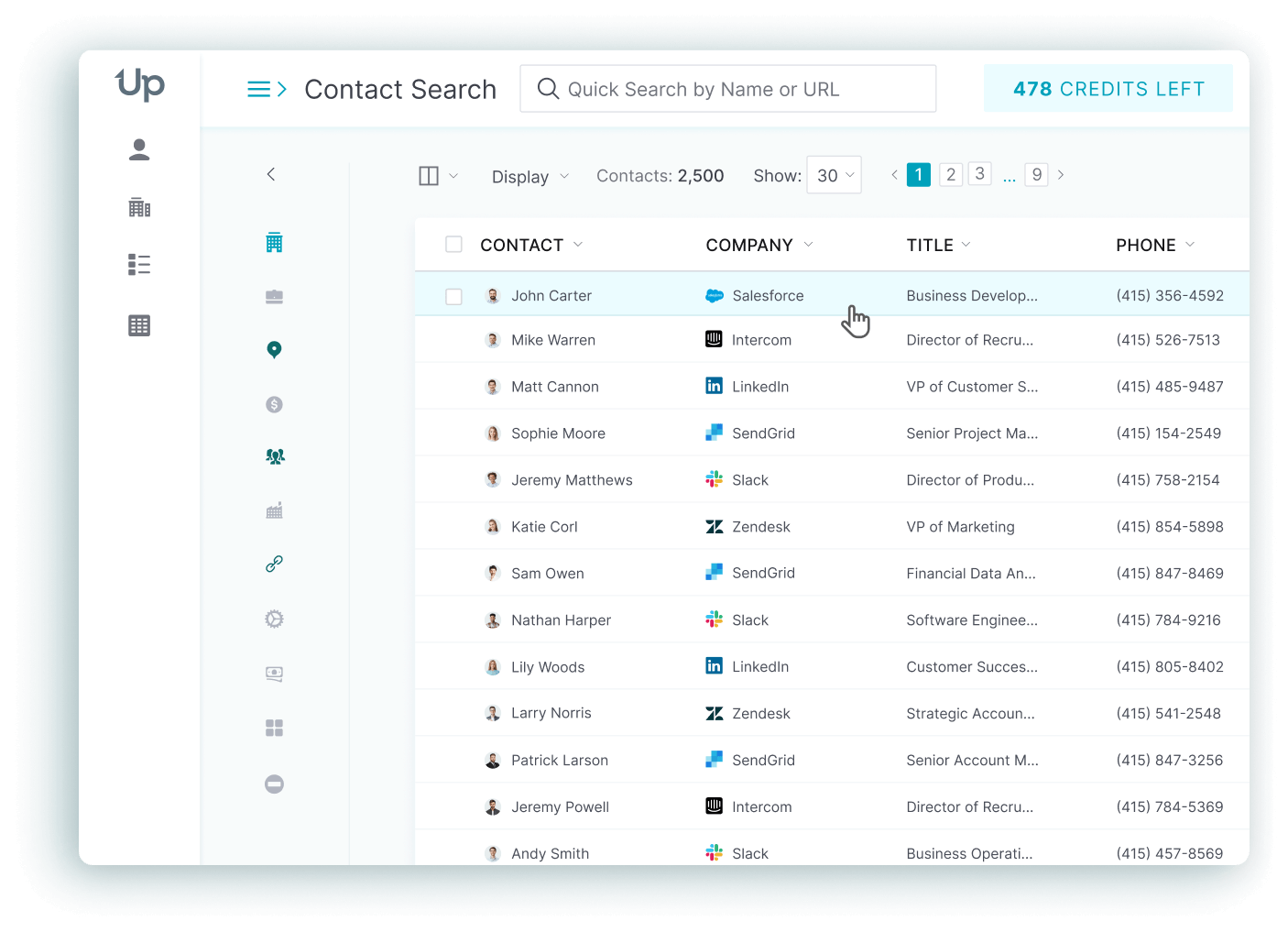
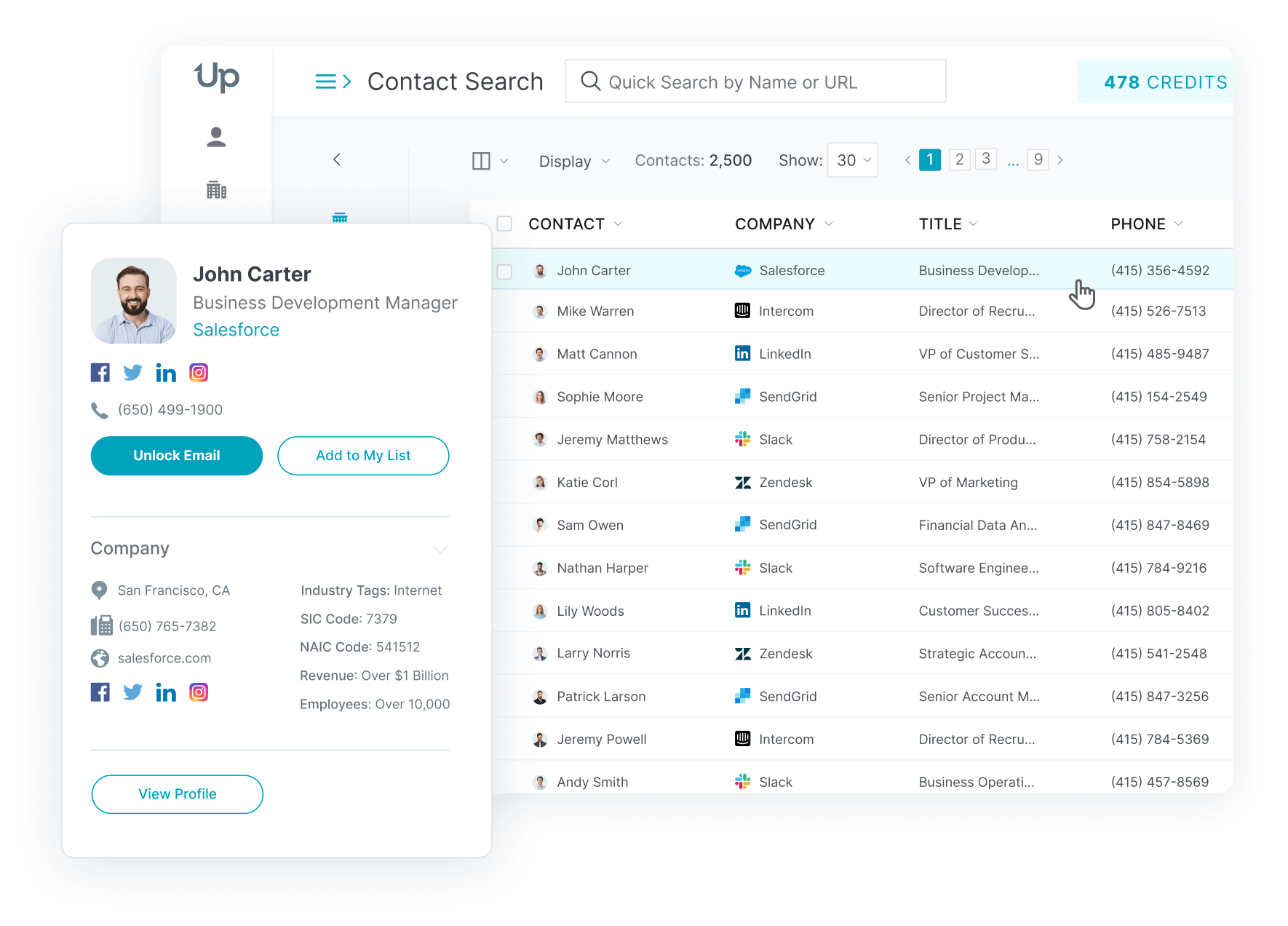
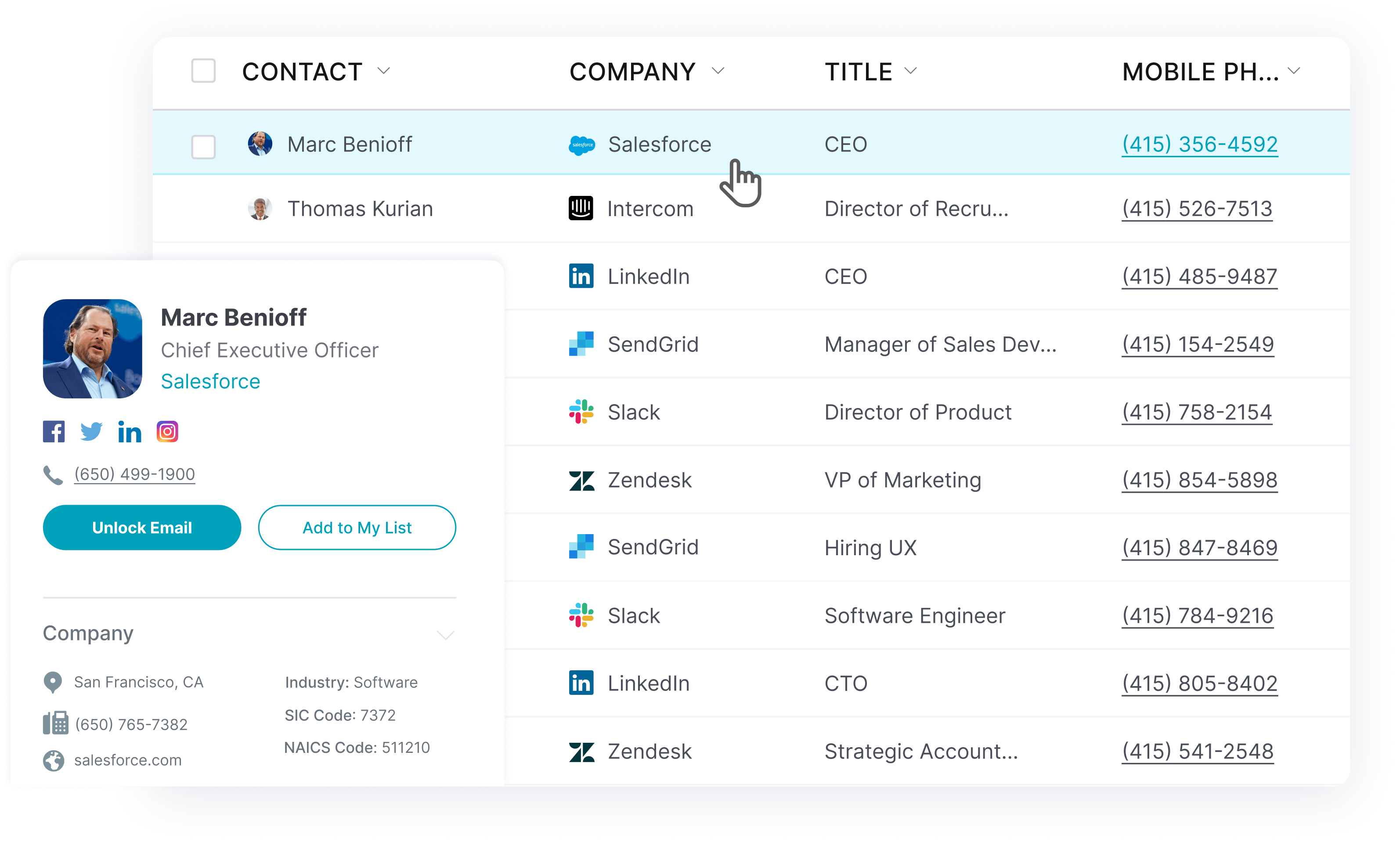
And UpLead doesn’t just generate raw data; it makes it easy for anyone to absorb it. Through vibrant profiles that even display photos whenever possible, your salespeople can instantly get a good understanding of their lead.
That extra context helps your sales team write better cold email campaigns and sharpen their cold-calling effectiveness.
Why Uplead is one of the best search tools to find a person
UpLead earns its spot on this list for a few concrete reasons:
- Affordable tool: While UpLead gives you access to over 200 million profiles worldwide, it’s still surprisingly affordable.
- Capable of data enrichment: Got a client list already? Upload it to UpLead and let it enrich your list with customer information and validated contact data.
- Good for bulk searches: Using UpLead is so easy you can find one or one hundred people in a matter of minutes.
Pricing
UpLead’s pricing is highly affordable, especially considering its data quality.
UpLead’s Essentials plan starts at $99 a month for a single user account, covering 170 credits plus CRM integration and the Chrome Extension.
UpLead’s Plus plan runs $199 a month for 400 credits in a single user account. It adds data enrichment and email pattern intelligence, plus technographic data on top of the Essentials features.
Larger teams that need full API access and buyer intent data, along with bi-directional CRM sync and a dedicated success manager, move to the Professional plan, which is custom-priced through UpLead’s sales team rather than a flat monthly fee.
Billing annually drops the Essentials plan to $74 a month and the Plus plan to $149 a month, each with a proportionally larger annual credit allotment.
No one else gives you that much for that little.
The best part?
Every plan is month-to-month with no long-term contract required. Pick the plan you need and pay as you go, or switch to annual billing for the lower rate.
How to find a person online with UpLead
Here’s how to find someone with UpLead:
Find a person by name
UpLead’s people finder locates anyone’s business profile through their name; use the search tool to look up someone’s full name.
Filtering the results by any information you already have, like contact details or basic profile data, produces better matches.
Find a person by profile
With UpLead, you can browse a list of over 200 million professional profiles through multiple criteria. This allows you to find people based on location, company size, industry, technographic data, etc.
All you have to do is look up your customer persona’s information. Then, you can bulk download their contact information when you’re done generating leads.
UpLead will validate each email in real-time right before you download them. That way, you can ensure your emails reach the right people while decreasing the chance of bounced emails or low delivery rates.
Find a person by industry
Company characteristics are another way to find people through UpLead.
Once you’ve found enough companies, you can locate their contact information to pitch your solution.
Try UpLead for free, and find out if it’s the right search tool.

Find a person online with Whitepages
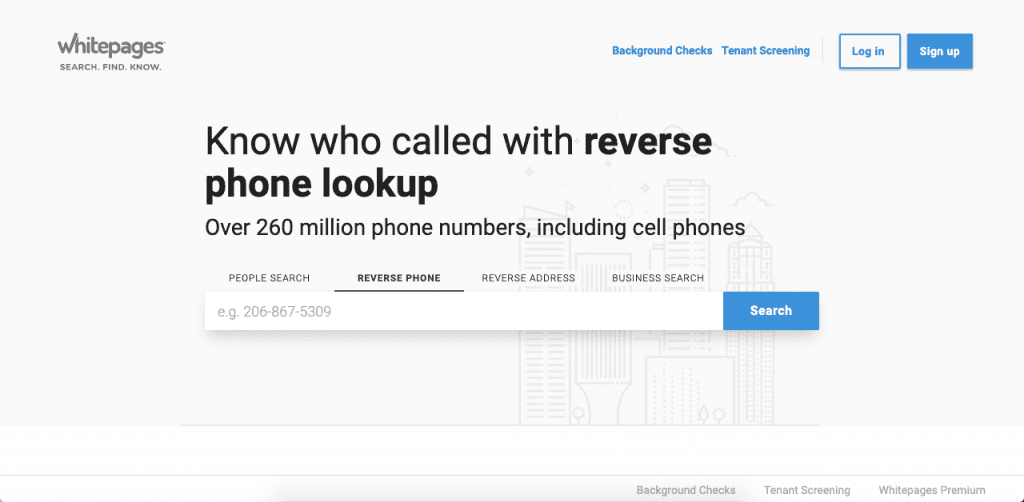
Whitepages is a free search tool that allows you to find a person and their contact information.
With Whitepages, users can find people by searching for their name, phone number, or address. You can also search for people related to a business by using its business search.
This free people search engine also allows users to perform a background search on someone to find any criminal records or related data.
Whitepages states in its own terms of service that it is not a consumer reporting agency under the Fair Credit Reporting Act. That means its reports are not built for, and should not be used for, decisions about employment, credit, insurance, or housing.
Pros
Here are a few pros of using Whitepages:
- Free people search
- Can perform a public records search
- You can find criminal records
Cons
Here are a few cons of using Whitepages:
- Data is unreliable
- Only for the USA
- Only search public records
- Not built for employment, credit, or tenant screening
Pricing
Whitepages is a free people search tool that charges only for extra data like criminal records and background research.
ZabaSearch
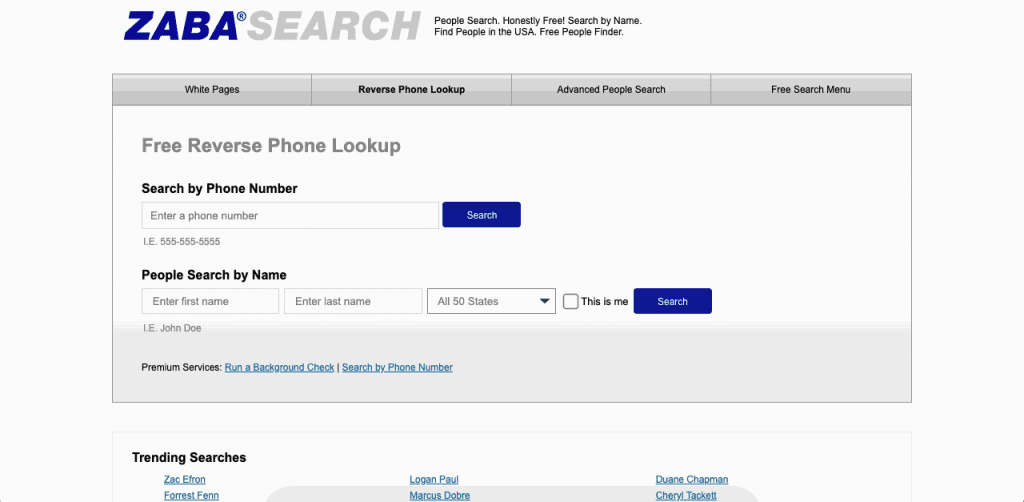
ZabaSearch is another free search tool that allows users to access people’s public contact information.
Users can find people using their name and location or perform a reverse lookup using their phone number. The site then shows the user a few search results, including the most likely candidates for the person you’re looking for.
ZabaSearch lets users view more than basic information, adding a social media summary plus other public and private data for a fee.
Like many similar free search tools, ZabaSearch only works for searches within the United States. It now operates under PeopleConnect, the same company behind Intelius, which is why its paid detail reports run through Intelius checkout.
Using it is as simple as writing your lead’s name, location, or phone number (to perform a reverse lookup). The site will immediately show you the likely candidates that will fulfill your query.
Clicking “View Full Profile” opens the user’s profile through Intelius, which adds a social media summary and details about relatives. That extra service is slow and expensive, and it doesn’t guarantee information accuracy.
Pros
ZabaSearch’s strengths include:
- Free people finder
- Extra data offered
- Allows for multiple searches
Cons
Here are a few cons of using ZabaSearch:
- Unreliable data without any data accuracy
- Only works in the USA
- Not for lead generation
- Expensive extra services
Pricing
ZabaSearch is a free tool that only charges for extra detailed information. However, the price per profile is quite high, especially for such a slow search process.
Pipl
Pipl built its reputation on consumer people search, but it has since shifted its whole business toward enterprise identity verification and fraud prevention.
The free-form public search that once made Pipl popular with individual users is gone. There’s no consumer plan and no public search box, and the free trial disappeared with it. Pipl now sells to banks, government agencies and fraud teams that verify identities at scale; it isn’t built for someone trying to track down an old classmate.
If you already have a Pipl enterprise account for identity verification, you can still use it to confirm current and historical data tied to an email address or other identifier. For a one-off personal lookup, it is no longer the right tool.
Pros
Here are a few of Pipl’s pros:
- Strong identity verification depth for enterprise fraud and compliance teams
- Access to current and historical identity data
Cons
Here are a few of Pipl’s cons:
- No consumer plan or public search tool anymore
- Sales-only access process
- Not built for one-off personal searches
Pricing
Pipl no longer publishes consumer pricing because it no longer sells a consumer product. Enterprise contracts are custom and quoted through a sales process, and reported deal sizes run from roughly a few thousand dollars a year for smaller teams to well over $100,000 a year for large financial institutions.
TruePeopleSearch
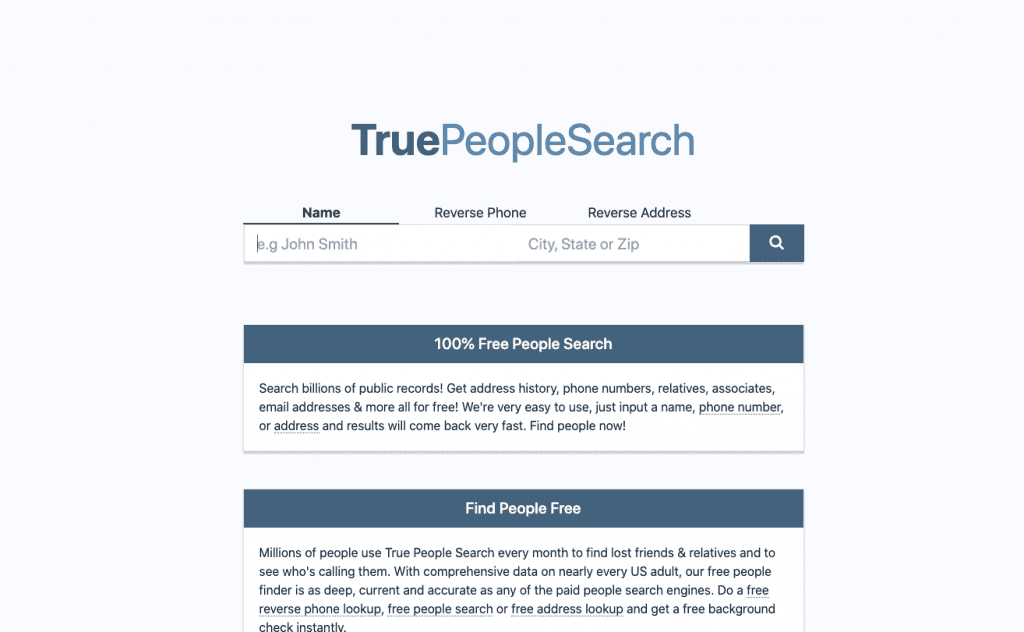
TruePeopleSearch is another free people search that allows users to search through billions of public records to find the person they’re looking for.
TruePeopleSearch helps users find people’s information for free to reconnect with long-lost relatives through fully private searches. Users can find people by searching their name, address, or phone number. It also provides free background checks.
Users can find their relatives’ email addresses and associates with it too. However, the lack of published accuracy rates and the hit-or-miss search results quickly limit this people finder.
Pros
TruePeopleSearch holds up well on a few fronts:
- Completely free people finder tool
- Private searches
- Higher accuracy than other free options
Cons
Here are a few cons of using TruePeopleSearch:
- Lower data accuracy than most paid tools
- Not for bulk searches
- Limited to the United States
Pricing
It’s a free people search tool at its core, though it partners with BeenVerified to find more accurate user data for a fee.
Spokeo
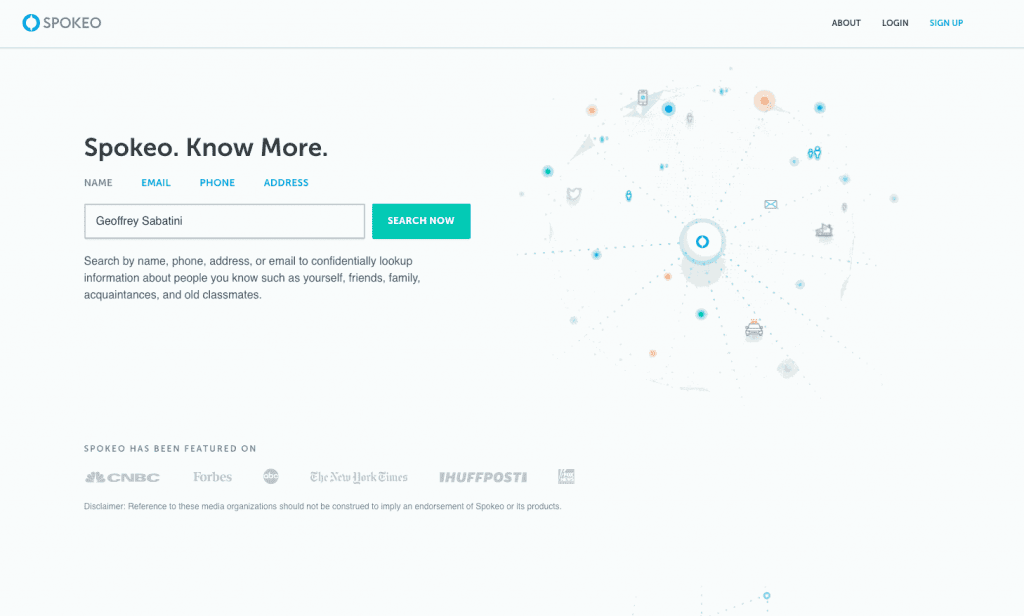
Spokeo is another people finder tool that helps users find people through their email addresses, names, physical addresses, or phone numbers.
Spokeo claims access to billions of records such as court filings and social media profiles. Users can review these records to find someone’s background and reconnect with old acquaintances.
Pros
Here are a few of Spokeo’s pros:
- Multiple detailed personal profiles
- It can be used to access public records
- Offers information on work history as well as wealth and historical records
Cons
Here are a few of Spokeo’s cons:
- Many negative customer reviews
- Reportedly poor-quality data
- Low-cost trial offers can auto-renew into a recurring monthly subscription if not canceled in time
Pricing
Spokeo allows users to perform a people search for free but charges when the user wants to access their information.
Full profile access runs about $19.95 for a single month or roughly $14.95 per month billed quarterly. Spokeo also runs low-cost trial offers under $5, so check the renewal terms before you hand over payment details.
AnyWho
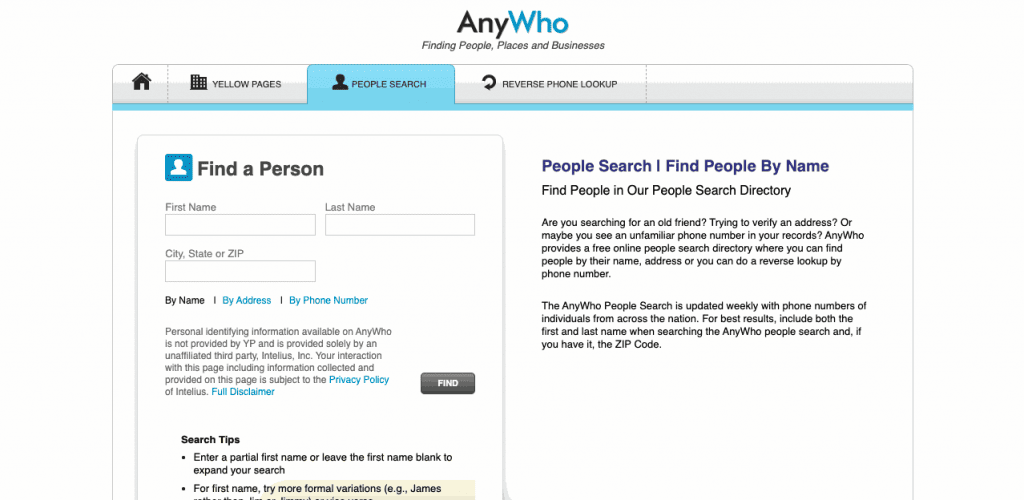
AnyWho is a free people search tool that allows users to search for someone through the White Pages.
With this finder, users can look up someone based on their name and address or perform a reverse phone lookup to find people associated with phone lines.
This free service can only be used to find people in the United States, although it will typically only show people’s age and last known addresses.
Pros
Here are a few of AnyWho’s pros
- Free online search tool
- Fairly easy to use
- Great way to find and capture public information
Cons
Here are a few of AnyWho’s cons:
- Very limited data
- Expensive to generate full profiles
- Only for people in the United States
- No bulk lookup
- No information on the data’s accuracy
Pricing
AnyWho is a free tool that shows someone’s name, age and address. It charges for contact details and background information through an Intelius integration.
This integration slowly searches data and offers the user profiles of potential family members through its research. However, most paid information can be found for free in other tools, and the search process is too slow to do multiple searches simultaneously.
Find a person online with Social Catfish
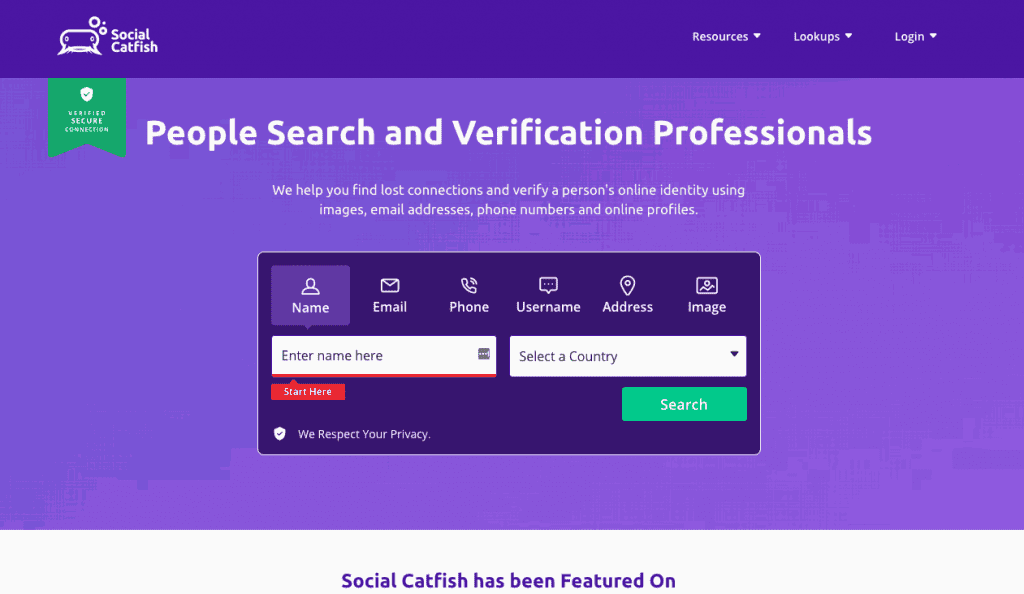
Social Catfish is another popular people search tool that allows users to perform reverse name searches and find people via multiple methods.
Users can look someone up with a name, an email address or a phone number, and the tool also accepts an online username, an address or a photo. It then takes a few seconds to search through multiple apps and databases before showing potential matches.
Before charging for the data, the platform shows users how many reports and addresses the report contains, plus its other data points. It then holds the data for five minutes so the user can complete the purchase.
Although the tool is mostly focused on finding people in the United States and Canada, it can find people in most countries worldwide.
Pros
Here are a few Social Catfish’s pros:
- Easy to use
- Multiple ways to find someone’s profile
Cons
Here are a few Social Catfish’s cons:
- Unreliable data
- Slow lookup process
- Multiple negative reviews
Pricing
Social Catfish charges $5.73 for five days, then plans from about $27.48 up to around $36 a month depending on which search types and premium records the plan covers. That top tier includes names, usernames, addresses and other contact information tied to a profile.
How to Find Someone Online Free of Charge
Here are a few ways to find someone online for free:
Run a Google search
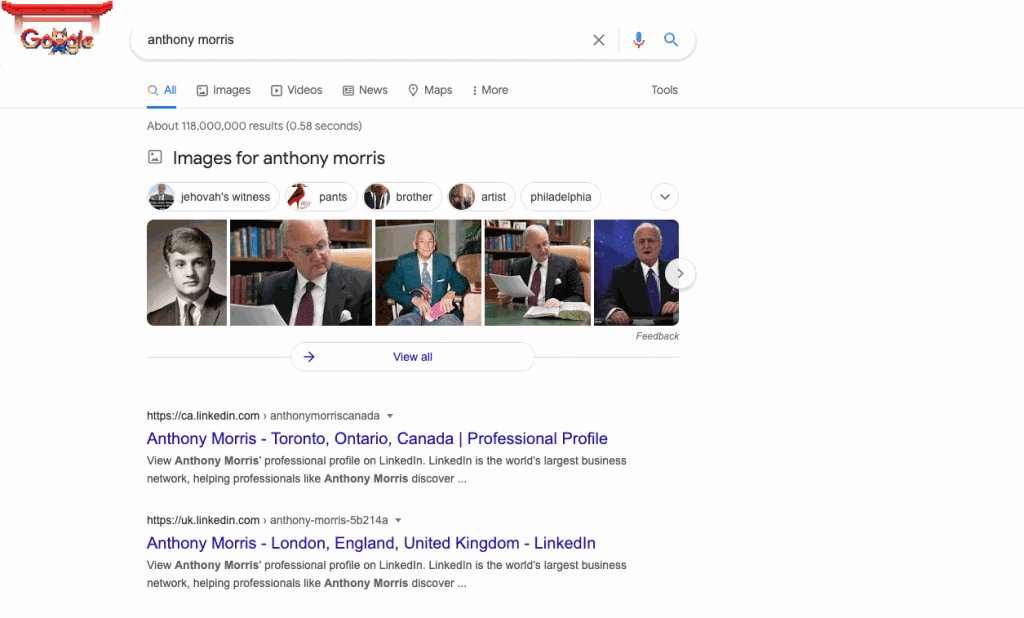
The easiest way to find someone online is by searching for their name on Google.
A Google search can surface someone’s social media accounts, their place of work and plenty of other details tied to their name. Adding identifying information you already know, such as a middle initial or a job title, narrows the results further.
Although it’s not great at performing background checks or getting historical data, a quick Google search can be a free starting point to find a person’s information.
Search social networking sites
You can also find someone through social networking sites. Here’s how it works:
How to find a person on Facebook
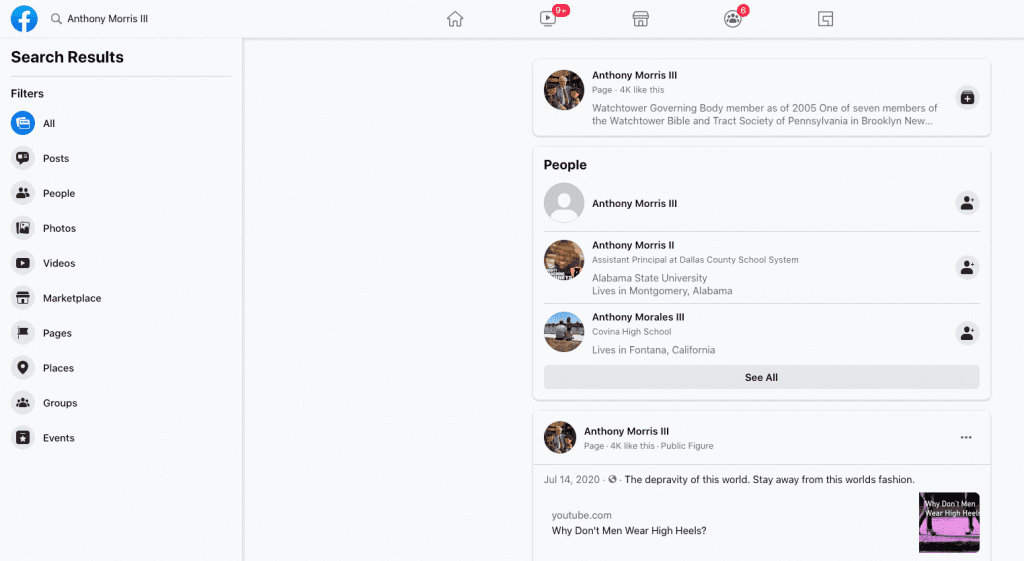
You can use Facebook’s search bar to find people through their names. Simply locate the search icon at the top left corner and type the name you’re looking for in the search box.
Then, you can select “people” on the left menu only to find people’s profiles in the search results.
Since most people are on Facebook, the person you’re looking for likely has a Facebook profile. However, remember that this will not work for people with common names or users who have disabled the option to have their profile appear in people’s searches.
How to find a person on LinkedIn
Like with Facebook, you can also look someone up by using their name on LinkedIn. Locate the search box and type the person’s name to search for their LinkedIn profile.
LinkedIn also surfaces someone through their company’s name: look up the company where the person works and LinkedIn shows its business profile. From there, the person often turns up among the people listed there or in the company’s photos and posts.
Check public records
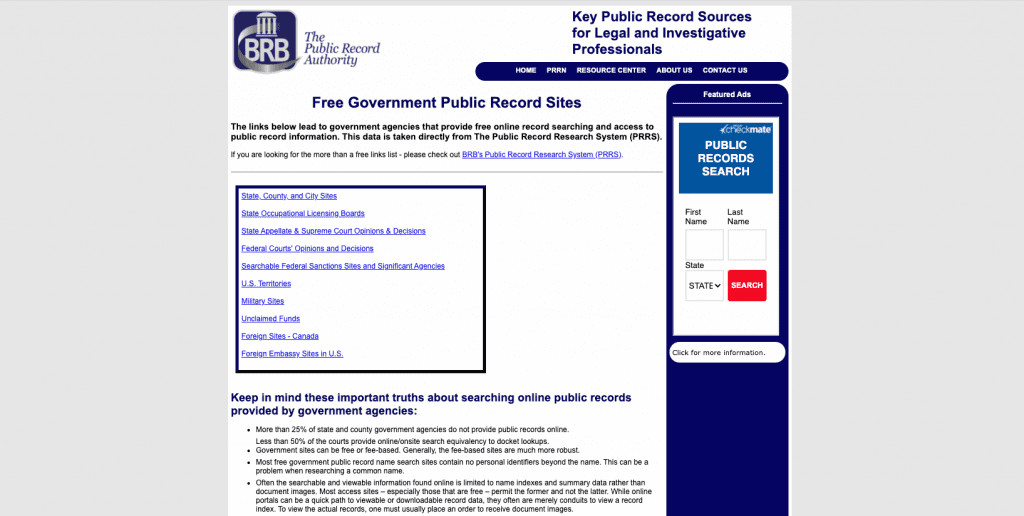
Public records allow you to find free information on the people you seek.
Public records are usually government-owned and may hold addresses and phone numbers, alongside other public or private details.
Multiple public record search engines exist, depending on the person’s country and legal status. However, by searching the BRB website, you can find many websites that offer free information from public records. This website lists various public record search engines in the USA and Canada for looking up someone’s background, phone number or legal status.
These are the same kind of records a consumer reporting agency would search through to find consumer credit information and generate consumer reports.
FAQs on How to Find a Person Online
Here are a few answers to common questions about how to find people online.
What is a people search engine?
A people search engine is an online tool that helps users find a person’s cell phone number and email address; it also surfaces public records and similar contact details in one place.
What information can someone find about a person online?
You can typically find a cell phone number, a landline number, current and past addresses, and some background data, though the exact mix depends on which search engine you use.
Is it legal to search for information about a person online?
Yes, it’s legal in the United States to look up basic information about someone online, and most search engines will hand you a background report, a user profile, or basic contact details without issue. The catch is the Fair Credit Reporting Act: none of the tools in this article are licensed consumer reporting agencies, so their data cannot legally be used to screen someone for a job, a loan, insurance, or housing.
Is it possible to find a person’s details just by photo?
Yes, a reverse image search can trace a photo back to where it first appeared online, which often surfaces a name or profile. Some tools go further with facial recognition, matching the photo against their own image database to suggest likely candidates.
What are the advantages of using a professional tool to find information about a person?
A professional people finder tool gives you better data quality and a faster path to a current address, an employment history, or a full background check, often from a single search. You still get the best results by starting with whatever details you already know about the person.
Find a Person Online: Conclusion
There are many ways to find someone online, some free and some paid. Multiple people search engines can run a background check, track down a cell phone number or address, and even surface someone’s professional and social profiles.
If you want to easily search for people and find accurate information through vibrant user profiles, try UpLead for free today and see if it’s a good people finder for you.