



No matter what industry you’re in, you’ll go out of business if you’re not generating new leads. Everyone has some sort of lead generation process. It can be time-consuming, but it doesn’t have to be. Lead generation is also a way to increase brand awareness, which most brands strive for. There is no shortage of lead generation software to help you accomplish this.
You need more leads in 2025, but the wrong software can drain your budget and bury your team in manual effort. Your pipeline stays as empty as before. You could spend the next month on free trials and endless demos with tools that don’t talk to each other.
We’ve done the heavy lifting. This guide cuts through the noise by reviewing and ranking 25 of the best lead generation tools. We’ll start with our top picks for every key function and then provide a detailed breakdown of every single one, so you can choose the perfect platform with confidence and start filling your pipeline today.
What Are the Best Lead Generation Tools?
The best lead generation tools are UpLead for B2B contact data, OptinMonster for on-site conversion, HubSpot for marketing automation, Intercom for conversational marketing and Calendly for appointment scheduling. Each tool excels in specific areas of the lead generation process, from finding prospects to converting them into customers.
| Tool | Best for | Pricing | USP |
|---|---|---|---|
| UpLead | B2B Contact Data | $99-$199/month | 95% accuracy guarantee |
| OptinMonster | On-Site Conversion | $14-$44/month | Exit-intent technology |
| HubSpot | Marketing Automation | Free-€75/seat/month | Complete growth platform |
| Intercom | Customer Messaging & Conversational Marketing | From $29/seat/month | Unified customer messaging platform |
| Calendly | Appointment Scheduling | Free-$16/user/month | Seamless booking experience |
| Leadfeeder | Website Visitor ID | Free-€99/month | Anonymous visitor identification |
| Clay | Data Enrichment | $134-$720/month | 100+ data provider waterfall |
| Apollo.io | All-in-One Prospecting | $49-$119/user/month | 275M+ contacts with automation |
| ZoomInfo | Enterprise Intent Data | Quote-based | Buyer intent signals |
| Seamless.AI | Real-Time Contact Search | Quote-based | AI-powered real-time search |
What Are Lead Generation Tools?
Lead generation tools are software solutions that help businesses identify, attract, capture and manage potential customers (leads). Any tool you use to find or create leads is a lead generation tool. Your calendar, calling app and CRM are all connected to the lead generation process. Each tool has its own role.
Email marketing focuses on generating leads through emails that help nurture and convert them. Lead generation tools create landing pages, show website visitors pop-ups with incentives to make a purchase and engage them through the right inbound campaigns.
What Are the Different Types of Lead Generation Tools?
Lead generation tools fall into seven main categories. Each serves different stages of the customer acquisition process. Understanding these categories helps you build a lead generation stack that covers every touchpoint in your sales funnel.
- B2B Data & Prospecting Tools: UpLead, Hunter, Lusha, LinkedIn Sales Navigator for finding and qualifying B2B contacts.
- On-Site Conversion & Form Tools: OptinMonster, Typeform, Claspo, Paperform, Elementor, Unbounce for capturing leads on your website with popups, forms and landing pages.
- Email Marketing & Automation: ActiveCampaign, HubSpot, Overloop for nurturing leads with automated email sequences and email campaigns.
- Conversational Marketing & Messaging: Intercom for engaging website visitors and users through live chat, bots and in-app messages.
- Social Media & LinkedIn Tools: LinkedIn Sales Navigator, Waalaxy for social selling and LinkedIn outreach.
- Website Visitor & Intent Intelligence: Leadfeeder, 6sense, Awario for identifying anonymous visitors, tracking buying intent and monitoring brand conversations.
- Advertising & SEO Platforms: Google Ads, SEMrush for driving targeted traffic and optimizing search visibility to generate more leads.
How We Tested These Lead Generation Tools
We reviewed over 70 lead generation tools and tested them based on feature set, ease of use, pricing transparency, data accuracy and integration capabilities to arrive at this final list of 25 tools. Our evaluation process included hands-on testing during free trials, analyzing user reviews on G2 and Capterra and assessing each tool’s performance in real-world scenarios. We prioritized tools that demonstrate clear value propositions, transparent pricing and strong customer support.
UpLead – Best for B2B Contact Data
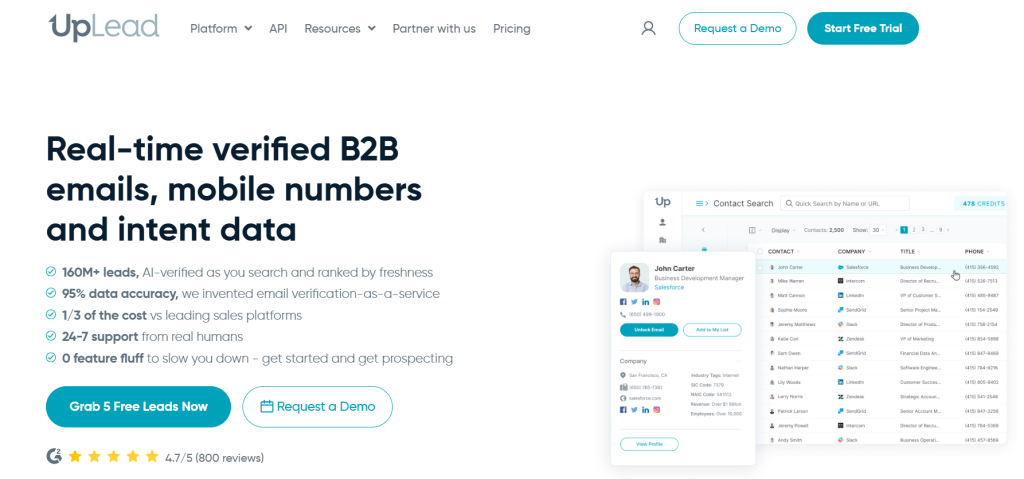
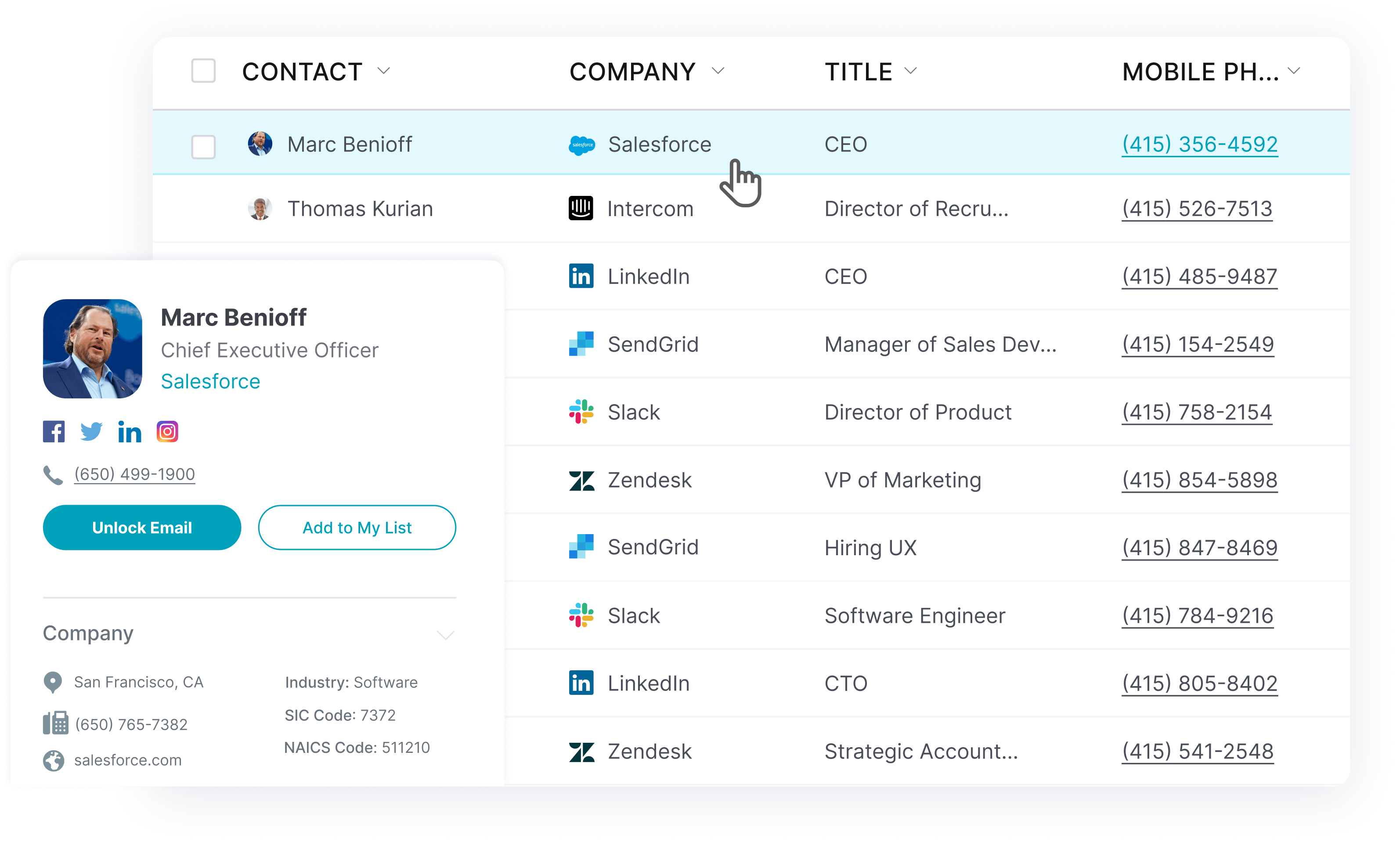
UpLead is a B2B contact database that focuses on finding qualified leads with verified contact information. UpLead provides access to over 160 million contacts across more than 200 countries and backs its contact data with a 95%+ accuracy guarantee. UpLead helps sales teams build targeted prospect lists using advanced search filters including technographics, intent data and company insights.

Key Features:
- Real-time email verification with 95% accuracy guarantee
- 50+ search filters including technographics and intent data
- Chrome extension for LinkedIn and company website prospecting
- Data enrichment for existing contact lists
- Native CRM integrations with Salesforce, HubSpot and Pipedrive
Pros:
- Industry-leading 95% email accuracy with money-back guarantee
- Credits roll over monthly, maximizing value for seasonal businesses
- 7-day free trial with no credit card required
- Comprehensive technographic data for precise targeting
Cons:
- Credit-based pricing model may not suit unlimited usage needs
- Higher price point compared to basic email finding tools
Why I Picked UpLead: UpLead delivers superior data accuracy and comprehensive B2B intelligence. The 95% accuracy guarantee backed by credit refunds for invalid emails makes it the most reliable choice for sales teams who need verified contact data. The platform’s advanced filtering capabilities and real-time verification ensure you reach decision-makers with confidence.
Pricing:
UpLead offers a 7-day free trial with 5 credits. Paid plans start with Essentials ($99/month for 170 credits), Plus ($199/month for 400 credits) and a Professional plan with custom pricing. Credits roll over monthly and there is a 95%+ data-accuracy guarantee backed by refunds for invalid emails.
Apollo.io – Best All-in-One Prospecting Platform
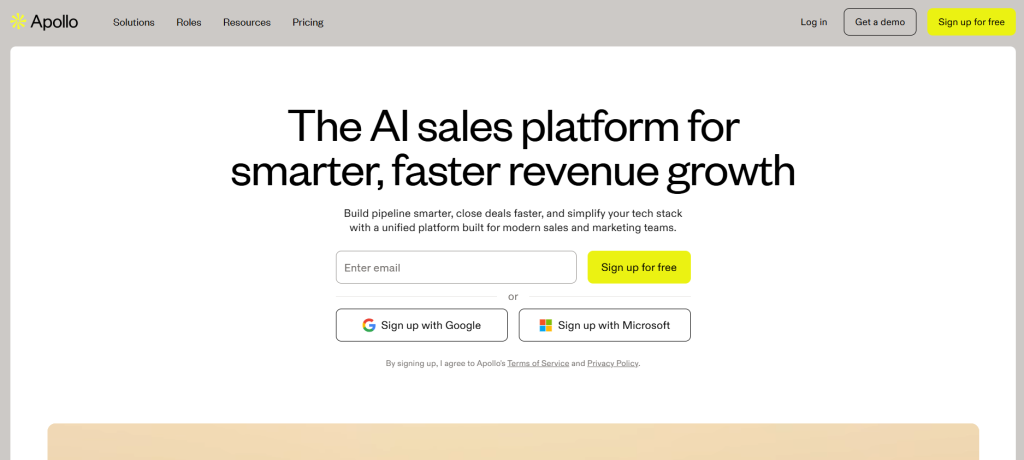
Apollo.io combines a B2B database with email and call sequencing automation. The platform integrates prospecting, outreach and analytics in one solution.
Key Features:
- 275+ million contact database with advanced search filters
- Email and LinkedIn sequence automation
- Built-in dialer with call recording and analytics
- AI-powered email writing and optimization
- CRM functionality with pipeline management
Pros:
- Comprehensive all-in-one platform reduces tool stack complexity
- Generous free plan with meaningful functionality
- Strong automation capabilities for scaling outreach
- Mobile app for on-the-go prospecting
Cons:
- Data accuracy can be inconsistent compared to specialized providers
- Learning curve for teams new to sales automation
- Credit system can be confusing for new users
Why I Picked Apollo.io: Apollo.io provides a complete sales platform that eliminates the need for multiple tools. Its combination of prospecting, automation and CRM functionality works for sales teams who want everything in one place. The platform’s AI features and automation capabilities help teams scale their outreach.
Pricing:
Apollo offers a Free plan; paid plans are Basic ($49 per user/month), Professional ($79 per user/month) and Organization ($119 per user/month), all billed annually. Each plan comes with increasing numbers of credits (30,000, 48,000 and 72,000 per user per year).
ZoomInfo – Best for Enterprise Intent Data
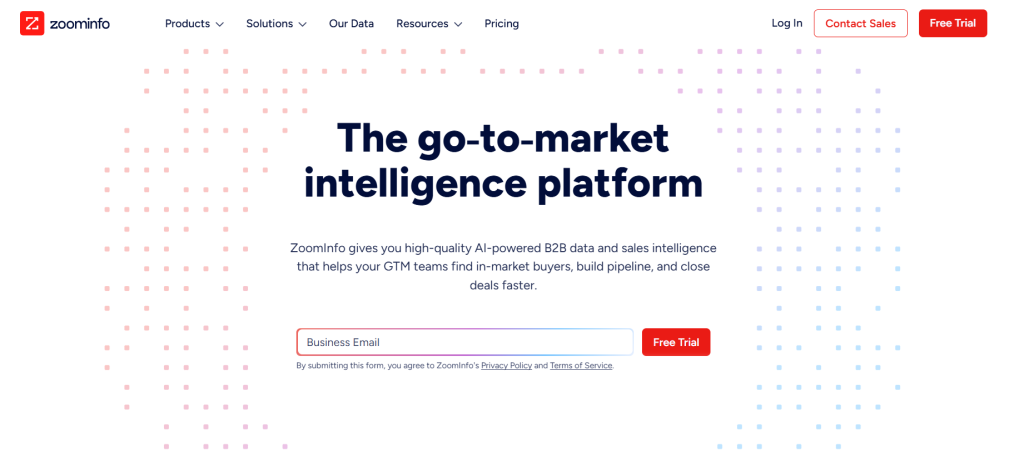
ZoomInfo is an enterprise-grade B2B intelligence platform that provides company and contact data combined with intent signals. The platform helps large sales and marketing teams identify accounts showing buying intent.
Key Features:
- Extensive B2B database with detailed organizational charts
- Advanced buyer intent data and signals
- SalesOS, MarketingOS and TalentOS product suites
- Technographic and firmographic intelligence
- Advanced analytics and reporting dashboards
Pros:
- Intent data accuracy and coverage
- Comprehensive enterprise features for large teams
- Detailed organizational charts and hierarchy data
- Strong integrations with major CRM and marketing platforms
Cons:
- High cost makes it unsuitable for small businesses
- Complex platform requires dedicated training and onboarding
- Annual contracts with significant minimum commitments
- No transparent pricing available online
Why I Picked ZoomInfo: ZoomInfo provides enterprise B2B intelligence with data depth and intent capabilities. For large organizations with substantial budgets, it offers comprehensive account intelligence. The platform’s ability to identify buying intent before prospects engage makes it useful for account-based marketing.
Pricing:
ZoomInfo offers SalesOS, MarketingOS and TalentOS suites with intent-data features and pricing is quote-based; teams must contact sales for a custom quote.
Seamless.AI – Best for Real-Time Contact Search
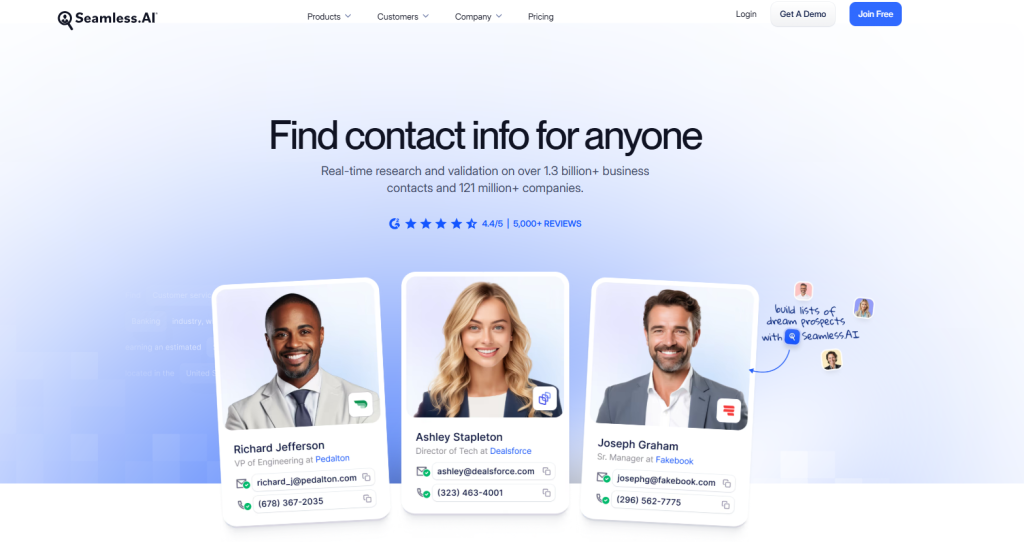
Seamless.AI is a real-time AI-powered sales intelligence platform that provides verified contact information including cell phones, direct dials and emails. The platform’s real-time search engine and Chrome extension provide instant access to decision-maker contact details.
Key Features:
- Real-time contact search with AI verification
- Chrome extension for LinkedIn and website prospecting
- Buyer intent data and job change alerts
- Direct dial and mobile phone number access
- CRM integrations and list building tools
Pros:
- Real-time data verification ensures high accuracy
- Strong mobile phone number coverage
- User-friendly interface with minimal learning curve
- Job change alerts help identify warm prospects
Cons:
- Credit-based pricing can become expensive for high-volume users
- Limited advanced filtering compared to competitors
- Annual contracts required for most plans
- No transparent pricing on website
Why I Picked Seamless.AI: Seamless.AI provides real-time, verified contact data with strong mobile phone coverage. The platform’s AI-powered verification and real-time search capabilities work for sales teams who need immediate access to accurate contact information. The job change alerts feature provides timing intelligence for outreach.
Pricing:
There is a free plan with 50 credits; paid plans (Pro and Enterprise) require contacting sales. Pricing is quote-based, not publicly listed.
OptinMonster – Best for On-Site Conversion
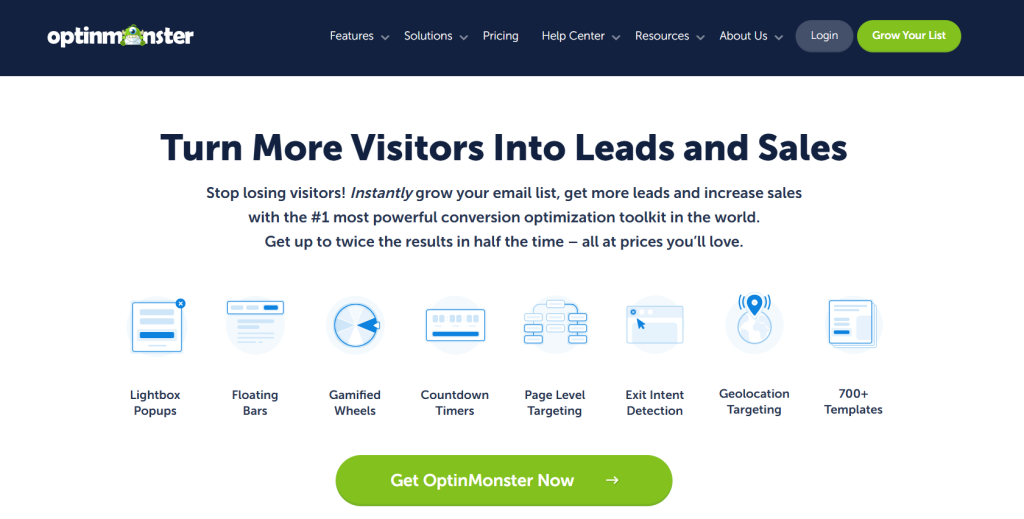
OptinMonster is a conversion optimization toolkit that helps capture leads from website traffic through various opt-in forms. With advanced targeting, exit-intent technology and A/B testing capabilities, OptinMonster turns website visitors into subscribers and leads through timed campaigns.
Key Features:
- Exit-intent technology to capture abandoning visitors
- Drag-and-drop campaign builder with templates
- Advanced targeting and segmentation options
- A/B testing and conversion analytics
- Gamified campaigns like spin-to-win wheels
Pros:
- Exit-intent technology increases conversion rates
- Extensive template library for quick campaign creation
- Advanced targeting prevents campaign fatigue
- Strong integrations with email marketing platforms
Cons:
- Can appear intrusive if not configured properly
- Limited customization on lower-tier plans
- Requires ongoing optimization for best results
Why I Picked OptinMonster: OptinMonster’s exit-intent technology works for recovering abandoning website visitors. The platform’s targeting options and gamified campaigns help create experiences that convert. It’s a solid option for on-site lead capture optimization.
Pricing:
OptinMonster offers Plus ($14/month), Pro ($24/month) and Growth ($44/month) plans when billed annually. The platform provides exit-intent technology, drag-and-drop campaign builder, targeting rules, A/B testing and gamified campaigns.
HubSpot – Best All-in-One Marketing & CRM Platform
HubSpot provides a comprehensive growth platform combining CRM, marketing automation, sales tools and customer service. With its freemium model and integrated approach, HubSpot helps businesses manage the entire customer lifecycle from lead generation to customer success.
Key Features:
- Free CRM with unlimited contacts and users
- Marketing automation with email sequences and automated workflows
- Landing page and form builder with templates
- Live chat and chatbot functionality
- Comprehensive analytics and reporting dashboard
Pros:
- Generous free tier provides significant value
- Seamless integration between all platform components
- Extensive educational resources and certification programs
- Strong third-party app ecosystem
Cons:
- Advanced features require expensive premium plans
- Can become complex as you scale across multiple hubs
- Limited customization compared to specialized tools
- Reporting limitations on free and starter plans
Why I Picked HubSpot: HubSpot’s integrated approach eliminates data silos and provides a single source of truth for customer interactions. The platform’s generous free tier and educational resources make it accessible for businesses of all sizes. For teams wanting to avoid complex integrations, HubSpot’s all-in-one approach works.
Pricing:
HubSpot’s Smart CRM starts free for unlimited users. Starter seats cost about €9 per month, Professional seats €45 per month and Enterprise seats €75 per month, all billed annually. Additional Marketing and Sales hubs can be added depending on needs.
Leadfeeder – Best for Website Visitor Identification
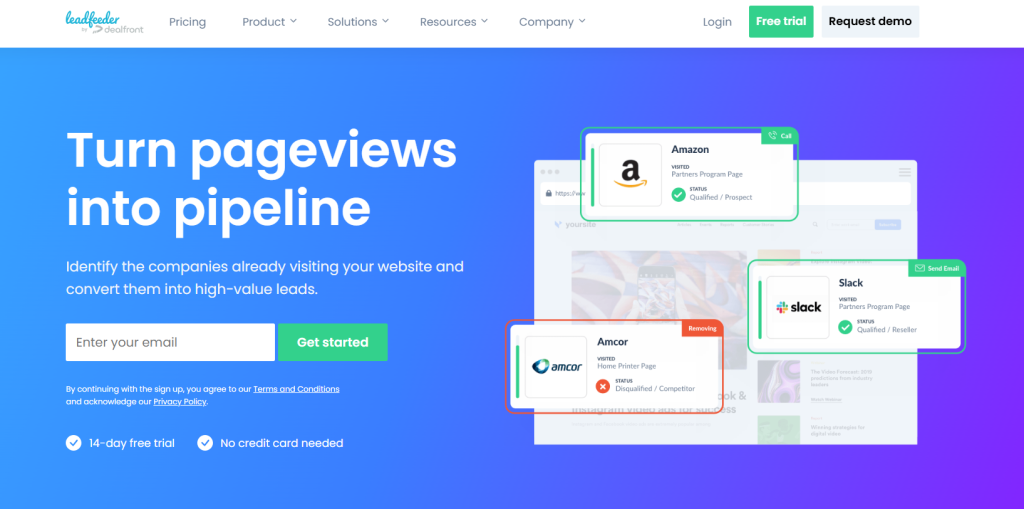
Leadfeeder (now part of Dealfront) identifies anonymous companies visiting your website and provides detailed insights about their behavior and intent. The platform turns website traffic into sales leads by revealing which companies are researching your solutions.
Key Features:
- Anonymous website visitor identification by company
- Behavioral tracking and page visit analytics
- Lead scoring based on website engagement
- CRM integration for automatic lead creation
- Custom alerts for high value prospects visits
Pros:
- Reveals hidden pipeline from existing website traffic
- Provides timing intelligence for outreach
- Easy setup with Google Analytics integration
- Generous free plan for small businesses
Cons:
- Only identifies companies, not individual visitors
- Accuracy depends on company IP address databases
- Limited functionality for B2C businesses
- Requires additional tools for contact information
Why I Picked Leadfeeder: Leadfeeder turns anonymous website traffic into qualified leads by identifying companies showing genuine interest. The platform provides timing intelligence that helps sales teams reach out when prospects are researching solutions. It’s useful for B2B companies with longer sales cycles.
Pricing:
Leadfeeder (now part of Dealfront) offers a Free plan that identifies up to 100 companies with seven-day data retention. Paid plans start at €99/month (billed annually) and scale with the number of identified companies.
Clay – Best for Data Enrichment
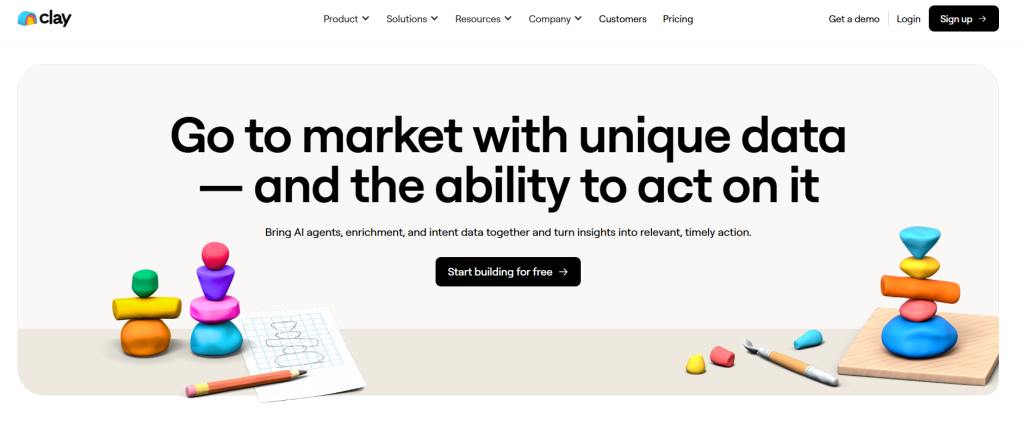
Clay is an advanced data enrichment platform that uses a waterfall method across 100+ data providers to find and verify contact information. With its AI agent ‘Claygent’ powered by GPT-4, Clay automates web research and data scraping to build comprehensive prospect profiles from any lead source.
Key Features:
- Waterfall enrichment across 100+ data providers
- Claygent AI agent for automated web research
- Custom data scraping and research workflows
- Advanced data validation and verification
- SOC 2 Type II, GDPR and CCPA compliance
Pros:
- High data coverage through provider waterfall method
- AI-powered research capabilities save time
- Flexible credit system accommodates varying usage
- Strong compliance and data protection measures
Cons:
- Steep learning curve for advanced features
- Credit costs can escalate for heavy users
- Requires technical knowledge for complex workflows
- No built-in CRM or outreach capabilities
Why I Picked Clay: Clay’s waterfall approach delivers high data coverage by trying multiple providers until it finds accurate information. The AI-powered research capabilities work for teams needing deep prospect intelligence beyond basic contact details. It’s an advanced solution for data-driven sales teams.
Pricing:
Clay offers a Free plan (1,200 credits/year), Starter ($134/month billed annually), Explorer ($314/month) and Pro ($720/month), with each tier increasing monthly credit allowances. Enterprise plans are custom. Credits roll over and the platform includes the Claygent AI research agent.
ActiveCampaign – Best for Marketing Automation

ActiveCampaign is a marketing automation platform that combines email marketing, CRM and sales automation. With advanced behavioral triggers, machine learning capabilities and automation workflows, ActiveCampaign helps businesses create personalized customer experiences that drive lead conversion and retention.
Key Features:
- Advanced marketing automation with behavioral triggers
- Built-in CRM with sales pipeline management
- Machine learning for send time optimization
- Dynamic content personalization
- Advanced segmentation and lead scoring
Pros:
- Visual automation builder
- Deliverability rates and spam checking
- Comprehensive reporting and analytics
- Strong third-party integrations
Cons:
- Can be overwhelming for email marketing beginners
- Pricing increases with contact growth
- Learning curve for advanced automation features
Why I Picked ActiveCampaign: ActiveCampaign strikes a balance between power and usability for marketing automation. Its visual workflow builder makes complex automation accessible while machine learning features optimize performance. The platform works for nurturing leads through personalized, behavior-driven campaigns.
Pricing:
ActiveCampaign offers four core plans: Starter (from $15/month for 1,000 contacts), Plus ($49/month), Pro ($79/month) and Enterprise ($145/month), with prices varying based on contact volume. Higher-volume contact tiers increase the monthly cost.
Calendly – Best for Appointment Scheduling
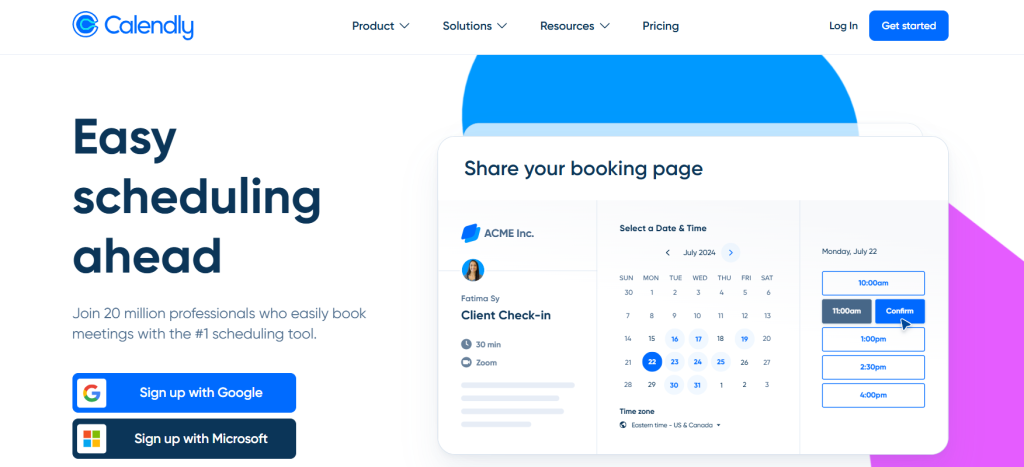
Calendly simplifies the appointment booking process by allowing prospects to schedule meetings from your availability. With automatic timezone detection, calendar integrations and customizable booking pages, Calendly eliminates the back-and-forth of scheduling and creates a professional booking experience.
Key Features:
- Automated scheduling with calendar sync
- Customizable booking pages and custom forms
- Automatic timezone detection and conversion
- Email and SMS reminder notifications
- Team scheduling and round-robin assignment
Pros:
- Eliminates scheduling friction for prospects
- Professional appearance builds trust
- Generous free plan for individual users
- Seamless integration with major calendar platforms
Cons:
- Limited customization on free plan
- Can feel impersonal for relationship-based sales
- Advanced features require paid plans
Why I Picked Calendly: Calendly removes the biggest friction point in lead conversion – scheduling the first meeting. Its clean interface and automated features create a professional experience that prospects appreciate. For sales teams handling high volumes of discovery calls, Calendly helps maintain momentum.
Pricing:
Calendly’s Free plan allows one calendar connection. Paid tiers include Standard ($10 per seat/month), Teams ($16 per seat/month) and an Enterprise plan starting at $15,000 per year.
Hunter – Best for Simple Email Finding
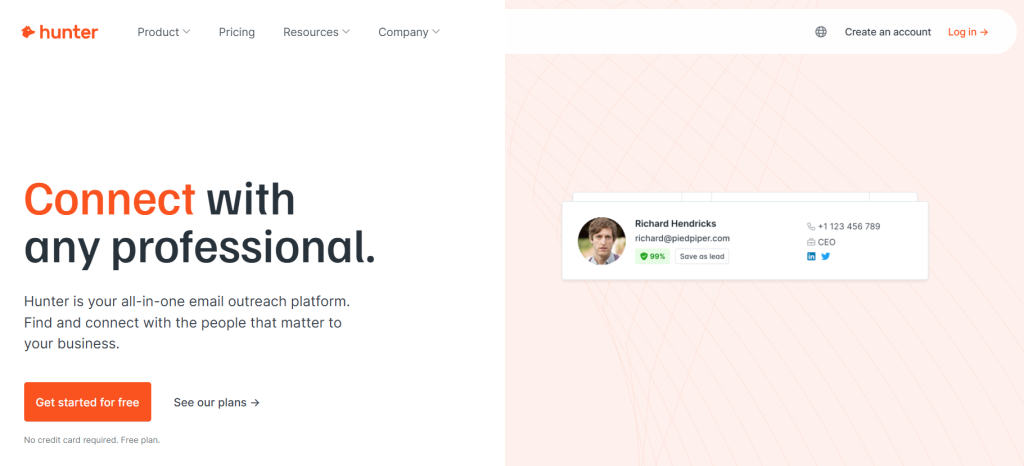
Hunter specializes in finding email addresses for specific companies and domains. With its approach and Chrome extension, Hunter makes it easy to discover contact information for targeted outreach campaigns, particularly when you know which companies you want to reach.
Key Features:
- Domain-based email discovery
- Email verification and validation
- Chrome extension for LinkedIn prospecting
- Bulk email finding and verification
- Email campaign tracking and analytics
Pros:
- Simple, focused functionality is easy to learn
- Reliable email verification reduces bounce rates
- Affordable pricing for basic email finding
- Good free plan for occasional use
Cons:
- Limited advanced filtering and search options
- Lacks comprehensive company intelligence
- No built-in CRM or automation features
- Credit limits can be restrictive for heavy users
Why I Picked Hunter: Hunter handles its core function – finding email addresses. For teams with specific company targets or those new to prospecting tools, Hunter’s simplicity and reliability make it a good starting point. The Chrome extension integrates into existing workflows.
Pricing:
Pricing ranges from a free plan (25 searches/month) to $34-$399 per month depending on volume needs, with annual billing discounts available.
LinkedIn Sales Navigator – Best for LinkedIn Prospecting
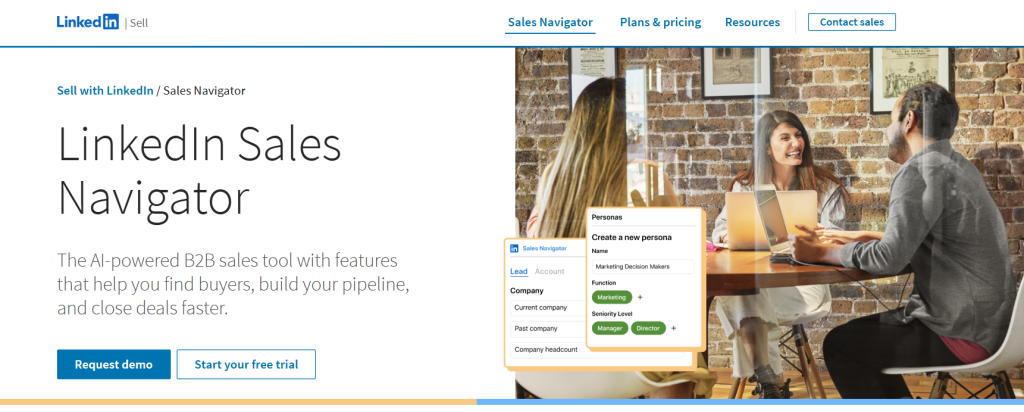
LinkedIn Sales Navigator is LinkedIn’s premium prospecting platform that provides advanced search capabilities, lead recommendations and relationship insights. With access to LinkedIn’s professional network data, Sales Navigator helps sales professionals identify and connect with decision-makers through warm introductions and targeted outreach.
Key Features:
- Advanced LinkedIn search with 50+ filters
- Lead and account recommendations
- Real-time sales updates and alerts
- InMail messaging with higher response rates
- CRM integration and lead management
Pros:
- Access to LinkedIn’s comprehensive professional database
- Higher InMail response rates than cold email
- Real-time updates on prospect activity
- Warm introduction opportunities through mutual connections
Cons:
- Limited InMail credits can restrict outreach volume
- Requires LinkedIn Premium subscription
- No direct email addresses provided
- Search results limited to LinkedIn’s platform
Why I Picked LinkedIn Sales Navigator: Sales Navigator provides access to LinkedIn’s professional network with targeting capabilities. For B2B sales teams focused on relationship-building and social selling, it helps identify decision-makers and understand prospect networks. The platform’s real-time updates help sales reps engage at the right moment.
Pricing:
Pricing starts at $79.99 per month with a 30-day free trial available. Team and enterprise plans offer additional features and user management capabilities.
Lusha – Best for Chrome Extension Prospecting
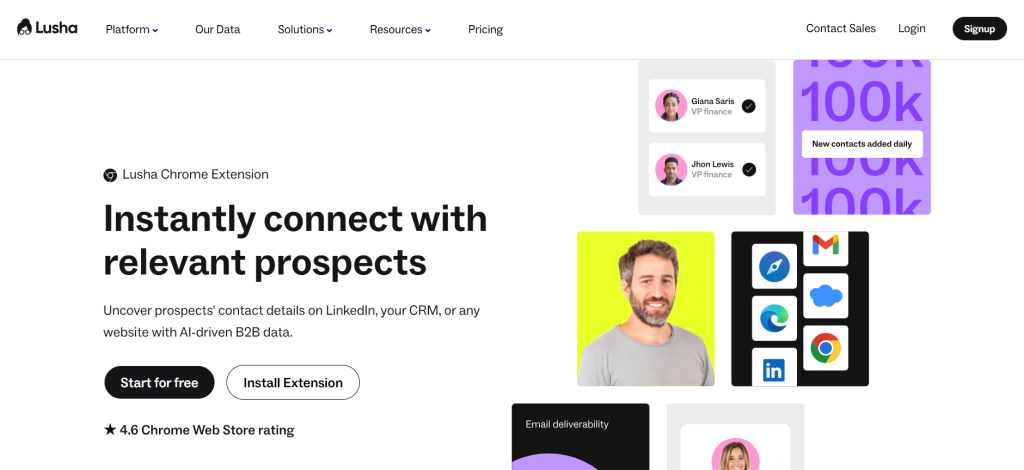
Lusha provides instant access to contact information through its Chrome extension, making it easy to find email addresses and phone numbers while browsing LinkedIn, company websites or other platforms. With strong GDPR compliance and high accuracy rates, Lusha works for sales professionals who need contact data on-demand.
Key Features:
- Chrome extension for instant contact discovery
- High-accuracy phone numbers and email addresses
- GDPR-compliant data collection
- CRM integrations with one-click export
- Bulk prospecting and list building tools
Pros:
- Seamless workflow integration through browser extension
- Strong mobile phone number coverage
- User-friendly interface requires minimal training
- GDPR compliance for European markets
Cons:
- Limited credits on lower-tier plans
- No advanced search or filtering capabilities
- Focused on individual contact finding
- Higher cost per contact compared to database tools
Why I Picked Lusha: Lusha’s Chrome extension provides a seamless prospecting experience, allowing sales reps to gather contact information without leaving their current workflow. The platform’s focus on data accuracy and GDPR compliance makes it useful for teams operating in regulated markets or handling sensitive data.
Pricing:
Pricing starts with a free plan (5 credits/month) and paid plans from $29 per user per month (Pro) to $69 per user per month (Premium), with annual billing discounts available.
Typeform – Best for Conversational Lead Capture
Typeform creates engaging, conversational forms that feel more like interactive surveys than traditional lead capture forms. With its one-question-at-a-time approach and conditional logic, Typeform improves completion rates and provides a more enjoyable user experience for prospects.
Key Features:
- Conversational form interface with one question per screen
- Conditional logic and branching scenarios
- Custom design themes and branding options
- Real-time response analytics and insights
- Integration with CRM and email marketing platforms
Pros:
- Higher completion rates than traditional forms
- Engaging user experience reduces form abandonment
- Mobile-optimized design works across devices
- Conditional logic enables personalized experiences
Cons:
- Can take longer to complete than simple forms
- Limited customization on free plan
- May not suit all business contexts or audiences
- Requires careful design to avoid feeling gimmicky
Why I Picked Typeform: Typeform transforms the lead capture experience into something prospects enjoy completing. The conversational approach and thoughtful UX design lead to higher completion rates, making it suitable for businesses that need detailed prospect information without sacrificing conversion rates.
Pricing:
Pricing starts with a free plan (10 responses/month) and paid plans from $25 per month (Basic) to $83 per month (Plus), with annual billing discounts available.
Intercom – Best for Customer Messaging Platform
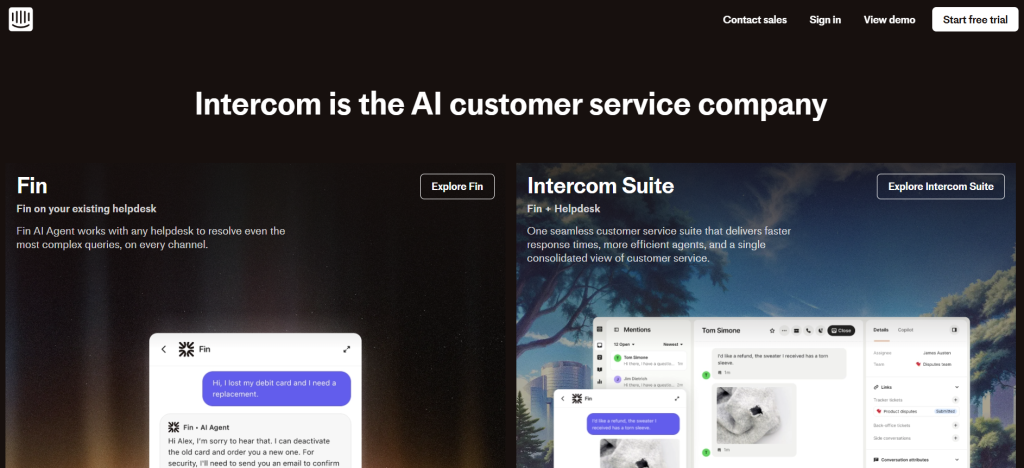
Intercom provides a comprehensive customer messaging platform that combines live chat, chatbots and customer support tools. With advanced automation capabilities and targeting, Intercom helps businesses engage prospects and customers throughout their entire lifecycle, from first visit to ongoing support.
Key Features:
- Live chat with automated bot handoffs
- Advanced visitor targeting and segmentation
- In-app messaging and product tours
- Customer support ticketing system
- Knowledge base and help center creation
Pros:
- Sophisticated automation and targeting capabilities
- Seamless transition from lead generation to customer support
- Rich customer profiles and interaction history
- Strong mobile app for team communication
Cons:
- Premium pricing makes it expensive for small teams
- Complex feature set can be overwhelming
- Limited customization options for chat appearance
- Requires ongoing management and optimization
Why I Picked Intercom: Intercom provides a complete customer communication platform that grows with your business from lead generation through customer success. Its automation and targeting capabilities make every interaction feel personal and relevant. For businesses focused on customer experience, Intercom provides depth and functionality.
Pricing:
Intercom offers seat-based pricing: Essential at $29 per seat/month, Advanced at $85 per seat/month and Expert at $132 per seat/month, all billed annually. Additional AI agent usage and proactive support are billed separately.
Unbounce – Best for Landing Page Optimization
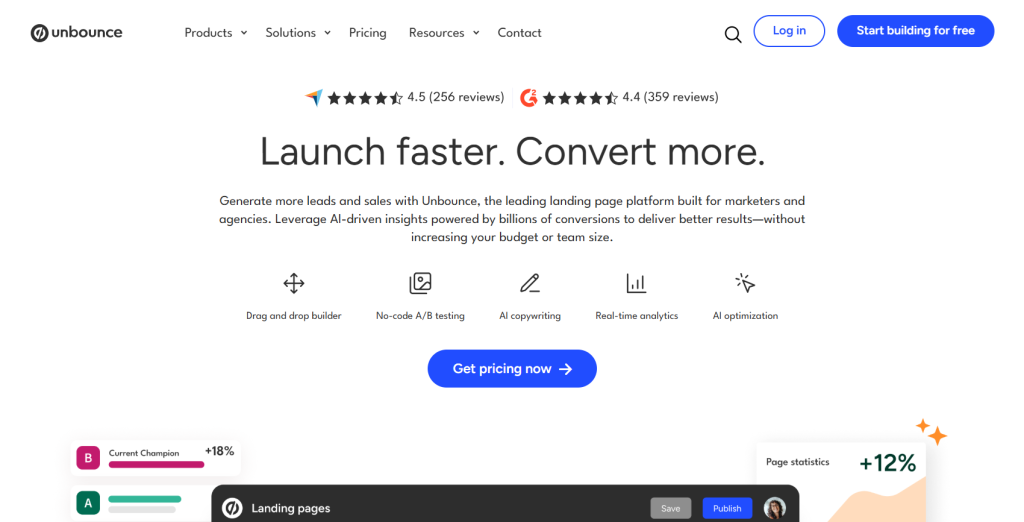
Unbounce specializes in creating high-converting landing pages with its drag-and-drop builder and conversion optimization tools. With AI-powered copywriting assistance, dynamic text replacement and A/B testing capabilities, Unbounce helps marketers create landing pages that outperform generic website pages.
Key Features:
- Drag-and-drop landing page builder with templates
- AI-powered copywriting and optimization suggestions
- Dynamic text replacement for personalized experiences
- Advanced A/B testing and conversion analytics
- Pop-up and sticky bar creation tools
Pros:
- Increases conversion rates
- AI copywriting assistance saves time and improves results
- Extensive template library for quick page creation
- Advanced testing capabilities for optimization
Cons:
- Higher pricing compared to basic landing page builders
- Learning curve for advanced optimization features
- Limited blog or content management capabilities
- Page limits on lower-tier plans can be restrictive
Why I Picked Unbounce: Unbounce delivers high conversion rates in the landing page space through its focus on optimization and testing. The AI-powered features and dynamic personalization capabilities help marketers create pages that adapt to different traffic sources and audiences. For businesses running paid advertising campaigns, Unbounce’s conversion improvements justify its premium pricing.
Pricing:
Unbounce’s monthly plans are Build ($52/month for up to 20 k visitors and 1 user), Experiment ($149/month for up to 30 k visitors and 3 users with A/B testing) and Optimize ($249/month for up to 50 k visitors and 5 users with Smart Traffic). An Agency plan is available for higher traffic and more users.
6sense – Best for Account-Based Marketing Intelligence
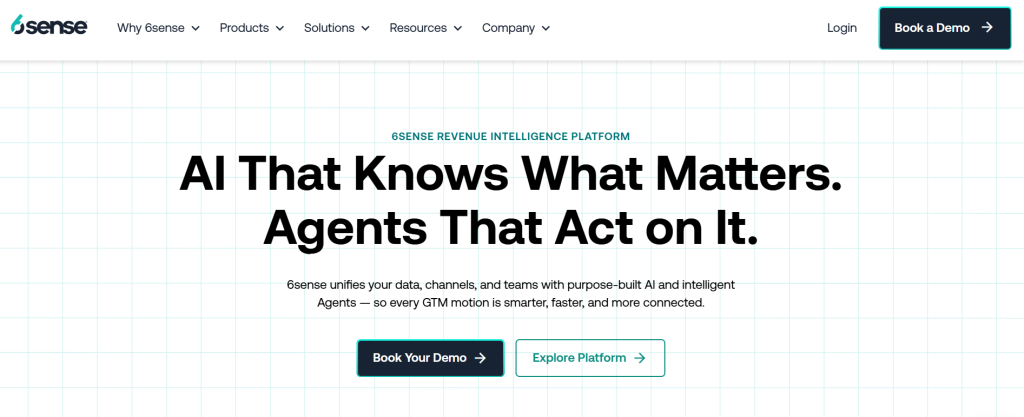
6sense uses AI and machine learning to identify accounts showing purchase intent before they visit your website. By analyzing external data signals and behavioral patterns, 6sense helps enterprise sales and marketing teams focus on accounts most likely to buy.
Key Features:
- AI-powered account identification and scoring
- Predictive analytics for buying intent
- Account-based advertising and personalization
- Revenue team alignment and orchestration
- Advanced analytics and attribution reporting
Pros:
- Identifies intent before competitors through external signals
- Comprehensive ABM platform with advertising integration
- Advanced AI and machine learning capabilities
- Strong enterprise features and scalability
Cons:
- Enterprise-only pricing makes it inaccessible for smaller businesses
- Complex platform requires dedicated resources and training
- Long implementation timeline and onboarding process
- Requires significant data volume to be effective
Why I Picked 6sense: 6sense represents the cutting edge of predictive lead scoring intelligence, identifying buying intent through external signals that competitors miss. For enterprise organizations with account-based marketing strategies, 6sense provides account intelligence and predictive capabilities that can improve pipeline quality and sales efficiency.
Pricing:
6sense provides a Free plan that includes 50 data credits per month, company & people search, sales alerts, list builder and a Chrome extension. Advanced packages that combine sales intelligence, data credits and predictive AI require contacting 6sense for a quote.
Waalaxy – Best for LinkedIn and Email Automation
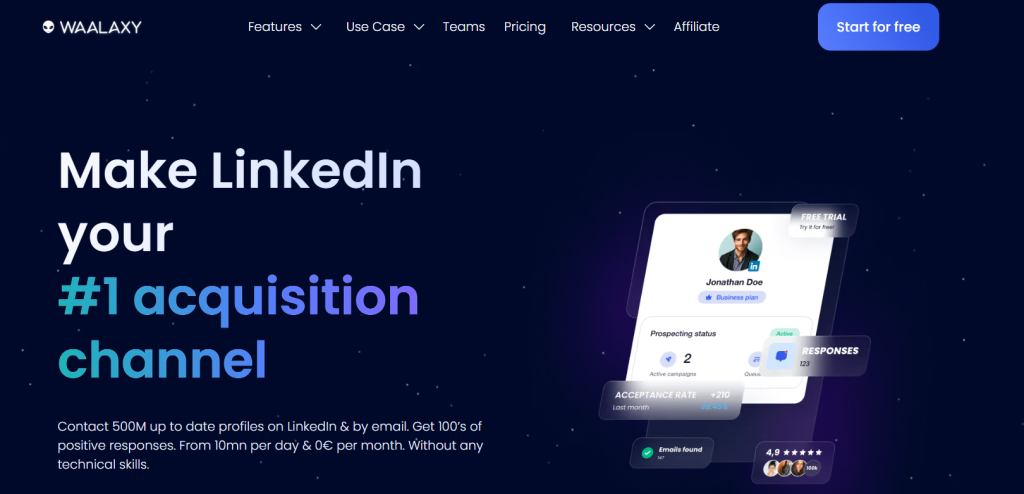
Waalaxy automates LinkedIn outreach and email sequences through multi-channel campaigns that combine social selling with traditional email marketing. With built-in safety measures and AI message writing, Waalaxy helps sales teams scale their LinkedIn prospecting while maintaining compliance with platform guidelines.
Key Features:
- Multi-channel LinkedIn and email sequences
- AI-powered message writing and personalization
- Built-in LinkedIn safety limits and compliance
- CRM integration and lead management
- Team collaboration and campaign sharing
Pros:
- User-friendly interface with minimal learning curve
- Strong safety measures protect LinkedIn accounts
- Multi-channel approach increases response rates
- Affordable pricing for LinkedIn automation tools
Cons:
- Limited advanced features compared to enterprise tools
- Requires LinkedIn Premium for optimal functionality
- Email deliverability depends on external providers
- Campaign limits may restrict high-volume users
Why I Picked Waalaxy: Waalaxy strikes a balance between automation power and LinkedIn safety, making it suitable for sales teams who want to scale their social selling without risking account restrictions. The multi-channel approach and AI writing assistance help create more effective outreach campaigns that feel personal rather than automated.
Pricing:
Waalaxy offers a Freemium plan (80 invitations/month and 25 email finder credits). Paid plans include Pro (€19 per user/month), Advanced (€49 per user/month) and Business (€69 per user/month), with increasing LinkedIn invitation limits, email finder credits, live chat support and priority support. An Enterprise plan is available on request.
Overloop – Best for Email Outreach Automation
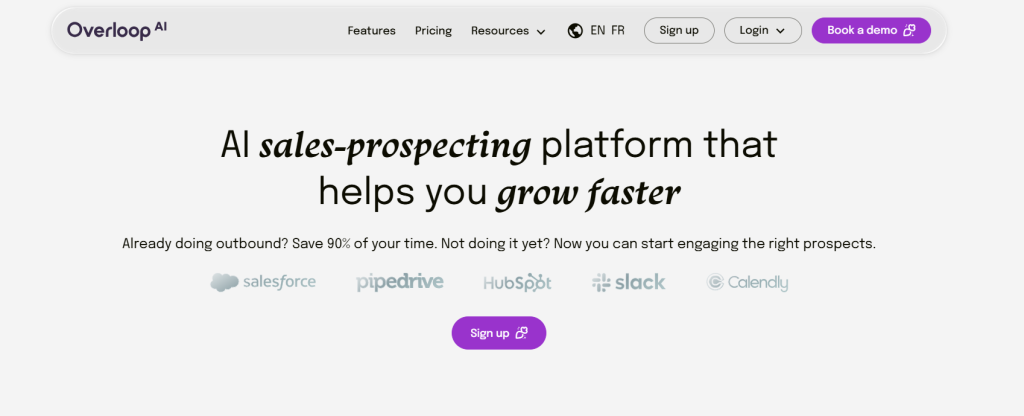
Overloop (formerly Prospect.io) combines email finding, verification and automated outreach in one platform. With advanced email deliverability features and comprehensive campaign analytics, Overloop helps sales teams manage their entire email prospecting workflow from lead discovery to conversion tracking.
Key Features:
- Email finding and real-time verification
- Multi-step email sequence automation
- Advanced deliverability and warm-up features
- A/B testing for subject lines and content
- Comprehensive analytics and reporting
Pros:
- All-in-one platform reduces tool complexity
- Strong focus on email deliverability
- Unlimited sending on all plans
- Good integration with popular CRM systems
Cons:
- Credit-based pricing for email finding can be expensive
- Learning curve for advanced automation features
- Limited template customization options
- Smaller database compared to specialized providers
Why I Picked Overloop: Overloop provides a comprehensive email prospecting solution that handles everything from finding contacts to managing campaigns. The platform’s focus on deliverability and unlimited sending makes it suitable for teams running high-volume email outreach campaigns who need reliable inbox placement.
Pricing:
Overloop offers a Starter plan at $69 per user/month (includes 250 credits/month), a Growth plan at $99 per user/month (500 credits/month) and a customizable Enterprise plan. All plans provide multi-step sequences, unlimited sending, verified email addresses and CRM integrations.
Google Ads – Best for Paid Search Lead Generation
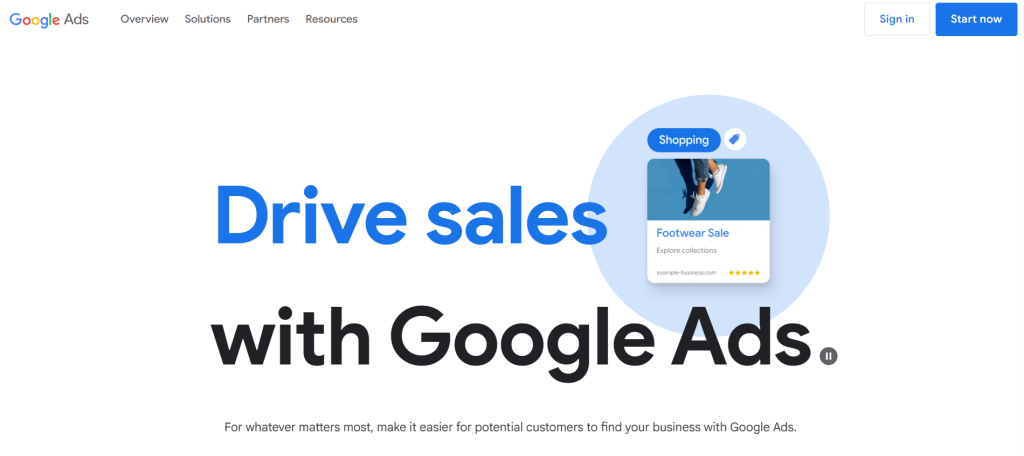
Google Ads provides the most direct path to reaching prospects searching for your solutions. With targeting options, conversion tracking and integration with Google’s ecosystem, Google Ads helps businesses capture high-intent leads at the moment they’re researching solutions.
Key Features:
- Search, display and video advertising across Google’s network
- Advanced audience targeting and remarketing
- Conversion tracking and attribution modeling
- Automated bidding and optimization features
- Integration with Google Analytics and other tools
Pros:
- Massive reach and high-intent traffic
- Precise targeting and audience options
- Comprehensive tracking and analytics
- Flexible budget control and bidding strategies
Cons:
- Can be expensive in competitive industries
- Requires ongoing optimization and management
- Learning curve for advanced features and strategies
- Quality Score algorithm can be complex to optimize
Why I Picked Google Ads: Google Ads remains a strong option for capturing high-intent leads who are searching for solutions. The platform’s targeting and optimization capabilities, combined with Google’s dominant search market share, make it useful for most lead generation strategies. When optimized properly, Google Ads provides high quality leads.
Pricing:
Google Ads campaigns are billed on a pay-per-click basis. In Smart campaigns you pay only for clicks or calls; your monthly spend never exceeds your maximum monthly budget and there is no activation fee. Costs vary by competition and relevance.
SEMrush – Best for SEO and PPC Intelligence
SEMrush is a comprehensive digital marketing platform that combines SEO, PPC, content marketing and competitive intelligence tools. With keyword research, competitor analysis and campaign optimization features, SEMrush helps businesses improve their organic and paid search performance to generate more qualified leads.
Key Features:
- Comprehensive keyword research and tracking
- Competitor analysis and intelligence
- PPC campaign optimization and management
- Content marketing and social media tools
- Site audit and technical SEO analysis
Pros:
- All-in-one platform covers multiple marketing channels
- Competitive intelligence capabilities
- Comprehensive keyword and content research tools
- Regular updates and new feature releases
Cons:
- Expensive pricing for small businesses
- Steep learning curve for beginners
- Can be overwhelming with too many features
- Some data accuracy limitations in certain markets
Why I Picked SEMrush: SEMrush provides competitive intelligence that helps businesses identify lead generation opportunities their competitors are missing. The platform’s comprehensive approach to digital marketing makes it valuable for teams managing both SEO and PPC campaigns to maximize their lead generation ROI.
Pricing:
Semrush One offers Starter ($199/month), Pro+ ($299/month) and Advanced ($549/month) plans. Annual billing reduces the monthly equivalent to about $165.17, $248.17 and $455.67 respectively.
Claspo – Best for Popup Lead Capture
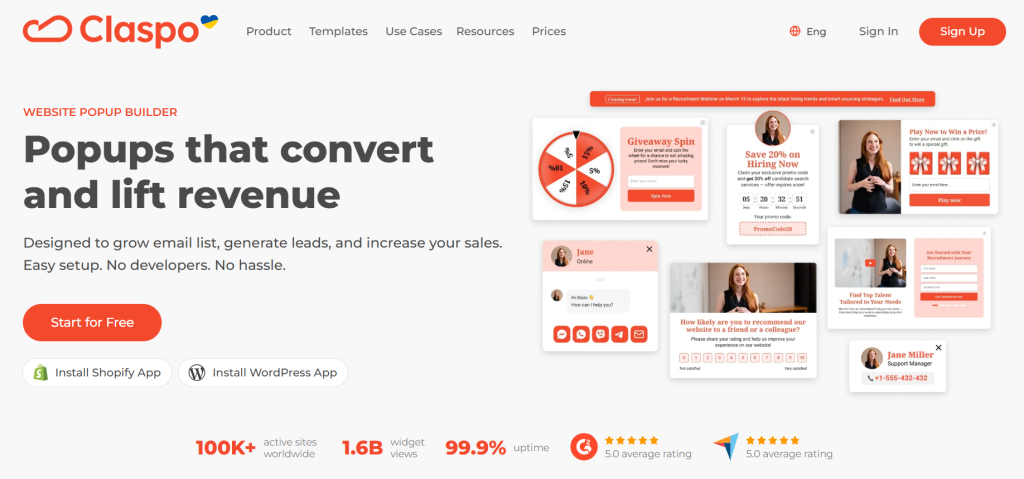
Claspo provides a user-friendly popup builder designed for creating lead capture forms without coding skills. With gamified templates, advanced targeting rules and A/B testing capabilities, Claspo helps businesses convert website visitors into leads through engaging popup experiences.
Key Features:
- Drag-and-drop popup builder with pre-designed blocks
- Gamified templates with interactive elements
- Advanced display rules and audience targeting
- A/B testing and performance optimization
- Detailed analytics for mobile and desktop performance
Pros:
- Easy-to-use editor requires no technical skills
- Generous free plan with full feature access
- Gamified elements increase engagement and conversions
- Advanced targeting prevents popup fatigue
Cons:
- Limited integration options compared to competitors
- Smaller template library than established players
- Newer platform with less market validation
- Advanced features may require paid plans
Why I Picked Claspo: Claspo focuses on gamified popup experiences that feel engaging rather than intrusive. The platform’s generous free plan and user-friendly editor make it accessible for businesses wanting to test popup marketing without significant investment, while the gamification features help achieve higher conversion rates.
Pricing:
Claspo provides a free lifetime plan with unlimited widgets and full access to all features for one website (up to 10k pageviews). For larger websites or enterprise needs, an Enterprise & Agency plan is available with custom pricing. There is no mid-tier $10 plan.
Paperform – Best for Custom Form Creation
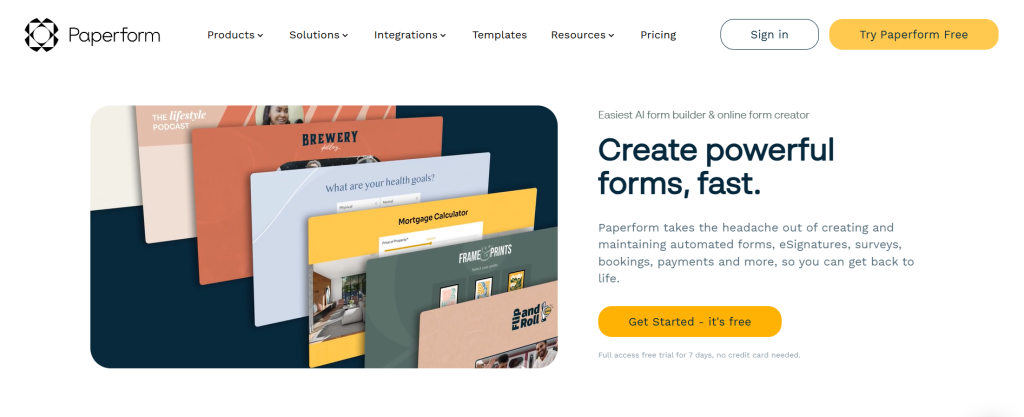
Paperform is a versatile, no-code platform that excels at creating custom forms, surveys and landing pages. With customization options, advanced logic features and over 600 pre-built templates, Paperform helps businesses create lead capture experiences that match their brand.
Key Features:
- Customizable form builder with advanced styling
- 600+ pre-built templates for various use cases
- Conditional logic and dynamic content
- Payment processing and e-commerce capabilities
- Comprehensive analytics and submission tracking
Pros:
- Customization and branding options
- Versatile platform handles multiple business needs
- No coding required for complex functionality
- Strong integration ecosystem
Cons:
- Higher pricing compared to basic form builders
- Learning curve for advanced customization features
- Can be overkill for simple lead capture needs
- Limited free plan functionality
Why I Picked Paperform: Paperform provides flexibility for businesses needing custom lead capture solutions that go beyond basic contact forms. The platform’s advanced customization capabilities and template library make it suitable for companies wanting to create unique, branded experiences that stand out from generic form builders.
Pricing:
Paperform’s pricing includes Essentials ($24/month), Pro ($49/month), Business ($99/month) and Enterprise (custom). All plans allow unlimited forms; user seats, submission limits and storage increase at each tier.
Elementor – Best for WordPress Lead Capture
Elementor provides a comprehensive WordPress page builder with popup and form creation capabilities. With its drag-and-drop interface, extensive template library and seamless WordPress integration, Elementor helps businesses create professional lead capture experiences within their WordPress websites.
Key Features:
- WordPress-native popup and form builder
- Extensive template library with designer-made popups
- Advanced targeting and display conditions
- Integration with major CRM and email marketing tools
- Complete page building and website design capabilities
Pros:
- Seamless WordPress integration and performance
- Affordable pricing with extensive functionality
- Complete website building solution beyond just forms
- Large community and extensive documentation
Cons:
- Limited to WordPress websites only
- Can slow down website performance if overused
- Learning curve for advanced customization
- Requires annual subscription for ongoing updates
Why I Picked Elementor: Elementor provides a WordPress-native solution for lead capture, offering professional popup and form capabilities without requiring external tools. For businesses using WordPress, Elementor’s integration and performance benefits make it a suitable choice for creating cohesive, fast-loading lead capture experiences.
Pricing:
Elementor Pro offers four plans billed annually: Essential (€4.99/month, one site), Advanced Solo (€6.99/month for one professional eCommerce site), Advanced (€8.25/month for up to three sites) and Expert (€16.99/month for up to 25 sites). Each plan increases access to Pro widgets, cloud templates and eCommerce features.
Awario – Best for Social Media Lead Discovery
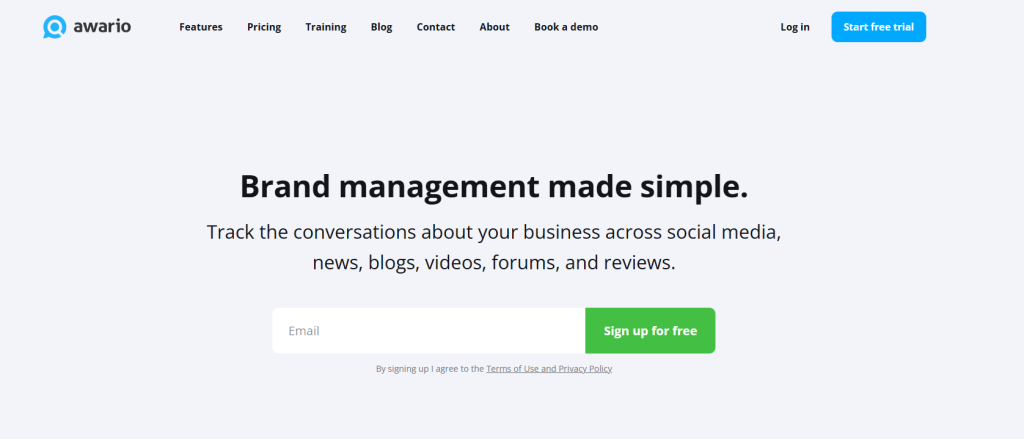
Awario is a social media monitoring tool with a dedicated lead generation module called Awario Leads. By analyzing social media conversations and identifying prospects looking for solutions like yours, Awario helps businesses discover warm leads through social listening and brand monitoring.
Key Features:
- Social media monitoring across platforms and web
- Awario Leads module for prospect identification
- Brand mention tracking and sentiment analysis
- Competitor monitoring and intelligence
- Influencer identification and outreach
Pros:
- Unique lead generation approach through social listening
- Identifies warm prospects seeking solutions
- Comprehensive social media monitoring capabilities
- Affordable pricing with free trial available
Cons:
- Requires active social media presence in your industry
- Lead quality depends on social media activity volume
- Limited to English language monitoring
- Requires follow-up and engagement
Why I Picked Awario: Awario provides a unique approach to lead generation by identifying prospects who are expressing interest in solutions through social media posts. This social listening approach helps businesses discover warm leads that competitors might miss, making it valuable for B2B companies with active social media discussions in their industry.
Pricing:
Awario offers a Starter plan at $29/month when billed annually (or $49/month monthly), a Pro plan at $89/month (or $149/month) and an Enterprise plan at $249/month (or $399/month). A free trial provides access to the Starter plan; after the trial expires, your data is retained for 14 days.
How to Choose the Right Lead Generation Tool?
Choosing the right lead generation tool requires an approach that aligns with your business goals, budget and technical capabilities. With 25 options available, the key is to focus on your specific needs rather than trying to find a one-size-fits-all solution.
1. Define Your Business Goals and Needs
Start by using the SMART framework (Specific, Measurable, Attainable, Relevant, Time-bound) to define your lead generation objectives. Are you looking to increase lead volume, improve lead quality or automate existing processes? Different lead generation software excels in different areas – UpLead for data accuracy, HubSpot for all-in-one functionality or OptinMonster for conversion optimization.
2. Analyze Your Current Process and Target Audience
Evaluate your existing lead generation workflow and identify bottlenecks. Create a detailed Ideal Customer Profile (ICP) that includes demographics, technographics and behavioral patterns. B2B companies targeting enterprise accounts might need intent data, while small businesses might prefer Hunter’s simplicity for basic email finding.
3. Evaluate Key Software Features
Focus on core capabilities that matter most to your business: lead capture mechanisms, data enrichment quality, automation capabilities and analytics depth. Consider whether you need real-time verification (UpLead), multi-channel sequences or advanced personalization (Clay’s AI research capabilities).
4. Check Integration and Scalability Requirements
Ensure the tool integrates with your existing CRM, email marketing platform and other tools. Consider future scalability – can the platform grow with your business? Tools like HubSpot offer extensive integration ecosystems, while specialized tools like Leadfeeder focus on specific integrations.
5. Consider Budget and ROI
Calculate the total cost of ownership (TCO) including subscription fees, implementation costs and training time. Consider metrics like cost per lead (CPL) and conversion rates. Free tools like HubSpot’s basic free CRM or Calendly’s starter plan can provide value for small businesses, while enterprise solutions require significant investment but offer proportional returns.
6. Assess Usability and Team Adoption
Choose tools that match your team’s technical expertise. Simple solutions like Typeform or Calendly require minimal training, while advanced platforms like Clay need dedicated specialists. Consider the learning curve and available support resources.
7. Test Before Committing
Take advantage of free trials and freemium plans to test functionality with real data. Most tools offer 7-14 day trials – use this time to test core features with your use cases rather than just exploring the interface.
Frequently Asked Questions
What is lead generation?
Lead generation is the process of identifying, attracting and converting potential customers who have shown interest in your product or service. It involves creating touchpoints that capture prospect information and guide them through your sales funnel until they become paying customers.
What is a lead generation tool?
A lead generation tool is a software application designed to automate and streamline the process of capturing and managing leads. These marketing tools help businesses find contact information, create engaging content, capture prospect data and nurture relationships through automated workflows and personalized communications.
What is the difference between inbound and outbound lead generation?
Inbound lead generation focuses on attracting customers through valuable content, SEO and helpful resources that draw prospects to your business. Outbound lead generation involves reaching out to prospects through cold emails, calls, social media outreach and advertising to generate interest in your solutions.
How can I generate leads for free?
Free lead generation methods include creating valuable content, optimizing your website for SEO, leveraging social media platforms, networking at industry events, asking for referrals and using free tools like HubSpot’s CRM, Google My Business and LinkedIn’s basic features to build relationships and capture leads.
What is the best tool for B2B lead generation?
The best B2B lead generation tool depends on your specific needs. UpLead provides accurate contact data, HubSpot offers complete marketing automation and LinkedIn Sales Navigator handles social selling. Most successful B2B companies use a combination of 3-5 tools rather than relying on a single solution.
Can AI be used for lead generation?
Yes, AI is used for lead generation through automated lead prospecting, personalized outreach, lead scoring and predictive analytics. Tools like Clay use AI for research automation and platforms use machine learning to predict buying intent before prospects engage with your website.
How can I measure the success of my lead generation efforts?
Key metrics include the number of new leads generated, conversion rate from leads to customers, cost per lead (CPL), lead quality scores, time to conversion and overall return on investment (ROI). Track these metrics through your CRM solution and use tools like Google Analytics to measure website conversion performance and campaign effectiveness.
Your Marketing Stack Is Now More Powerful with A+ Lead Generation Tools
Lead generation is an integral part of any sales process. With these 25 tools, you now have a comprehensive arsenal to handle every aspect of your lead generation strategy – from finding accurate contact data with UpLead to converting visitors with OptinMonster and nurturing prospects with HubSpot’s automation.
The key to success isn’t using every tool but selecting the right combination that fits your business model, budget and team capabilities. Start with 2-3 core tools that address your biggest challenges, then expand your stack as you scale and identify new opportunities.
Remember, the best lead generation tool is the one your team will use. Focus on implementation and optimization rather than feature collecting and you’ll see better results from your lead generation efforts.





