



Instantly.ai built its reputation on letting teams connect unlimited inboxes and blast cold email at scale. That model works until it doesn’t. Deliverability cracks when shared sending infrastructure gets flagged, the base price balloons once you bolt on the lead database and CRM modules, while there is still no native way to run LinkedIn touches inside the same sequence. If any of that sounds familiar, you are not alone in shopping for something better.
This guide breaks down the strongest Instantly alternatives for cold email and sales engagement in 2026. We cover what each tool does well, where it falls short and what it actually costs once you account for the add-ons. We also explain a point most listicles skip: the sending platform is only half of a working cold email system. The other half is the contact data feeding it, which is where UpLead fits in regardless of which sender you pick.
Why teams leave Instantly
People rarely abandon a tool they like over a single annoyance. The switch usually comes after a few recurring pain points pile up. Three show up again and again.
- Shared infrastructure risk. When your inboxes sit on sending infrastructure shared with thousands of other senders, one bad actor in the pool can drag down your reputation. Mailbox providers have grown aggressive about suspending accounts that send low daily volumes from suspect IP ranges, and that hits cold email teams hardest.
- Modular pricing that creeps. The headline price looks fair. Then you add the lead database, then deliverability testing, then CRM features and the real monthly bill lands well north of where you started. Teams budgeting around the entry tier often end up paying two or three times that.
- No native multichannel. Cold email alone converts worse every year. Buyers expect a LinkedIn touch alongside the email, and Instantly leaves you wiring up a separate tool to do it. That means two subscriptions and two places to manage one sequence.
The tools below address one or more of these directly. Match your shortlist to the problem you are trying to solve rather than chasing the longest feature list.
The 8 best Instantly alternatives in 2026
1. Smartlead, best for agencies running cold email at scale
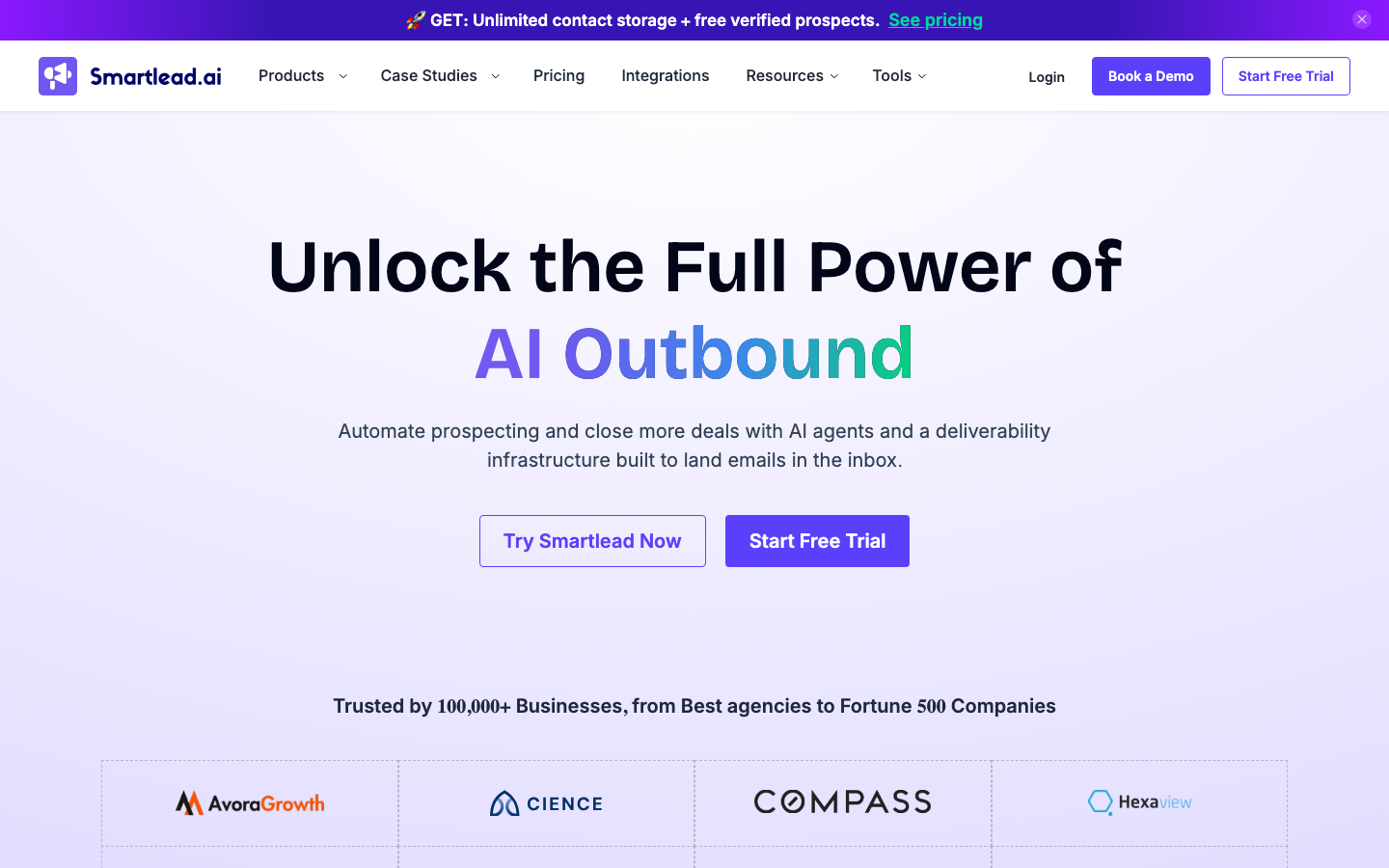
Ratings: G2 4.6/5, Capterra 4.3/5
Reviewers describe Smartlead as a high-volume cold email workhorse with unlimited mailboxes and a strong warm-up network, though a meaningful minority flag slow support and a learning curve on the interface (Source: G2).
Pros
- Unlimited mailbox connections at no extra cost, often called its standout feature (Source: G2)
- Large built-in warm-up network that genuinely improves inbox placement (Source: G2)
- Straightforward management of multi-inbox campaigns and automated warm-ups (Source: G2)
Cons
- Slow customer support response times, the most cited complaint (Source: G2)
- Interface is functional but not intuitive, with a learning curve for new users (Source: Capterra)
- Real total cost climbs once you add mailboxes, domains and verification (Source: Capterra)
Pricing
- Basic: $39/mo (2,000 contacts, 6,000 sends, unlimited email accounts) (Source: Vendor)
- Pro: $94/mo (30,000 contacts, 90,000 sends, API and CRM) (Source: Vendor)
- Unlimited Smart: $174/mo (unlimited contacts, 150,000 sends) (Source: Vendor)
Best For
Agencies and high-volume senders who need unlimited mailboxes and a strong warm-up network to scale cold outreach across many domains.
Smartlead is the tool most often named when Instantly users want raw sending power without the shared-pool worry. It supports unlimited mailboxes, rotates sending across them automatically and gives agencies a unified master inbox so every client conversation lands in one place. IP rotation and built-in warm-up are the headline deliverability features.
Pricing starts around $39 per month on the Basic plan and runs to roughly $94 per month for Pro, billed annually. The Pro tier adds ChatGPT-class personalization. Smartlead leans technical, so non-engineering teams may spend a week getting comfortable, but its API and white-label options make it a favorite for agencies reselling outreach.
2. Saleshandy, best value for high-volume senders
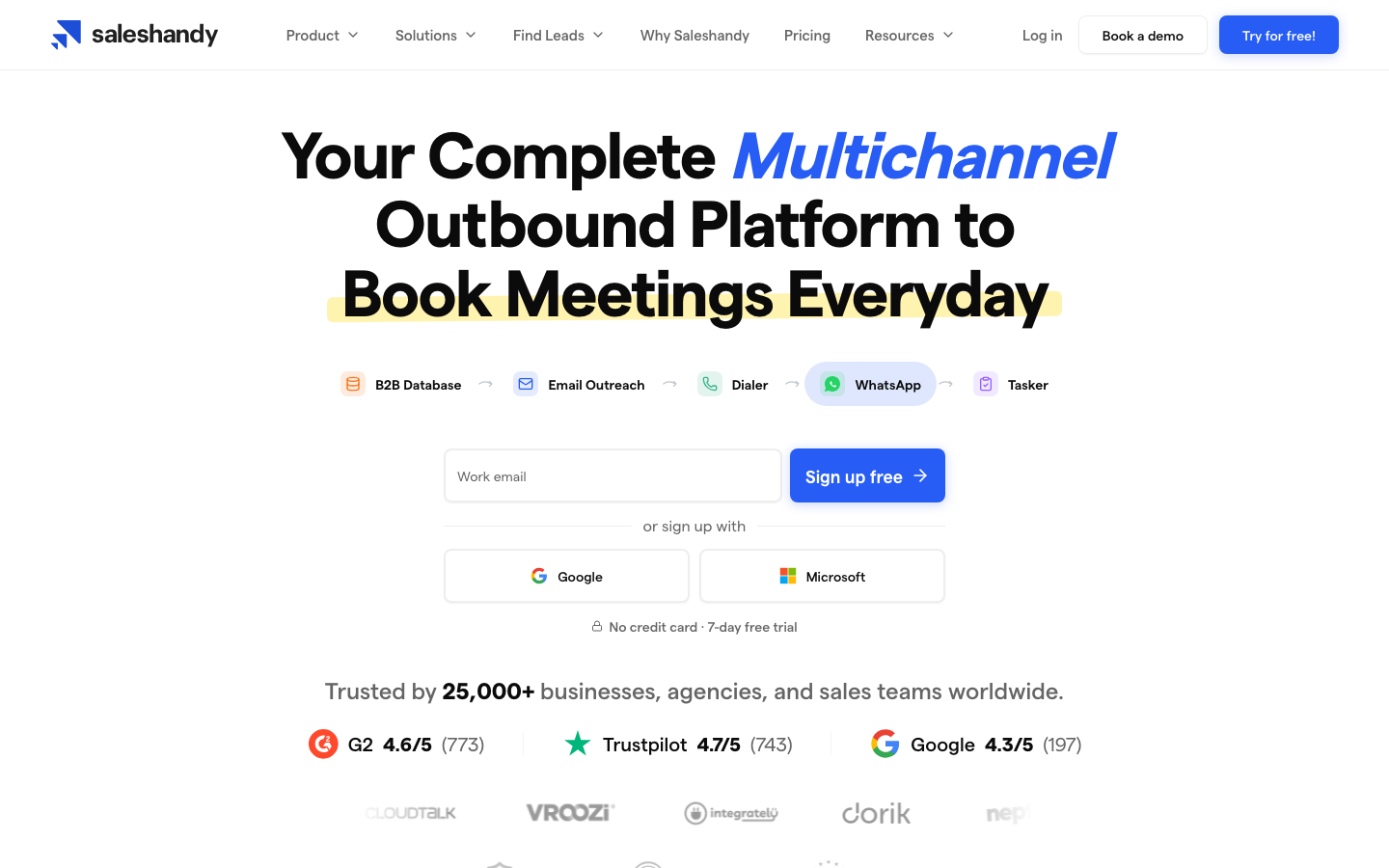
Ratings: G2 4.6/5, Capterra 4.5/5
Reviewers consistently call Saleshandy easy to use with strong automation and same-thread auto follow-ups, with the main gripes around UI quirks and requests for deeper personalization (Source: G2).
Pros
- Ease of use and simple navigation, the single most cited positive (Source: G2)
- Strong automated warm-up plus same-thread auto follow-up sequences (Source: Capterra)
- Responsive support and good value for the price (Source: Capterra)
Cons
- UI and UX quirks are the top complaint theme (Source: G2)
- Some features feel basic, with frequent missing-feature requests (Source: G2)
- Reply-rate and stats reporting are not always reliable (Source: Capterra)
Pricing
- Outreach Starter: $25/mo annual (2,000 prospects, 6,000 emails) (Source: Vendor)
- Outreach Pro: $69/mo annual (30,000 prospects, 150,000 emails) (Source: Vendor)
- Outreach Scale: $139/mo annual (60,000 prospects, 240,000 emails) (Source: Vendor)
Best For
Sales teams and founders who want an easy, affordable all-in-one cold outreach platform with unlimited accounts and a built-in lead database.
Saleshandy bundles a large lead database with unlimited email accounts at a price that undercuts most rivals. The Starter plan begins near $25 per month billed annually, and even that tier includes warm-up and a built-in CRM. For teams that want sending and prospecting under one roof without a steep bill, it is a sensible first stop.
The trade-off is depth. The bundled database is broad but its accuracy can lag specialist data providers, so many teams pair Saleshandy’s sending with a dedicated data source for their highest-value lists. Reporting is functional rather than rich, which matters less at smaller scale.
3. Lemlist, best for hyper-personalized sequences
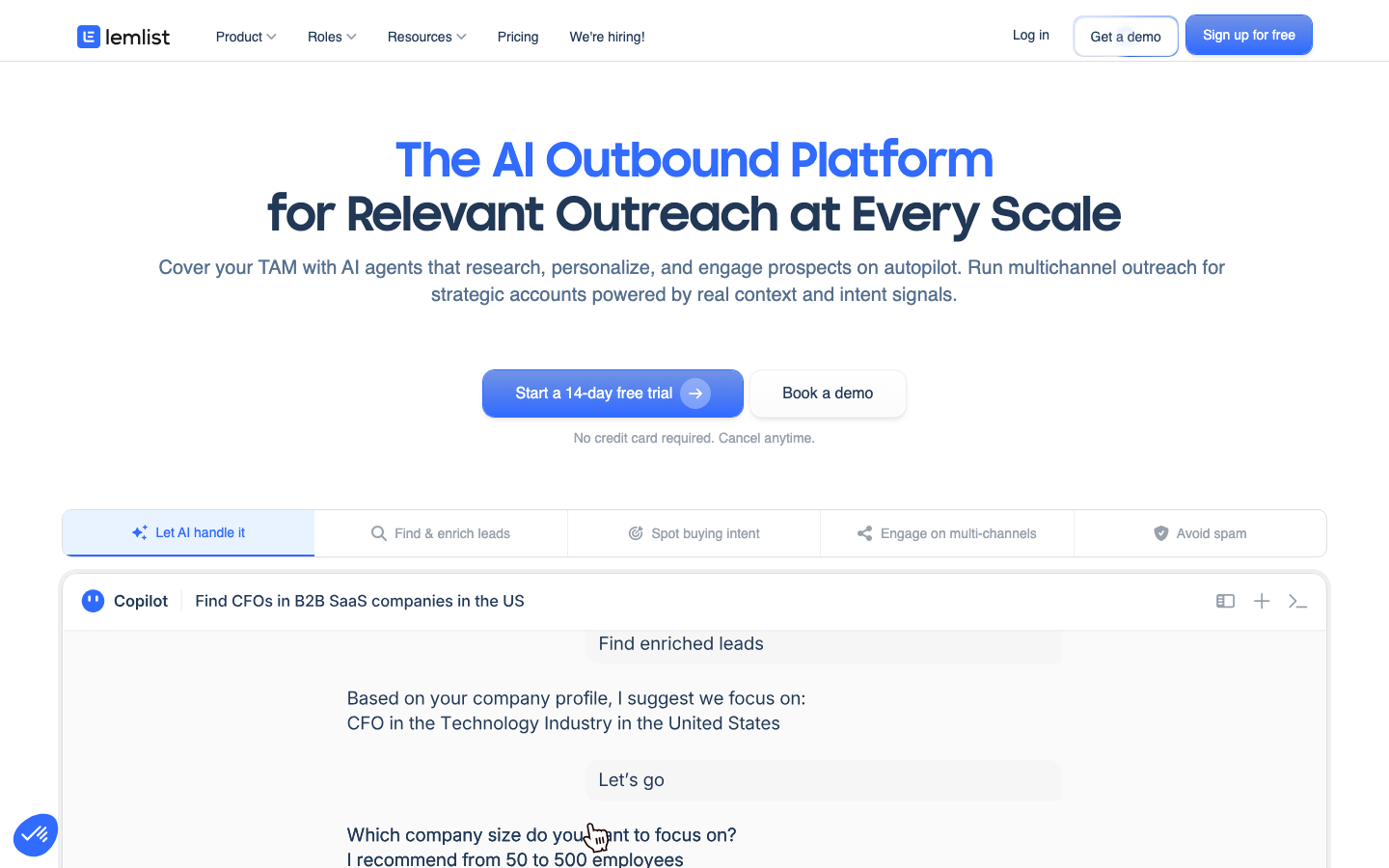
Ratings: G2 4.5/5, Capterra 4.6/5
Users regard Lemlist as a polished, near all-in-one outbound platform praised for personalization and multichannel sequencing, with a recurring theme that it feels expensive as credit costs add up at scale (Source: Capterra).
Pros
- Image and dynamic personalization that lifts reply rates (Source: Capterra)
- All-in-one outbound covering lead finder, email, LinkedIn, SMS and warm-up (Source: G2)
- Clean, intuitive interface with a built-in lead finder and verification (Source: G2)
Cons
- Pricing and credits feel high, especially when scaling teams (Source: Capterra)
- Chrome extension for LinkedIn can be buggy and need reinstalls (Source: G2)
- Integration breakages after updates and reporting that lacks depth (Source: G2)
Pricing
- Email: $55/mo per user annual (50,000 emails, lead and phone finder, warm-up) (Source: Vendor)
- Multichannel: $87/mo per user annual (adds LinkedIn, SMS, WhatsApp and dialer) (Source: Vendor)
- Enterprise: custom pricing for 5+ users with SSO and a dedicated manager (Source: Vendor)
Best For
Sales and marketing teams that want highly personalized, multichannel outreach in one polished platform and can absorb a premium price.
Lemlist made its name on personalization that goes beyond first-name tokens. You can drop a prospect’s company logo into a custom image, embed personalized video and route recipients to dynamic landing pages, all inside the sequence. It also handles multichannel, so email and LinkedIn live in one flow.
Plans run from about $55 per month for the email-focused tier to $79 per month for the multichannel expert plan, billed annually. Built-in warm-up is included. Lemlist suits teams selling on differentiation rather than volume, where a creative, eye-catching email earns the reply.
4. Salesforge, best for unlimited mailboxes on a budget
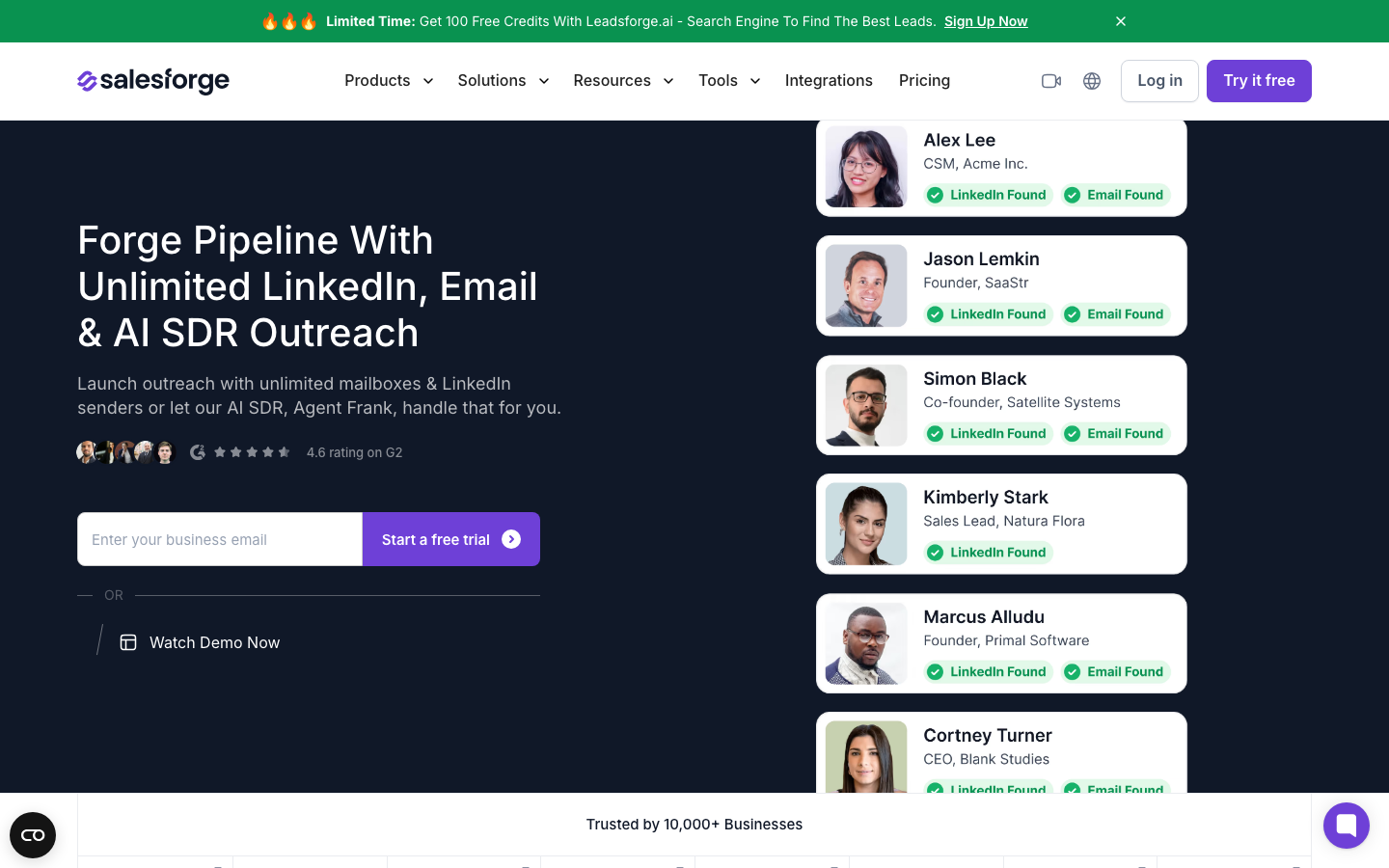
Ratings: G2 4.6/5, Capterra not available
Reviewers like Salesforge for its flat-rate unlimited mailboxes, strong AI automation and responsive support, while flagging a learning curve and a real cost floor higher than the headline price (Source: G2).
Pros
- Unlimited mailboxes and LinkedIn senders on a flat plan that scales cheaply (Source: G2)
- Excellent, responsive customer support, the most mentioned strength (Source: G2)
- Strong AI and automation features with easy initial setup (Source: G2)
Cons
- Learning curve with documentation and navigation that can feel unclear (Source: G2)
- Effective cost ends up higher than the headline price due to credits and add-ons (Source: G2)
- Multichannel sequencer reported as buggy by some users (Source: Trustpilot)
Pricing
- Pro: $40/mo (1,000 contacts, 5,000 emails, unlimited mailboxes and warm-up) (Source: Vendor)
- Growth: $80/mo (10,000 contacts, 50,000 emails, unlimited LinkedIn senders) (Source: Vendor)
- Agent Frank AI SDR: $499/mo billed quarterly for autonomous prospecting (Source: Vendor)
Best For
Lean teams and agencies running high-volume cold email who want flat-rate unlimited mailboxes and AI automation rather than per-seat pricing.
Salesforge targets the exact frustration that pushes people off Instantly: cost that scales with mailbox count. It offers unlimited mailboxes on its paid tiers, folds email and LinkedIn into one sequence and includes free warm-up through its Warmforge component. Personalization spans more than 20 languages, which helps teams running international outreach.
Pricing sits around $40 per month for Pro and $80 per month for Growth, billed annually. The platform is newer than some rivals, so the integration ecosystem is still filling out, but for a flat-fee, high-volume sender it is hard to beat on price.
5. Reply.io, best for true multichannel orchestration
Ratings: G2 4.6/5, Capterra 4.6/5
Users praise Reply.io as an efficient multichannel outbound engine with strong deliverability, though new users find the feature depth overwhelming and several flag billing and contract friction (Source: G2).
Pros
- Multichannel sequencing across email, LinkedIn, calls and SMS in one builder (Source: G2)
- Strong email deliverability with built-in warm-up and reputation monitoring (Source: Capterra)
- Rich feature set with A/B testing, advanced reporting and responsive support (Source: Capterra)
Cons
- Steep learning curve as the feature density overwhelms new users (Source: G2)
- Pricing is high and core add-ons like LinkedIn and calling cost extra (Source: Capterra)
- Billing and contract complaints around minimum commitments and renewals (Source: Capterra)
Pricing
- Email Volume: from about $49/mo for 1,000 active contacts (Source: Vendor)
- Multichannel: about $89 per user per month annual (Source: Vendor)
- Ultimate AI SDR: about $139 per user per month annual (Source: Vendor)
Best For
Outbound SDR teams that want true multichannel sequencing across email, LinkedIn, calls and SMS with strong deliverability in one platform.
If your outreach needs to span email, LinkedIn, SMS, WhatsApp and calls from one place, Reply.io is built for it. A native dialer, an AI assistant for drafting and triage and warm-up included across plans make it a complete sales engagement platform rather than a pure cold email tool.
Pricing starts around $59 per month for the email plan and climbs to $99 per user per month for full multichannel, with higher tiers for larger teams. That per-seat model gets expensive for big sending teams, so Reply.io fits best where each rep runs genuine multichannel cadences rather than where you need thousands of inboxes firing.
6. Apollo.io, best all-in-one data plus sending
Ratings: G2 4.7/5, Capterra 4.5/5
Reviewers love Apollo as an all-in-one platform that replaces several tools, but data accuracy, especially phone numbers and non-US data, and weak support are recurring complaints (Source: G2).
Pros
- Large, well-filtered contact database that makes building lead lists fast (Source: Capterra)
- All-in-one consolidation of finding, verifying and sequencing contacts (Source: G2)
- Useful LinkedIn Chrome extension for pulling contact data in real time (Source: Capterra)
Cons
- Inconsistent data accuracy, with phone numbers and international coverage weakest (Source: Capterra)
- Poor and unresponsive customer support, its lowest rated area (Source: G2)
- Learning curve from the sheer breadth of features for new users (Source: Capterra)
Pricing
- Free: $0 with the full database, about 250 emails per day (Source: Vendor)
- Basic: $49 per user per month annual (Source: Vendor)
- Professional: $79 per user per month annual; Organization: $119 per user per month (Source: Vendor)
Best For
Teams that want an affordable all-in-one prospecting platform combining a massive B2B database with built-in enrichment and outreach.
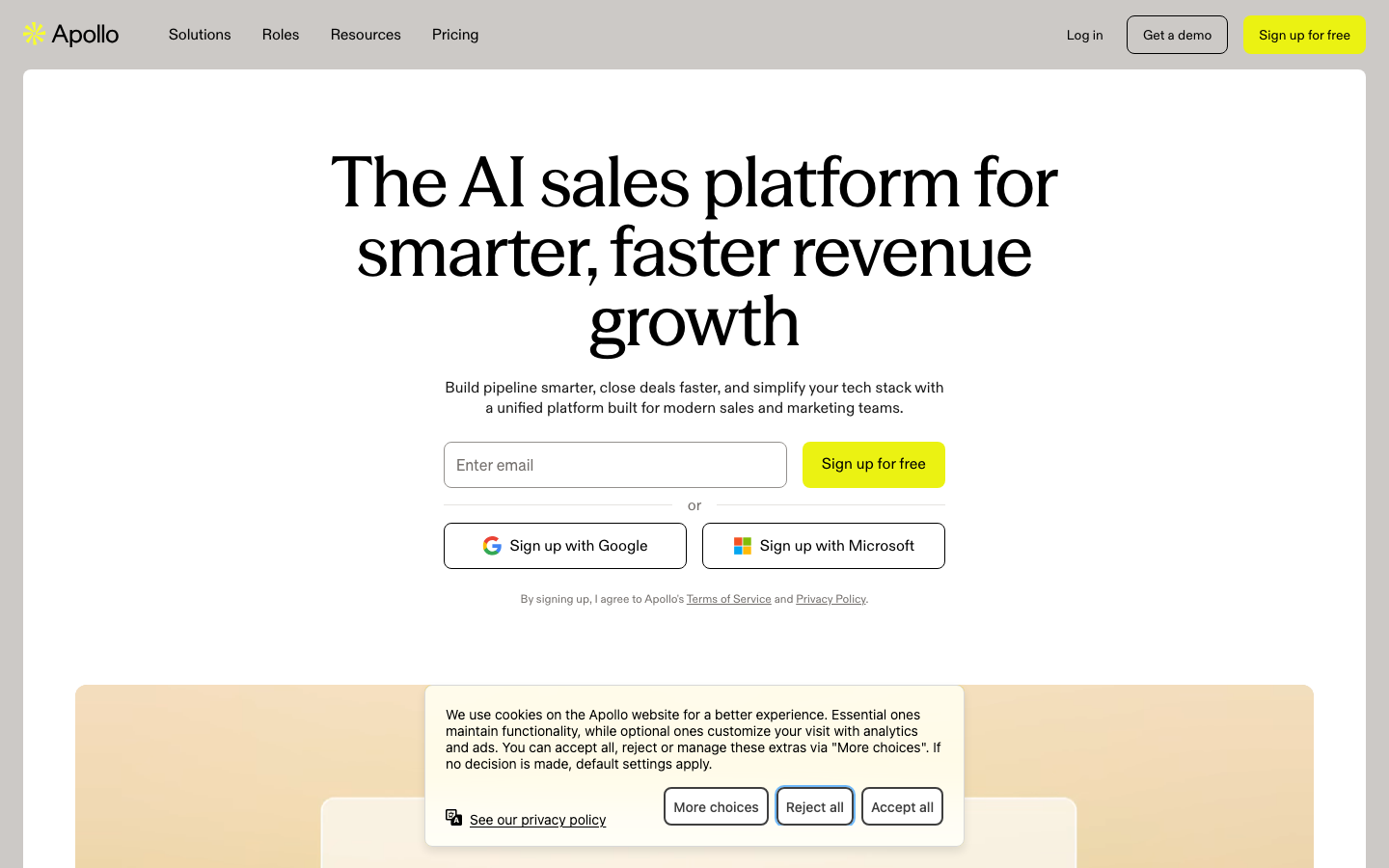
Apollo.io combines a 270M-plus contact database with sequencing, a built-in dialer and email, LinkedIn and phone steps. The appeal is having prospecting and outreach in a single tool, and a free plan lets small teams start without spend. Paid plans run roughly $49 to $119 per user per month billed annually.
The catch is that Apollo’s all-in-one breadth means no single piece is best in class. Deliverability tooling is lighter than dedicated senders like Smartlead, and data accuracy on its crowdsourced database varies by region and seniority. Many teams use Apollo for discovery and a separate sender for execution.
7. Woodpecker, best for simple, transparent cold email
Ratings: G2 4.3/5, Capterra 4.5/5
Reviewers value Woodpecker as a focused, easy-to-use cold email tool with strong deliverability and responsive support, though several note it lacks the multichannel and AI features newer rivals offer (Source: Capterra).
Pros
- Beginner-friendly interface with quick setup (Source: Capterra)
- Strong deliverability and inbox placement taken seriously by the product (Source: G2)
- Responsive, helpful customer support (Source: Capterra)
Cons
- Lacks multichannel automation such as LinkedIn and SMS versus competitors (Source: Capterra)
- Performance issues with slowness when running multiple campaigns (Source: Capterra)
- Pricing structure can feel complicated for smaller senders (Source: G2)
Pricing
- Usage-based from $4.80 per 100 contacted prospects per month, billed by slider (Source: Vendor)
- Entry usage works out to roughly $29/mo for around 500 prospects (Source: Vendor)
- Includes unlimited team members and email accounts on all tiers (Source: Vendor)
Best For
B2B teams and agencies that want a deliverability-focused, easy-to-run dedicated cold email platform rather than a heavy multichannel suite.
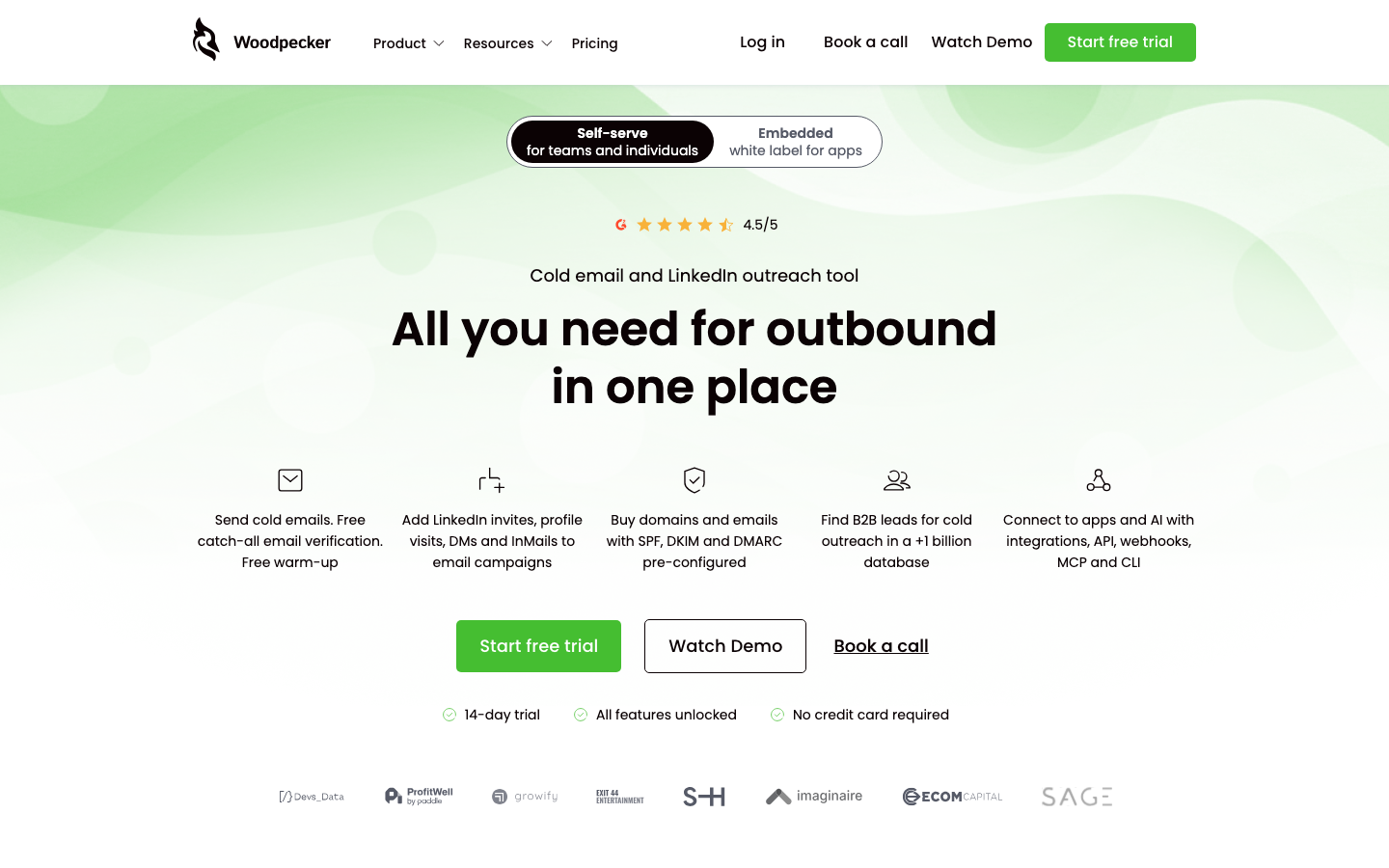
Woodpecker keeps things deliberately straightforward. It mimics human sending patterns to protect reputation, supports A/B testing across several variants, automates warm-up and prices transparently with no module maze. The Cold Email plan starts near $29 per month billed annually.
You give up some of the heavy automation and multichannel reach of the larger platforms. For a small team that wants reliable cold email without learning a complex system, that simplicity is the selling point rather than a limitation.
8. Snov.io, best for combining email finding and outreach
Ratings: G2 4.6/5, Capterra 4.5/5
Users like Snov.io as an affordable all-in-one prospecting platform that is easy to use, with complaints clustering around data accuracy, occasional bugs and the credit system (Source: Capterra).
Pros
- All-in-one lead finding, verification, campaigns and CRM in one dashboard (Source: Capterra)
- Bulk email verification that saves meaningful time (Source: Capterra)
- Fast, responsive customer support (Source: Capterra)
Cons
- Data reliability, with some unverified or inaccurate contacts reported (Source: Capterra)
- Platform stability issues including bugs and sending that stops randomly (Source: Capterra)
- Credit system frustration as monthly credits expire unused (Source: Capterra)
Pricing
- Starter: $39/mo (1,000 credits, 5,000 recipients) (Source: Vendor)
- Pro S: $99/mo (5,000 credits); Pro M: $189/mo (20,000 credits) (Source: Vendor)
- LinkedIn automation is a separate add-on at around $69/mo per slot (Source: Vendor)
Best For
Budget-conscious SMB sales and marketing teams that want email finding, verification and outreach bundled in one affordable platform.
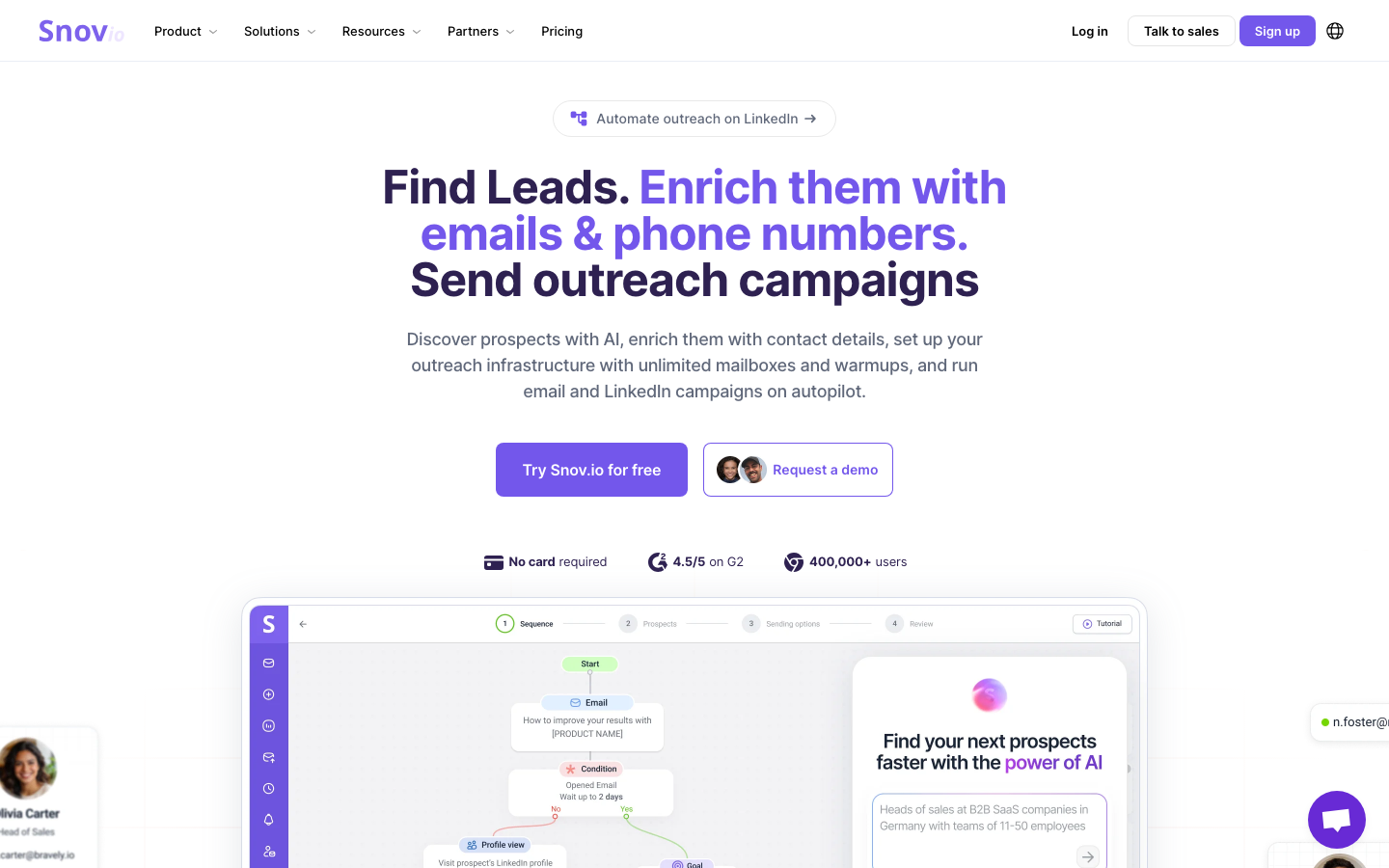
Snov.io pairs an email finder and verifier with sending, warm-up, a built-in CRM and LinkedIn automation. The pitch is a single workspace from finding the address to booking the meeting, which suits solo founders and lean teams. Plans run from about $39 to $99 per month.
Its database is sourced primarily from public web and LinkedIn signals, so verification matters before you send. For teams that want one affordable tool to cover the whole motion, Snov.io is a practical pick, though high-volume senders usually outgrow it.
Quick comparison of the top alternatives
| Tool | Best for | Starting price (annual) | Multichannel |
|---|---|---|---|
| Smartlead | Agencies at scale | ~$39/mo | Limited |
| Saleshandy | Value, high volume | ~$25/mo | No |
| Lemlist | Personalization | ~$55/mo | Yes |
| Salesforge | Unlimited mailboxes | ~$40/mo | Yes |
| Reply.io | Multichannel cadences | ~$59/mo | Yes |
| Apollo.io | Data plus sending | ~$49/user/mo | Yes |
| Woodpecker | Simple cold email | ~$29/mo | Limited |
| Snov.io | Find and send in one | ~$39/mo | Yes |
The piece every alternative depends on: your data
Switching senders fixes deliverability and cost problems. It does nothing for the most common reason cold email fails, which is bad data. A perfect sequence sent to a stale or guessed email address bounces, and bounces are exactly what get your domain flagged. The sender you choose only moves real messages; it cannot invent accurate contacts.
This is where the data layer and the sending layer separate. Bundled databases inside all-in-one tools are convenient, but their accuracy is uneven and you are stuck with whatever coverage they happen to have. A dedicated B2B data source gives you cleaner lists you can feed into any sender on this page.
UpLead is built for exactly that role. It verifies every email in real time before you export, so the list you load into Smartlead, Salesforge or Reply.io is already clean rather than something you have to scrub afterward. With more than 160 million contacts, 50-plus search filters, technographic and intent data and a 95 percent data accuracy guarantee, it gives outreach teams a reliable top of funnel that does not depend on which sender they standardized on.
The practical setup most high-performing teams land on looks like this: use UpLead to find and verify your target accounts and contacts, export to CSV or push through a native integration, then load those lists into the cold email or sales engagement platform that fits your budget and channel mix. The data stays consistent even if you change senders later, which removes a big switching cost from the decision.
How to choose the right Instantly alternative
Start with the problem that pushed you off Instantly, then map it to the shortlist.
- If cost scaling is the issue, look at Salesforge or Saleshandy for flat-fee, high-volume sending.
- If deliverability at scale is the issue, Smartlead’s IP rotation and master inbox are purpose-built for it.
- If you need real multichannel, Reply.io and Lemlist run email and LinkedIn in one sequence.
- If you want one tool for everything, Apollo.io or Snov.io combine data and sending, accepting some compromise on each.
- If you want simple and transparent, Woodpecker stays out of your way.
Whichever you choose, decide on your data source separately and deliberately. Pair a clean, verified source like UpLead with the sender that fits. You fix both halves of the problem instead of just one.
Frequently asked questions
What is the best free alternative to Instantly?
Apollo.io offers the most usable free plan among Instantly alternatives, combining a contact database with basic sequencing at no cost for small teams. Snov.io also has a free starter tier for email finding and limited sending. Free plans cap volume and features quickly, so they suit testing the workflow rather than running serious campaigns. For verified data on a free trial, UpLead lets you check the contact quality before committing to any paid sender.
Which Instantly alternative is the cheapest?
Saleshandy is the cheapest full-featured option, with a Starter plan near $25 per month billed annually that still includes warm-up and a built-in CRM. Woodpecker follows close behind at roughly $29 per month for transparent cold email. Remember that the cheapest sender paired with bad data costs more in the long run through bounces and wasted sends, so weigh data quality alongside the sticker price.
Why are people switching from Instantly in 2026?
People switch from Instantly mainly over three issues: deliverability risk from shared sending infrastructure, pricing that climbs steeply once database and CRM modules are added and the lack of native LinkedIn outreach inside a sequence. Teams hitting any of these tend to move to a tool that solves their specific bottleneck, whether that is dedicated deliverability, flat-fee pricing or true multichannel.
Which Instantly alternative has the best deliverability?
Smartlead is widely regarded as the strongest on deliverability thanks to automatic IP rotation, sending spread across unlimited mailboxes and built-in warm-up. Salesforge and Woodpecker also perform well by mimicking human sending patterns. Deliverability also depends heavily on list quality, so sending only to verified addresses from a source like UpLead protects your sender reputation no matter which platform you use.
Can I run cold email and LinkedIn in the same sequence?
Yes, several Instantly alternatives support email and LinkedIn in one sequence, including Reply.io, Lemlist, Salesforge and Snov.io. Instantly itself does not offer native LinkedIn steps, which is one of the common reasons teams leave it. If multichannel is a priority, shortlist those four and confirm the specific LinkedIn actions each supports for your plan.
Do I still need a separate data provider if my sending tool includes a database?
Often yes, because bundled databases inside all-in-one tools vary in accuracy and coverage. A dedicated provider like UpLead verifies emails in real time and offers deeper filters and intent data, which keeps bounce rates low and protects deliverability. Many teams use the sending tool’s database for broad lists and a verified source for their highest-value targets, then load both into the same sender.





