



ContactOut is a popular Chrome extension for pulling emails and phone numbers off LinkedIn profiles, but it is not the right fit for every team. The export caps surprise people: the Email plan tops out at 300 exports a month and the Email plus Phone plan at 600, even though the marketing copy talks about unlimited lookups. Phone coverage is thin in some regions, there is no built-in real-time verification, and the per-seat limits push multi-person teams onto custom Team or API contracts with pricing you only learn about on a sales call.
If you are hunting for a ContactOut alternative, you are probably after one of three things: more verified data per dollar, better phone numbers or a workflow that does not live entirely inside a browser extension. This guide reviews the strongest options across email finding, B2B contact databases and full enrichment platforms, with real pricing and the trade-offs that matter. We build UpLead, so we will be upfront about where it fits and where another tool serves you better.
Why teams look for a ContactOut alternative
ContactOut does one job well. It sits on a LinkedIn profile and surfaces a contact’s email and sometimes a phone number. The friction shows up once you try to scale that into a repeatable prospecting motion.
- Export caps that contradict the pitch. The Email plan is capped at 300 exports per month and Email plus Phone at 600. Heavy prospecting weeks hit that ceiling fast.
- No real-time verification. ContactOut does not verify emails at the moment you pull them, so you often need a separate verification tool to keep bounce rates down.
- Patchy phone data. Direct dials are frequently missing or stale outside the US and UK, which hurts if calling is part of your outreach.
- Extension dependency. Core functionality runs through the Chrome extension, which limits bulk processing and API automation.
- Per-seat and per-user limits. Individual plans restrict you to one user, so growing teams get nudged toward opaque custom pricing.
None of this makes ContactOut a bad tool. It just means a database-first platform, a phone-specialist or a verification-heavy email finder can be a better match depending on how you sell.
The best ContactOut alternatives in 2026
Here is the shortlist, grouped loosely from verified B2B databases through to email-only finders. Pricing reflects publicly listed annual rates at the time of writing and can change, so confirm on each vendor’s site before you buy.
1. UpLead: verified B2B data with real-time email checks
UpLead is a B2B contact and company database built around verification rather than a browser scrape. Every email is checked in real time before you spend a credit. That is the single biggest difference from ContactOut’s model. You search a database of more than 160 million contacts using over 50 filters such as job title, industry, technology stack and company size, then export verified emails and direct dials straight to your CRM.
Where ContactOut starts from a LinkedIn profile, UpLead starts from a list. That suits teams who want to build targeted prospect lists at scale and trust that the contacts will land. A LinkedIn Chrome extension is available too, so you can still enrich profiles one by one when that is the workflow you need.
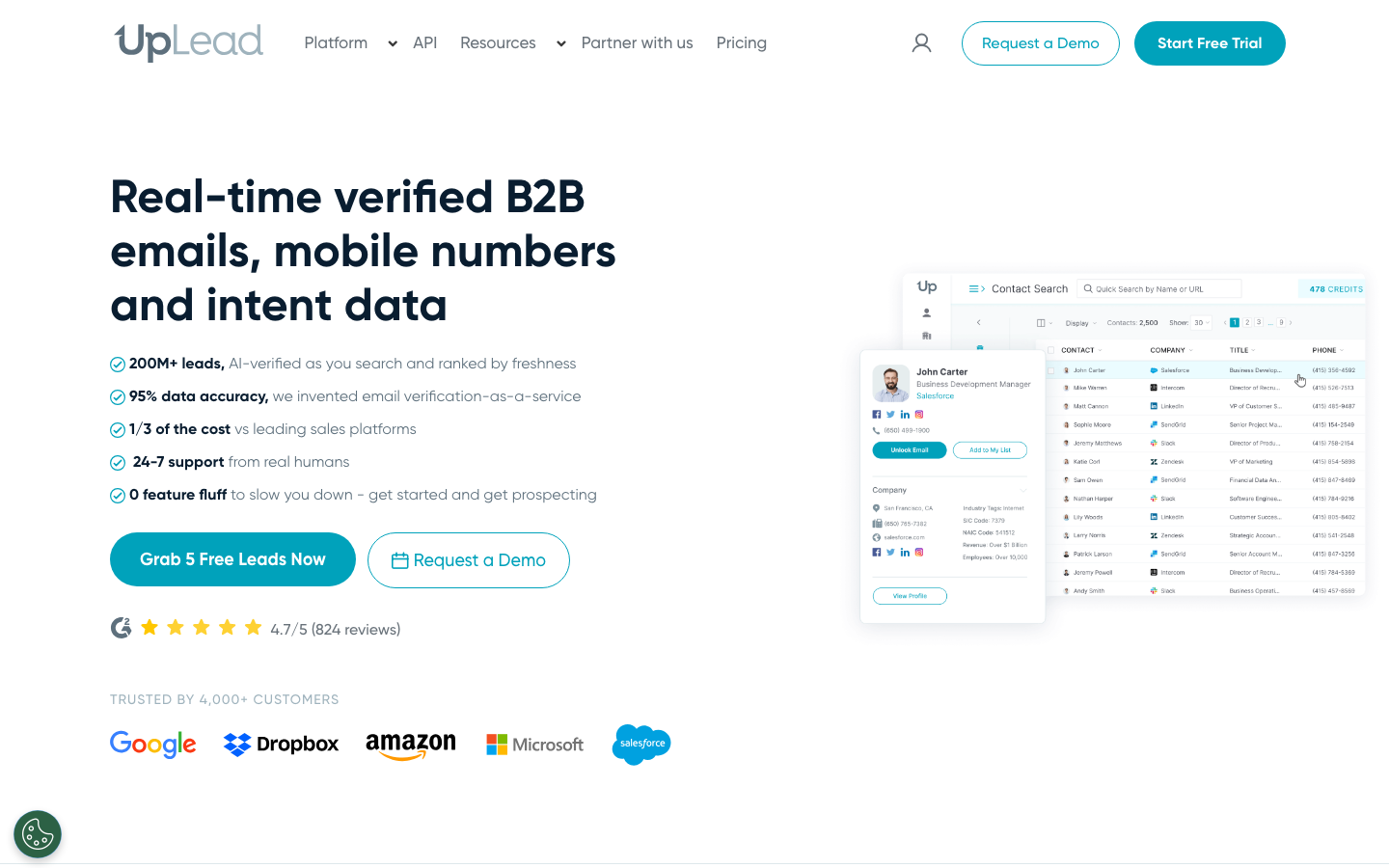
Ratings: G2 4.7/5, Capterra 4.6/5
Reviewers repeatedly call out data accuracy and real-time verification as the standout, with most reporting bounce rates well under 5 percent, while pricing and the occasional missing contact draw the main criticism (Source: G2).
Pros
- High data accuracy with real-time email verification keeps bounce rates low (Source: Capterra).
- 50-plus filters including technographics and intent data let users build tightly targeted lists (Source: G2).
- Clean, easy interface that non-technical users navigate quickly (Source: G2).
Cons
- Credits are seen as expensive versus some competitors (Source: G2).
- Some users hit missing or occasionally outdated contacts in narrower niches (Source: G2).
- Annual auto-renewal billing has frustrated reviewers who wanted clearer renewal notices (Source: Capterra).
Pricing
- Free trial with 5 credits.
- Essentials from $99 per month, with credits that export full verified records (Source: Vendor).
Best For
Best for teams that want verified emails and a clean bounce rate without bolting on a separate verifier.
2. Apollo.io: all-in-one prospecting and sequences
Apollo pairs a large contact database, around 275 million records, with built-in email sequencing, lead scoring and a Chrome extension that enriches profiles on the fly. If you want one platform that finds contacts and sends the outreach, Apollo is the obvious candidate and a clear step up from ContactOut’s single-purpose extension.
Ratings: G2 4.7/5, Capterra 4.5/5
Users love the all-in-one workflow and large database, but flag inconsistent data accuracy and weak phone numbers, especially for international contacts (Source: G2).
Pros
- Find, verify and send from one platform, which cuts the need for multiple tools (Source: Capterra).
- Large database with strong filtering builds targeted lists fast (Source: G2).
- Chrome extension pulls verified contact data from LinkedIn in real time (Source: G2).
Cons
- Data accuracy is inconsistent for smaller companies and international roles, especially APAC and LATAM (Source: G2).
- Phone numbers are costly and often inaccurate, so cold callers may need another source (Source: G2).
- The feature-dense interface feels overwhelming at first and can lag on very large lists (Source: Capterra).
Pricing
- Free tier available.
- Basic at $49 per seat per month and Professional at $79 per seat per month on annual billing (Source: Vendor).
Best For
Best for teams that want find-and-send prospecting in one tool.
3. Lusha: the pick for direct-dial phone numbers
If your team lives on the phone, Lusha is the most direct answer to ContactOut’s weak phone coverage. It is known for accurate mobile and direct-dial numbers, layers in intent data and stays compliant with GDPR and CCPA. The credit limits are tighter than some rivals, so it rewards focused calling over spray-and-pray list building.
Ratings: G2 4.3/5, Capterra 4.0/5
Reviewers rate Lusha’s mobile-number coverage among the best in the category for the US and Western Europe, while data accuracy outside those regions and support response times draw the main complaints (Source: G2).
Pros
- Strong mobile and direct-dial coverage, with reviewers reporting 60 to 70 percent dial-success rates in the US and Western Europe (Source: G2).
- Intuitive Chrome extension captures leads straight from LinkedIn profiles (Source: Capterra).
- Pricing is seen as reasonable compared with similar tools (Source: G2).
Cons
- Match rates and data accuracy drop noticeably for prospects outside North America (Source: G2).
- Tight credit caps make high-volume outbound expensive once you exceed the monthly allowance (Source: Capterra).
- Customer support has been slow to respond for some users with account issues (Source: G2).
Pricing
- Free tier with limited monthly credits.
- Starter around $37.45 per month and Pro around $52.45 per month for two seats, on annual billing (Source: Vendor).
Best For
Best for callers who need reliable direct dials in the US and Western Europe.
4. RocketReach: breadth and bulk lookups
RocketReach indexes more than 700 million profiles and 35 million companies, with bulk lookup, intent data and API access. It is a sensible ContactOut alternative when raw reach matters and you want to process lists rather than enrich one profile at a time. Phone numbers sit behind the Pro tier. Credits do not roll over, so plan your usage.
Ratings: G2 4.4/5, Capterra 4.1/5
Reviewers praise the breadth of the database and low learning curve, but data quality is the dominant complaint, with recurring reports of inaccurate and outdated records (Source: G2).
Pros
- Vast database of emails, phone numbers and social profiles, the top-praised theme on G2 (Source: G2).
- Near-zero learning curve with no onboarding or implementation project (Source: G2).
- Affordable versus enterprise tools, with reviewers calling it far cheaper than ZoomInfo for comparable results (Source: Capterra).
Cons
- Data quality is the leading complaint, with reviewers citing inaccurate and outdated contacts (Source: G2).
- Email bounce rates of 20 to 30 percent come up repeatedly, which hurts cold outbound (Source: G2).
- Export caps and annual billing with auto-renewal frustrate power users (Source: Capterra).
Pricing
- Limited free tier.
- Essentials around $33 per user per month and Pro around $83 per user per month annually, with phone data on Pro (Source: Vendor).
Best For
Best for wide coverage and bulk enrichment when raw reach matters more than verification.
5. Hunter.io: domain-level email search
Hunter takes a different angle. Instead of a single LinkedIn profile, you search a company domain and Hunter returns the email patterns and addresses across that organization, with built-in verification and a light email sequencing layer. It is email-only, so there are no phone numbers, but for pure email prospecting it is fast and clean.
Ratings: G2 4.4/5, Capterra 4.6/5
Reviewers single out how fast and simple it is to find and verify emails by domain, with the trade-off being no phone data and a credit system that scales up in cost (Source: G2).
Pros
- Very easy to use, with a Capterra ease-of-use score of 4.8 out of 5 (Source: Capterra).
- Strong email accuracy with confidence scores and the public source URL for each address (Source: G2).
- Handy Chrome extension speeds up domain and profile lookups (Source: G2).
Cons
- Email-only scope, with no phone numbers or deeper enrichment (Source: G2).
- The credit-based pricing gets expensive at higher usage (Source: Capterra).
- Database skews toward larger US and European organizations, so niche or smaller firms return few contacts (Source: G2).
Pricing
- Free tier with limited searches.
- Starter at $34 per month and Growth at $104 per month annually (Source: Vendor).
Best For
Best for domain-first email research and quick verification.
6. ZoomInfo: enterprise data and intent
ZoomInfo is the heavyweight for company-level intelligence: deep firmographics, org charts and buyer intent signals. If you are an enterprise sales org that needs account intelligence as much as contact details, it sits in a different class from ContactOut. The cost and the annual contracts match that ambition.
Ratings: G2 4.5/5, Capterra 4.1/5
Reviewers praise the depth of the US database and intent signals, while price and the commercial relationship around annual contracts are the recurring sore points (Source: G2).
Pros
- Massive, relatively accurate US database for identifying target companies and contacts (Source: Capterra).
- Fast access to business emails, direct dials, mobile numbers and org-chart detail (Source: G2).
- Reviewers find the platform easy to use despite its depth (Source: G2).
Cons
- Highest price point in the category, prohibitive for smaller businesses (Source: G2).
- Weaker coverage and slower data updates outside the US and in niche industries (Source: Capterra).
- The commercial relationship can turn adversarial, reflected in a low Trustpilot score (Source: G2).
Pricing
- Custom pricing, quoted by sales, on annual contracts (Source: Vendor).
Best For
Best for enterprise teams needing intent and account intelligence at scale in the US.
7. Dropcontact: GDPR-native email enrichment
Dropcontact generates and verifies emails algorithmically and stores no personal data of its own, which makes it the cleanest choice for GDPR-sensitive European teams. It detects job changes and keeps records fresh. The catch: it does not return phone numbers and match rates dip on uncommon domains.
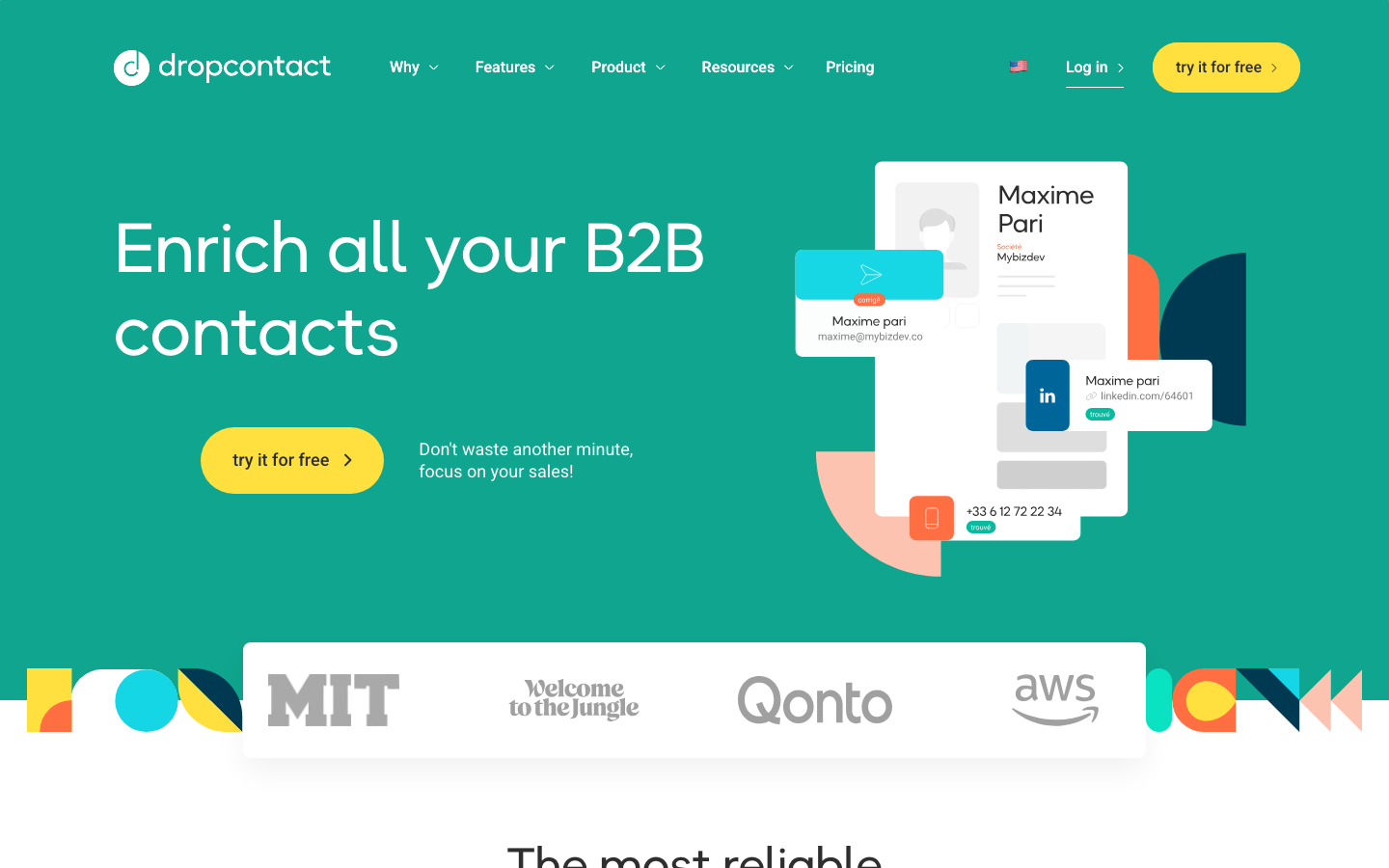
Ratings: G2 4.5/5, Capterra 4.4/5
Reviewers highlight its GDPR-first model and strong Western European data quality, with the main limits being no phone numbers and slower batch processing (Source: G2).
Pros
- Built GDPR-first, enriching only from public sources with no scraped database (Source: G2).
- Top-rated data quality for France and Western Europe, with low bounce rates on French contacts (Source: Capterra).
- Easy to set up and responsive support, both flagged across several reviews (Source: G2).
Cons
- No personal mobile numbers, a deliberate GDPR-driven choice (Source: G2).
- Match rates drop outside Western Europe and on rare domains (Source: Capterra).
- Real-time enrichment is slower than database-query tools on large batch jobs (Source: G2).
Pricing
- 50 free credits.
- Starter around 66 euros per month and Growth around 100 euros per month annually (Source: Vendor).
Best For
Best for GDPR-first email enrichment for European teams.
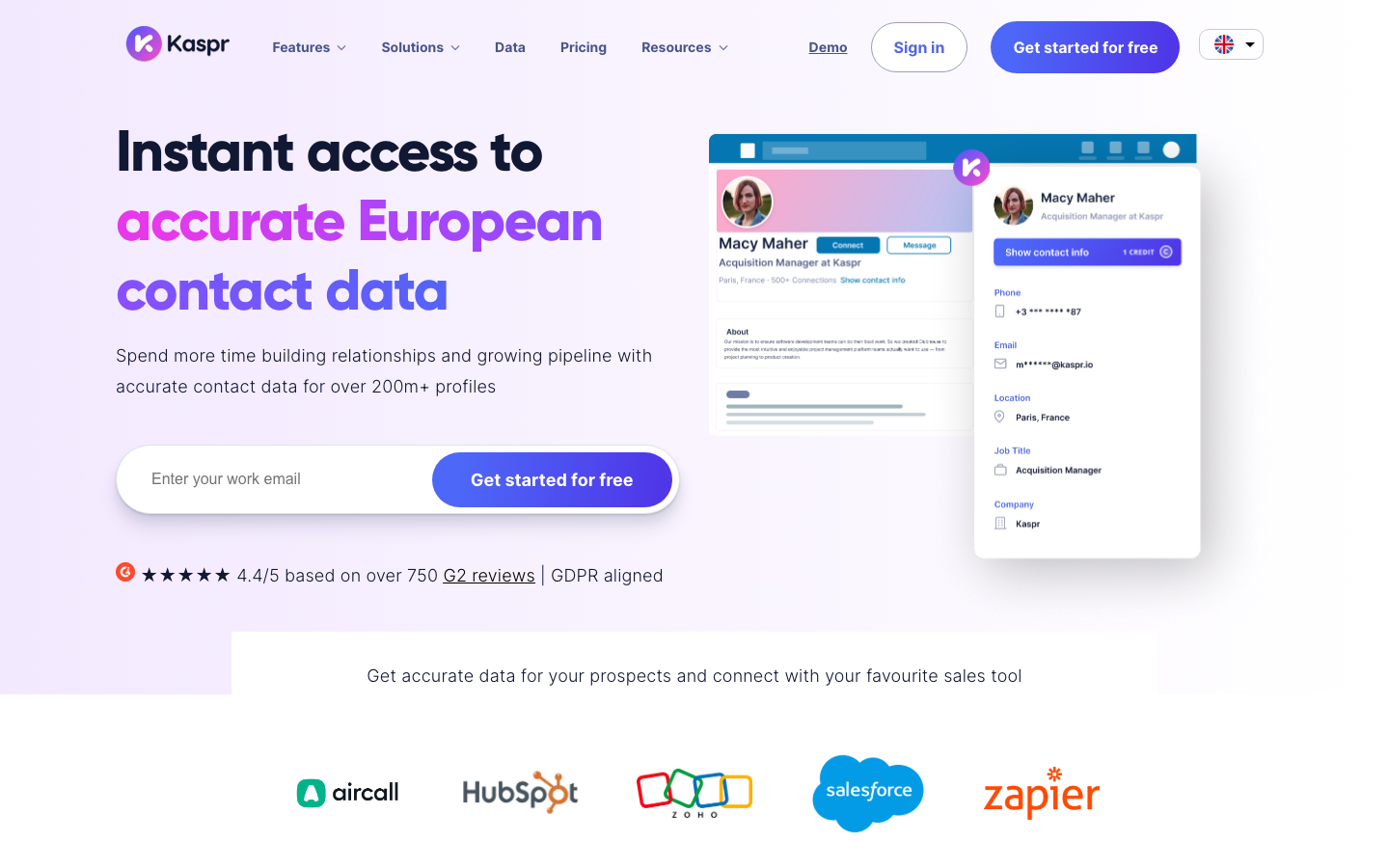
8. Kaspr: fast LinkedIn enrichment
Kaspr is the closest like-for-like to ContactOut’s workflow. It enriches profiles across LinkedIn, Sales Navigator and Recruiter with one-click email and phone reveal, and it is GDPR compliant. If you liked ContactOut’s motion but want better phone reveal and a cleaner credit model, Kaspr is worth a look.
Ratings: G2 4.4/5, Capterra 4.5/5
Reviewers like the one-click LinkedIn reveal and accurate European data, while pricing clarity and North American coverage draw the main criticism (Source: G2).
Pros
- Fast Chrome extension that reveals verified emails and phone numbers in one click (Source: G2).
- High data accuracy, with emails and numbers often spot on for European contacts (Source: G2).
- Clear labelling of verified emails helps keep bounce rates down (Source: G2).
Cons
- Pricing is seen as confusing and expensive for the credits you get (Source: G2).
- North American coverage trails dedicated US tools like Apollo and ZoomInfo (Source: G2).
- No native outreach, so you export contacts to a separate sending tool (Source: G2).
Pricing
- Free tier available.
- Starter around 45 euros per user per month and Business around 79 euros per user per month annually (Source: Vendor).
Best For
Best for LinkedIn and Sales Navigator power users focused on European contacts.
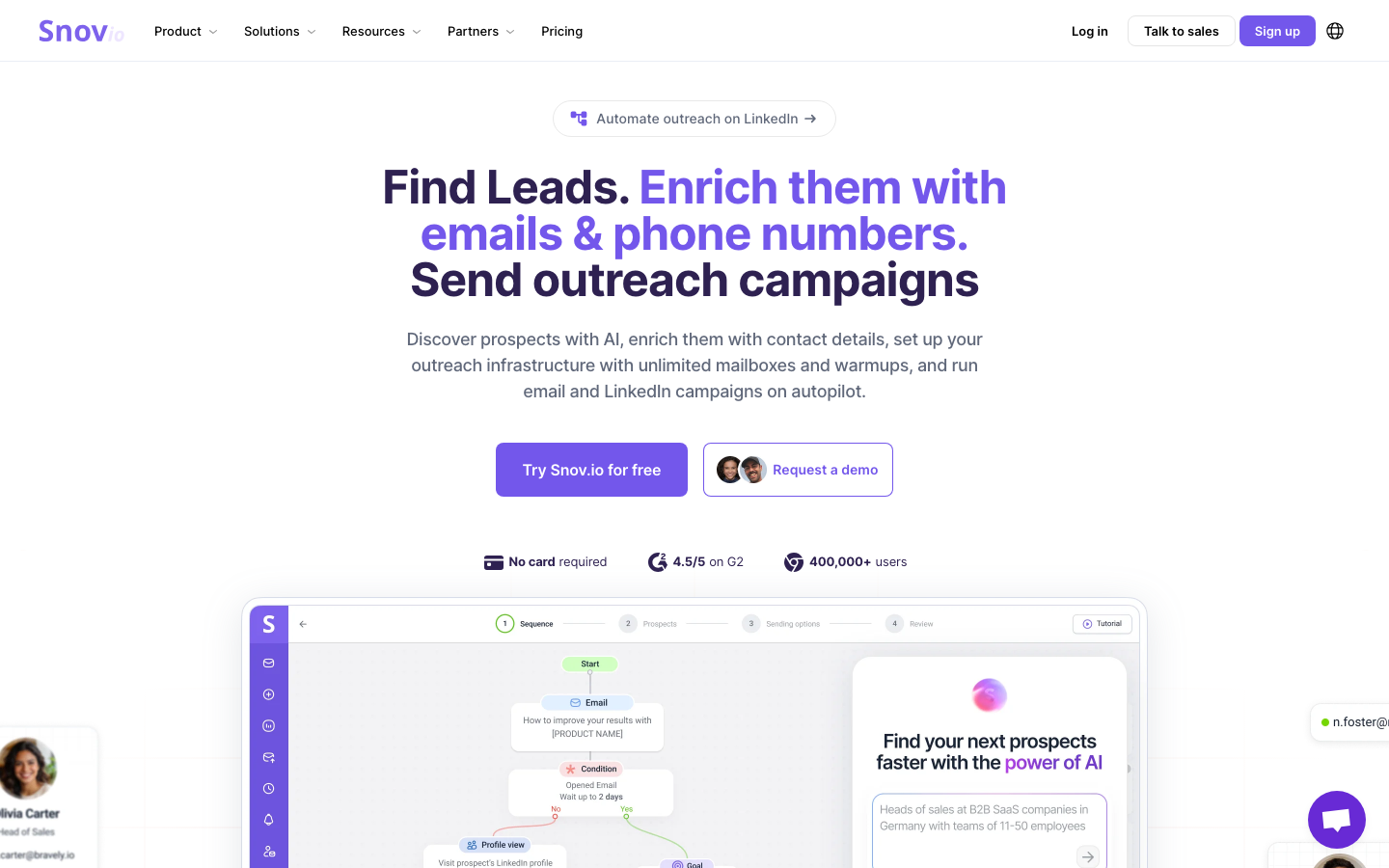
9. Snov.io: budget email finder with outreach
Snov.io bundles an email finder, verification, drip campaigns, warm-up and a built-in CRM at a price that suits smaller teams. The free plan is usable and team seats are unlimited on paid tiers, which is a refreshing contrast to per-seat models. Regional database depth is the main limit.
Ratings: G2 4.6/5, Capterra 4.5/5
Reviewers praise the all-in-one toolkit and value for money, with the recurring gripe being a single shared credit pool that runs out mid-month (Source: G2).
Pros
- All-in-one platform with email finding, verification, warm-up, campaigns and a free CRM (Source: Capterra).
- Affordable and good value, with reviewers calling out accurate email finding (Source: G2).
- Responsive support that gets consistently strong reviews (Source: G2).
Cons
- One shared credit pool for finding, verifying and enriching, so users routinely run out mid-month (Source: G2).
- The Starter plan warms only three mailboxes, which catches scaling teams off guard (Source: G2).
- LinkedIn automation costs extra and the multichannel setup is less seamless than marketed (Source: Capterra).
Pricing
- Free tier with 50 credits.
- Starter at $29.25 per month and Pro at $74.25 per month annually (Source: Vendor).
Best For
Best for startups that want finding and sending on a budget.
10. GetProspect: value for high-volume email lists
GetProspect leans into volume. It pairs an email finder with a LinkedIn extension and bulk CSV enrichment, and the entry plan includes a thousand emails, which is strong value if you are building large lists. Like several tools here it is email-only, so phone coverage is not part of the deal.
Ratings: G2 4.0/5, Capterra 4.2/5
Reviewers like the simple Chrome extension and verified-only billing, but independent benchmarks and several reviews flag real-world email accuracy below the marketed figure (Source: G2).
Pros
- Simple Chrome extension with every feature available on all plans, including free (Source: G2).
- Verified-only billing means no charge for invalid emails (Source: G2).
- CRM integrations and Google Sheets sync on paid plans, at an affordable price for basic lookups (Source: Capterra).
Cons
- Independent benchmarks put real-world email accuracy around 62 to 65 percent, below the marketed figure (Source: G2).
- No phone numbers on any plan and weaker SMB coverage (Source: G2).
- Several reviewers report slow support responses (Source: Capterra).
Pricing
- Free tier available.
- Starter at $34 per month and Growth at $69 per month annually (Source: Vendor).
Best For
Best for high-volume email list building on a budget.
How to choose the right ContactOut alternative
Start from the job you are hiring the tool to do, not the feature list. A few quick decision points:
- Need clean, verified emails at scale? A verification-first database like UpLead keeps bounce rates low because every address is checked before you export it.
- Live on the phone? Lusha and Kaspr give you better direct dials than ContactOut, with Lusha leading on raw accuracy.
- Want find and send in one place? Apollo or Snov.io fold outreach into the same tool.
- Selling into the EU? Dropcontact’s no-storage, algorithmic model is the safest GDPR fit.
- On a tight budget? Snov.io and GetProspect deliver the most per dollar for email-led prospecting.
The cost of bad data is the part teams underestimate. A cheap tool that sends you bouncing emails and dead phone numbers costs more in deliverability damage and wasted rep hours than a slightly pricier platform that verifies first. That is the case for choosing on data quality, not headline price.
Frequently asked questions
What is the best ContactOut alternative?
The best ContactOut alternative depends on your priority. For verified B2B emails and a low bounce rate, UpLead is the strongest pick because it checks every address in real time before you export it. For direct-dial phone numbers, Lusha leads, and for an all-in-one find-and-send platform, Apollo is the natural choice.
Is there a free ContactOut alternative?
Yes, several alternatives offer free tiers or trials. Snov.io and Apollo both have free plans with starter credits, Hunter and GetProspect offer limited free searches and UpLead provides a free trial with verified credits so you can test data quality before paying. Free plans usually cap credits, so they suit testing rather than ongoing volume.
Which ContactOut alternative has the most accurate phone numbers?
Lusha has the most accurate direct-dial and mobile phone numbers among the tools in this guide, which is why phone-heavy sales teams often switch to it. Kaspr is a strong second for LinkedIn-based phone reveal and UpLead includes direct dials alongside its verified email data for teams that need both.
How does UpLead compare to ContactOut?
UpLead differs from ContactOut in two main ways. First, it verifies every email in real time before you spend a credit, while ContactOut has no built-in real-time verification. Second, it is a searchable database of more than 160 million contacts with 50-plus filters, so you build targeted lists rather than enriching one LinkedIn profile at a time. UpLead also offers a LinkedIn extension if you prefer that workflow.
Why do teams move away from ContactOut?
Teams move away from ContactOut mainly because of its export caps, missing real-time verification and patchy phone coverage outside the US and UK. The Email plan limits you to 300 exports a month and the Email plus Phone plan to 600, and the lack of verification means many teams add a separate tool to keep bounce rates down. Those costs and limits push growing teams toward database-first platforms.
The bottom line
ContactOut is a handy LinkedIn extension, but its export caps, thin phone data and missing verification leave room for better tools. If clean, verified emails and a low bounce rate are what you care about, a database-first platform like UpLead earns its place by checking every contact before it reaches your list. If phone is your game, look at Lusha or Kaspr, and if you want outreach built in, Apollo or Snov.io will do the job. Match the tool to how you sell and the choice gets simple. Start a free UpLead trial to see verified data quality for yourself before you commit.





