



Clay built its reputation on flexibility. You wire together dozens of data providers, layer in AI prompts and watch enriched lists assemble themselves. That same flexibility creates friction. Teams hit a steep learning curve, credit costs climb faster than expected, and someone usually needs RevOps experience to keep the workflows running. When the data quality varies from one provider to the next, the time you saved on automation gets spent on cleanup.
If you reached this page, you have probably already felt one of those pinches. Maybe the credit bill surprised you, or the table you spent two hours building returned half-verified emails. Whatever pushed you here, there are strong alternatives that trade some of Clay’s open-ended tinkering for cleaner data, simpler pricing, or faster setup. This guide walks through the best Clay alternatives for B2B data enrichment and prospecting in 2026, what each one does well, and who it fits.
Why teams look for a Clay alternative
Clay is powerful. The reasons people leave tend to cluster around a few specific pain points rather than any single dealbreaker.
- Steep learning curve. Building useful tables means understanding waterfalls, formulas and integrations. Smaller teams without a dedicated operator often stall before they see value.
- Credit costs add up. Every enrichment step burns credits, and chaining several providers in one workflow can make per-record costs hard to predict.
- Inconsistent data quality. Clay aggregates many sources, so the email or phone number you get depends on which provider returned it. You still have to verify the output.
- Setup overhead. Connecting APIs, mapping fields and maintaining workflows is real work. For teams that just want a clean list of verified contacts, it can feel like overkill.
The alternatives below solve for different combinations of these. Some give you a single high-accuracy database so you skip the waterfall entirely. Others fold enrichment into an outreach platform so you work in one place. Pick based on which pain you feel most.
How we evaluated these tools
We weighed each platform on the things that matter once you are past the demo. Data accuracy and verification came first, because an enriched list is only useful if the emails land and the phone numbers connect. We looked at pricing transparency, since unpredictable credit billing is one of the main reasons people leave Clay. We also checked coverage and database size, compliance with GDPR and CCPA, ease of setup and how cleanly each tool pushes data into a CRM or outreach sequence. None of these tools is best at everything. The reviews call out the specific job each one is built for.
The 9 best Clay alternatives in 2026
1. UpLead
Ratings: G2 4.7/5, Capterra 4.6/5
Users consistently praise UpLead for data accuracy and ease of use, though some note that real-world accuracy can occasionally fall short of the advertised figure and flag friction around billing (Source: G2).
Pros
- Strong data accuracy and verified contact info that reps can trust before exporting (Source: G2).
- Easy to use with powerful filtering by industry, job title, company and region that surfaces the right leads fast (Source: G2).
- Good email quality with above-average open rates and low bounces reported by users (Source: G2).
Cons
- Some contacts can be missing or outdated, with a minority of users reporting more bad leads than the claimed rate (Source: Capterra).
- Cancellation and billing flow draws criticism, including annual auto-renewal concerns (Source: Capterra).
- Pricing is seen as a touch expensive and credits limited for high-volume teams (Source: G2).
Pricing
- Essentials: $74 per month billed annually ($99 monthly), 170 credits per month (Source: Vendor).
- Plus: $149 per month billed annually ($199 monthly), 400 credits, technographics and advanced filters (Source: Vendor).
- Professional: custom annual quote with API access and a dedicated success manager (Source: Vendor).
Best For
Small-to-midsize teams that want accurate, verified contacts with transparent self-serve, pay-per-credit pricing.
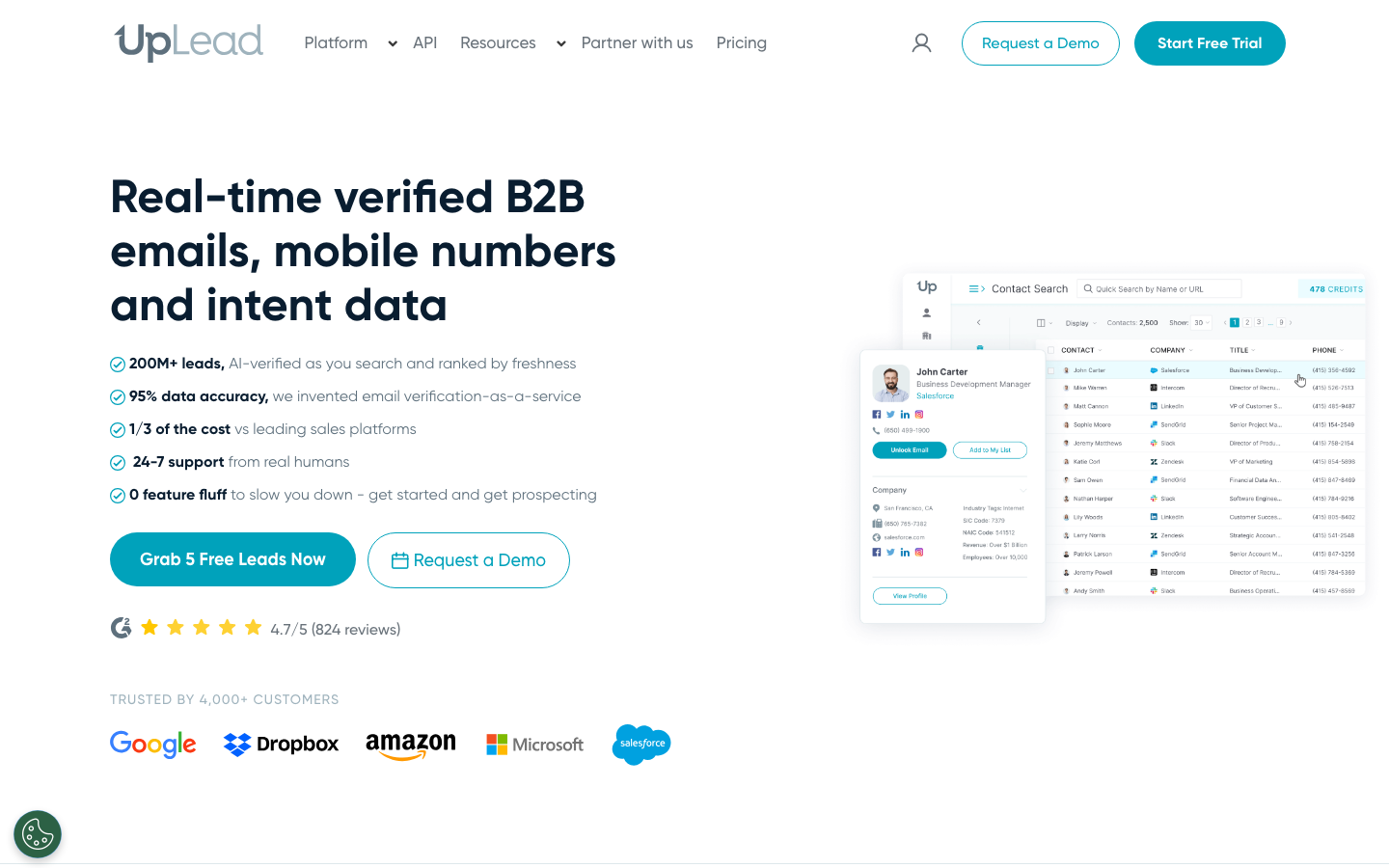
UpLead is a B2B prospecting and data enrichment platform built around one promise: verified contact data you can trust before you spend a credit. Instead of stitching together a waterfall of providers and hoping the result is accurate, you get a single database of more than 160 million contacts with real-time email verification at the point of export. That is the core difference from Clay. UpLead checks each email against the live mail server as you build your list, and it backs the output with a 95% data accuracy guarantee, so bounced emails get credited back.
You can filter by more than 50 attributes, including industry, company size, technology used and management level, then enrich records with direct dials, mobile numbers and firmographic detail. There is a Chrome extension for prospecting on company sites and LinkedIn, plus native integrations and an API for pushing data into your CRM. For teams that found Clay’s flexibility came at the cost of clean output, UpLead is the trade in the other direction: less to configure, more confidence in what lands in the list.
- Best for: Teams that want verified, sales-ready data without managing a provider waterfall.
- Standout features: Real-time email verification, 95% accuracy guarantee, 50+ search filters, intent data, technographics.
- Pricing: Free trial with verified credits; paid plans start at $99 per month, billed transparently per credit.
2. Apollo.io
Ratings: G2 4.7/5, Capterra 4.5/5
Reviewers love Apollo as an affordable all-in-one platform that pairs a large database with sequencing, but they flag weaker international data and credit costs that climb at scale (Source: G2).
Pros
- All-in-one platform combining a large B2B database, list building, email sequences and a LinkedIn Chrome extension (Source: G2).
- Intuitive interface with built-in AI for surfacing leads from prompts (Source: G2).
- Solid CRM integrations and responsive support for outreach workflows (Source: G2).
Cons
- Weaker data quality outside the US, with outdated titles and higher bounce rates internationally (Source: G2).
- The credit system for phone numbers and scaling costs frustrates users, with caps that deplete fast (Source: Capterra).
- Customer service is the lowest-rated area, with slow ticket response and occasional UI lag on large lists (Source: G2).
Pricing
- Free: $0 (Source: Vendor).
- Basic: $49 per user per month billed annually ($59 monthly) (Source: Vendor).
- Professional: $79 per user per month billed annually ($99 monthly) (Source: Vendor).
- Organization: $119 per user per month billed annually ($149 monthly), three-user minimum (Source: Vendor).
Best For
Startups and SMBs that want an affordable all-in-one prospecting and outreach platform, primarily for US-focused campaigns.
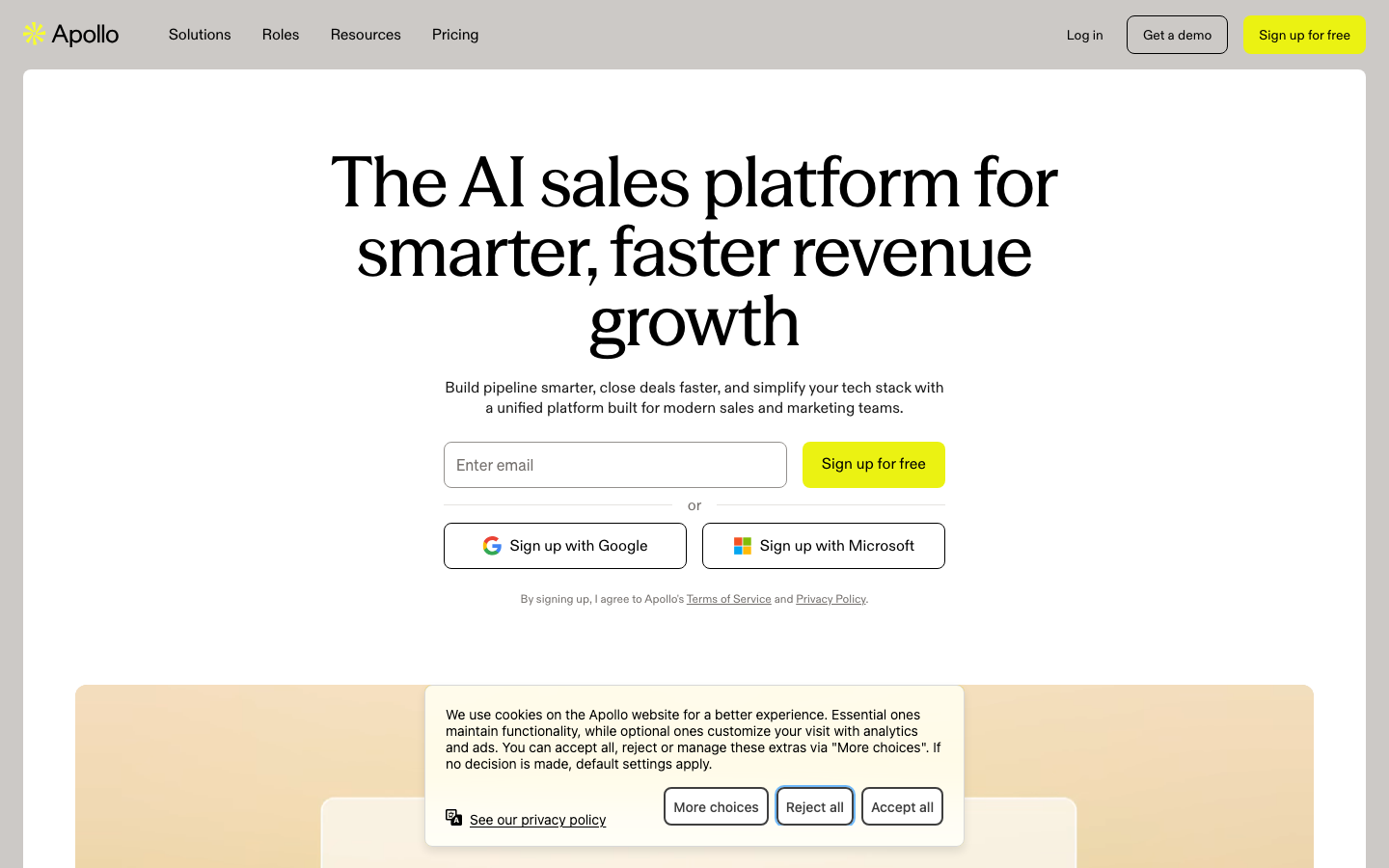
Apollo combines a large contact database with built-in outreach, which makes it the closest thing to an all-in-one replacement on this list. You find leads, enrich them, then run email sequences and calls without leaving the platform. Its 210 million plus contact records, sequence automation and AI email assistant give smaller teams a lot of surface area for the price.
The tradeoff is data accuracy. Apollo’s self-reported numbers are strong, but reps frequently note that deliverability varies, so verification before sending matters. If you want one tool to handle data and outreach and you are comfortable cleaning the occasional bad record, Apollo is a practical pick.
- Best for: Startups and SMBs that want data and sequencing in one platform.
- Standout features: 210M+ contacts, sequences, AI email composer, built-in dialer.
- Pricing: Free plan available; paid plans roughly $49 to $149 per user per month.
3. Cognism
Ratings: G2 4.6/5, Capterra 4.7/5
Cognism is rated top-tier for European data quality, GDPR compliance and phone-verified mobiles, though reviewers criticize weaker US coverage and quote-only annual pricing (Source: G2).
Pros
- Phone-verified mobile numbers with high accuracy and noticeably better connect rates (Source: G2).
- Ease of use is the single most-mentioned positive, with a strong ease-of-use subscore (Source: Capterra).
- Strong GDPR and CCPA compliance with do-not-call screening across many countries (Source: Capterra).
Cons
- US data coverage is weaker, and US teams report a worse experience than European users (Source: G2).
- Pricing is opaque and quote-only with no published rates (Source: Capterra).
- Annual contracts only with aggressive auto-renewal and no monthly option (Source: G2).
Pricing
- Quote-based annual contracts; the vendor does not publish per-tier prices (Source: Vendor).
- Plans are scoped by platform access, user seats and add-ons such as intent topics, priced per quote (Source: Vendor).
Best For
Mid-market and enterprise teams targeting UK and European markets that need GDPR-compliant, phone-verified data and can commit to an annual contract.
Cognism is built for revenue teams that need compliant, phone-verified data at scale, especially across Europe. Its phone-verified mobile numbers and strong GDPR and CCPA posture make it a favorite for enterprises doing outbound calling in regulated markets. Where Clay asks you to assemble and verify data yourself, Cognism hands you a vetted dataset.
The main consideration is cost and commitment. Cognism sells through custom annual contracts, so it suits larger teams with budget rather than a solo founder testing a motion. For compliance-sensitive outbound at scale, though, few tools match it.
- Best for: Enterprise revenue teams prioritizing compliance and verified mobile data.
- Standout features: Phone-verified mobiles, GDPR and CCPA coverage, intent data, international reach.
- Pricing: Custom annual quotes.
4. ZoomInfo
Ratings: G2 4.5/5, Capterra 4.1/5, TrustRadius 8.2/10
Users rate it as the deepest and most accurate B2B database for prospecting, while recurring gripes center on five-figure pricing and contacts going stale after prospects change jobs (Source: G2).
Pros
- Extensive, high-quality database of accurate emails, direct dials and mobiles with strong Salesforce integration (Source: TrustRadius).
- Easy to use, with advanced filtering that surfaces decision-makers quickly (Source: G2).
- Speeds up daily prospecting and CRM enrichment (Source: Capterra).
Cons
- High, opaque, sales-gated pricing with no free plan (Source: G2).
- Data accuracy varies and information goes outdated after prospects leave a company (Source: Capterra).
- Complex to configure, and full CRM integration needs technical know-how (Source: G2).
Pricing
- No self-serve pricing; annual contracts are quoted through sales (Source: Vendor).
- Tiers (Professional, Advanced, Elite) scale by data access and seats; exact per-tier prices are not published (Source: Vendor).
Best For
Mid-market and enterprise teams that need the deepest, most accurate database and can justify a five-figure annual spend.
ZoomInfo is the enterprise heavyweight for company and contact intelligence. Its depth of firmographic data, technographics, org charts and buyer intent signals is hard to match, which is why large sales and marketing organizations standardize on it. If your team needs deep account intelligence rather than just contact records, ZoomInfo delivers.
That depth comes at enterprise pricing and an enterprise sales cycle. Smaller teams often find it more platform than they need, and global data sometimes carries add-on costs. For well-funded teams that will use the full intelligence layer, it remains a top choice.
- Best for: Large enterprises needing deep account intelligence.
- Standout features: Technographics, org charts, intent data, CRM enrichment.
- Pricing: Custom enterprise quotes.
5. Lusha
Ratings: G2 4.3/5, Capterra 4.0/5
Reviewers describe Lusha as an easy, well-priced tool with a strong Chrome extension and good US and Western-Europe mobile coverage, but they repeatedly flag inconsistent accuracy and a fast-draining credit system (Source: G2).
Pros
- Reliable, easy Chrome extension that works across LinkedIn, Sales Navigator, Salesforce and HubSpot (Source: G2).
- Strong US and Western-Europe phone-number coverage (Source: G2).
- Cleaner data and better value than some competitors (Source: TrustRadius).
Cons
- Inconsistent accuracy, with outdated numbers and bounced emails reported (Source: Capterra).
- Restrictive credit system where unverified numbers can still cost credits (Source: G2).
- Weaker coverage outside the US, UK and Canada (Source: Capterra).
Pricing
- Free: $0, 40 credits per month (Source: Vendor).
- Starter: $37.45 per month billed annually ($49.90 monthly), 400 credits (Source: Vendor).
- Professional: $52.45 per month billed annually ($69.90 monthly), 600 credits (Source: Vendor).
- Premium: $299.95 per month billed annually, 3,400 credits; Scale is custom (Source: Vendor).
Best For
SMB sales and SDR teams that want an affordable, easy tool with strong US and Western-Europe mobiles and a reliable LinkedIn extension.
Lusha is the quick, budget-friendly option for reps who live in LinkedIn. Its Chrome extension surfaces verified contact details as you browse profiles, and setup takes minutes rather than hours. With a large pool of GDPR-compliant contacts and a simple credit model, it is easy to adopt for SMB teams that want speed over deep configuration.
It does less than a full data platform. You will not get the workflow automation Clay offers or the database breadth of ZoomInfo. For straightforward, accurate contact pulls during prospecting, though, it does the job well.
- Best for: SMB reps prospecting directly inside LinkedIn.
- Standout features: Chrome extension, verified contacts, GDPR compliance, fast setup.
- Pricing: Free tier; paid plans from about $29.90 per month.
6. Seamless.AI
Ratings: G2 4.4/5, Capterra 4.1/5
Users praise Seamless.AI as a fast, affordable LinkedIn-driven lead-gen tool, but a consistent theme is data accuracy falling short of marketing claims plus billing and cancellation frustration (Source: G2).
Pros
- Fast, easy LinkedIn-to-contact workflow with automation features like Autopilot and Smart Lists (Source: G2).
- Large database with quick CSV and CRM list exports (Source: TrustRadius).
- Affordable, with good filtering to surface decision-makers (Source: Capterra).
Cons
- Accuracy issues, with users reporting bounce rates well above the claimed figure (Source: Capterra).
- Billing friction, including a written cancellation notice window that can trigger a 12-month auto-renewal (Source: G2).
- Inconsistent phone and email quality, with search weaker than some rivals (Source: TrustRadius).
Pricing
- Free: $0 for one user with 50 credits (Source: Vendor).
- Pro: per-user annual credit packages; exact prices are not published by the vendor (Source: Vendor).
- Enterprise: custom quote (Source: Vendor).
Best For
Sales and SDR teams that want a fast, affordable LinkedIn-driven prospecting tool and can tolerate variable data accuracy for scale and ease of use.
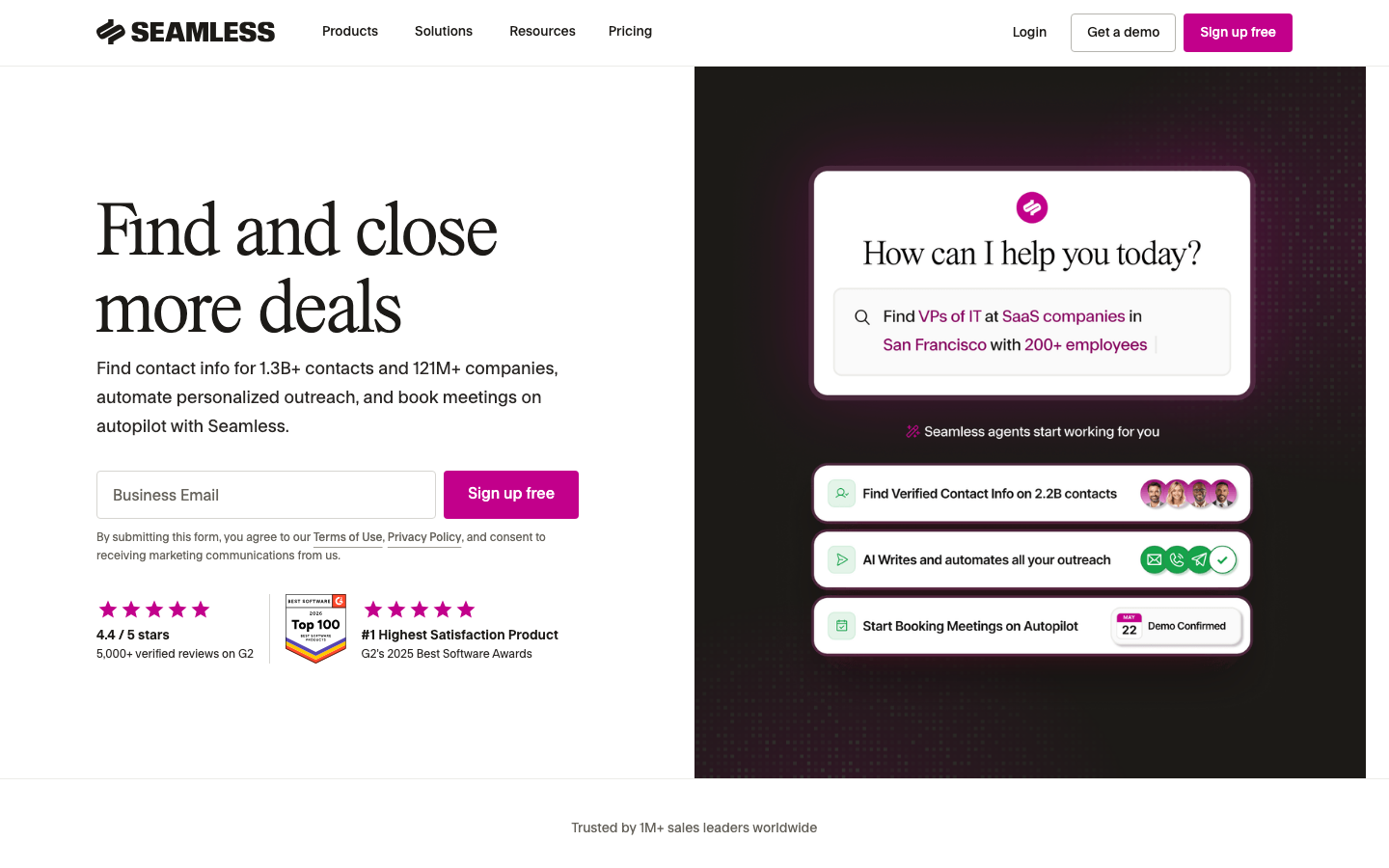
Seamless.AI focuses on real-time contact search, building lists on the fly rather than serving from a static snapshot. Its large contact pool and real-time validation appeal to teams that want fresh data and worry about decay in older databases. The Chrome extension makes it handy for LinkedIn-driven prospecting.
Because results are generated in real time, accuracy can vary by search, and the credit model rewards careful use. For US-focused SDRs who value freshness and are willing to verify, it is a solid Clay alternative for the discovery step.
- Best for: US SDRs who prioritize fresh, real-time contact data.
- Standout features: Real-time search and validation, Chrome extension, large contact base.
- Pricing: Credit-based plans, including a free tier.
7. Hunter.io
Ratings: G2 4.4/5, Capterra 4.6/5, TrustRadius 7.4/10
Users praise the clean, intuitive interface and accurate email verification with low bounce rates; the recurring criticism is that credit-based pricing burns through fast and data is thin for smaller companies (Source: G2).
Pros
- Intuitive, easy-to-use interface that is the most-cited positive (Source: Capterra).
- Strong email verification and low bounce rates that protect sender reputation (Source: G2).
- Time-saving Chrome extension for prospecting (Source: TrustRadius).
Cons
- Expensive at scale, with credits that burn fast (Source: G2).
- Thin data for smaller companies, sometimes returning only one or two contacts or none (Source: G2).
- Clunky interface for deeper searches (Source: TrustRadius).
Pricing
- Free: 0 euros, 50 credits per month (Source: Vendor).
- Starter: 49 euros per month (34 euros billed annually), 2,000 credits (Source: Vendor).
- Growth: 149 euros per month (104 euros billed annually), 10,000 credits (Source: Vendor).
- Scale: 299 euros per month (209 euros billed annually); Enterprise is custom (Source: Vendor).
Best For
Teams that need a simple, accurate email finder and verifier for outbound prospecting rather than a full sales-intelligence platform.
Hunter is the lightweight specialist for finding and verifying email addresses by domain. It does one job and does it cleanly, which is exactly why people like it. Domain search returns the addresses tied to a company, deliverability scoring flags risky sends, and bulk tools handle larger lists. It is a useful complement to a richer data source rather than a full replacement.
If your need is simply accurate email discovery and verification, Hunter is fast and affordable. For firmographics, phone numbers or intent data, you will want to pair it with a broader platform.
- Best for: Quick email lookups and verification by domain.
- Standout features: Domain search, deliverability scoring, bulk email tools.
- Pricing: Free tier; paid plans from about $49 per month.
8. Kaspr
Ratings: G2 4.4/5
Reviewers praise Kaspr as a fast one-click LinkedIn extension for verified emails and phone numbers; the top complaints are restrictive credit limits and weaker data outside Europe (Source: G2).
Pros
- One-click extraction of verified emails and direct phone numbers from LinkedIn (Source: G2).
- High data accuracy that users describe as often spot on (Source: G2).
- Flexible credit system with unlimited professional emails on paid tiers (Source: G2).
Cons
- Limited credits that can feel expensive, with free credits burning fast (Source: G2).
- Lower phone-match rate and weaker North American data (Source: G2).
- Support and cancellation friction reported by some users (Source: G2).
Pricing
- Free: 0 euros, with 15 email and 5 phone credits per month (Source: Vendor).
- Starter: 45 euros per month billed annually, unlimited B2B emails and 1,200 phone credits per year (Source: Vendor).
- Business: 79 euros per month billed annually, 2,400 phone credits per year and full API (Source: Vendor).
- Organization: custom annual quote with a five-user minimum (Source: Vendor).
Best For
Sales and recruiting teams doing LinkedIn-based prospecting in Europe who want fast one-click verified emails and phone numbers.
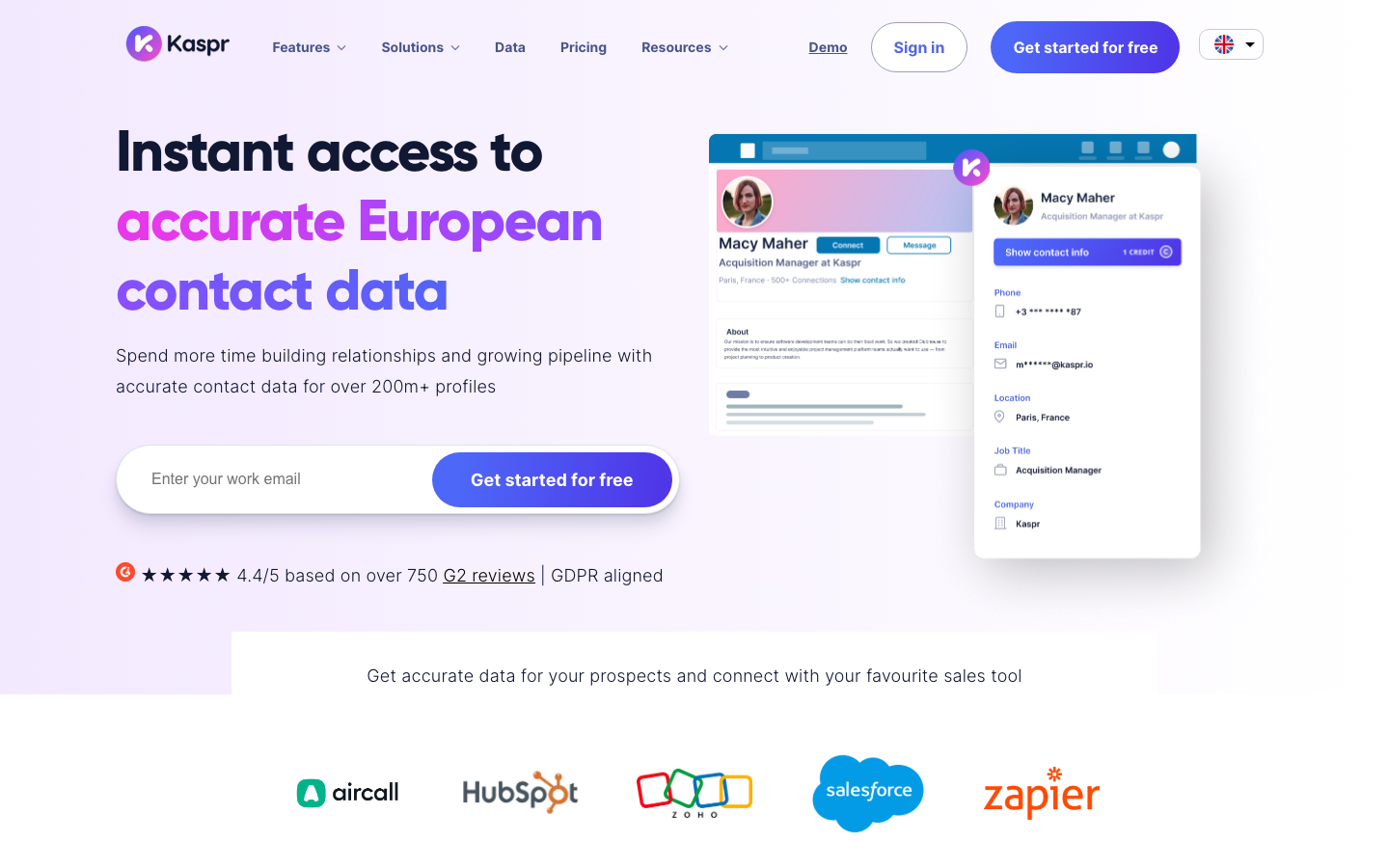
Kaspr is a LinkedIn-first prospecting tool that pulls verified emails and phone numbers from profiles with a single click. Reps and recruiters who source most of their pipeline on LinkedIn get a fast, GDPR-aligned way to capture contact details and push them into a CRM. Bulk enrichment helps when you are working through a saved search.
Like other extension-led tools, it is narrower than a full data platform, but that focus is the point. If LinkedIn is your primary sourcing channel, Kaspr keeps the workflow tight.
- Best for: Sales reps and recruiters sourcing on LinkedIn.
- Standout features: One-click enrichment, verified contacts, bulk pulls, CRM sync.
- Pricing: Free tier; paid plans from about €59 per month.
9. Lead411
Ratings: G2 4.5/5, Capterra 4.7/5, TrustRadius 9.1/10
Users consistently praise Lead411 for accurate US contact data, ease of use and strong value versus pricier rivals, with the main gripe being occasionally stale contacts (Source: G2).
Pros
- Accurate, up-to-date US contact data is the top praise theme (Source: Capterra).
- Easy to use, with simple and fast list-building (Source: TrustRadius).
- Cost-effective with generous lead allowances (Source: Capterra).
Cons
- Stale or outdated data is the most common complaint, tied to the refresh cycle (Source: G2).
- Customer support can be slow to respond (Source: Capterra).
- Export caps with overage costs and limited integrations (Source: G2).
Pricing
- Pilot Light: free 7-day trial with 50 exports (Source: Vendor).
- Spark: $49 per month (1,000 exports per month) or $490 per year with buyer intent (Source: Vendor).
- Ignite: from $150 per month with API access, or $1,500 per year (Source: Vendor).
- Blaze: enterprise custom quote (Source: Vendor).
Best For
B2B sales and SDR teams that need accurate, US-focused contact data with built-in buyer-intent signals well below enterprise pricing.
Lead411 pairs B2B contact data with intent signals and a notably generous usage model. Unlimited search on some plans plus Bombora intent data and event triggers make it appealing for teams that prospect heavily and want to time outreach around buying signals. Real-time alerts flag job changes and funding events worth acting on.
The interface is more functional than polished, and coverage skews US. For teams that want high-volume access and intent context without per-record anxiety, the value is strong.
- Best for: High-volume teams that want intent data and generous usage limits.
- Standout features: Bombora intent data, event triggers, real-time alerts, unlimited plans.
- Pricing: Paid plans from about $99 per month.
How to choose the right Clay alternative
Start from the pain that brought you here. If credit costs and unpredictable billing were the issue, weight pricing transparency and verified output, where a single high-accuracy source like UpLead or Lusha keeps spend predictable. If the learning curve was the blocker, lean toward tools that work the moment you install them, like Lusha, Kaspr or Hunter. If you want data and outreach together, Apollo is the natural consolidation. And if compliance and depth at enterprise scale matter most, Cognism and ZoomInfo are built for that job.
One rule cuts across all of them: verify before you send. Campaign budget gets wasted on bounced emails and dead numbers, so a tool that verifies data at the point of export, rather than leaving it to you afterward, saves more than it appears to on the price sheet. That is the part of Clay’s workflow most of these alternatives quietly remove.
Frequently asked questions
What is the best Clay alternative in 2026?
The best Clay alternative depends on your main pain point, but for teams that want verified, sales-ready data without managing a provider waterfall, UpLead is the strongest fit. It offers a single database of more than 160 million contacts with real-time email verification and a 95% accuracy guarantee, which removes the data-quality and cleanup work that drives many teams away from Clay. Apollo is the best pick if you want data and outreach in one platform, and Cognism leads for compliant enterprise data.
Why do people switch from Clay?
People switch from Clay mainly because of its learning curve, unpredictable credit costs and inconsistent data quality. Clay’s flexibility requires building waterfalls and workflows that often need RevOps expertise to maintain, and because it aggregates many data providers, the accuracy of any given email or phone number varies. Teams that want clean, verified output without the setup overhead tend to move to a single high-accuracy data source.
Are there free alternatives to Clay?
Yes, several Clay alternatives offer free tiers or trials. UpLead provides a free trial with verified credits, and Apollo, Lusha, Hunter, Seamless.AI and Kaspr all have free plans with limited monthly usage. Free tiers are a good way to test data accuracy on your own target accounts before committing to a paid plan, since coverage and quality vary by region and industry.
Which Clay alternative has the most accurate data?
For verified accuracy, UpLead stands out because it validates every email against the live mail server at export and backs results with a 95% accuracy guarantee that credits back invalid records. Cognism is also strong for phone-verified mobile numbers, particularly in Europe. Because no provider is perfect across every region and role, the most reliable approach is to test a tool on a sample of your real target accounts before scaling.
Can a Clay alternative replace my whole prospecting workflow?
Some can, depending on what your workflow includes. Apollo combines data, enrichment and outreach sequencing in one platform, so it can replace a multi-tool stack for many SMB teams. If you only need accurate data that flows into an existing CRM or sequencer, a focused source like UpLead handles the data layer and integrates with the outreach tools you already use, which often produces cleaner results than forcing everything into one platform.





