

The best Salesloft alternatives in 2026 are UpLead, Outreach, Apollo.io, HubSpot Sales Hub, Close, Reply.io, Klenty, Salesforce Sales Engagement and Mixmax. Salesloft publishes no price list, so every quote starts at a different number, and the company itself changed shape in December 2025 when it completed its merger with Clari. The nine tools below give you a clearer starting price and a current picture of what each one actually does before you book a demo.
Why Look for a Salesloft Alternative
Salesloft rebrands itself as a revenue orchestration platform, not a plain sequencer, and that positioning got more literal on December 3, 2025, when it completed its merger with Clari and named Steve Cox, not Andy Byrne as originally announced when the merger was first agreed, as CEO of the combined company. Salesloft is still a category leader with a strong G2 rating, and plenty of teams stay on it for good reason. It clearly isn’t a bad product. But a few recurring issues send buyers shopping for something else.
- Salesloft publishes no price list. Every quote is custom, and third-party trackers put the entry tier anywhere from $100 to $185 per user per month depending on the plan, with a reported 10-15 seat minimum before Salesloft will talk numbers at all, plus discounts tied to 24 to 36 month contract terms. Sources even disagree on whether Salesloft currently sells two tiers (Advanced and Elite) or three (Essentials, Advanced and Premier), which makes budgeting before a sales call close to impossible.
- The company just went through a merger. Clari and Salesloft are now one company under Steve Cox, and Groove, the sequencing tool Clari acquired in 2023, is folded into the same business. If you were weighing Salesloft against Groove as two separate options, that comparison no longer exists. Teams mid-contract don’t have to assume Salesloft’s roadmap stays the same through this integration phase, and several are frankly using the renewal as a natural point to shop around instead. A Forrester estimate puts the combined Clari and Salesloft customer base at over 5,000, with roughly $450 million in combined annual recurring revenue. Salesloft is owned by Vista Equity Partners, which first invested in December 2021 at a $2.3 billion valuation and remains involved after the merger, with the ownership split against Clari’s former shareholders still undisclosed.
- The dialer costs extra. Salesloft’s calling feature is sold as a separate add-on, estimated at roughly $300-$400 per user per year on top of the base seat price. A team that assumed phone calling was included definitely finds out otherwise at renewal time.
- Reviewers flag email and call reliability issues. Salesloft’s G2 rating is strong overall (4.5 out of 5 from 9,916 reviews as of November 2026), with a review base almost identical to Apollo’s 9,865 and well ahead of Outreach’s 3,676, but the recurring complaint themes are unmanageable email send times and call-management bugs, with occasional blank emails also mentioned. That matters more for a team that runs high sequence volume than for one sending a handful of emails a day.
- It’s built for sequencing, not for finding who to sequence. Salesloft doesn’t sell contact data. If the real problem is “we don’t have enough verified people to put into a cadence,” a sequencer alone doesn’t fix that, no matter which one you pick.
Features to Check For Before You Switch
Run every alternative on this list through the same checklist before you commit to one:
- CRM integration. Does it have a native, two-way sync with Salesforce or HubSpot, or does it rely on a third-party connector that can break mid-cadence?
- Multichannel sequencing. Does it combine email with calls and LinkedIn touches in one cadence, or is it email-only?
- Built-in contact data. Does the tool include a contact database, or do you need a separate data subscription just to find people to put into it?
- Dialer. Is calling included in the base price, or is it a paid add-on like Salesloft’s?
- AI features. Is AI limited to subject-line suggestions, or does it extend to an AI SDR that can run full sequences on its own?
- Deliverability tools. Does it include email warm-up, domain health monitoring or sending-limit guardrails, or is that a separate purchase?
- Reporting depth. Can you see reply rates and meeting-booked rates by sequence plus pipeline attribution, instead of just aggregate opens and clicks?
- Seat minimums. Some vendors won’t even quote a price until you commit to a minimum headcount. Ask before you request a demo.
- Contract terms. Month-to-month, annual, or a multi-year commitment with auto-renewal? Get this in writing.
Salesloft Alternatives Compared
| Tool | Best for | Starting price | G2 rating |
|---|---|---|---|
| UpLead | Finding who to sequence, paired with any tool below | $74/mo billed annually (Essentials) | 4.7/5 |
| Outreach | Enterprise teams that outgrew email-only sequencing | Custom quote, no public rate card | 4.3/5 |
| Apollo.io | Small-to-mid teams wanting data + sequencing together | $49/user/mo (annual, Basic) | 4.7/5 |
| HubSpot Sales Hub | Teams already on HubSpot CRM | $15-20/seat/mo (Starter); sequences need Professional | 4.4/5 |
| Close | Small teams and founders wanting a simple CRM + dialer | $9/user/mo (Solo, annual) | 4.7/5 |
| Reply.io | SDR teams wanting an AI SDR option | ~$49-59/user/mo (Email Volume) | 4.6/5 |
| Klenty | Small teams wanting straightforward sequencing | ~$50-55/user/mo (Starter, annual) | 4.6/5 |
| Salesforce Sales Engagement | Enterprise teams already on Sales Cloud | $50/user/mo add-on (annual) | n/a (sold as a Sales Cloud add-on) |
| Mixmax | Gmail-first teams wanting lightweight sequencing | $29/user/mo (annual, Nov 2026 repricing) | 4.6/5 |
Source: vendor pricing pages and G2 product pages, checked November 2026. Salesloft and Outreach publish no complete rate card. Klenty and Reply.io don’t either. Figures above are the most consistent entry-tier estimate across 2 or more independent sources.
1. UpLead
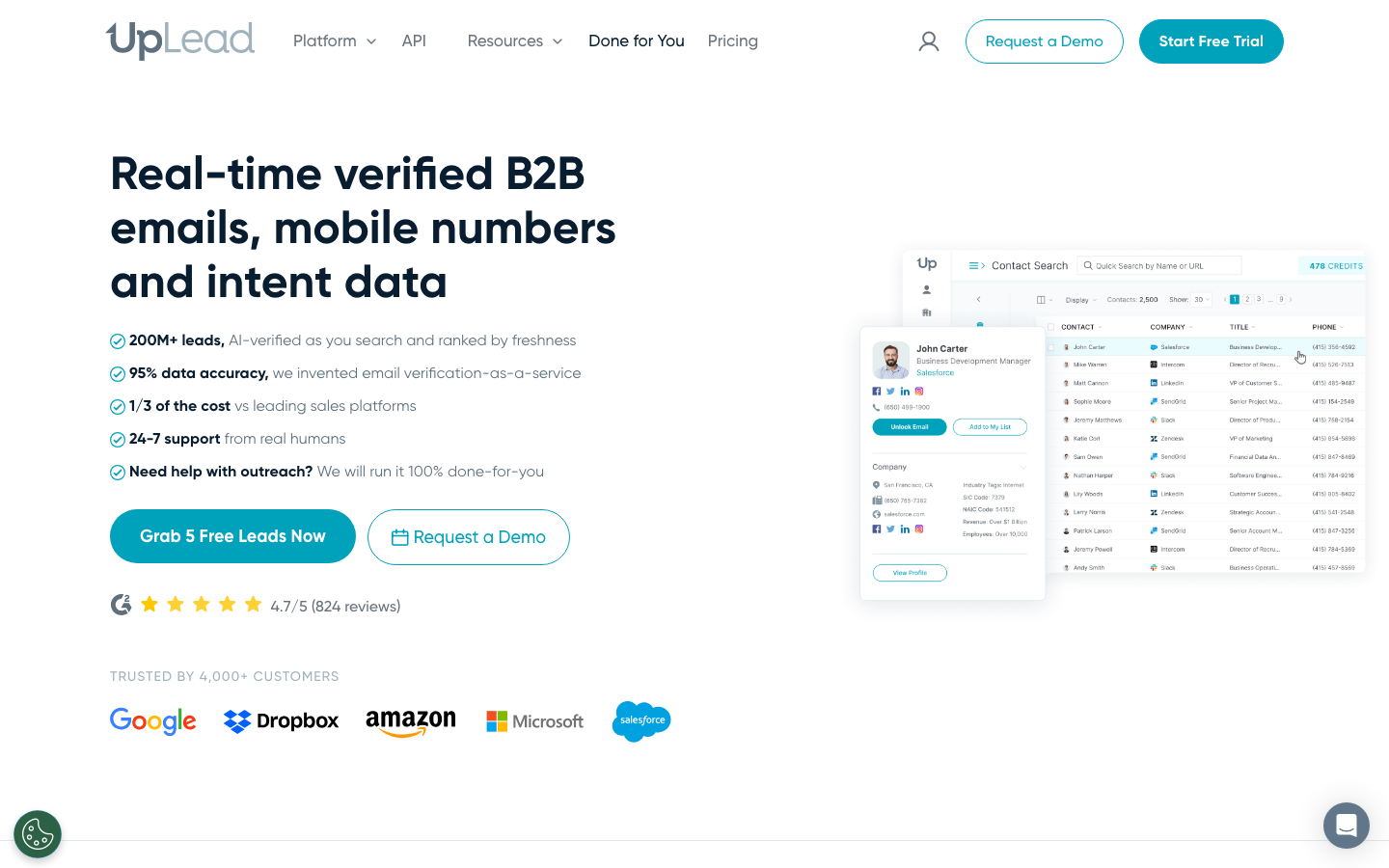
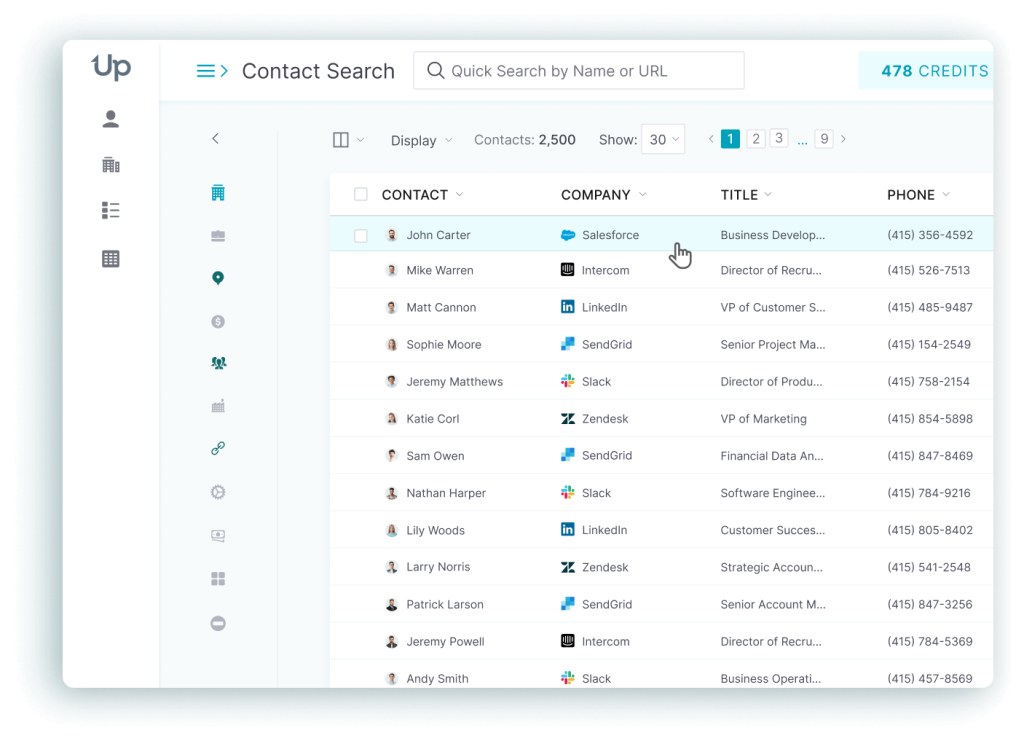
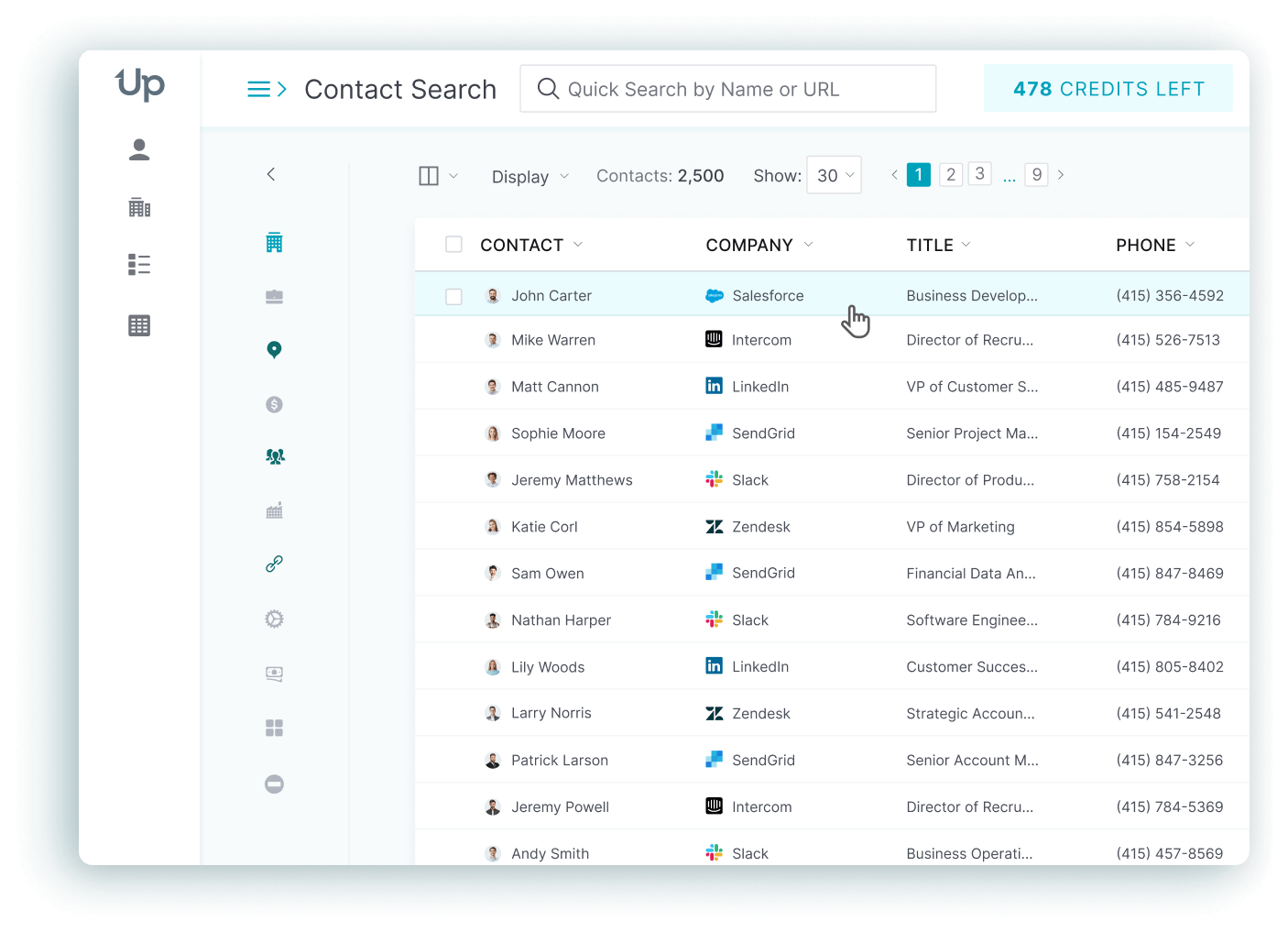
UpLead solves a different problem than Salesloft and every other tool on this page: it is a verified B2B contact database with 160M-plus records, not a sequencing platform, carrying a 4.7-out-of-5 G2 rating from 835 reviews as of November 2026. That distinction matters because a sequencer with no data behind it just automates empty cadences. Each credit gets you one verified contact, including a work email and, where available, a mobile direct dial. Credits go through a deliverability check first, so you don’t spend one on a bad record.
The tradeoff is the one every usage-based pricing model shares: unused monthly credits expire at the end of the billing cycle, and extra credits cost $0.60 each once you run out. A team that under-forecasts its monthly volume ends up paying the overage rate instead of planning around a bigger tier upfront.
Source: UpLead pricing.
UpLead or Salesloft? These solve different problems, not competing ones. Keep Salesloft (or pick a sequencer below) to run the cadence, and pair it with UpLead to make sure the list you’re sequencing is made of real, verified people instead of a purchased list full of dead emails.
2. Outreach
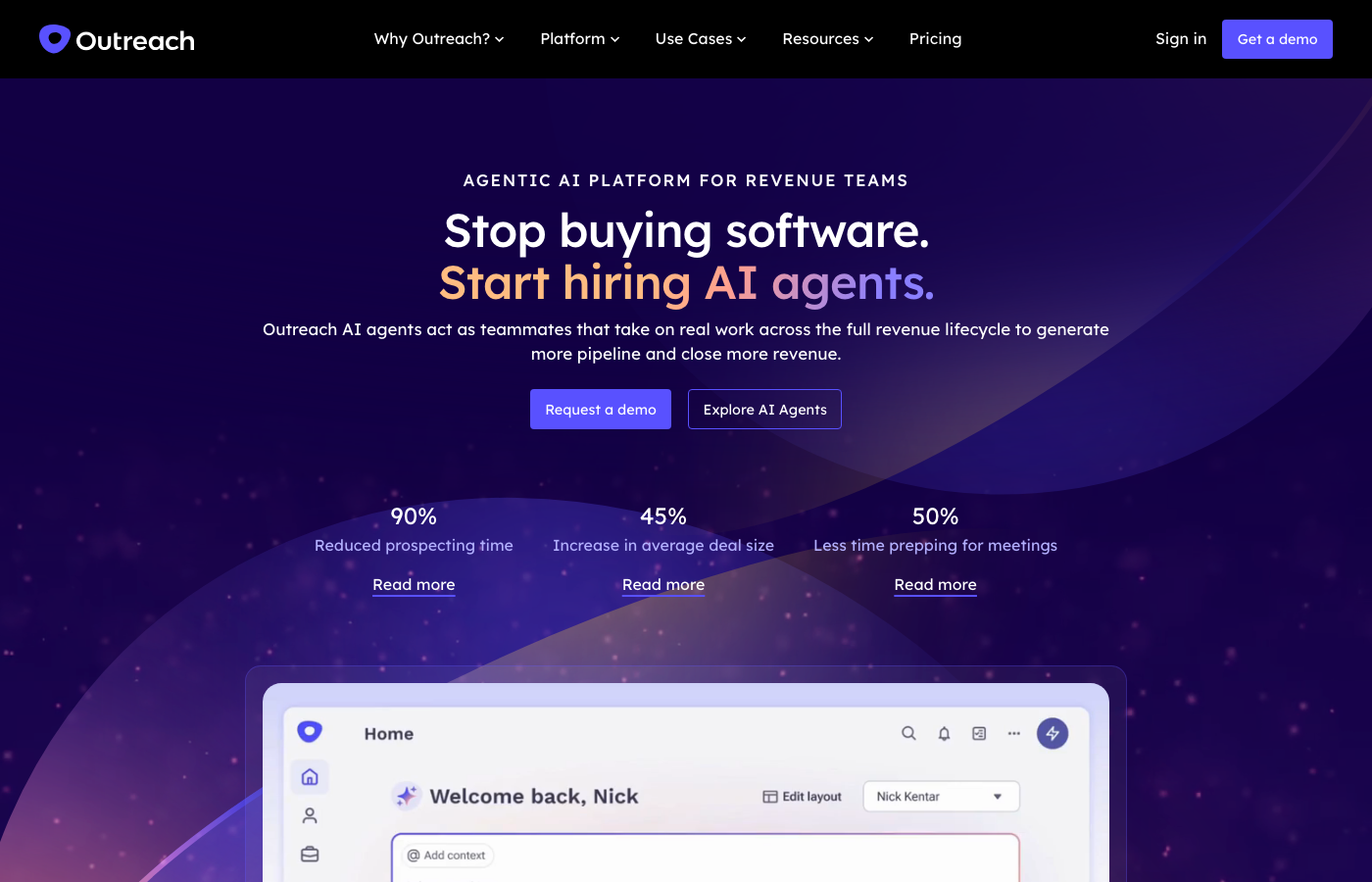
Outreach is the sequencer most often named in the same breath as Salesloft, and for a reason: both are enterprise-grade platforms built around multi-touch cadences layered on top of a CRM rather than replacing one. Outreach’s own G2 reviews are strong (4.3 out of 5 from 3,676 reviews as of November 2026), with reviewers most often praising automation depth and integration breadth.
The friction shows up at the edges, though it isn’t hidden. Outreach’s pricing model separates the base sequencing license from Amplify AI credits, which are consumed per task (enrichment, prospecting, personalization), so the number on the contract isn’t the number on the invoice once a team leans on AI features. Capterra reviewers’ most common complaint is frequent technical glitches, and several reviewers specifically mention sync issues when the CRM on the other end is HubSpot rather than Salesforce.
Source: Outreach pricing overview (third-party, Outreach publishes no official rate card).
Outreach or Salesloft? Pick Outreach if your team is Salesforce-first and wants conversation intelligence bundled with sequencing without the post-merger product-roadmap questions Salesloft is still working through. Stay with Salesloft if your team is already trained on it and the merger’s new forecasting features outweigh the switching cost.
3. Apollo.io
Apollo.io answers the complaint Salesloft and Outreach can’t: it ships its own contact database alongside sequencing, so a small team doesn’t need a second subscription just to find people to put into a cadence. That bundling is the single most-cited reason reviewers switch to Apollo, according to G2’s own review themes, which carry a 4.7-out-of-5 rating across 9,865 reviews as of November 2026, a base nearly as large as Salesloft’s own 9,916 reviews despite Apollo being the newer platform. Email campaigns run on every tier including Free, though Free only connects Gmail; Microsoft and other providers need a paid plan.
The part to budget around is the credit system. Paid tiers carry monthly credit allowances that scale with the plan (Basic, Professional, Organization), and several G2 reviewers put the real-world data-accuracy error rate at 30-40% for mobile numbers specifically, which runs against Apollo’s own claimed accuracy figures. Organization also carries a 3-seat minimum.
Source: Apollo.io pricing. Figures vary slightly by billing cycle; confirm current rates directly.
Apollo.io or Salesloft? Pick Apollo if your team needs contact data and sequencing bundled together without Salesloft’s custom-quote process. Stay with Salesloft if you already have a data source and need deeper enterprise conversation intelligence than Apollo currently offers.
4. HubSpot Sales Hub
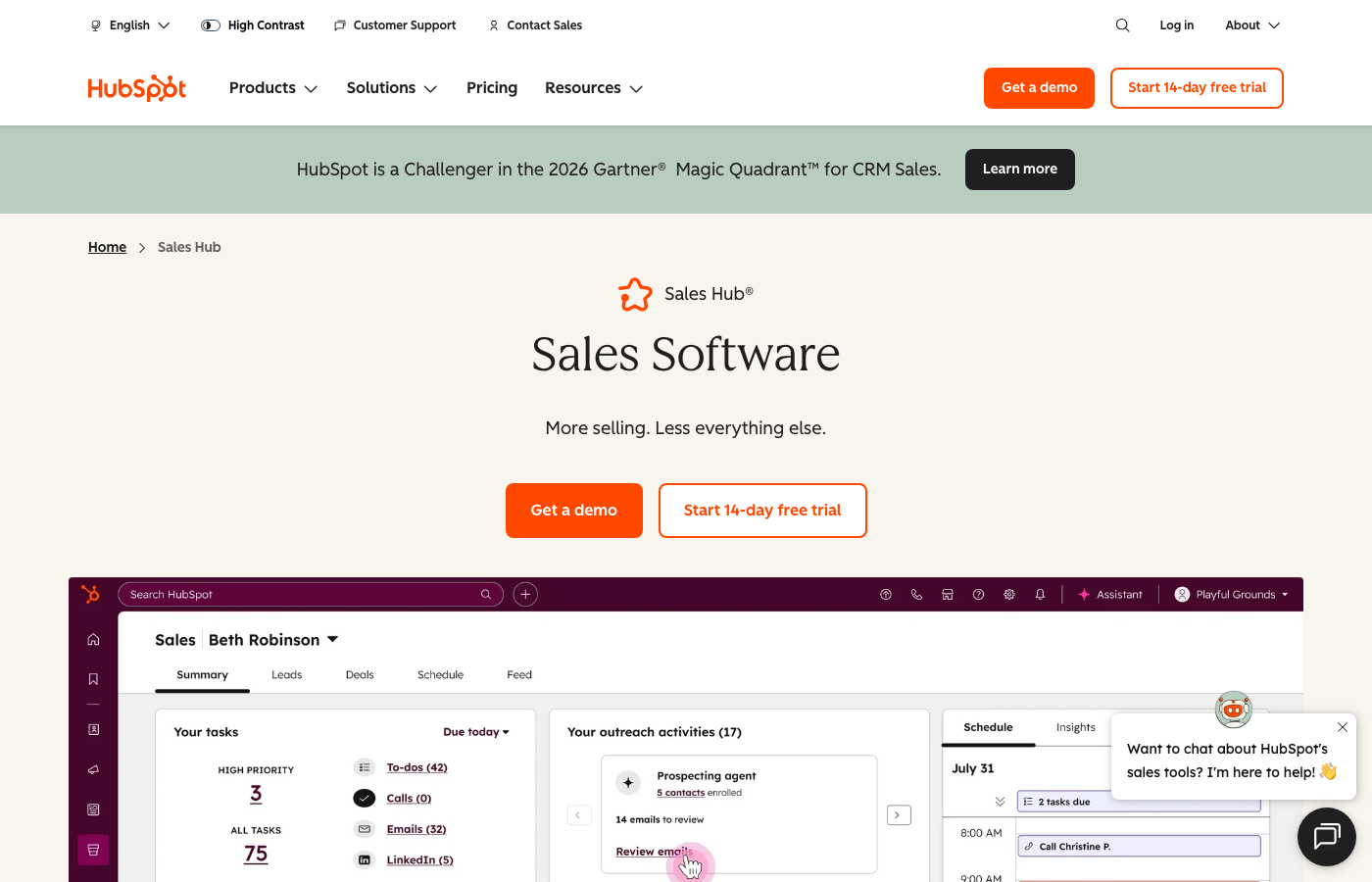
Sales Hub’s pitch is the mirror image of Apollo’s: if your CRM is already HubSpot, running sequencing from inside it keeps sales and marketing data in one system, with service history alongside it, instead of syncing between two vendors. That’s a real advantage for a HubSpot-first company, though it’s a non-factor for everyone else, and that’s exactly how reviewers describe it.
The catch is that sequences aren’t a Starter-tier feature. Reaching flexible automated sequencing means Professional, and triggering sequences from workflow automation means Enterprise, each with a required one-time onboarding fee the vendor’s own page lists at $1,500 for Professional and $3,500 for Enterprise. G2’s own AI-generated review summary calls out that cost climbs quickly once a team needs the features that actually compete with a dedicated sequencer, and one reviewer specifically flagged a jump from roughly $20/month to $880/month moving from entry-level to Professional with more seats and add-ons.
Source: HubSpot Sales Hub pricing.
HubSpot Sales Hub or Salesloft? Pick Sales Hub if HubSpot is already your CRM and keeping sales and marketing data in one system matters more than a dedicated sequencer’s depth. Stay with Salesloft if you run Salesforce instead, where Salesloft’s own integration runs deeper.
5. Close
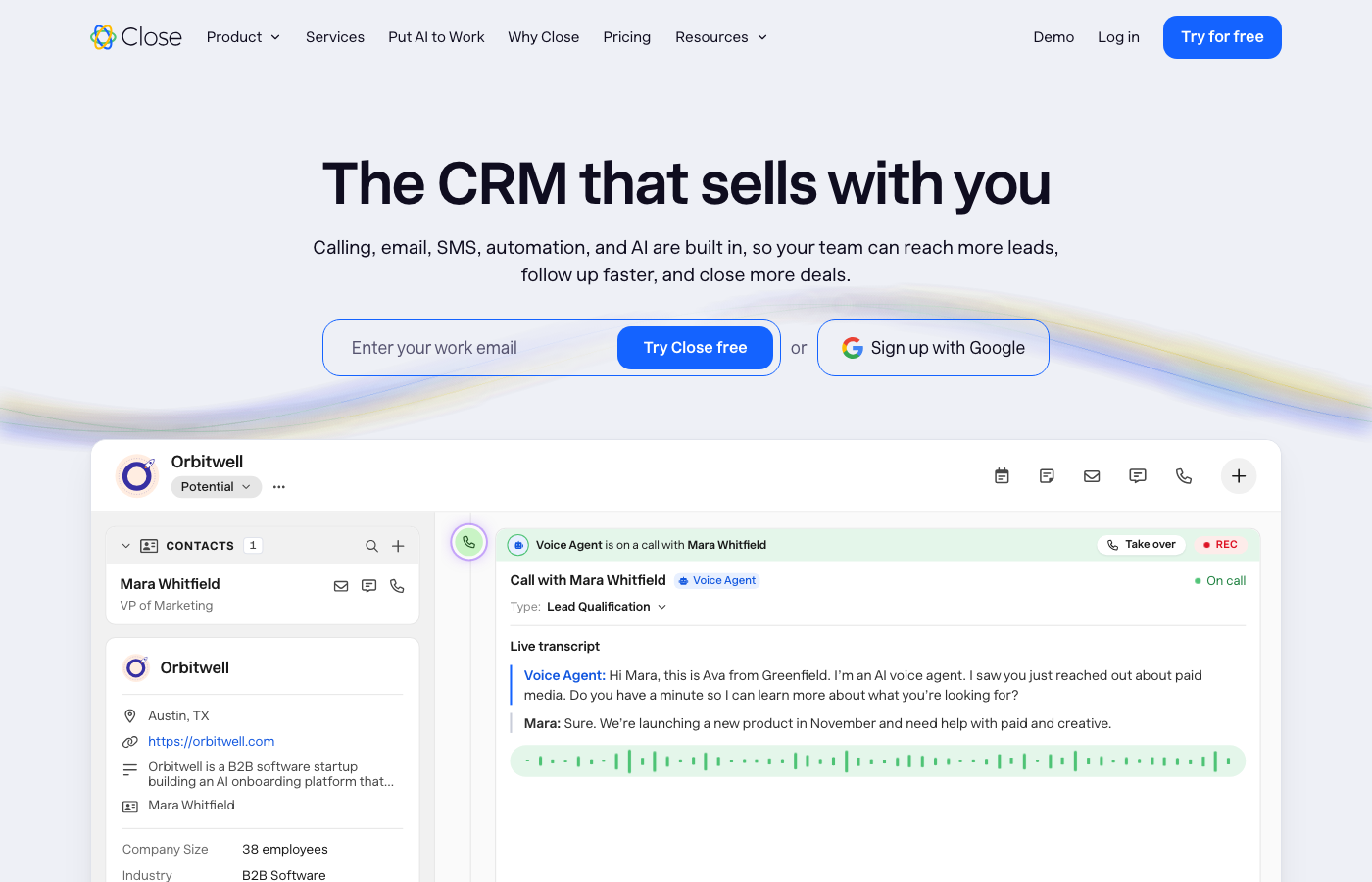
Close flips the usual sequencer pitch: instead of a sequencing tool that needs a CRM behind it, it’s a CRM with calling and SMS built in, plus email sequencing, native to one product from day one. That matters most for a small or founder-led team that doesn’t want to pay for and integrate two separate systems just to run outbound.
The tradeoff shows up in reporting depth. G2 reviewers’ most-repeated complaint is that native reporting could be more customizable, and a few mention unexpected charges tied to calling minutes. A team that needs deep, Salesforce-grade pipeline analytics will outgrow Close’s native reporting before it outgrows the rest of the product.
Source: Close pricing.
Close or Salesloft? Pick Close if your team needs a CRM and a sequencer in one product at a fraction of Salesloft’s seat price. Stay with Salesloft if you already run a separate CRM like Salesforce and need a dedicated enterprise sequencing layer on top of it.
6. Reply.io
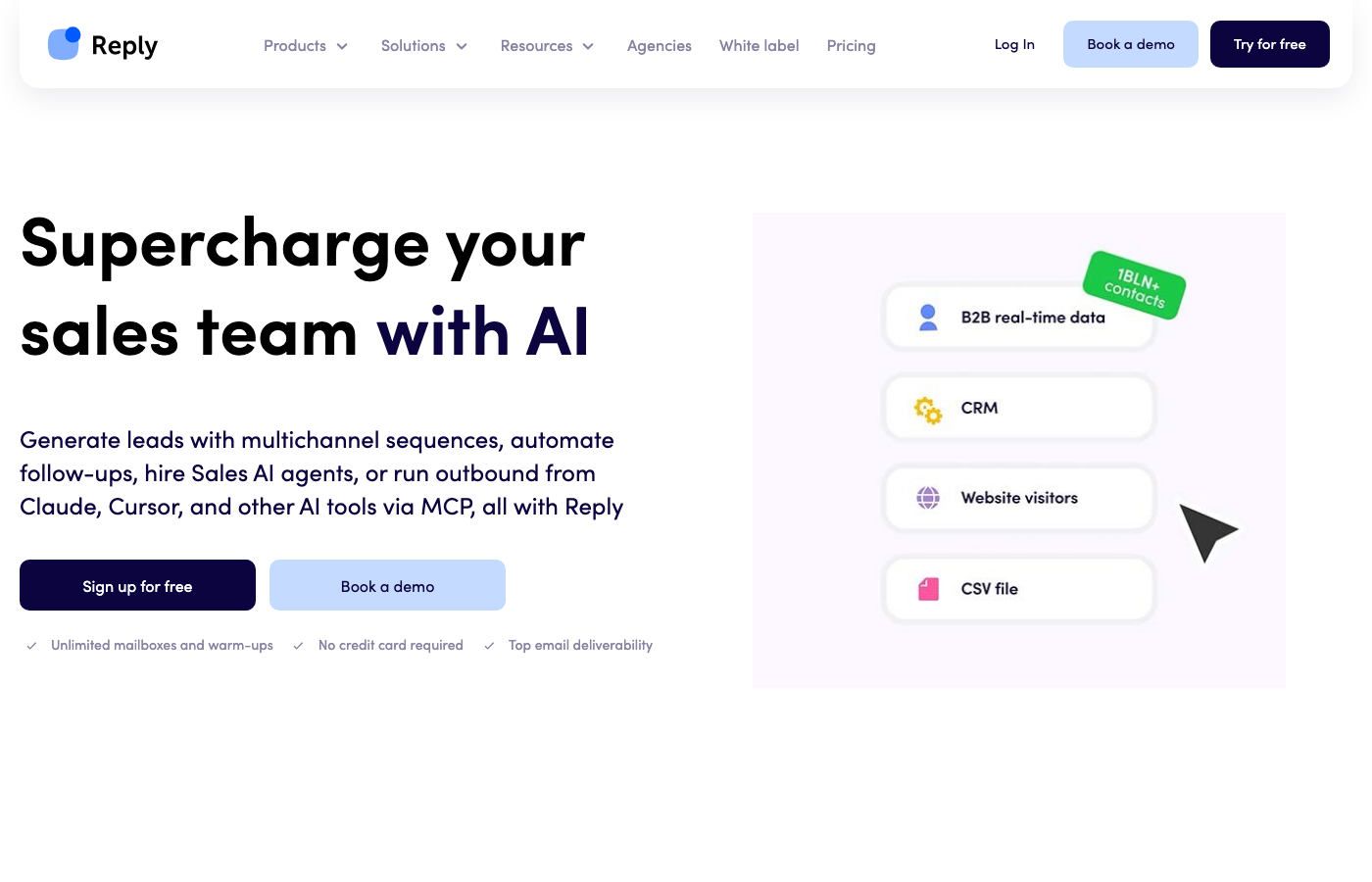
Reply.io positions its AI SDR tier as a way to run full outbound sequences with less manual sequence-building, which is a genuinely different pitch from Salesloft’s manually-configured cadences. The company restructured its pricing into four tiers (Email Volume, Multichannel, AI SDR, Agency), replacing an older plan structure. A comparison page written before that change is already describing a product that no longer exists at those prices.
The friction is plan-naming churn: pricing has shifted more than once in 2026, though several published reply-rate case studies still predate the current tier names. A buyer comparing an old blog post’s numbers against the live pricing page will see a mismatch that has nothing to do with the product’s actual value.
Source: Reply.io pricing (figures reflect the post-October-2026 restructure; older comparison pages may reference retired plan names).
Reply.io or Salesloft? Pick Reply.io if an AI SDR tier that reduces manual sequence-building matters more than Salesloft’s deeper conversation-intelligence layer. Stay with Salesloft if your team values a stable, long-established pricing structure over Reply’s more frequently changing tiers.
7. Klenty
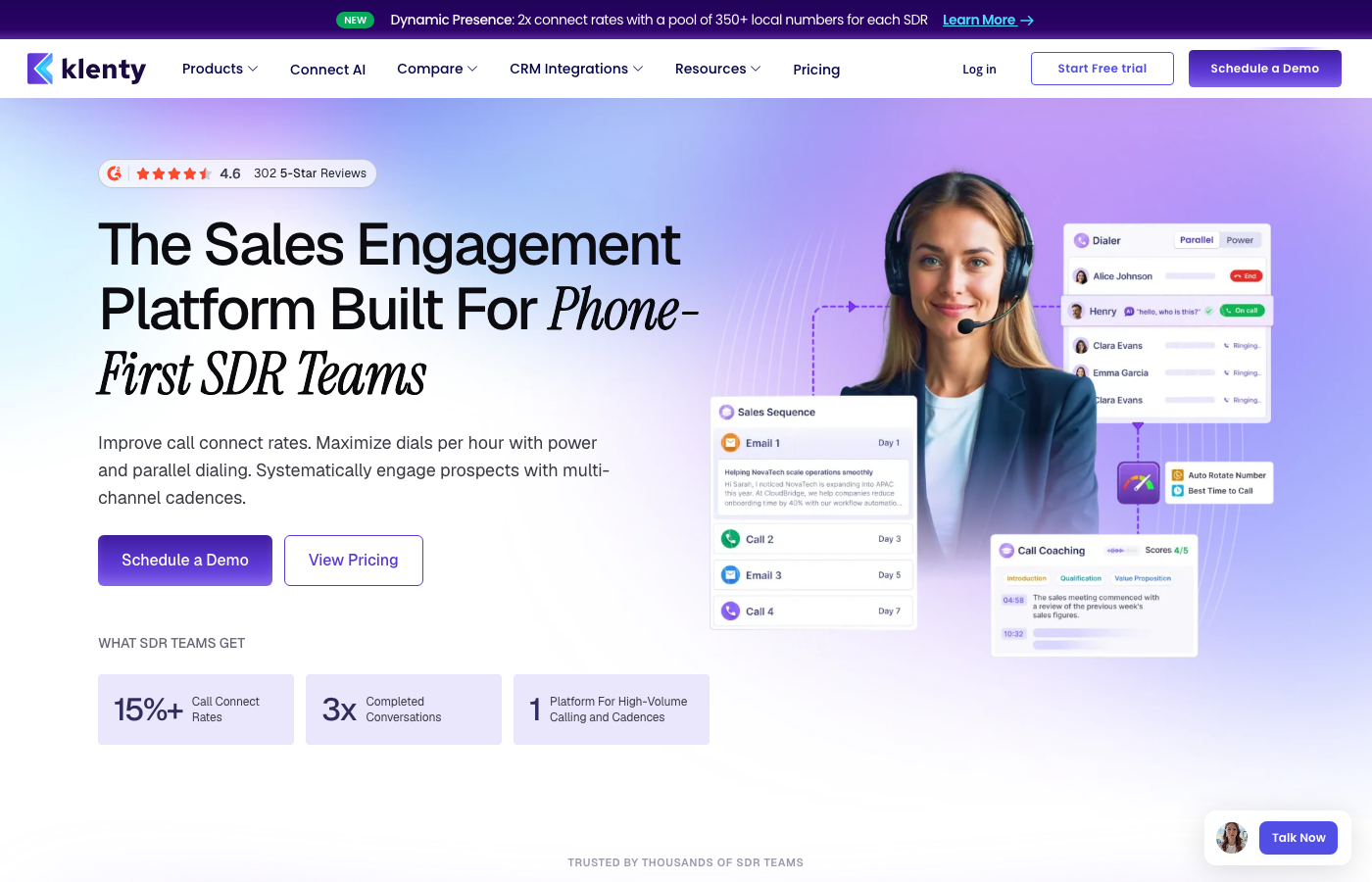
Klenty’s pitch is simplicity: sequencing and CRM integrations, plus a parallel dialer add-on, without Salesloft’s enterprise-scale configuration overhead, backed by a 4.6-out-of-5 G2 rating from 391 reviews as of November 2026. That simplicity is also its biggest limitation. Larger teams eventually want the conversation-intelligence and forecasting depth that Salesloft’s post-merger platform now bundles natively, and Klenty honestly doesn’t try to match that.
Sources disagree on Klenty’s current plan names, with several review sites still referencing a retired “Startup”/”Pro” naming scheme that the vendor has since changed. Buyers should treat any third-party price quote as a starting point to verify on Klenty’s own pricing page rather than a final number.
Source: Klenty pricing; several sources report add-on domain fees around $30 each.
Klenty or Salesloft? Pick Klenty if your team wants sequencing and a dialer add-on without Salesloft’s enterprise configuration overhead. Stay with Salesloft if you need the conversation intelligence and forecasting depth that came with its Clari merger.
8. Salesforce Sales Engagement
Salesforce Sales Engagement (formerly High Velocity Sales) answers a specific question: why pay for a third-party sequencer, plus its Salesforce sync, plus the maintenance of keeping that sync working, when Salesforce sells the same cadence functionality as a native add-on? It’s bundled free with Unlimited Edition and Agentforce 1 Sales Edition, or purchased separately at $50/user/month on top of Pro Suite, Professional, Enterprise or Performance editions.
The tradeoff is Salesforce’s own: nothing here is independently rated. It’s sold and reviewed only as part of Sales Cloud, not as a standalone product, so there’s no separate review history to check before buying. A team evaluating it has to evaluate the whole Sales Cloud relationship, not just the sequencing feature.
Source: Salesforce Sales Engagement pricing.
Salesforce Sales Engagement or Salesloft? Pick Salesforce Sales Engagement if your team is deep enough into Salesforce that removing a third-party sync point outweighs a dedicated sequencer’s extra features. Stay with Salesloft if you want a sequencing product built and supported independently of your CRM vendor.
9. Mixmax
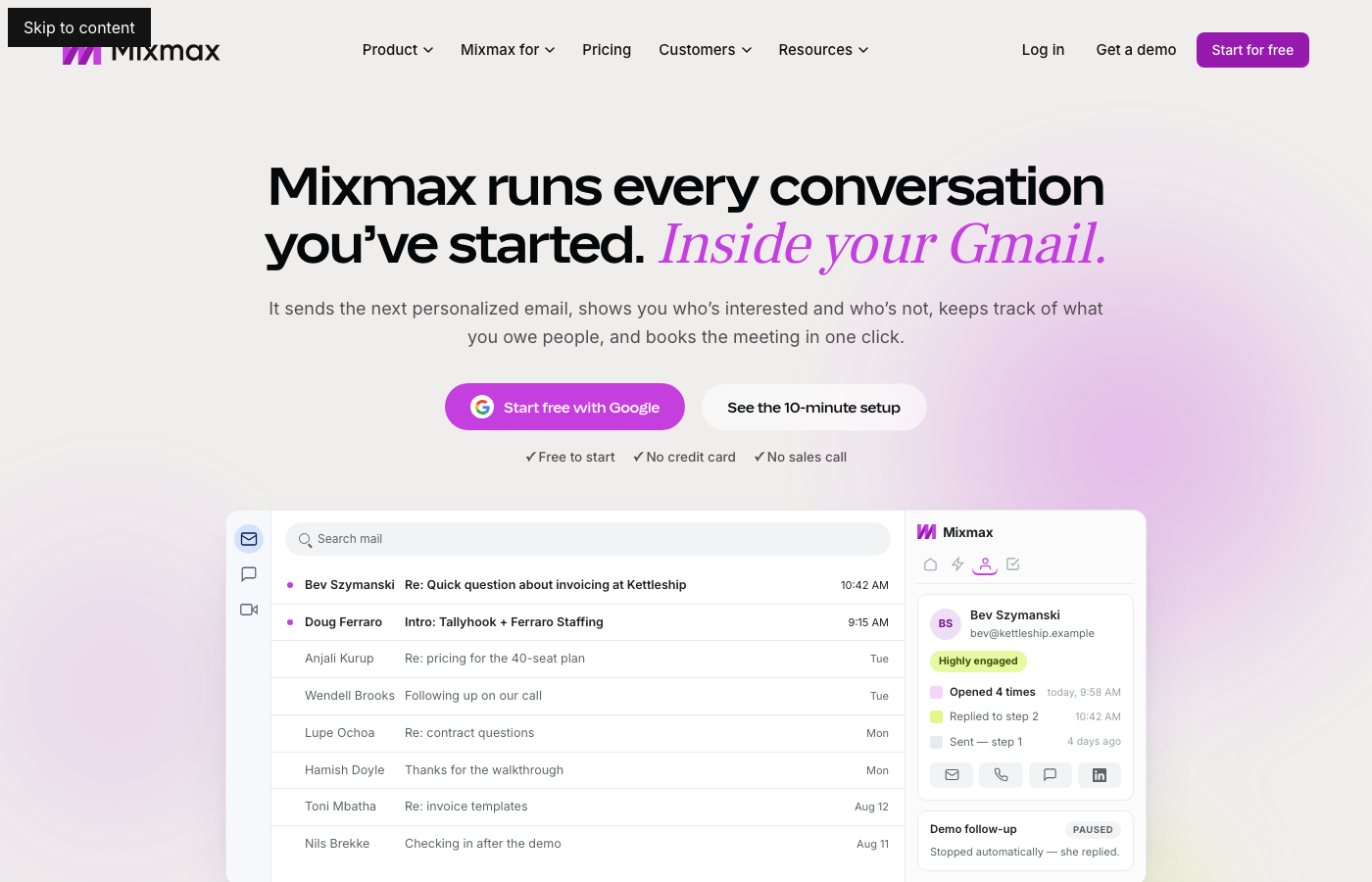
Mixmax built its reputation as a Gmail-native sequencing add-on, and that focus is still its core strength: sequences and templates, plus one-click meeting scheduling, run from inside the inbox a rep already lives in, instead of a separate platform tab. Its G2 rating (4.6 out of 5 from 1,504 reviews as of November 2026) has held steady through the repricing. In November 2026, Mixmax removed its Free and SMB tiers (Growth went with them) in favor of a single $29/user/month entry paid plan. Older comparisons describing a free tier or the previous SMB/Growth pricing are now out of date.
The tradeoff is scope, and it’s an honest one: Mixmax doesn’t attempt Salesloft’s enterprise conversation-intelligence layer or multi-touch cadence complexity. A team that needs deep forecasting and call coaching will outgrow it, but a team that just needs reliable Gmail sequencing won’t notice the gap.
Source: Mixmax pricing (reflects the November 2026 repricing; some third-party trackers still show the retired SMB/Growth tiers).
Mixmax or Salesloft? Pick Mixmax if your team lives in Gmail and wants fast, lightweight sequencing without Salesloft’s setup overhead. Stay with Salesloft if you need enterprise conversation intelligence and forecasting that Mixmax doesn’t attempt to offer.
How to Choose
Match the tool to the actual gap, not the longest feature list:
- Missing contact data, not missing sequencing -> UpLead, paired with whichever sequencer you already run.
- Already deep in Salesforce -> Outreach or Salesforce Sales Engagement, depending on whether you want a dedicated vendor or a native add-on.
- Already deep in HubSpot -> HubSpot Sales Hub.
- Small team, tight budget, want a CRM and sequencer in one -> Close.
- Small team, want data and sequencing bundled -> Apollo.io.
- Want less manual sequence-building -> Reply.io’s AI SDR tier.
- Want simple sequencing without enterprise overhead -> Klenty or Mixmax, depending on whether Gmail-native matters.
Whichever tool you land on, confirm the seat minimum and the contract length before you sign. Ask too whether calling is included or billed as a paid add-on: those terms vary more between these tools than the core sequencing feature set does.
Frequently Asked Questions
Yes. Salesloft remains a category leader with a strong G2 rating, and the Clari merger adds forecasting and conversation-intelligence features to the same contract rather than taking anything away. The main reason to look elsewhere is pricing opacity and the seat minimum, not a drop in product quality.
Close starts at $9 per user per month on annual billing, the lowest entry price of any tool in this comparison. Apollo.io’s free tier is the cheapest option with contact data included, though it only connects Gmail for sending.
Apollo.io bundles a contact database with sequencing in the same subscription. UpLead is a dedicated contact database rather than a sequencer, built to pair with Salesloft, Outreach, or any other tool in this comparison.
Yes. Clari acquired Groove in 2023, and Clari completed its merger with Salesloft on December 3, 2025. Groove and Salesloft are now the same company’s product line, not two separate options to compare.
Apollo.io and Close both carry a 4.7 out of 5 rating on G2, the highest among the tools in this comparison, though UpLead matches that figure as well on the contact-data side.