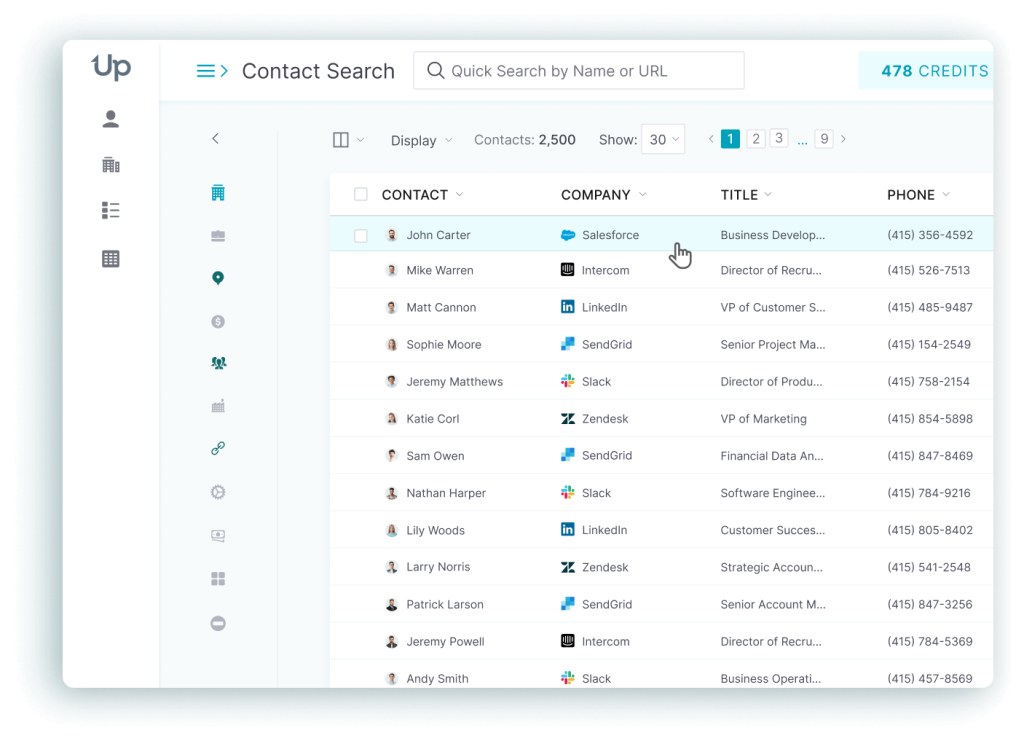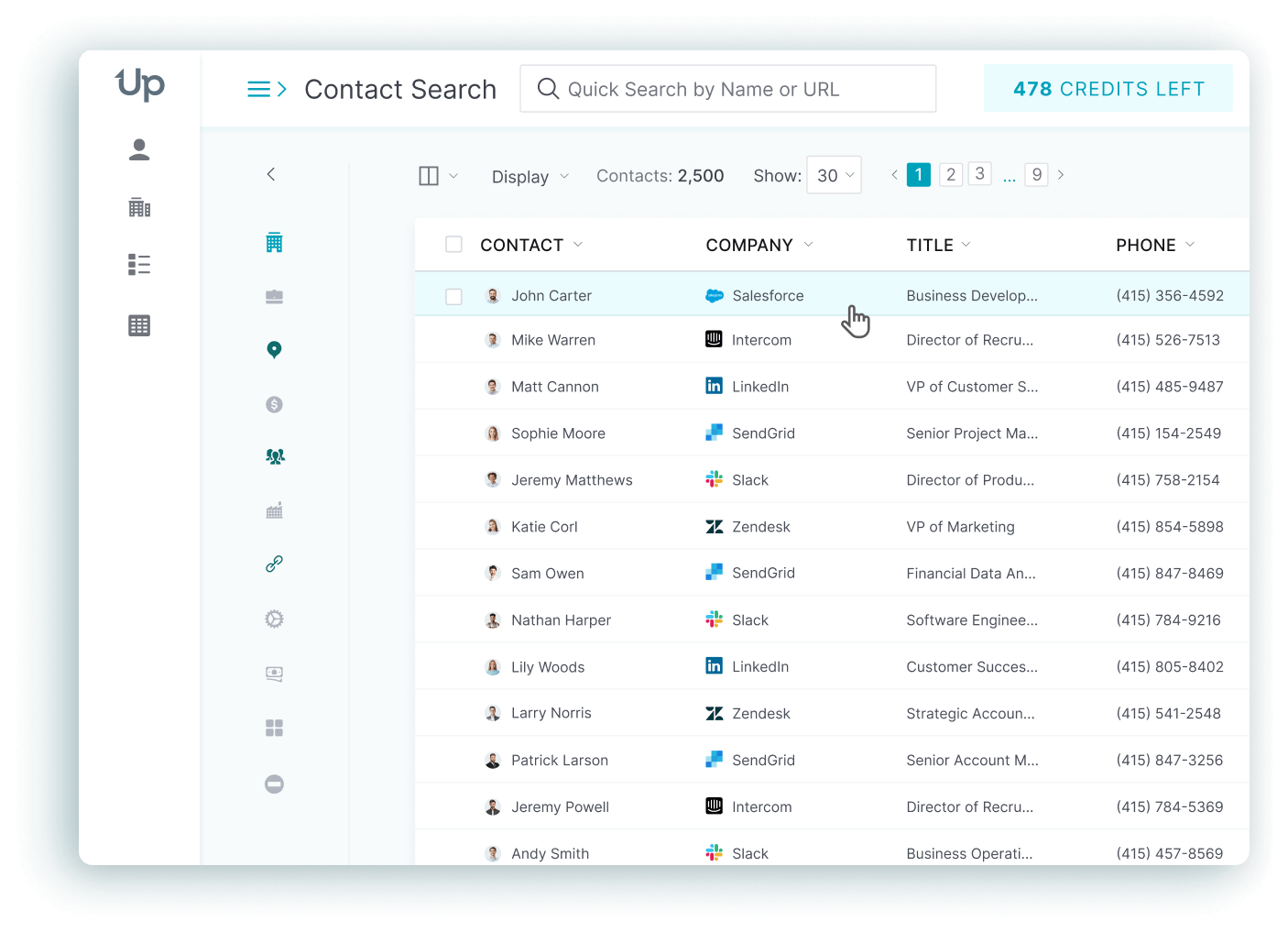


UpLead and Kaspr solve different problems, and that difference matters more than any single feature on either pricing page. UpLead is a searchable B2B contact database, and it’s built for finding and exporting lists of verified prospects by filter. Kaspr is a LinkedIn Chrome extension built for revealing one contact’s email or phone number at a time, profile by profile. UpLead’s paid plans start at $99 a month ($74 a month billed annually); Kaspr’s Starter plan lists at $49 to $65 a month on its own pricing page.
UpLead vs Kaspr at a glance
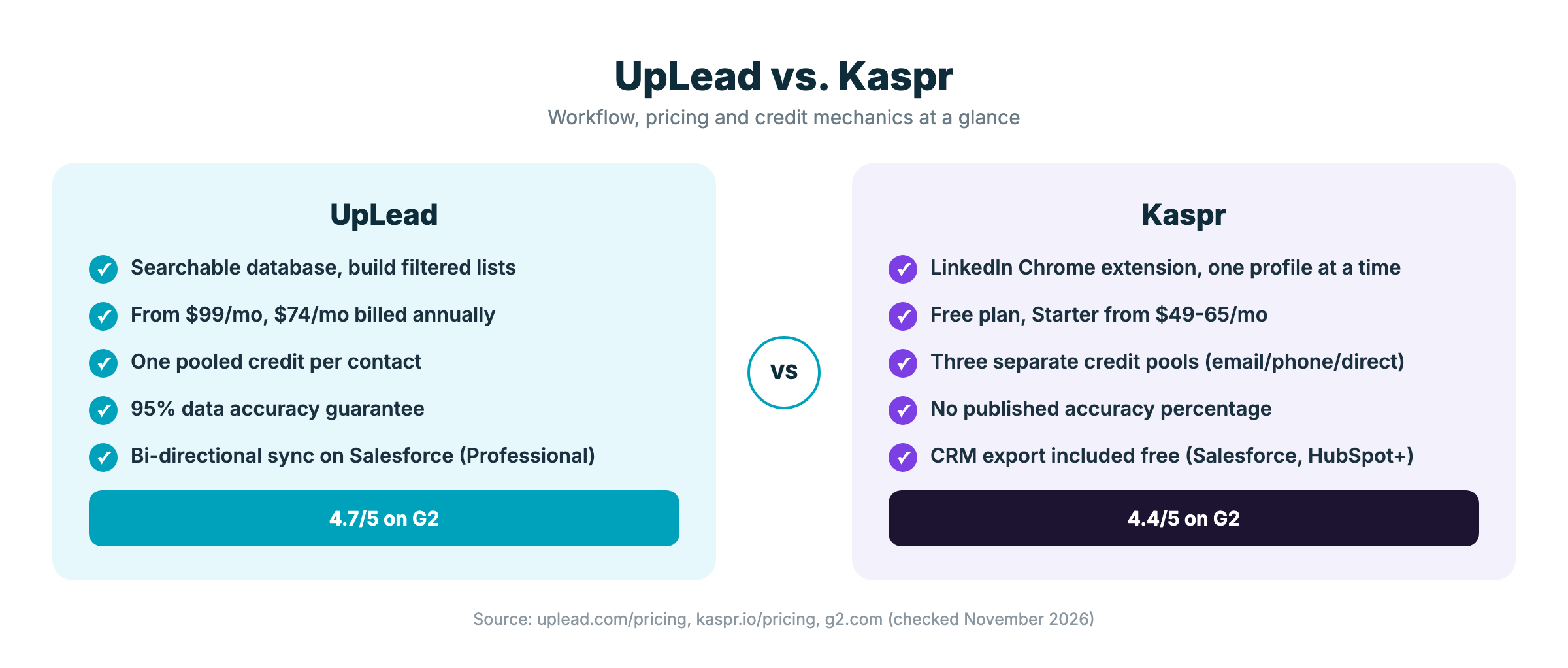
| UpLead | Kaspr | |
|---|---|---|
| Starting paid price | $99/mo ($74/mo annual) | $49-65/mo (Starter) |
| Free plan | 7-day trial, 5 credits | 15 B2B email / 5 phone / 5 direct-email credits per month, no card required |
| Primary workflow | Filtered database search, bulk list export | LinkedIn profile point-lookup, Chrome extension |
| Credit model | One pooled credit per contact | Three separate pools: email, phone, direct email |
| Accuracy claim | 95% (stated on pricing page) | Not published |
| G2 rating | 4.7/5 | 4.4/5 |
Source: UpLead pricing, Kaspr pricing, G2.
What UpLead and Kaspr actually do
UpLead works like a search engine for B2B contacts, though it isn’t tied to LinkedIn the way Kaspr is. You set filters for industry, title, company size, location plus more. The results populate as a list. You export verified emails and mobile numbers in bulk from that list. The workflow is built for sales and marketing teams that need to build a new prospect list for a campaign, not for checking contacts one at a time.
Kaspr, however, works the opposite way. It is a Chrome extension that sits on top of LinkedIn and also supports Sales Navigator and Recruiter Lite. You open a profile and click the extension; the contact’s email or mobile number appears without leaving the page. That’s a strong fit for a rep working a short list of named prospects by hand, but it doesn’t have a searchable database of its own to build a new list from scratch.
Kaspr pricing (checked November 2026)
Source: Kaspr pricing. Kaspr’s own pricing page doesn’t clearly label its two figures per paid plan (for example $49 and $65 for Starter) without labeling which is the monthly rate and which is the annual rate, so you should confirm the exact number at checkout before you commit a team to it. An annual-only Organization tier also exists outside the main plan cards, requiring a minimum of five seats.
Add-on credits are available for teams that run out mid-month, but they aren’t cheap: one published example on Kaspr’s page prices 250 phone credits at roughly $0.35 each. Kaspr’s free plan already includes CRM export to Salesforce, HubSpot, Pipedrive, Aircall, Ringover, Lemlist, Brevo, Zoho. Zapier access is reserved for Starter plans and above.
UpLead pricing (checked November 2026)
Source: UpLead pricing. UpLead states a 95% data accuracy rate on every tier and backs it with a credit-refund policy for bounced emails. Additional credits cost $0.60 each on Essentials and $0.50 each on Plus. Bi-directional CRM sync is listed on the Professional tier and is Salesforce-specific; Essentials and Plus carry one-way “Advanced CRM Integrations” instead, so a team that needs two-way Salesforce sync on a smaller plan should confirm that limit before buying.
How the credit systems actually compare
This is the detail a feature checklist genuinely misses, and it’s often the real deciding factor. Kaspr splits every account into three separate credit budgets: B2B email, phone, direct email. A rep who needs a mobile number for every contact on a 100-person list can run out of phone credits long before touching the email budget, and the unused email credits don’t transfer over. UpLead uses one pooled credit per contact instead, so a list that mixes contacts needing only an email with contacts needing a phone number draws from the same balance. Nothing is wasted, because the categories weren’t split up front the way Kaspr’s are.
Features that matter
UpLead pros and cons
Kaspr pros and cons
Which should you choose: UpLead or Kaspr?
Some teams genuinely use both: Kaspr for reps who live inside LinkedIn all day, but UpLead for the marketing or SDR function that needs to build a brand-new target list before outreach starts. If you are also weighing Kaspr against another LinkedIn-first tool, see our Kaspr vs Lusha comparison.
Frequently asked questions
Kaspr’s Starter plan lists lower, at $49 to $65 a month, against UpLead’s Essentials at $99 a month ($74 a month billed annually). The two are not the same product: Kaspr’s price buys a LinkedIn point-lookup tool with split credit pools, while UpLead’s price buys a searchable database with bulk export and one pooled credit.
Yes. Kaspr’s free plan gives 15 B2B email credits, 5 phone credits, 5 direct-email credits per month, with no credit card required. UpLead doesn’t have an ongoing free tier, though; it offers a 7-day trial with 5 credits instead.
Yes, and that is the core difference between the two tools. UpLead searches a database by filter and exports a list in bulk. Kaspr has no searchable database of its own; it only reveals contact details for a LinkedIn profile you have already opened.
UpLead’s bi-directional sync is listed on the Professional tier and is Salesforce-specific; its Essentials and Plus tiers carry one-way “Advanced CRM Integrations” instead. Kaspr includes CRM export to Salesforce, HubSpot, Pipedrive plus several other tools starting on its free plan.
Kaspr prices phone reveals and email reveals from three separate credit pools: B2B email, phone, direct email. A rep pulling mobile numbers for a list exhausts the phone pool first because it does not share a balance with the much larger email pool. UpLead avoids this by using one pooled credit per contact instead of split pools.
Kaspr doesn’t publish an accuracy percentage on its pricing page, which genuinely makes it harder to benchmark against UpLead’s stated number. UpLead states a 95% data accuracy rate on every tier and backs it with a credit-refund policy for emails that bounce.