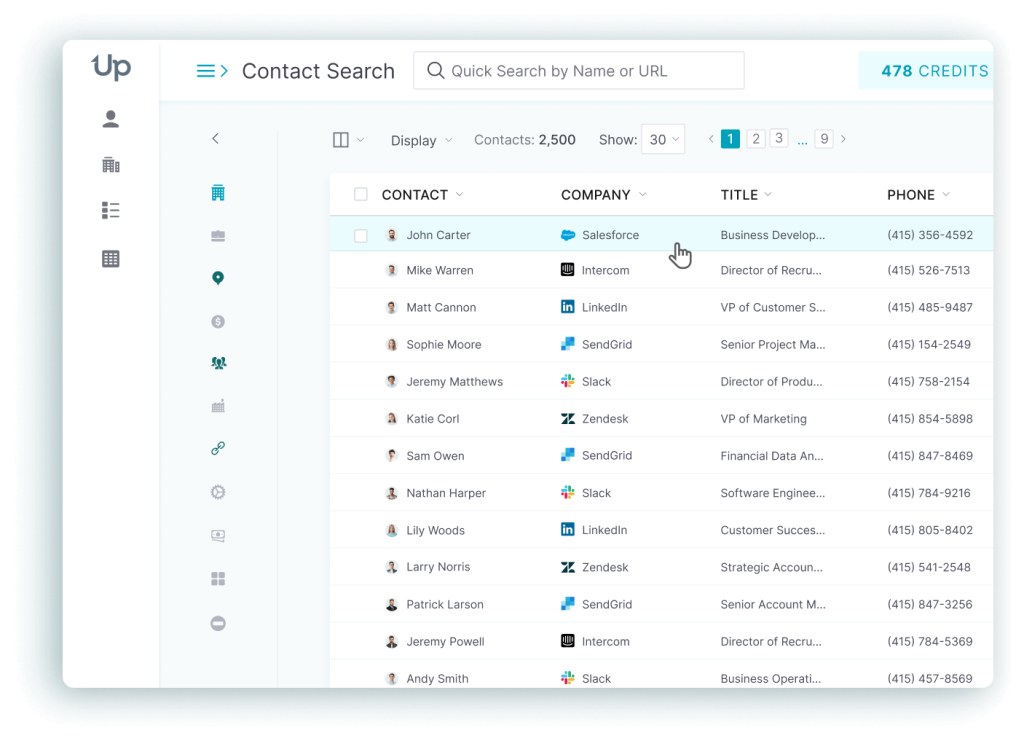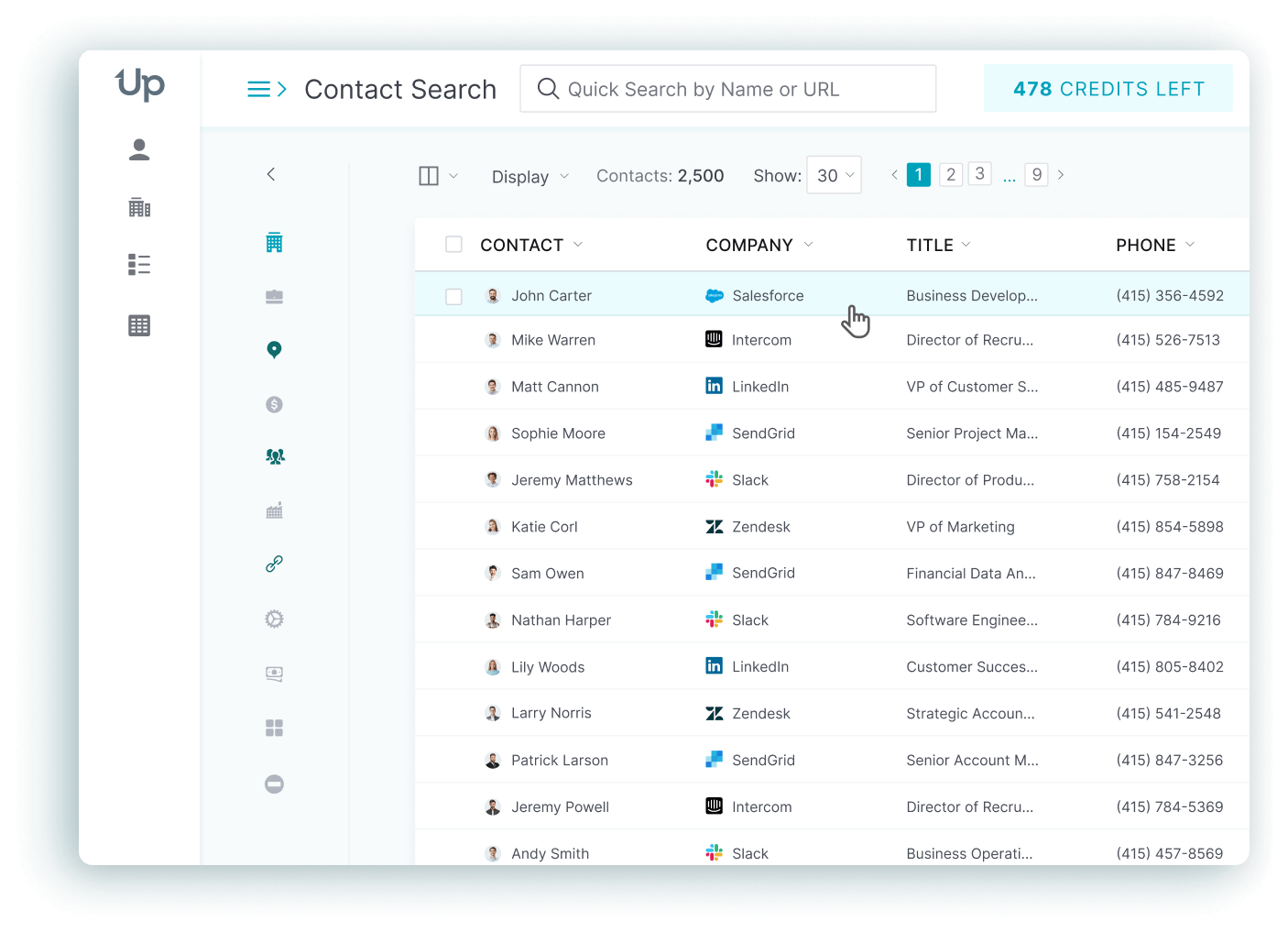


UpLead and LeadIQ both sell to the same buyer: a sales or marketing team that needs verified contact data fast. They solve the problem in different ways. UpLead builds its business around searchable, verified lists that you export in bulk, with a real-time email check at download. LeadIQ builds its business around one-click capture from LinkedIn straight into your CRM or sales-engagement tool. The pricing models differ just as much: UpLead bundles an email and a mobile number into one credit, while LeadIQ charges 1 credit for an email and 10 for a phone number.
UpLead vs. LeadIQ At a Glance
| UpLead | LeadIQ | |
|---|---|---|
| Best for | High-volume outbound teams that need bulk, verified list exports | Reps and growing teams that prospect one profile at a time from LinkedIn |
| Starting paid price | $99/month (Essentials), $74/month billed annually | From $20/month at 200 credits, $15/month billed annually |
| What the entry credits buy | 170 credits a month, each one an email plus a mobile direct dial | 200 credits a month: 200 emails, or 18 email-plus-phone contacts |
| Free option | 7-day free trial with 5 credits | Free plan with 1 user and 50 credits, plus a 30-day free trial of any plan |
| Users included | Single-user plans (Free, Essentials, Plus) | Pro includes up to 5 users |
| Data verification | Real-time email verification at download, 95% data accuracy | Verification check on each new search, no published overall accuracy rate |
| Reviews | 4.7/5 on G2 from 824 reviews | Around 4.2/5 on G2 |
Choose UpLead if you want to build large, verified lists and know what each contact costs. Choose LeadIQ if your reps live in LinkedIn and need contact capture in one click.
What Is UpLead?
UpLead is a B2B contact database built around verification. According to its data process, every email gets a real-time check with AI risk scoring when you download it, and the homepage backs that with a 95% data accuracy guarantee. The database holds 200M+ contacts, you can narrow it with 50+ search filters, and a Chrome extension pulls contact and company data while you browse the web or LinkedIn. Contacts push into CRMs and sales tools such as Salesforce or HubSpot.
The pricing model is credit-based: one credit pays for one contact and includes the email plus the mobile direct dial. That bundling is why UpLead lands on shortlists of teams that build large exportable lists and want to predict next month’s bill. UpLead has 4.7/5 on G2 from 824 reviews, as shown on its homepage.
UpLead Pros & Cons
What Is LeadIQ?
LeadIQ is a prospecting platform built around capture speed rather than bulk export. According to a 2021 funding announcement, the company was founded in 2015 by Mei Siauw and raised a $30 million Series B led by Cathay Innovation, bringing total funding to $42 million. Its Chrome extension captures prospects as you browse and pushes the contact data into Salesforce, HubSpot, Outreach, Salesloft, or Gong. It also offers AI message writing, and it tracks job changes among saved contacts.
On verification, LeadIQ says every new search with its extension kicks off a fresh verification check, layered on top of partner vetting and a proprietary email-inference algorithm, as described on its data page. Unlike UpLead, it doesn’t publish one overall accuracy percentage. On security, the LeadIQ homepage states the company is SOC 2 Type II certified and GDPR-compliant.
LeadIQ Pros & Cons
UpLead vs. LeadIQ: Pricing Compared
Both platforms use credits, but they spend them differently. On UpLead’s pricing page, Essentials costs $99 a month with 170 credits, or $74 a month billed annually with 2,040 credits for the year. Plus costs $199 a month with 400 credits, or $149 a month billed annually with 4,800 credits for the year, and adds data enrichment and email pattern intelligence. It also brings technographics along with advanced filters. Professional is annual only and priced on request. It adds buyer intent data and full API access, plus a dedicated success manager with priority phone support. Extra credits cost $0.60 each on Essentials and $0.50 each on Plus.
On LeadIQ’s pricing page, Free gives one user 50 credits. Pro is a credit slider that starts at $20 a month for 200 credits on monthly billing, with 25% off on annual billing (that’s $15 a month at 200 credits), and includes up to 5 users. The slider runs from 200 to 6,750 credits a month, and Enterprise is custom. A verified email costs 1 credit and a phone number costs 10, so an email plus a phone number takes 11. Account enrichment takes 3. UpLead’s single credit already includes the mobile direct dial, so the two vendors don’t price the same unit.
UpLead Pricing
Source: UpLead pricing.
LeadIQ Pricing
Source: LeadIQ pricing. Pro includes up to 5 users. Enterprise is custom and annual only.
What 500 Contacts With Emails and Phone Numbers Costs on Each Tool
Say you need 500 contacts and want both a verified email and a mobile number for every one. The math below uses only the credit rules and prices on the two pricing pages, on monthly billing for one month.
- UpLead: 1 credit per contact, so 500 credits.
- LeadIQ: 11 credits per contact (1 for the email, 10 for the phone), so 5,500 credits.
| UpLead Essentials | UpLead Plus | LeadIQ Pro | |
|---|---|---|---|
| Credits needed | 500 | 500 | 5,500 |
| Credits included | 170 | 400 | 5,500 (slider tier) |
| Extra credits | 330 at $0.60 = $198 | 100 at $0.50 = $50 | none |
| Total, monthly billing | $297 | $249 | $236.50 |
| Per contact | $0.59 | $0.50 | $0.47 |
| Total, annual billing, per month | $272 | $199 | $177.38 |
The annual row assumes you pay the annual per-month price, buy extra credits at the listed rates, and need these 500 contacts every month. For UpLead it adds the extras to $74 or $149. For LeadIQ it takes 25% off $236.50.
Three things stand out. First, LeadIQ is the cheaper of the two at this volume when you need phone numbers for every contact, by about $12.50 a month against UpLead Plus on monthly billing and about $21.60 on annual billing. Second, the gap depends on the phone share: if you only need emails, the same 500 contacts cost 500 LeadIQ credits, which is $30 on monthly billing (the 500-credit tier), while UpLead’s bundled credit prices the same 500 contacts at $249 or more. Third, LeadIQ’s Pro price covers up to 5 users on one credit pool. UpLead’s Essentials and Plus plans are single-user accounts, so a team of five compares differently. Test both with your own phone-to-email ratio before you commit.
Key Features Compared
UpLead’s feature set centers on list building and export:
- Search and filters: 50+ search filters. Plus adds advanced filters and technographics, and Professional opens all filters and buyer intent data.
- Real-time verification: emails are checked at download, backing the 95% accuracy guarantee.
- CRM integrations: native connections to Salesforce and HubSpot among others, plus 1,500+ apps through Zapier.
- Chrome extension: verified contact and company data while you browse the web or LinkedIn, included from the free trial.
- API: full API access on the Professional plan.
LeadIQ’s feature set centers on capture and workflow:
- LinkedIn capture: one-click capture from the browser into lists and your CRM.
- Champion tracking: alerts when a saved contact changes jobs.
- AI message writing: drafts personalized outbound messages.
- Sales-engagement sync: pushes contacts into Outreach and Salesloft as well as the CRM.
- Salesforce duplicate detection: an Enterprise feature that sits next to governance controls.
Data Quality and Verification
The two platforms verify data at different moments, and that matters more than either vendor’s marketing copy suggests. UpLead checks each email at the moment you download it and states a 95% data accuracy rate, so the number ties to a specific mechanism.
LeadIQ runs a verification check on each new search made with its extension, on top of partner vetting and a data community that flags bad emails and mobiles. It doesn’t publish one accuracy percentage, so you can’t compare the two on a single figure. G2 reviewers tend to praise LeadIQ’s email results and flag its phone numbers as the weaker point. Both numbers are vendor-reported, so you’ll want to run a sample of your own target accounts through each trial and count the bounces.
Integrations Compared
Both platforms plug into the CRM and sales-engagement stack most B2B teams already run. UpLead syncs with Salesforce, HubSpot, Zoho, Pipedrive and Outreach among others. Bi-directional CRM sync comes with the Professional plan. LeadIQ connects to Salesforce and HubSpot plus Outreach, Salesloft and Gong. Its Salesforce enrichment runs as a managed package.
If your stack already centers on Outreach or Salesloft and Gong, LeadIQ maps directly onto that workflow. If you export bulk lists into a CRM and sequence with another tool, UpLead’s integrations cover that case.
Ease of Use and Chrome Extension
Both tools ship a Chrome extension, but they serve different moments in a rep’s day. LeadIQ’s extension is the center of the product: a rep browsing a prospect’s profile captures the contact and pushes it to the CRM or sequencer without leaving the page. UpLead’s extension pulls verified contact and company data while you browse and feeds the same list-building workflow as the rest of the platform.
If your team’s day-to-day work really happens inside LinkedIn, LeadIQ’s extension removes more clicks. If your team builds lists first and prospects second, UpLead’s search-and-export flow fits that pattern more directly.
Compliance and Security
LeadIQ states on its homepage that it is SOC 2 Type II certified and GDPR-compliant. For UpLead, read the data documentation on uplead.com and ask sales which certifications apply today. Teams in regulated industries should request the latest compliance documents from both vendors before signing, since certifications change over time.
Which Tool Should You Choose?
The right pick depends on how your team prospects and what share of your contacts need a phone number. Use the cases below as a starting point.
If you’re still undecided, run the same 50 target accounts through both free options and compare bounce rates and phone connect rates. That test costs nothing and it tells you far more than any feature table.
FAQs About UpLead and LeadIQ
Is LeadIQ trustworthy?
Yes. LeadIQ has operated since 2015, has raised $42 million in venture funding, and states on its homepage that it is SOC 2 Type II certified and GDPR-compliant. Its phone data draws more complaints on G2 than its email data, so test it before you buy.
Is UpLead a legit website?
Yes. UpLead is a B2B contact database with a 4.7/5 rating on G2 from 824 reviews and a 95% data accuracy guarantee tied to real-time email verification at download.
Who owns LeadIQ?
LeadIQ is a venture-backed private company. Its 2021 Series B of $30 million was led by Cathay Innovation, which brought total funding to $42 million, according to the announcement.
Is UpLead or LeadIQ better for LinkedIn prospecting?
LeadIQ is the better fit for one-by-one LinkedIn prospecting, because its extension is built around single-click capture. UpLead also has a Chrome extension that works on LinkedIn, but it is better suited to bulk list building.
How much does UpLead cost compared to LeadIQ?
UpLead starts at $99 a month ($74 a month billed annually) for 170 credits. LeadIQ Pro starts at $20 a month for 200 credits ($15 a month billed annually) and has a free plan with 50 credits. LeadIQ charges 10 credits for a phone number. At 500 contacts with email plus phone, that comes to $236.50 a month on LeadIQ against $249 on UpLead Plus.
What are some alternatives to UpLead?
Common alternatives include ZoomInfo, Apollo, Cognism, Lusha or Lead411. They differ on database size and pricing model. UpLead compares several of them in its ZoomInfo competitors guide.
The Bottom Line: UpLead vs. LeadIQ
UpLead and LeadIQ both do B2B contact data well, but they fit different moments in the sales process. UpLead fits teams that want verified bulk lists with email and mobile bundled in one credit. LeadIQ fits reps whose workday runs through LinkedIn and who need capture in a single click, and at 500 contacts with phone numbers it is slightly cheaper on list price. Check both pricing pages before you commit, because credit tiers on both sides change.