



Saleshandy is a capable cold email platform, but it is not the right fit for every team. Some users hit walls with deliverability after the built-in warm-up, others find the lead finder slow or unreliable, and a few want a different mix of automation, multichannel reach or pricing. If any of that sounds familiar, you have plenty of strong options to switch to.
This guide walks through the nine best Saleshandy alternatives for 2026, grouped by what each one does best. We cover cold email senders, full sales-engagement platforms and the data layer that decides whether any of them work. One thing every tool on this list shares: it only performs as well as the contact data you feed it. Bad list, bad campaign. That is where UpLead fits, and we will explain how below.
Why teams look for a Saleshandy alternative
Before you compare tools, it helps to name the problem you are trying to solve. The most common reasons teams leave Saleshandy fall into a few buckets.
- Deliverability frustration. Some users report that the warm-up feature can hurt domain reputation rather than help it, which tanks inbox placement on important campaigns.
- A slow or thin lead database. The built-in lead finder can be sluggish, and exports sometimes stall, which forces teams to bolt on a separate data source anyway.
- Limited multichannel reach. Saleshandy is email-first. Teams that want LinkedIn, calls and SMS in one sequence often outgrow it.
- Pricing that scales faster than expected. As you add mailboxes and features, the cost can climb past what a lean team wants to pay.
- No free plan. Buyers who want to test before they commit have to start on a paid tier.
Match your reason to the right category. If you send high volumes, look at dedicated cold email tools. If you run a full sales motion across channels, look at sales-engagement platforms. And whichever you pick, fix the data problem first, because no sending tool can rescue a list of stale or wrong email addresses.
The data layer that powers every tool on this list: UpLead
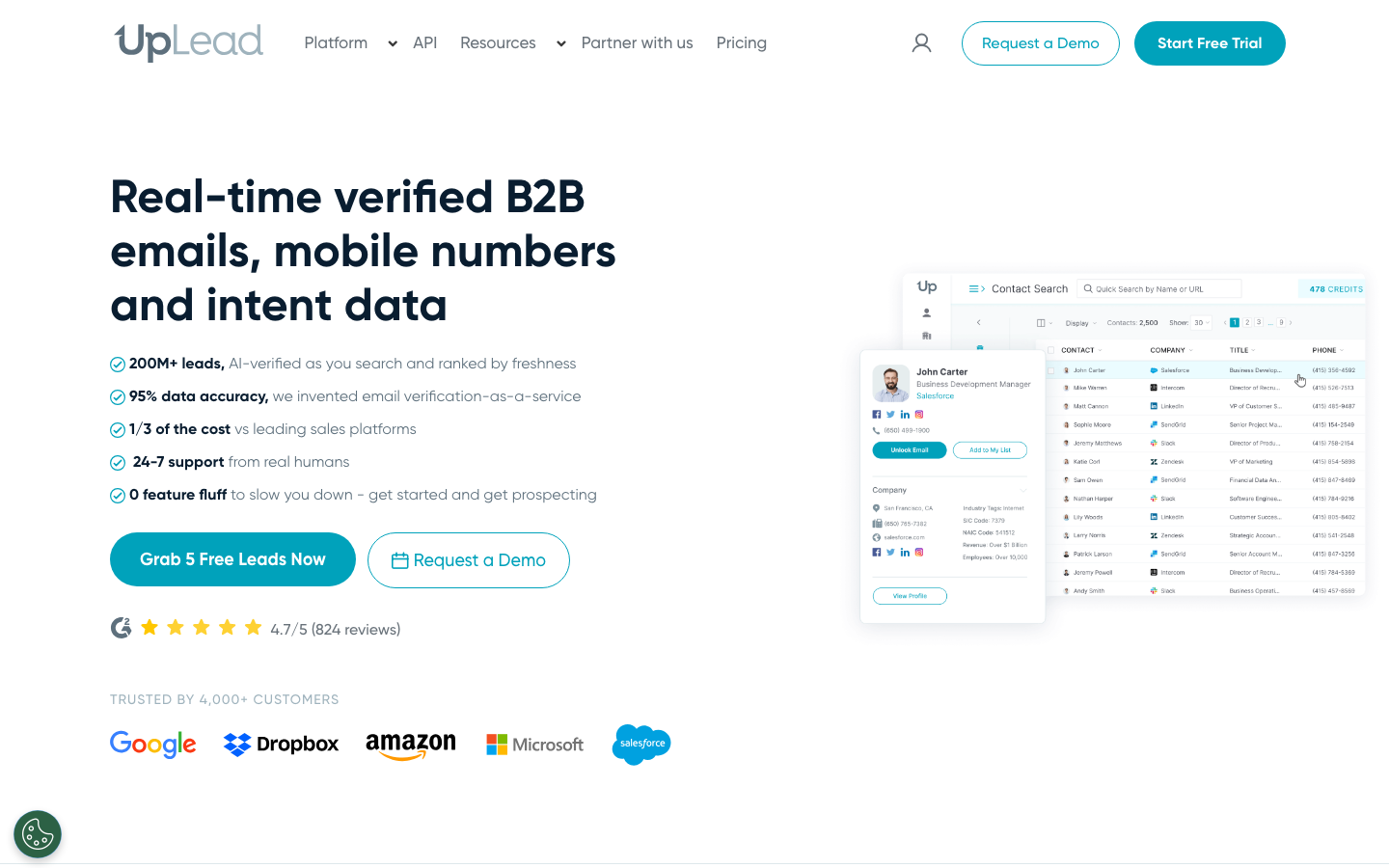
UpLead is not a cold email sender, and that is the point. It is the B2B prospecting database that feeds clean, verified contacts into whatever outreach tool you choose. The single biggest reason cold campaigns fail is bad data: invalid addresses, wrong titles and contacts who left the company months ago. UpLead solves that upstream so the sending tool you pick from this list has something real to work with.
UpLead verifies every email in real time at the moment of export, which is what keeps bounce rates low and protects the sender reputation that tools like Smartlead and Instantly work so hard to build. You get access to more than 160 million contacts across 200-plus countries, with over 50 search filters covering industry, company size, technology used, revenue and intent signals. Export verified leads straight to CSV or push them into your sequencing tool and CRM through native integrations.
Ratings: G2 4.7/5, Capterra 4.6/5
Reviewers single out UpLead for high data accuracy and ease of use, and it repeatedly ranks at or near the top for easiest to use and best ROI in its category (Source: G2).
Pros
- Data accuracy is the most-cited strength, with verified contact info that holds up in real campaigns (Source: G2).
- Easy to learn and navigate, which is why it is rated highly for ease of use (Source: G2).
- Credit fairness, since you are not charged a credit when an email cannot be verified as accurate (Source: Capterra).
Cons
- Billing and subscription handling comes up as a friction point for some users (Source: G2).
- A minority of contacts can be missing or outdated, and total volume is smaller than the largest databases (Source: G2).
- Pricing feels expensive to lighter users on smaller credit needs (Source: G2).
Pricing
- Free Trial: $0 for 7 days with 5 credits.
- Essentials: $99 per month, or $74 per month billed annually, with 170 credits per month.
- Plus: $199 per month, or $149 per month billed annually, with 400 credits per month.
- Professional: custom annual pricing that adds intent data, full API and bi-directional CRM sync (Source: Vendor).
Best For
Best for teams that want to source accurate, real-time verified prospects before any campaign so every sending tool below has clean data to work with.
Think of the rest of this list as the engine and UpLead as the fuel. A great sequencer running on bad data still bounces. Clean data running through an average sequencer still books meetings.
Best Saleshandy alternatives for cold email at scale
1. Smartlead
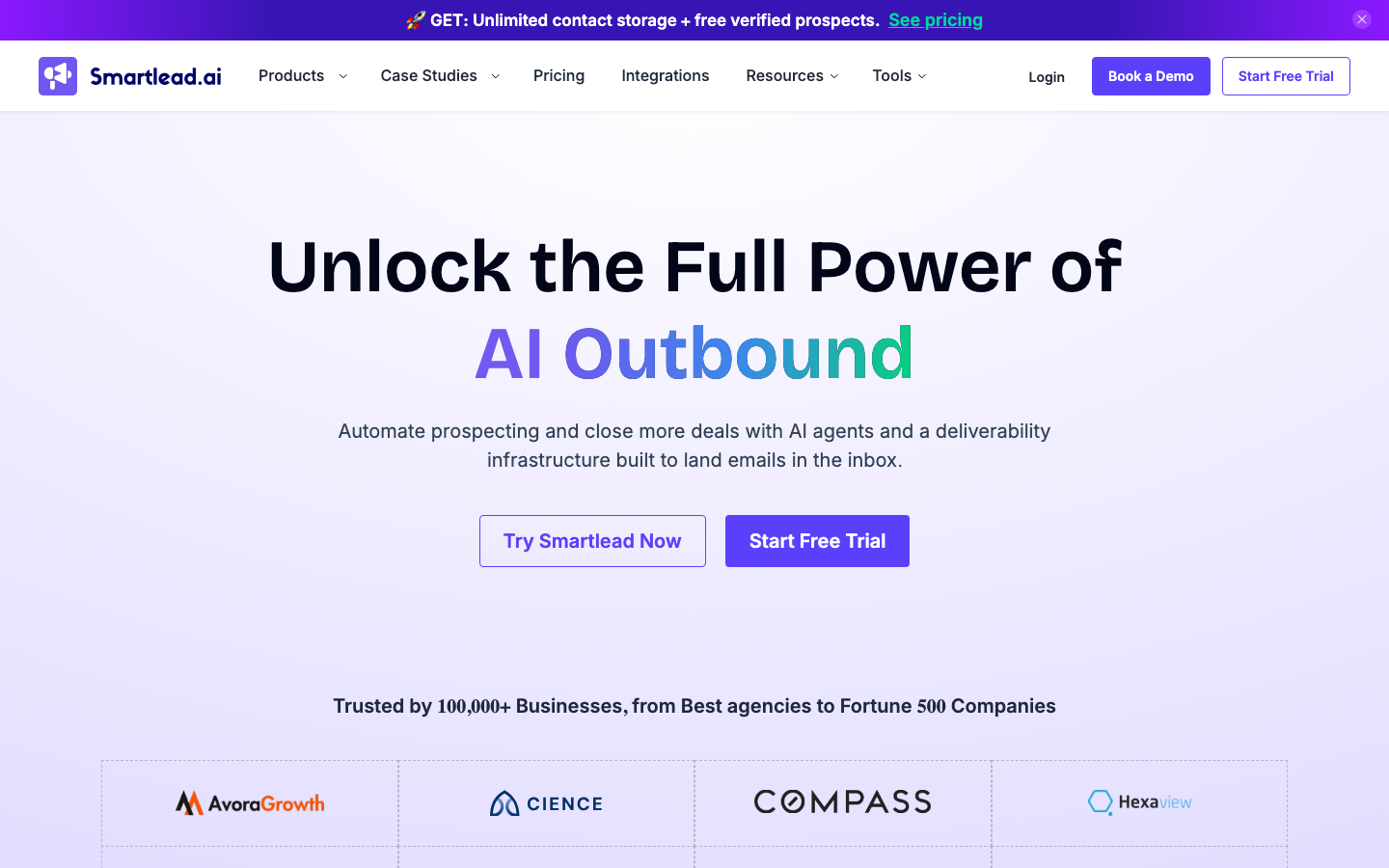
Smartlead is the go-to choice for teams that send a lot of cold email and care most about landing in the inbox. It offers unlimited mailboxes, automatic email rotation across them and a unified master inbox so replies from dozens of sending addresses land in one place. The warm-up network is large. That matters when you push volume, because deliverability is the first thing to slip.
Ratings: G2 4.6/5, Capterra 4.3/5, TrustRadius 8.4/10
Users rate Smartlead highly for deliverability, unlimited mailbox rotation and automated warmups, while a few note a setup learning curve and occasionally slow support (Source: G2).
Pros
- Unlimited email accounts and inbox rotation make it easy to scale sending volume (Source: G2).
- Built-in warmups and strong deliverability help campaigns get past spam filters (Source: G2).
- Reviewers find it straightforward to set up with good customer support (Source: Capterra).
Cons
- Support response can be slow at times (Source: G2).
- Onboarding has a learning curve, since DNS, rotation and warmup settings need some technical knowledge (Source: G2).
- Integration setup and pricing raise concerns for a few reviewers (Source: Capterra).
Pricing
- Basic: $39 per month, with unlimited email accounts.
- Pro: $94 per month.
- Unlimited Smart: $174 per month.
- Unlimited Prime: $379 per month, with roughly 17 percent off on annual billing (Source: Vendor).
Best For
Best for high-volume senders and lead-gen agencies that need unlimited mailboxes and deliverability-focused warmup.
Smartlead handles the sending. Feed it verified UpLead contacts and the master inbox fills with real replies instead of bounce notifications.
2. Instantly
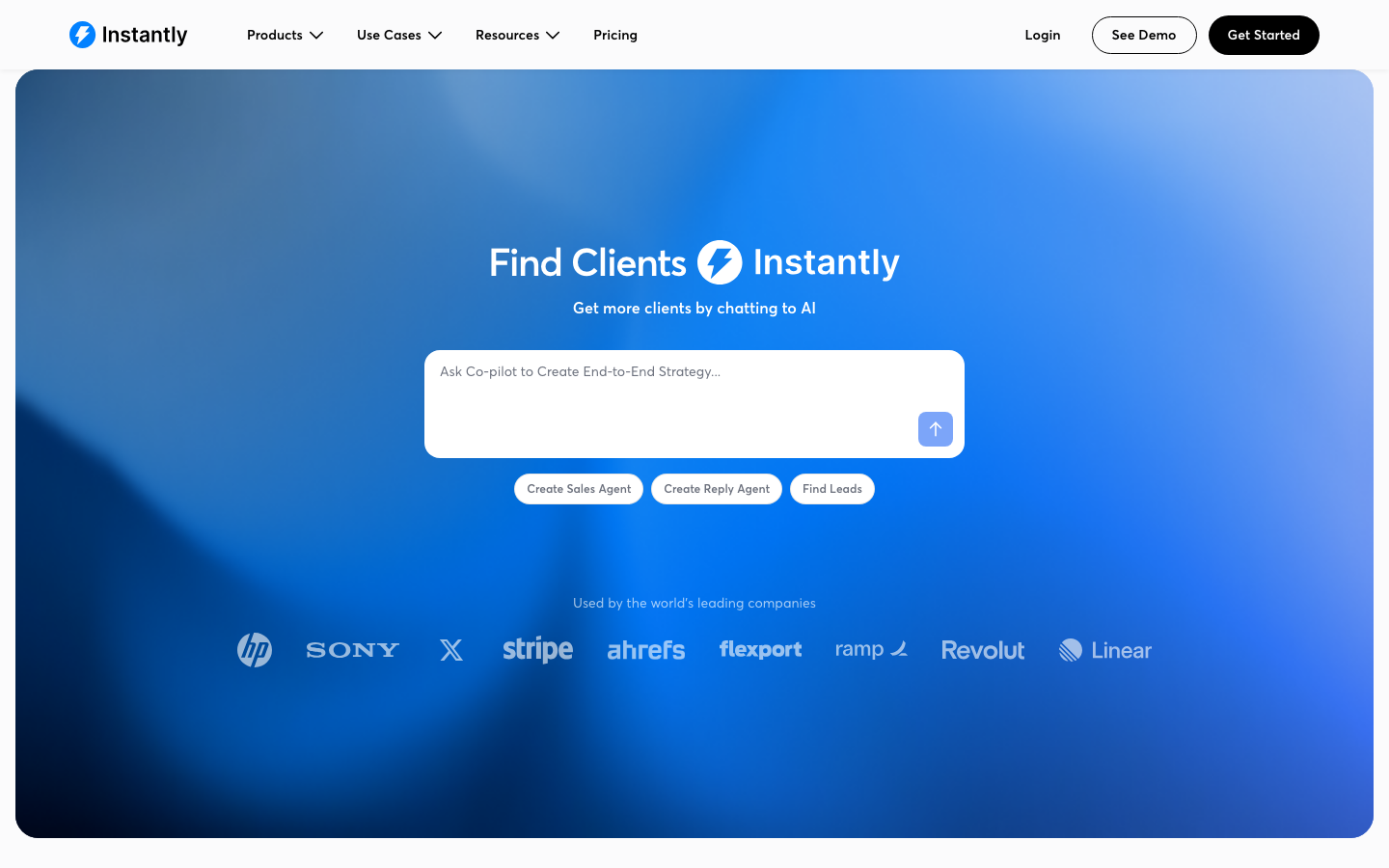
Instantly built its reputation on making large-scale cold email approachable. You connect unlimited sending accounts, lean on a big warm-up pool and use a clean campaign builder that does not overwhelm newer users. Founders and small teams love it. They want volume without a steep setup, and Instantly delivers that.
Ratings: G2 4.8/5, Trustpilot 3.9/5
Users praise Instantly as one of the fastest, most beginner-friendly cold email platforms to set up, while recurring complaints center on deliverability consistency at scale and slow support (Source: G2).
Pros
- Easy, beginner-friendly setup that gets campaigns running fast (Source: G2).
- Unlimited inbox connection and sending rotation with no per-seat cost (Source: G2).
- Strong value for high-volume outreach run from one dashboard (Source: G2).
Cons
- Deliverability can be inconsistent at scale, with some campaigns going to spam despite a healthy dashboard (Source: Trustpilot).
- Support can be slow or bot-driven, with multi-day waits on billing questions (Source: G2).
- Costs stack up as you add modules and credits (Source: G2).
Pricing
- Sending Starter: $94 per month, or about $85 per month billed annually.
- Sending Scale: $194 per month, or about $175 per month billed annually.
- Sending Agency: $555 per month, or about $500 per month billed annually.
- Lead-finder credits sold separately, from $47 per month (Source: Vendor).
Best For
Best for founders and lean teams that want to scale outbound volume quickly without a steep setup.
3. Mailshake
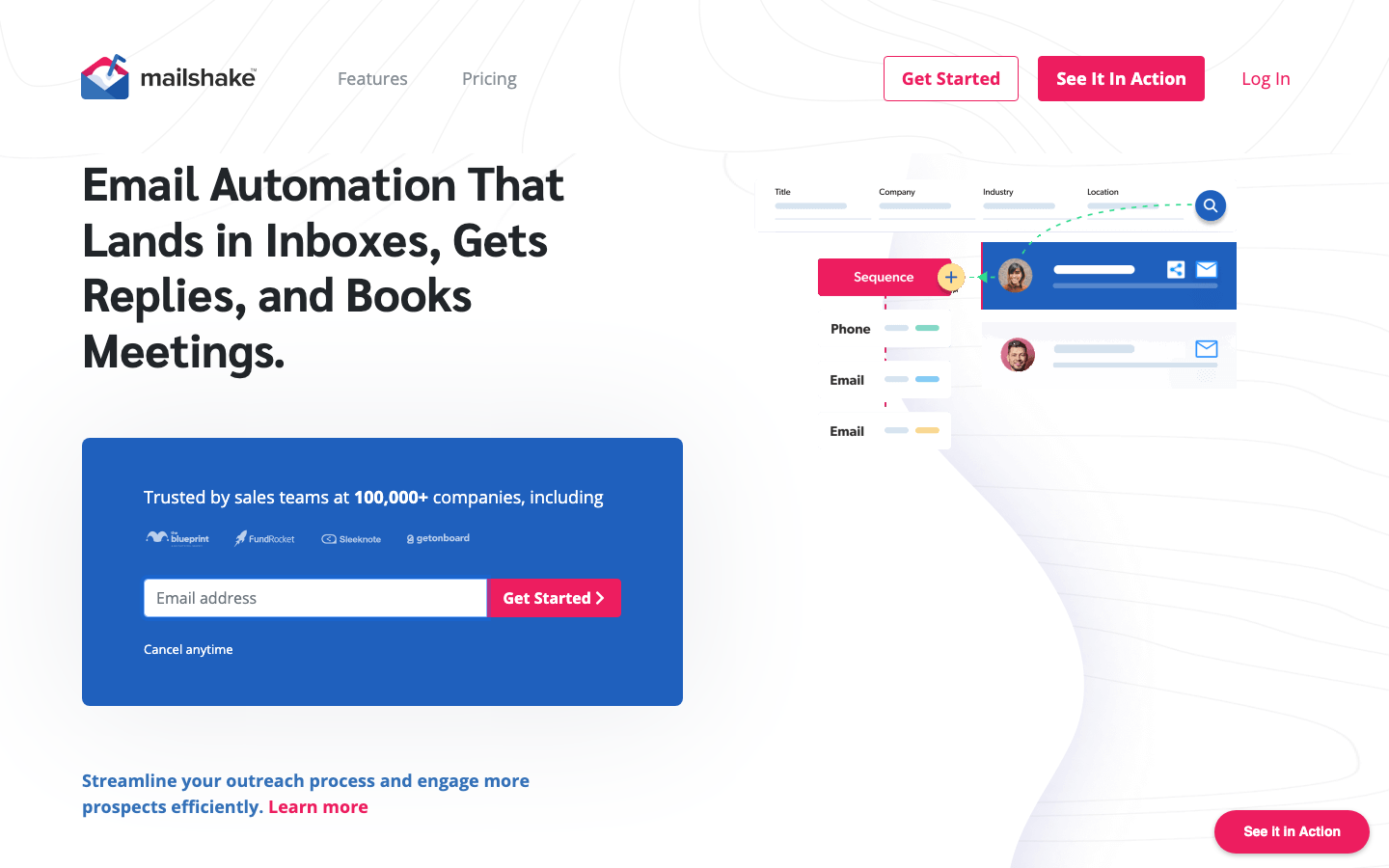
Mailshake keeps things simple, which is why some teams prefer it. It combines email sequences with light phone and social touches, and the campaign setup is fast enough that a new rep can launch on day one. It suits sales teams that want straightforward outreach without a heavy platform to learn.
Ratings: G2 4.7/5, Capterra 4.6/5
Reviewers describe Mailshake as one of the easiest, most beginner-friendly cold email tools with strong deliverability and standout support, with the main reservations being a dated interface and pricing some find high (Source: G2).
Pros
- Fast, easy setup that needs no technical expertise (Source: G2).
- Reviewers report strong delivery rates compared with rival tools (Source: Capterra).
- Customer support is responsive and goes above and beyond (Source: G2).
Cons
- The interface feels dated next to newer competitors (Source: G2).
- Email accounts can disconnect and need re-authentication mid-campaign (Source: Capterra).
- Analytics are limited and pricing feels high relative to features for some (Source: Capterra).
Pricing
- Starter: $29 per month, or $25 per month billed annually, with one connected email.
- Email Outreach: $49 per month, or $45 per month billed annually, with unlimited sends and rotation.
- Sales Engagement: $99 per month, or $85 per month billed annually, with a power dialer.
- Agency: custom pricing (Source: Vendor).
Best For
Best for small sales teams that value simplicity and want to launch outreach without a heavy platform to learn.
4. QuickMail
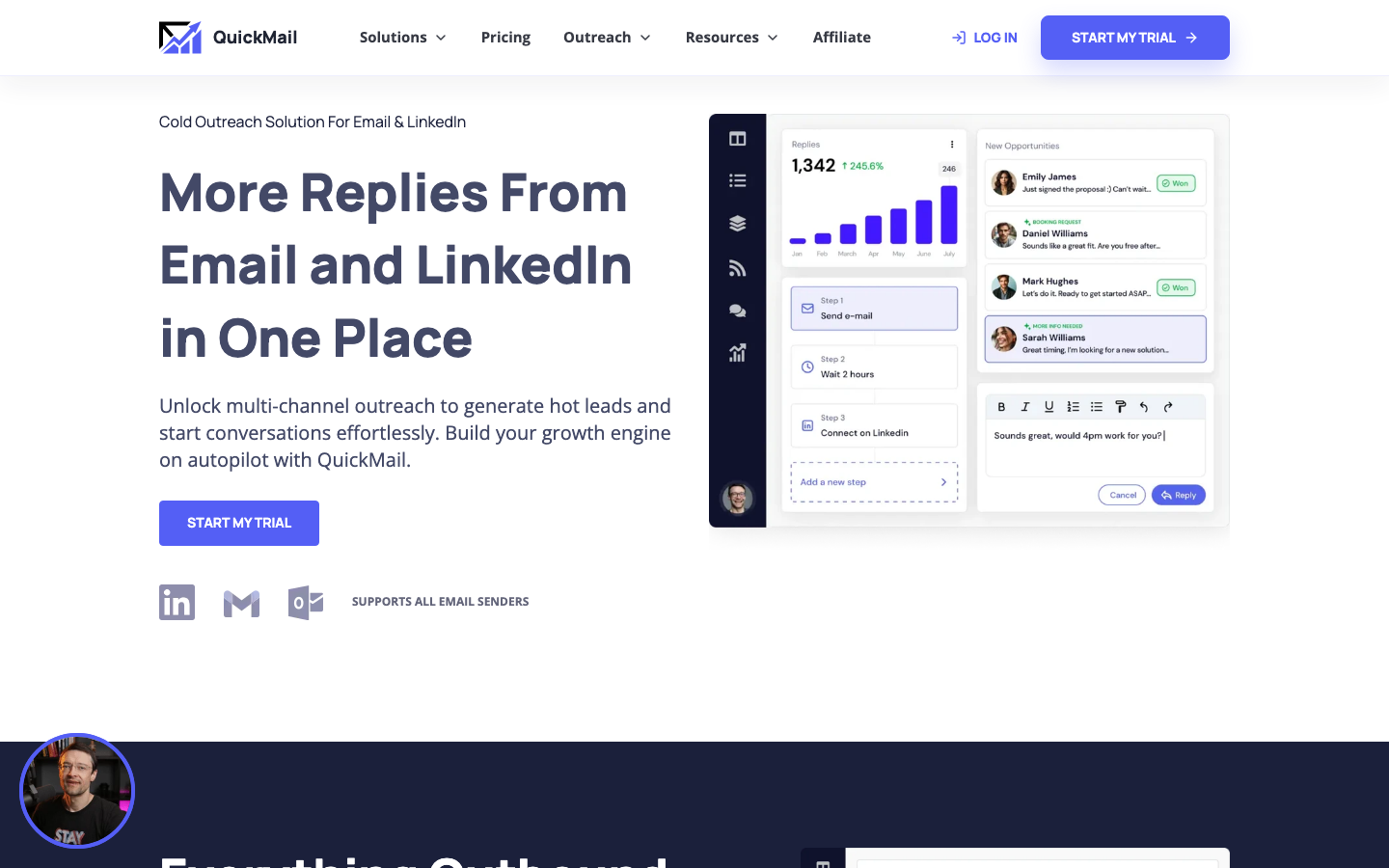
QuickMail targets agencies and teams that treat deliverability as the whole game. Its Auto-Warmer tool, the MailFlow network and detailed inbox-placement reporting give you visibility most senders lack. If your campaigns live or die on whether you reach the primary inbox, QuickMail is built for that obsession.
Ratings: G2 4.6/5, Capterra 4.7/5
Reviewers consistently praise QuickMail for deliverability and fast, outstanding support, while noting the dashboard is technical and less intuitive than some rivals (Source: G2).
Pros
- Customer support is rated among the best, with speedy responses (Source: Capterra).
- Strong deliverability helps senders stay out of the spam folder and get more replies (Source: Capterra).
- Automated email responses and deliverability score well against competitors (Source: G2).
Cons
- The interface is unintuitive, with prospects routed through buckets and schedules rather than added directly (Source: Capterra).
- Integrations can be tricky and the monthly cost runs higher than some similar tools (Source: Capterra).
- Complex multi-step campaigns carry a learning curve and manual DNS setup (Source: G2).
Pricing
- Starter: $49 per month, with 5,000 emails and 1,000 contacts.
- Growth: $99 per month, with 100,000 emails, 25,000 contacts and API access.
- Agency: $299 per month, with 500,000 emails and 100,000 contacts.
- All plans include unlimited team members and the free AutoWarmer (Source: Vendor).
Best For
Best for agencies focused on deliverability and detailed inbox-placement reporting.
Best Saleshandy alternatives for multichannel sales engagement
5. Reply.io
Reply.io moves beyond email into a true multichannel platform. You can sequence email, LinkedIn, calls and SMS in one flow and manage every response from a single inbox. AI features draft messages and prioritize replies. The result fits teams running a coordinated outbound motion rather than email alone.
Ratings: G2 4.6/5, Capterra 4.6/5, Trustpilot 4.5/5
Users find Reply.io highly effective for booking meetings through automated multichannel cadences with AI-assisted copy, but they flag it as feature-heavy with a learning curve and pricey once add-ons stack up (Source: G2).
Pros
- Automated multichannel cadences and AI-suggested copy help book meetings consistently (Source: G2).
- Deep feature set covers A/B testing, opt-out handling and broad sequencing options (Source: G2).
- Some reviewers report response rates climbing after adopting it (Source: G2).
Cons
- The volume of features can be overwhelming when getting started (Source: G2).
- Pricing feels high once mailboxes, verification and other add-ons stack up (Source: Capterra).
- Simple actions can take too many steps in the interface (Source: G2).
Pricing
- Email Volume: from about $49 per user per month billed annually, with sequences and warmup.
- Multichannel: $89 per user per month billed annually, adding LinkedIn and calling.
- Agency: from about $166 per month for unlimited client accounts.
- Jason AI autonomous SDR is sold separately, from about $500 per month (Source: Vendor).
Best For
Best for teams that want email, LinkedIn, calls and SMS coordinated in one sequence.
6. Klenty
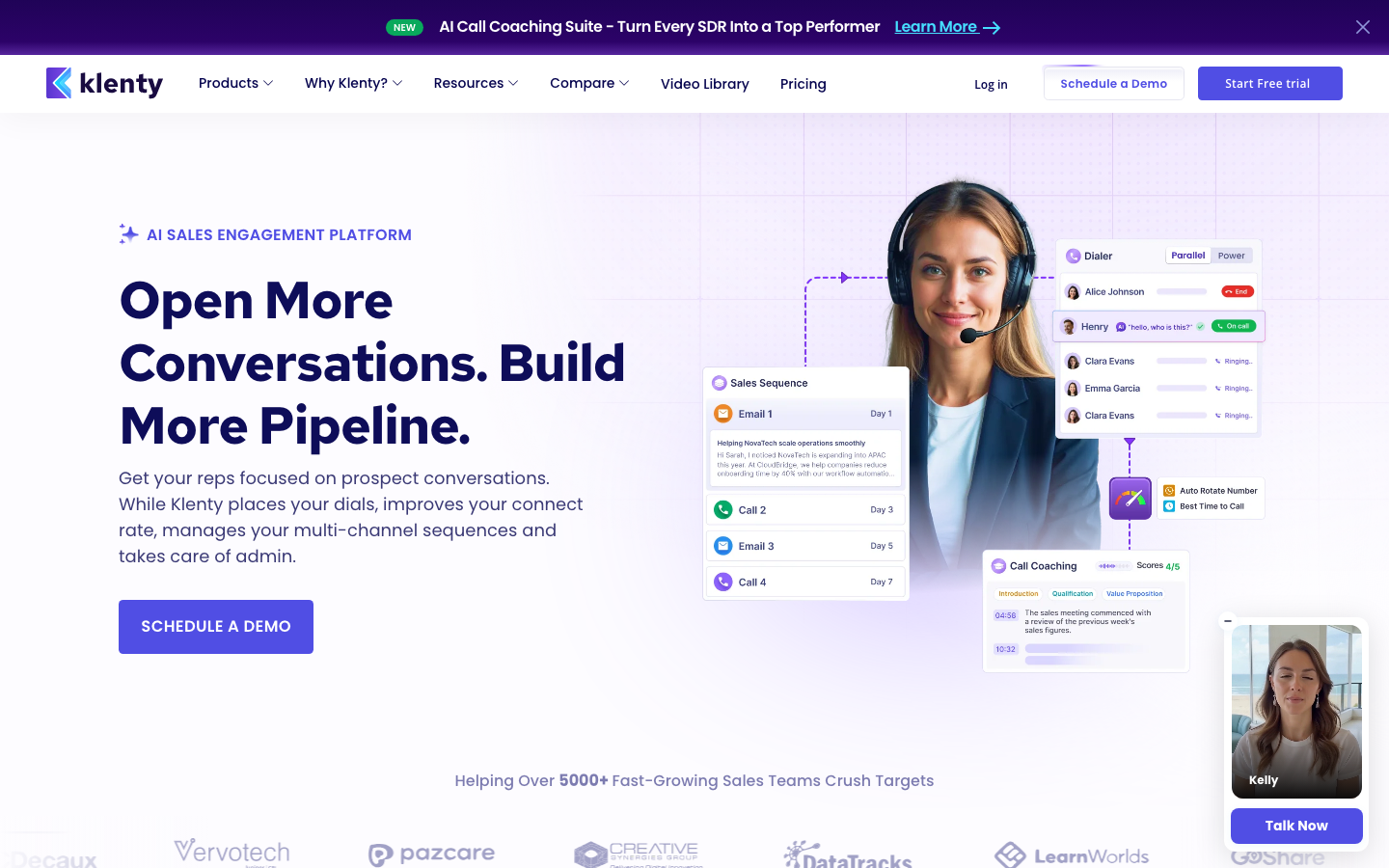
Klenty is built for sales teams that live inside a CRM. It runs multichannel cadences across email, phone and LinkedIn. The tight integrations with platforms like Salesforce, HubSpot and Pipedrive let reps work without switching tabs, and routing and cadence intelligence keep outreach consistent across larger teams.
Ratings: G2 4.6/5, Capterra 4.6/5, TrustRadius 4.5/5
Users praise Klenty for responsive, hands-on support and strong inbox placement, though many call the platform non-intuitive and a few report unexpected billing increases (Source: G2).
Pros
- Support is praised for fast responses and hands-on setup help (Source: G2).
- The sending approach helps reach inboxes and lifts open and click-through rates (Source: Capterra).
- Generally easy to use once it is set up (Source: Capterra).
Cons
- The interface is not very intuitive, and cadence setup often means leaning on support articles (Source: Capterra).
- Some reviewers report billing increases and unexpected charges (Source: G2).
- There is a learning curve to configuring cadences (Source: Capterra).
Pricing
- Starter: $50 per month billed annually, with 15,000 contacts and 75,000 emails per month.
- Growth: $70 per user per month, adding cold calling, SMS and CRM integrations.
- Plus: $99 per user per month, adding monthly credits and account-based selling.
- Parallel and Power Dialer add-on: $45 per user per month (Source: Vendor).
Best For
Best for CRM-centric sales teams running structured cadences across email, phone and LinkedIn.
7. Outreach
Outreach is an enterprise sales-engagement platform, not a lightweight cold email tool. It layers deep analytics, deal intelligence and forecasting on top of multichannel sequences. That makes it a fit for larger revenue teams that need governance and reporting. The trade-off is cost and a real onboarding investment.
Ratings: G2 4.3/5, TrustRadius 8.3/10
Reviewers see Outreach as a powerful platform whose automation and sequencing genuinely scale outbound, with the recurring complaints being complexity, a steep learning curve and opaque, high pricing (Source: G2).
Pros
- Powerful sequencing and automation enable personalized outreach at scale (Source: TrustRadius).
- Strong activity and engagement tracking across opens, clicks and reply rates (Source: TrustRadius).
- Seamless CRM integration with automatic logging of interactions (Source: G2).
Cons
- A steep learning curve and complex onboarding for new users (Source: G2).
- Pricing is opaque and high, clustering around enterprise per-seat rates on annual contracts (Source: G2).
- Occasional bugs and slow support responses (Source: G2).
Pricing
- Custom quote-based pricing with no public flat rates.
- Third-party 2026 guides cluster seat costs around $100 to $160 per user per month on annual contracts.
- Annual commitment is required, with onboarding fees reported from several thousand dollars (Source: Vendor).
Best For
Best for enterprise revenue teams that need analytics, forecasting and admin governance on top of sequences.
Best Saleshandy alternatives that combine data and outreach
8. Apollo.io
Apollo bundles a contact database with sequencing in one platform, which appeals to teams that want both under a single login. You can build lists, enrich records and launch email sequences without leaving the tool. It is a solid all-in-one starting point. Still, many users layer a dedicated verification source on top, because data accuracy and bounce rates can vary.
Ratings: G2 4.7/5, Capterra 4.5/5, TrustRadius 8.5/10
Users report very high overall satisfaction with the large database, search filters and all-in-one value, while commonly flagging data accuracy issues and credit-based billing friction (Source: G2).
Pros
- Large B2B contact database with granular search filters (Source: Capterra).
- All-in-one value combining prospecting and sequencing at an accessible price (Source: G2).
- Very high overall satisfaction reflected across more than 9,000 reviews (Source: G2).
Cons
- Data accuracy issues, especially phone numbers and contacts outside North America (Source: Capterra).
- The credit system causes budget volatility, since credits do not roll over and overages auto-charge (Source: Capterra).
- Customer support responsiveness can be slow (Source: Capterra).
Pricing
- Free: $0 with limited credits.
- Basic: about $49 per user per month.
- Professional: about $79 per user per month.
- Organization: about $119 per user per month, cheaper billed annually (Source: Vendor).
Best For
Best for teams that want a contact database and sequencer combined in one place.
This is where UpLead and Apollo are often compared head to head. If verified accuracy matters more than bundling everything in one tool, many teams source contacts in UpLead and send through their sequencer of choice.
9. Snov.io
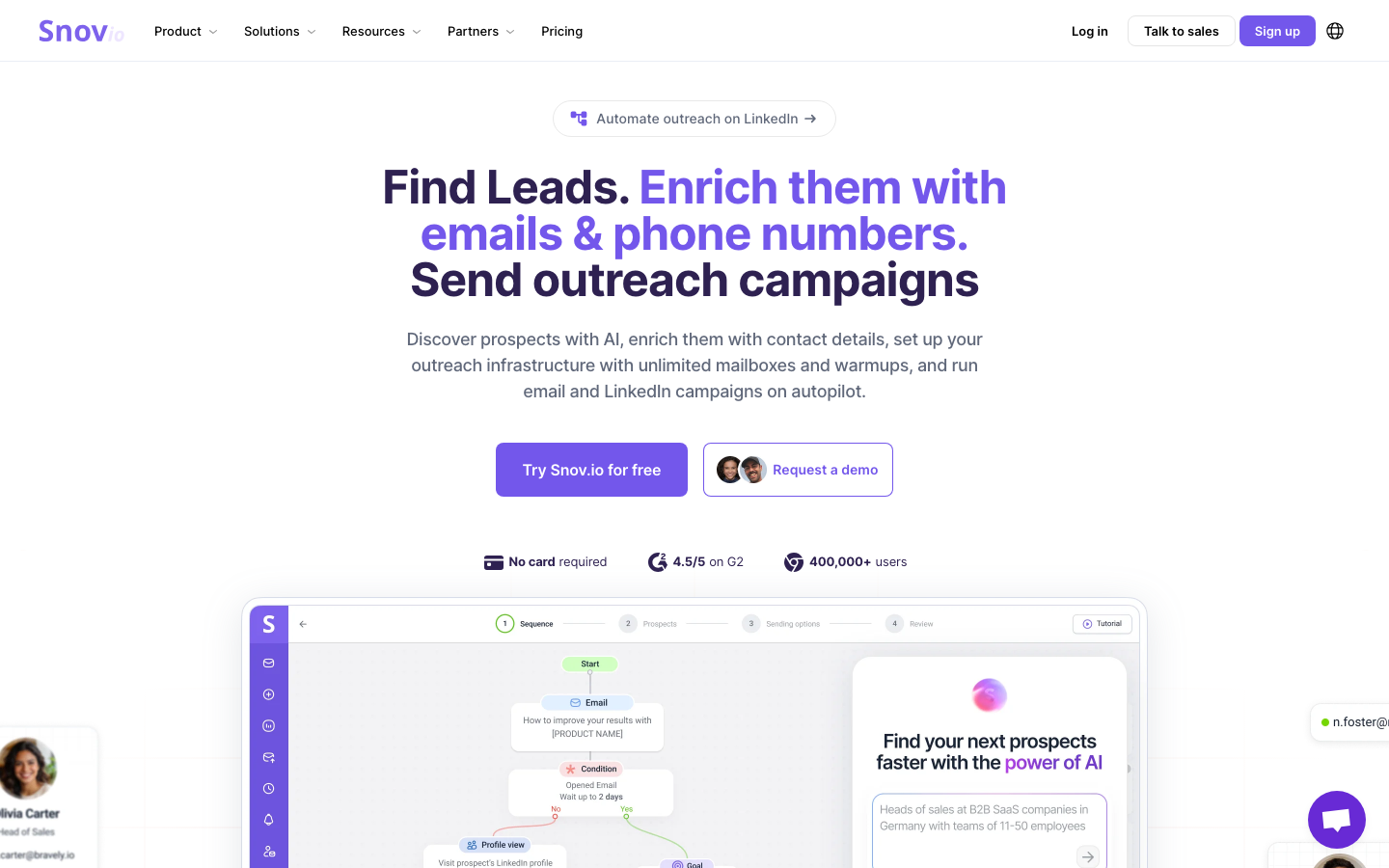
Snov.io is the budget-friendly all-rounder. It pairs an email finder and verifier with drip campaigns and a light CRM, so a small team can prospect and send from one affordable plan. It will not match enterprise platforms on depth. For early-stage outbound, though, it covers the basics at a low price.
Ratings: G2 4.6/5, Capterra 4.5/5
Reviewers value Snov.io as an affordable cold email and lead-gen tool with verified emails and responsive support, while noting credits deplete fast on large campaigns and database coverage is thin in some regions (Source: G2).
Pros
- Strong for lead gen and email verification, finding verified emails and cutting bounces (Source: G2).
- Fast, friendly customer support (Source: G2).
- Broad integrations including LinkedIn Sales Navigator, HubSpot and Pipedrive (Source: G2).
Cons
- Credits get used up quickly during larger campaigns (Source: G2).
- Database coverage can be limited in some regions and industries (Source: G2).
- Some reviewers cite data-quality gaps and billing complaints (Source: TrustRadius).
Pricing
- Trial: $0 with 50 credits.
- Starter: $39 per month, with 1,000 credits.
- Pro S: $99 per month, with 5,000 credits.
- Larger Pro and Ultra tiers scale up to 100,000 credits, with 25 percent off annual billing (Source: Vendor).
Best For
Best for startups and solo founders on a tight budget who want prospecting and sending in one affordable plan.
How to choose the right Saleshandy alternative
Work through three questions in order and the shortlist gets short fast.
- What is your channel mix? Email only points you to Smartlead, Instantly, Mailshake or QuickMail. Email plus LinkedIn, calls and SMS points you to Reply.io, Klenty or Outreach.
- What is your scale? Lean teams and founders fit Instantly, Snov.io or Mailshake. Agencies fit Smartlead or QuickMail. Enterprise revenue teams fit Outreach.
- Where does your data come from? If you do not already have a verified source, fix that first with UpLead. Every tool above performs better on clean, accurate contacts.
The pattern that works for most teams is simple: source verified prospects in UpLead, then send through the platform that matches your channel mix and budget. You get the deliverability benefit of clean data and the workflow you want.
Frequently asked questions
What is the best Saleshandy alternative for cold email?
Smartlead is the strongest all-around Saleshandy alternative for cold email at scale, thanks to unlimited mailboxes, inbox rotation and a deliverability-focused warm-up network. Instantly is a close second for founders who want high volume with a simpler setup. Both perform best when you feed them verified contacts from a dedicated data source like UpLead.
Is there a free Saleshandy alternative?
Yes, several alternatives offer free entry points. Apollo.io has a free plan that includes limited sequencing and data credits, and UpLead offers a free trial with verified contact credits so you can test the data quality before paying. Most dedicated cold email senders like Smartlead and Instantly start with low-cost paid tiers rather than permanent free plans.
Why do cold email campaigns bounce even on a good sending tool?
Campaigns bounce mainly because of bad contact data, not the sending tool. Invalid addresses, outdated titles and contacts who have left the company all trigger bounces that damage your sender reputation. Verifying every address before you send, which UpLead does in real time at export, is the single most effective way to keep bounce rates low across any platform on this list.
Should I pick a tool with a built-in database or a separate data provider?
It depends on how much you value data accuracy. All-in-one tools like Apollo bundle a database with sequencing for convenience, but many teams find a dedicated provider gives cleaner, better-verified contacts. A common setup is to source prospects in UpLead for accuracy, then send through a dedicated platform like Smartlead or Reply.io for the outreach workflow.
How much do Saleshandy alternatives cost?
Most Saleshandy alternatives start between $29 and $59 per month for small teams. Dedicated cold email tools like Smartlead and Mailshake sit at the lower end around $29 to $32, multichannel platforms like Reply.io and Klenty run from $50 to $59, and enterprise platforms like Outreach use custom quotes. Budget for a data source on top, since clean contacts are what make any of these tools worth the spend.





