Will Cannon is the Founder & CEO of UpLead, the B2B sales intelligence platform rated #1 on G2 for Easiest to Use and Best ROI. Before UpLead, he led customer acquisition for Dropbox, Morgan Stanley, ADP, and dozens of Fortune 500 companies at BWG Marketing. He has sent over 100 million cold emails and built growth systems used by thousands of sales teams worldwide.
Table of Contents
Add a header to begin generating the table of contents
Your sales team spends less than a third of their week on selling. Sales reps spend only 28-34% of their time on selling activities. The rest is lost to admin tasks. This leads to inaccurate forecasts and a leaky pipeline.
This isn’t just frustrating. It impacts revenue.
Less than 20% of sales leaders rate their forecast accuracy as ‘predictable’. This leads to missed quotas, team burnout, and decisions based on guesswork instead of reliable data. The right sales management software transforms that chaos into a predictable revenue engine. It automates tasks, provides a single source of truth for your pipeline, and delivers the insights needed to coach your team.
UpLead publishes this guide and is one of the tools reviewed in it.
What Are the Best Sales Management Tools?
The best sales management tools are UpLead for verified B2B data, HubSpot Sales Hub for all-in-one CRM, Salesforce Sales Cloud for enterprise customization, Close for high-velocity inside sales, Gong for revenue intelligence and Pipedrive for visual pipeline management.
We evaluated sales management platforms based on comprehensive criteria to ensure you get the most reliable recommendations for your US business.
Feature depth and sales-specific functionality
Data coverage and accuracy for US market
User reviews from G2 and Capterra platforms
Integration capabilities with existing business tools
Pricing transparency and value for money
UpLead: Best for B2B Prospecting Data
Best for
B2B Prospecting Data
Pricing
From $74/month (Essentials plan, annual billing)
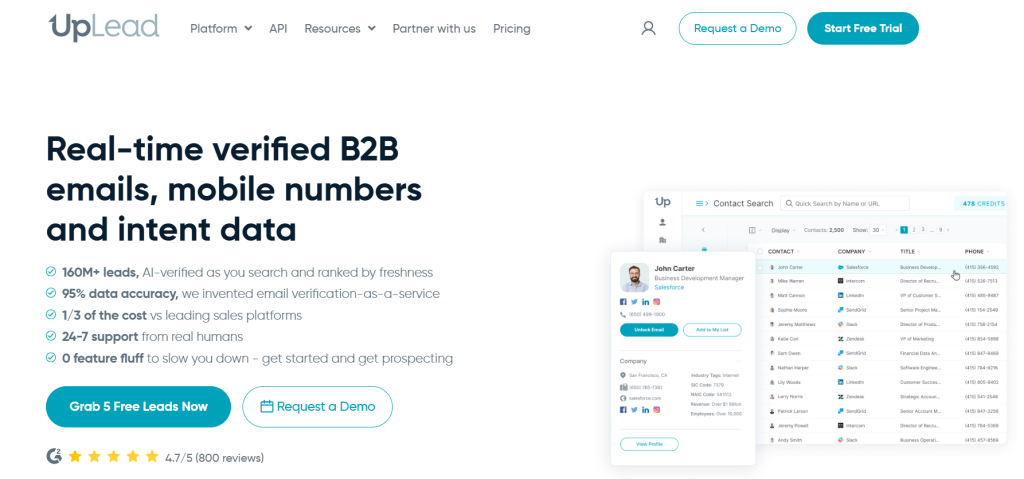
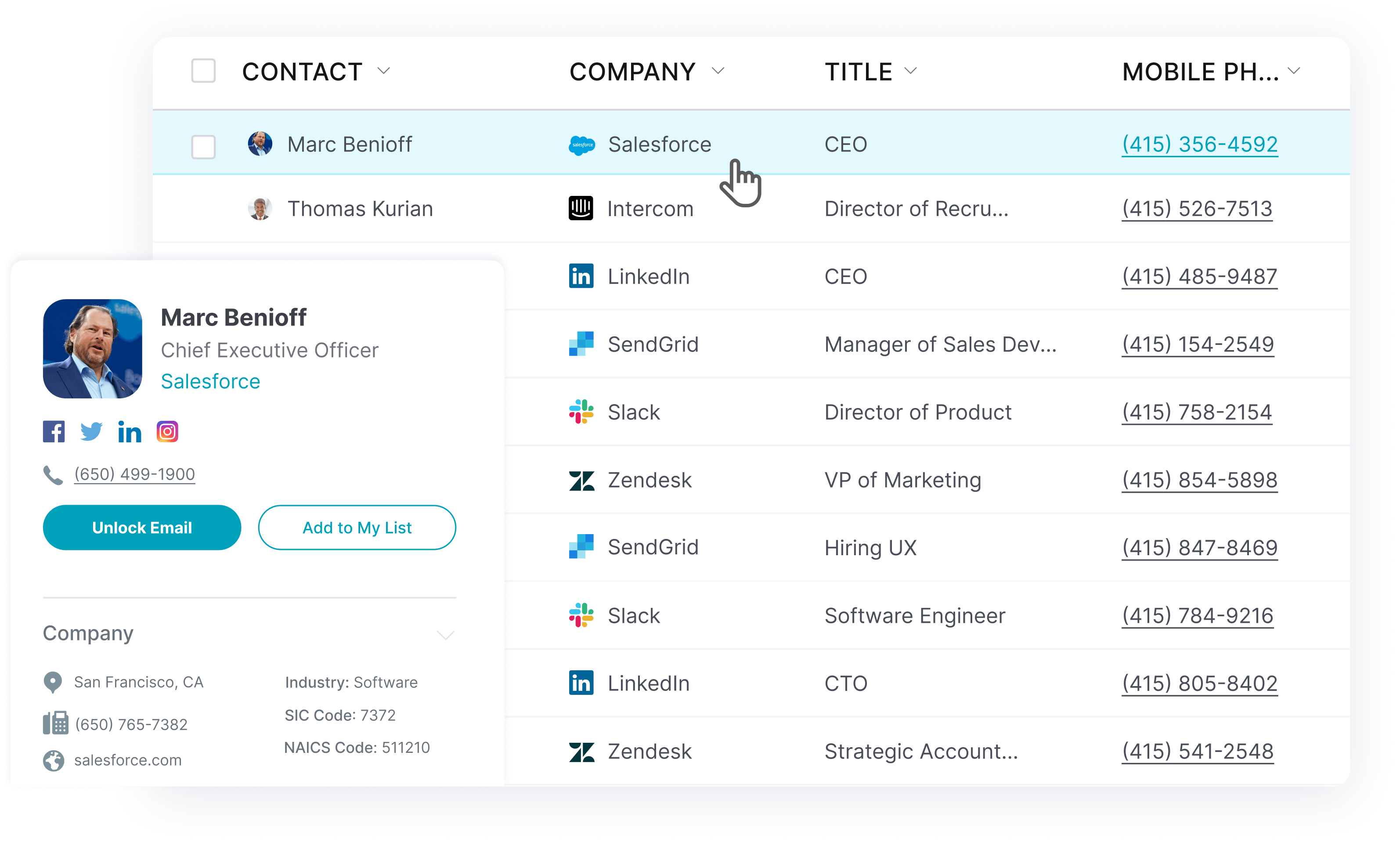
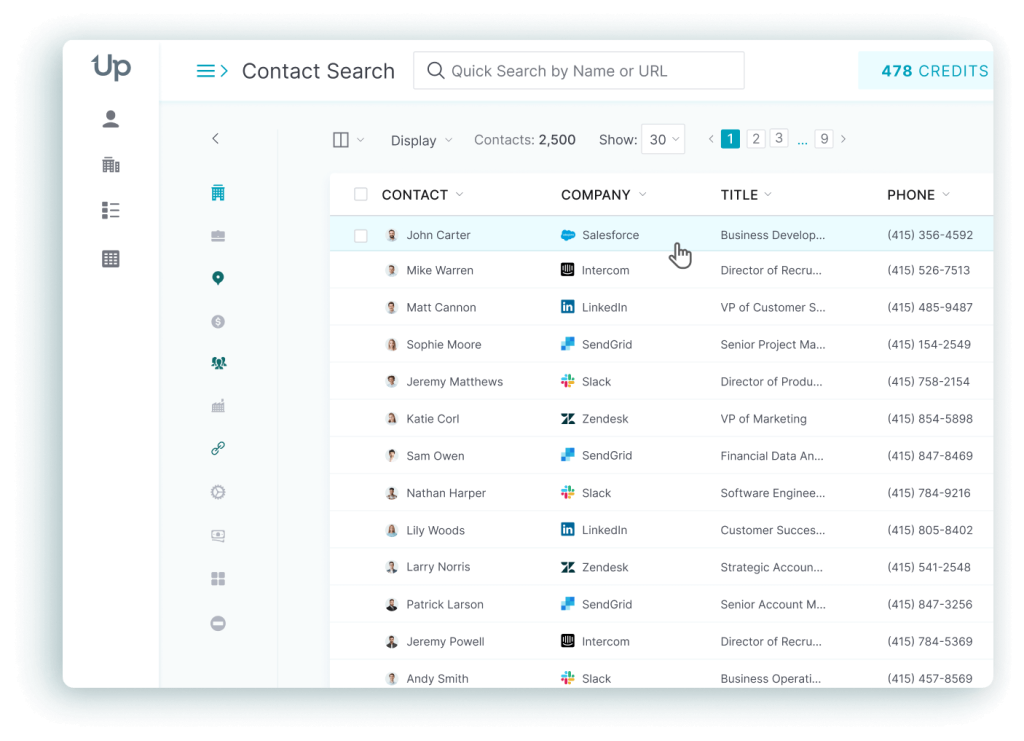
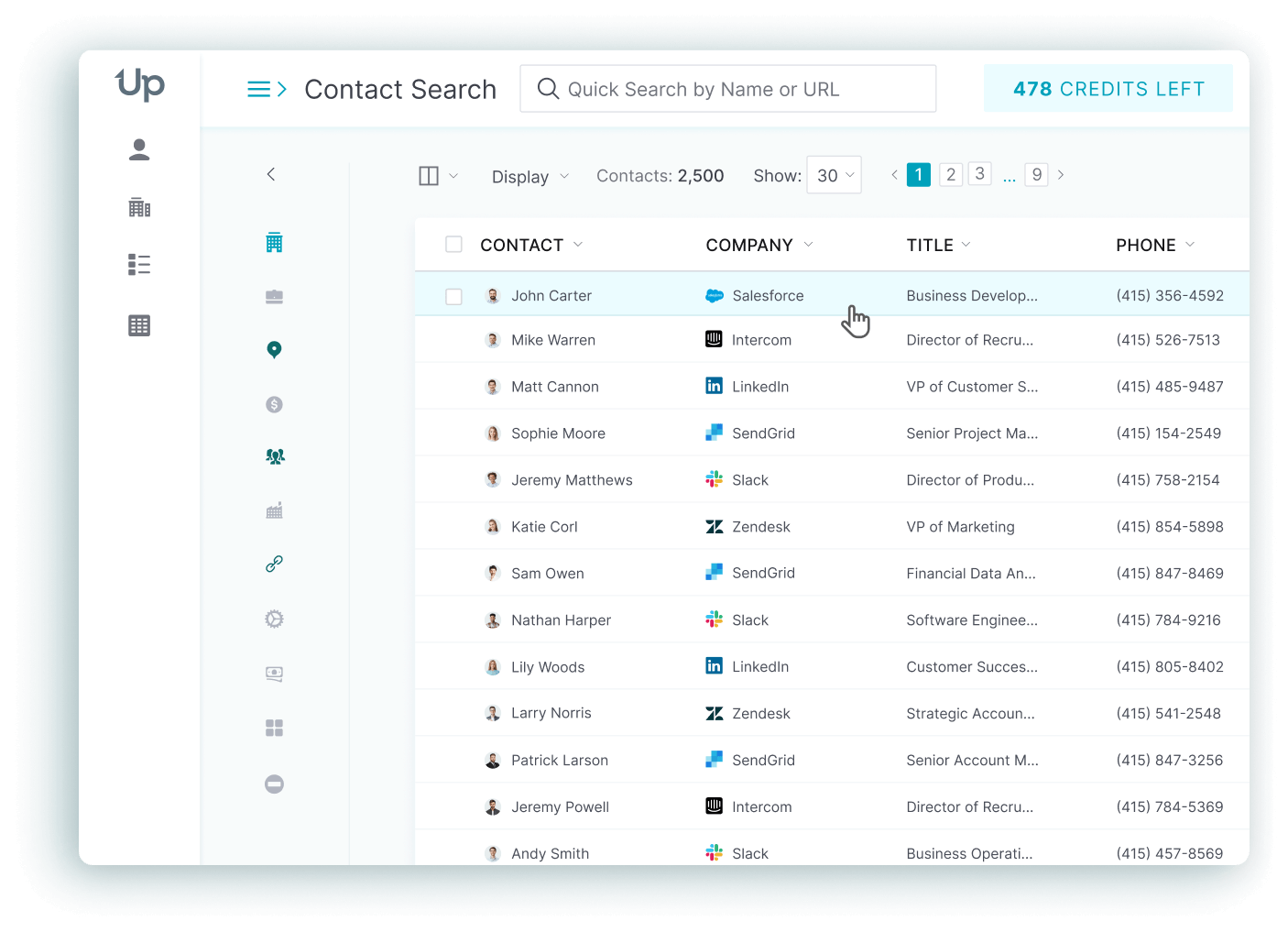
UpLead is a B2B prospecting platform that provides access to over 200 million verified contacts with a 95% data accuracy guarantee. While it doesn’t manage your entire sales process, it excels at filling your pipeline with high-quality leads that convert.
Start Your 7-Day Free UpLead Trial
Lead generation doesn’t have to be all that painful. With UpLead, you can easily connect with high-quality prospects and leads to grow your company.
Trusted by
Key features
✓Real-time email verification at $0.003 per address
✓50+ advanced search filters including technographics
✓Intent data to identify in-market buyers
✓Chrome extension for LinkedIn prospecting
✓Data enrichment for existing contact lists
✓CRM integrations with Salesforce and HubSpot
✓ Pros
Industry-leading 95% data accuracy guarantee
Intuitive interface requires minimal training
Transparent pricing with no hidden fees
Real-time verification prevents bounce rates
7-day free trial with full access
✕ Cons
Credit system can be complex for new users
Limited CRM functionality beyond lead generation
Customer support quality varies by plan
What I like about UpLead
The real-time verification is a game-changer. I’ve seen bounce rates drop from 12% to under 3% after switching from other data providers. The technographics filtering lets you target companies using specific technologies, which is powerful for B2B sales teams.
HubSpot Sales Hub: Best for All-in-One CRM
Best for
All-in-One CRM
Pricing
From $15/user/month (Starter plan, annual billing)
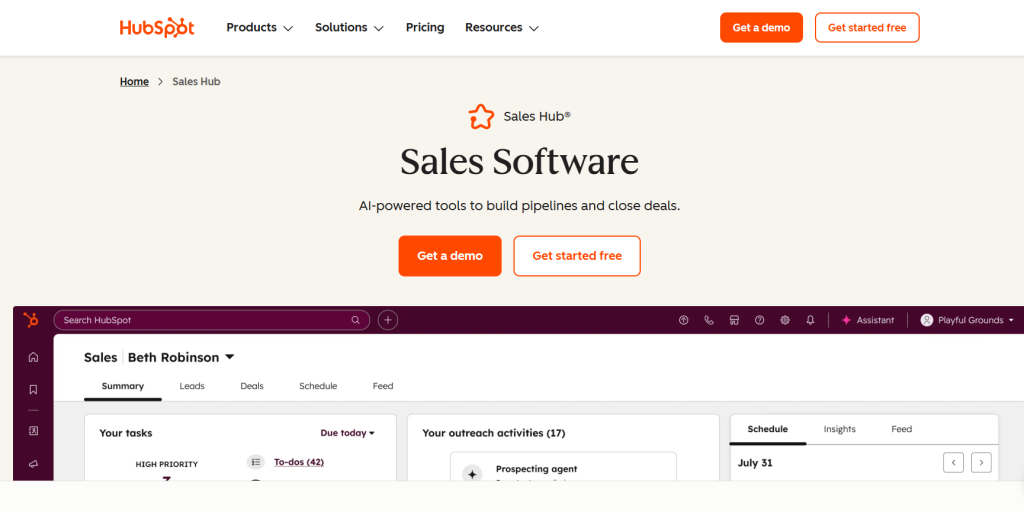
HubSpot Sales Hub is a comprehensive CRM platform that combines sales, marketing, and customer service tools in one integrated system. It offers a robust free tier and scales well for growing businesses.
Key features
✓Contact and deal management with timeline view
✓Email tracking and scheduling tools
✓Sales automation and workflow creation
✓Reporting dashboards and sales analytics
✓Integration with Marketing Hub and Service Hub
✓Mobile app for iOS and Android
✓ Pros
Generous free tier with full CRM functionality
Seamless integration across marketing and sales
User-friendly interface with minimal learning curve
Strong customer support and resources
Strong ecosystem of third-party integrations
✕ Cons
Can become expensive as you add features
Mandatory onboarding fees for higher tiers
Limited customization compared to Salesforce
Reporting can be slow with large datasets
What I like about HubSpot
The unified approach eliminates data silos between sales and marketing. When a prospect downloads a whitepaper, the sales rep sees it in their contact timeline. This visibility transforms how teams collaborate and follow up on leads.
Salesforce Sales Cloud: Best for Enterprise & Customization
Best for
Enterprise & Customization
Pricing
From $25/user/month (Starter edition, annual billing)
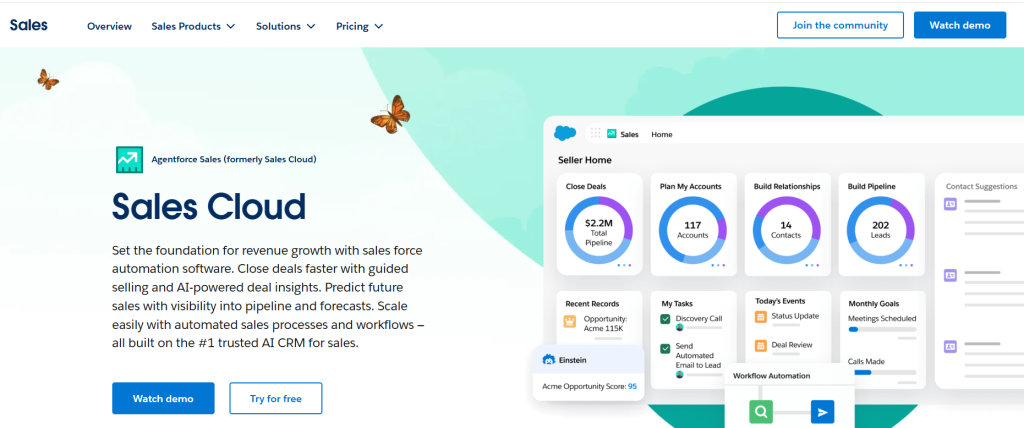
Salesforce Sales Cloud is the world’s leading CRM platform. It offers unmatched customization capabilities and enterprise-grade features. It powers sales teams at Fortune 500 companies and growing businesses alike.
Key features
✓Einstein AI for predictive analytics and forecasting
✓Unlimited customization with custom objects and fields
✓Advanced workflow automation and approval processes
✓Comprehensive reporting and dashboard builder
✓AppExchange marketplace with 5,000+ integrations
✓Territory and quota management
✓ Pros
Unparalleled customization and scalability
Robust ecosystem of third-party apps
Advanced AI capabilities with Einstein
Enterprise-grade security and compliance
Comprehensive training and certification programs
✕ Cons
Steep learning curve for new users
Can be slow to load with heavy customization
Expensive for small teams
Complex pricing structure with many add-ons
What I like about Salesforce
The platform grows with your business complexity. I’ve seen companies start with basic lead tracking and evolve to sophisticated revenue operations with custom objects, automated territory assignments, and predictive forecasting. No other platform offers this level of adaptability.
Close: Best for High-Velocity Inside Sales
Best for
High-Velocity Inside Sales
Pricing
From $49/user/month (Startup plan, annual billing)
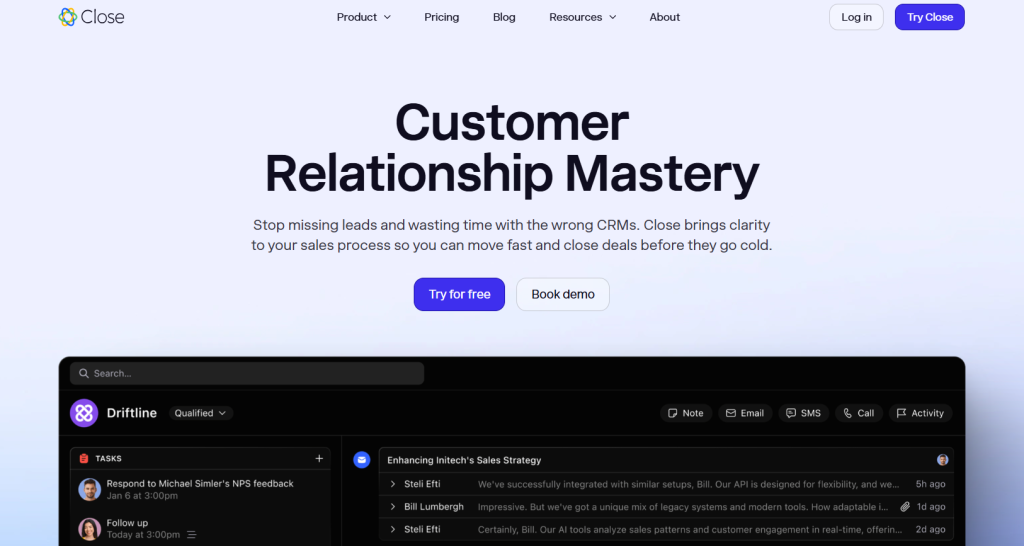
Close is a CRM built for inside sales teams that need to make high volumes of calls and send personalized emails. It combines all communication channels in one unified timeline.
Key features
✓Built-in Power Dialer and Predictive Dialer
✓Unified communication timeline (calls, emails, SMS)
✓Email and SMS workflow automation
✓Smart Views for lead filtering and prioritization
✓AI call assistant and automatic summaries
✓Native integrations with popular business tools
✓ Pros
Exceptional efficiency for outbound sales teams
All communication in one unified timeline
Built-in calling eliminates need for separate tools
Fast implementation and user adoption
Strong customer support and training
✕ Cons
Limited customization options
Costs can scale quickly for larger teams
Fewer third-party integrations than competitors
Not ideal for complex B2B sales cycles
What I like about Close
The speed advantage is remarkable. SDRs can dial 200+ prospects per day with the predictive dialer. Every interaction is logged. This eliminates the administrative overhead that kills productivity in traditional CRMs.
Gong: Best for Revenue Intelligence
Best for
Revenue Intelligence
Pricing
Quote-based (platform fee ~$5,000+ plus ~$1,600/user/year)
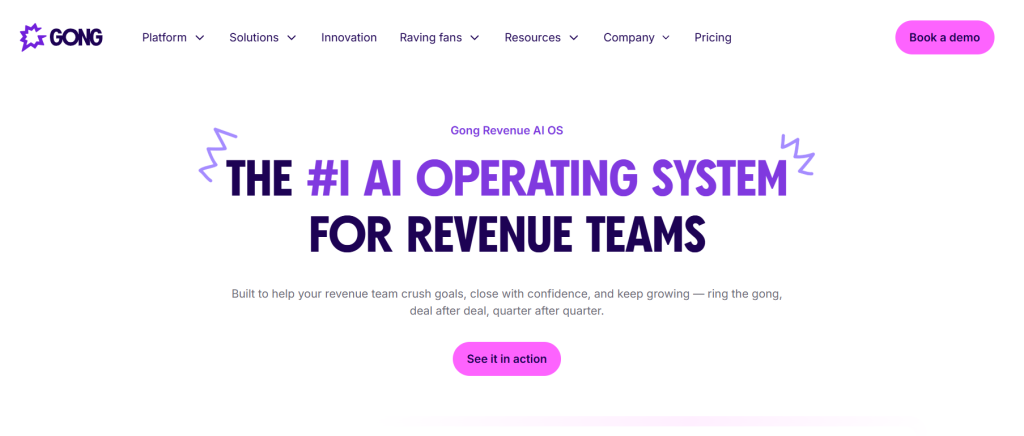
Gong is a revenue intelligence platform that uses AI to analyze every customer conversation. It provides insights into deal risk, coaching opportunities, and revenue forecasting accuracy.
Key features
✓AI-powered conversation analysis and transcription
✓Deal risk identification and opportunity scoring
✓Revenue forecasting with conversation data
✓Sales coaching insights and rep performance analytics
✓Competitive intelligence from customer calls
✓Integration with major CRM and communication platforms
✓ Pros
Unmatched visibility into customer conversations
Data-driven coaching replaces guesswork
Accurate revenue forecasting based on actual conversations
Identifies successful sales behaviors for replication
Strong integration ecosystem
✕ Cons
Expensive with complex pricing structure
Requires significant platform fee plus per-user costs
Customer support quality has declined
Can be overwhelming for smaller sales teams
What I like about Gong
The conversation intelligence transforms sales from intuition-based to data-driven. Managers can identify why deals are stalling and coach reps on specific conversation patterns that drive success. It’s like having a sales performance consultant analyze every call.
Pipedrive: Best for Visual Pipeline Management
Best for
Visual Pipeline Management
Pricing
From $14/user/month (Lite plan, annual billing)
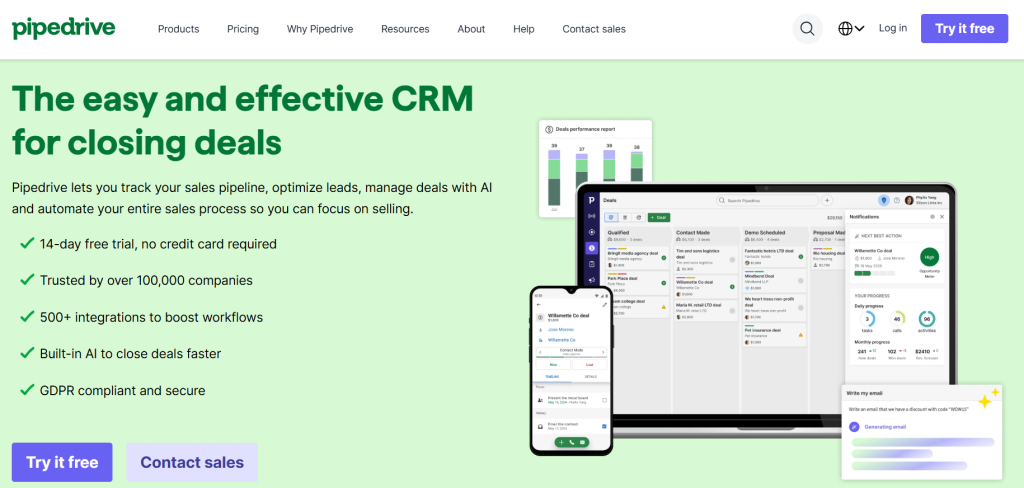
Pipedrive is a sales CRM designed around visual pipeline management. It makes it easy to track deals and identify bottlenecks in your sales process.
Key features
✓Visual drag-and-drop pipeline interface
✓Customizable sales stages and deal tracking
✓Activity reminders and follow-up automation
✓Email integration and template library
✓Sales reporting and goal tracking
✓Mobile apps for iOS and Android
✓ Pros
Intuitive visual interface requires minimal training
Affordable pricing for small and medium businesses
Strong focus on sales pipeline visibility
Strong mobile app functionality
Good integration with popular business tools
✕ Cons
Limited customization compared to enterprise CRMs
Basic reporting capabilities
Lacks advanced automation features
No built-in marketing automation
What I like about Pipedrive
The visual approach makes pipeline management intuitive for sales teams. You can see where deals are stuck and which reps need support. The drag-and-drop interface feels natural, unlike traditional CRMs that feel like database management tools.
Monday Sales CRM: Best for Customizable Workflows
Best for
Customizable Workflows
Pricing
From $9/user/month (Basic CRM, annual billing) or $12/user/month (monthly billing), with a 3-seat minimum required
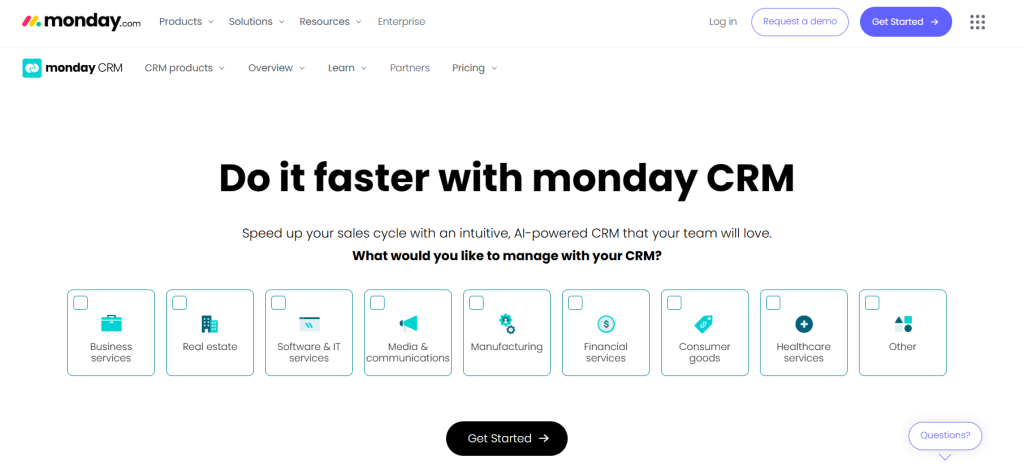
Monday Sales CRM is built on the Monday.com Work OS platform. It offers unmatched visual customization and workflow flexibility for sales teams that need to adapt their processes. The platform’s standout feature is its fully customizable no-code workflow builder and deep integration with the broader Monday.com Work OS.
Key features
✓Fully customizable no-code pipeline builder
✓Automation recipes for repetitive tasks
✓Visual project management integration
✓Advanced reporting and dashboard creation
✓Team collaboration and communication tools
✓Integration with broader Monday.com ecosystem
✓ Pros
Exceptional visual interface and user experience
Unlimited customization without coding
Seamless integration with project management
Strong automation capabilities
Strong team collaboration features
✕ Cons
Per-seat pricing with minimum requirements
Learning curve for complex configurations
Limited traditional CRM features out of the box
Can become expensive for larger teams
What I like about Monday Sales CRM
The flexibility is unmatched. Teams can build the sales process they need without technical constraints. The visual boards make it easy to track complex B2B sales cycles with multiple stakeholders and decision points. Advanced reporting and automation are available only in higher tiers.
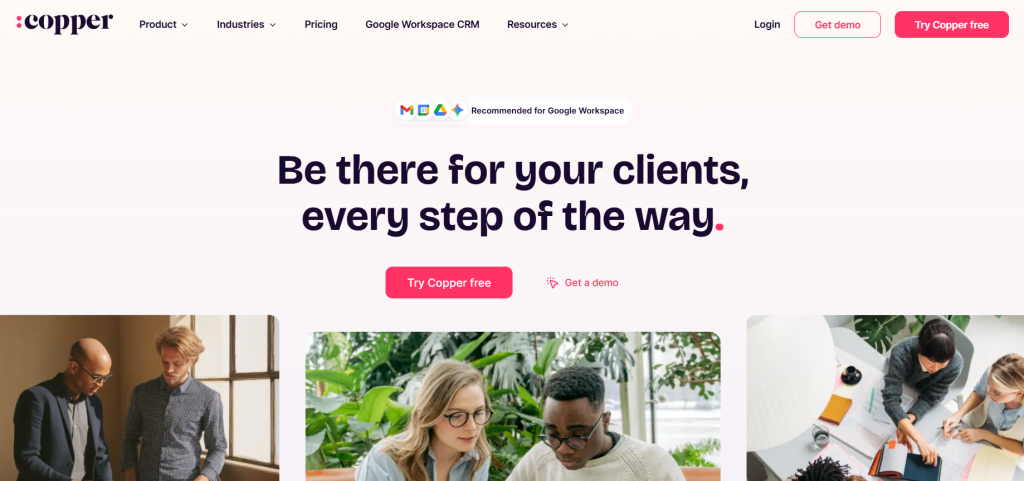
Copper: Best for Google Workspace Users
Best for
Google Workspace Users
Pricing
From $29/user/month (Basic plan)
Copper is the CRM designed for businesses that live in Google Workspace. It offers native integration with Gmail, Calendar, and Drive.
User-friendly interface with minimal training needed
Strong customer support and onboarding
Good value for Google Workspace teams
✕ Cons
Limited advanced features compared to enterprise CRMs
Expensive for teams not using Google Workspace
Basic reporting and analytics capabilities
Fewer third-party integrations
What I like about Copper
The invisibility factor is remarkable. For teams living in Gmail, Copper removes the friction of context-switching that plagues most CRM adoption. Contacts, deals, and tasks appear within your email workflow.
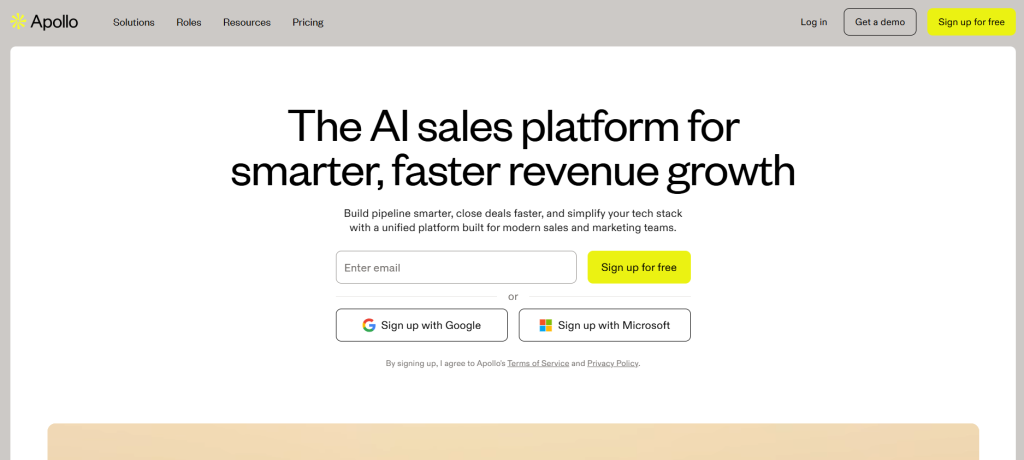
Apollo.io: Best for Combined Prospecting and Outreach
Best for
Combined Prospecting and Outreach
Pricing
From $49/user/month (Basic plan, annual billing)
Apollo.io combines a massive B2B database with sales engagement tools. This allows teams to find prospects and execute outreach campaigns in one platform.
Key features
✓Database of 275+ million B2B contacts
✓Sales engagement sequences and automation
✓Lead scoring and data enrichment
✓Built-in dialer and email tracking
✓CRM integration and pipeline management
✓Analytics and performance reporting
✓ Pros
Extensive database with good coverage
Combines prospecting and outreach in one tool
Generous free plan with 10,000 contacts
User-friendly interface and setup
Affordable pricing for small teams
✕ Cons
Data accuracy can be inconsistent
Credit system can become costly
Interface can feel cluttered with many features
Customer support response times vary
What I like about Apollo.io
The all-in-one approach eliminates the need to switch between prospecting tools and engagement platforms. You can build a targeted list and launch email sequences within the same interface, which streamlines the entire outbound process.
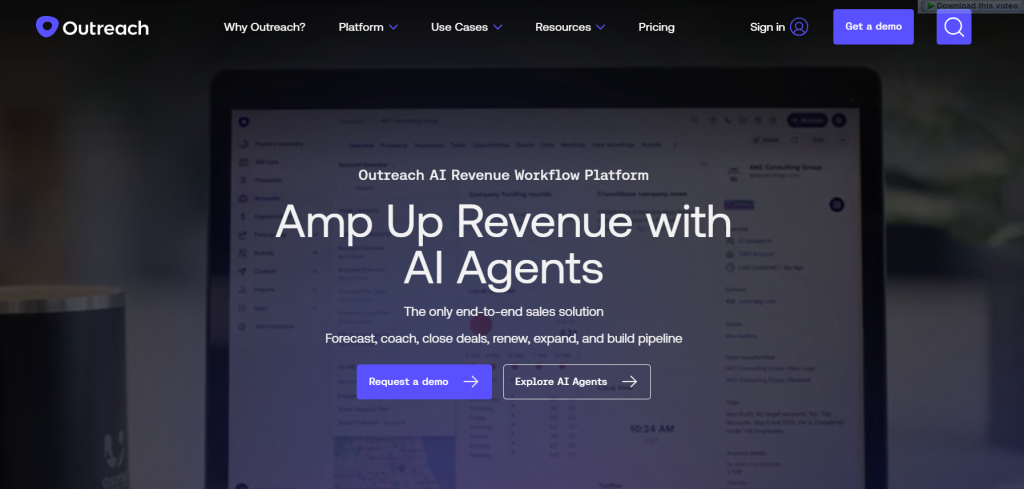
The AI Agents represent the future of sales automation. They can handle routine tasks like lead qualification and follow-up scheduling. This frees reps to focus on high-value conversations and relationship building.
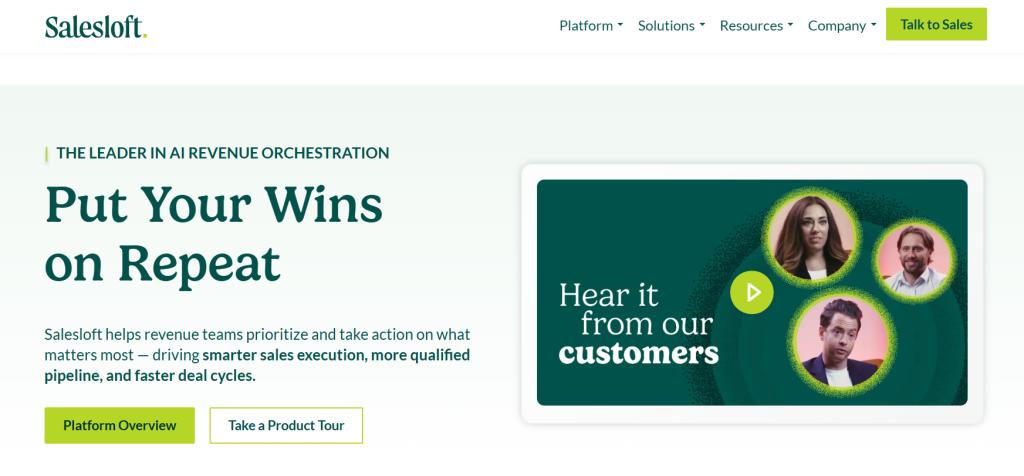
Salesloft is an enterprise-grade revenue orchestration platform that enforces structured sales processes while providing AI-powered coaching and analytics.
Key features
✓Cadence for multi-channel outreach sequences
✓Conversations for AI-powered call coaching
✓Rhythm AI engine for predictive insights
✓Deal management and pipeline visibility
✓Revenue forecasting and analytics
✓Comprehensive CRM integrations
✓ Pros
Comprehensive all-in-one revenue platform
Strong process enforcement and consistency
Strong analytics and coaching insights
Proven success with enterprise sales teams
Strong customer success and support
✕ Cons
Expensive with quote-only pricing
Complex implementation and setup
Steep learning curve for full adoption
Multi-user minimums required
What I like about Salesloft
The process enforcement creates consistency across sales teams. Every rep follows the same proven cadences and gets the same coaching insights. This improves new hire ramp time and overall team performance.
Nutshell: Best for SMB All-in-One Solution
Best for
SMB All-in-One Solution
Pricing
From $13/user/month (Foundation plan, annual billing) or $19/user/month (monthly billing). Higher tiers include Growth ($25), Pro ($42), Business ($59), and Enterprise ($79). Growth and higher tiers include Nutshell Campaigns (email marketing), unlimited pipelines, and automation.
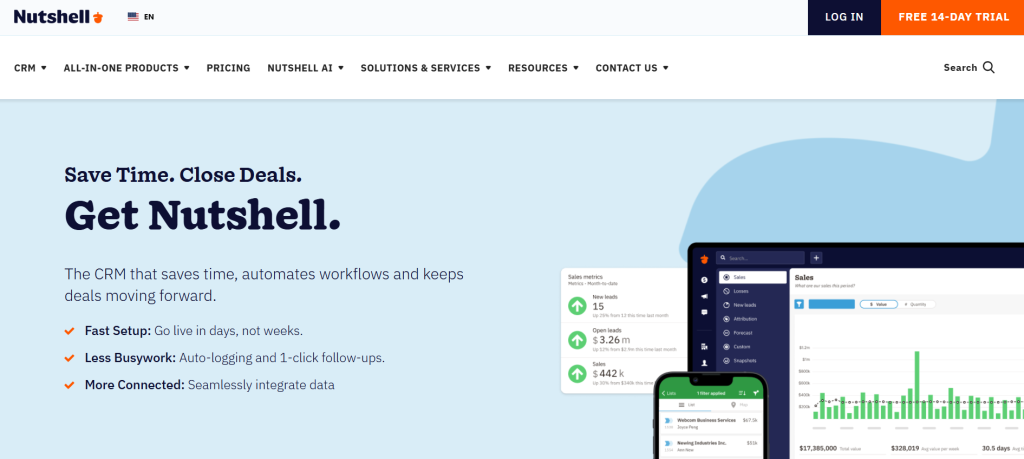
Nutshell combines CRM and email marketing in one affordable platform designed for small and medium businesses that need simplicity without sacrificing functionality.
Key features
✓Customizable sales pipelines and deal tracking
✓Built-in email marketing (Nutshell Campaigns)
✓Sales automation and workflow creation
✓Contact management and lead scoring
✓Comprehensive reporting and analytics
✓AI-powered tools for efficiency
✓ Pros
Intuitive interface with minimal learning curve
Strong live customer support
Sales-first focus with practical features
Free onboarding and data migration
Combines CRM and marketing automation
✕ Cons
Limited customization for complex enterprises
Lacks some native features like e-signatures
Mobile app less polished than web version
Fewer integrations than major platforms
What I like about Nutshell
The combination of CRM and email marketing eliminates the need for separate tools. Small businesses can nurture leads through email campaigns and track the entire customer journey in one platform, which is both cost-effective and efficient.
Zoho CRM: Best for Budget-Conscious Teams
Best for
Budget-Conscious Teams
Pricing
Free plan for up to 3 users. Paid plans start at $14/user/month (Standard plan, annual billing) or $20/user/month (monthly billing). Professional is $23/user/month (annual) or $30 (monthly), Enterprise is $40 (annual) or $50 (monthly), and Ultimate is $52 (annual).
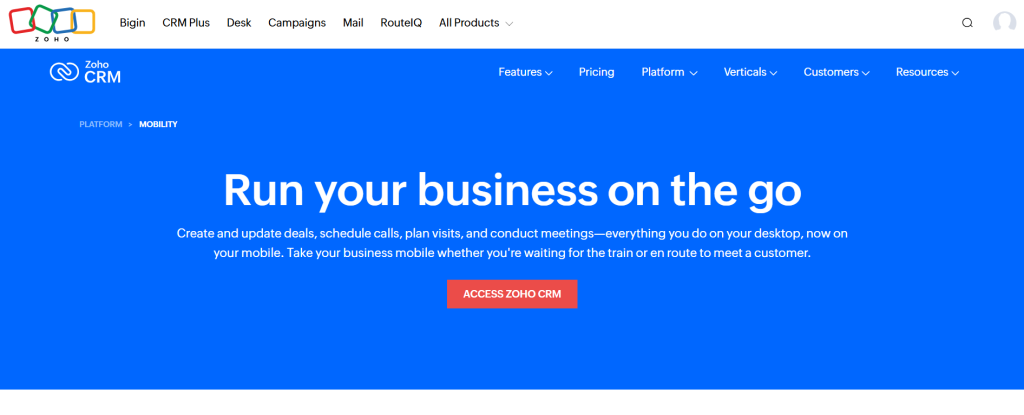
Zoho CRM offers comprehensive CRM functionality at competitive prices. This makes it an attractive option for cost-conscious businesses that need full-featured sales management. The platform provides sales and marketing automation, analytics and reporting dashboards, an AI assistant (Zia), and extensive integrations with Google Workspace, Office 365, Slack, QuickBooks, Mailchimp, and Zapier.
Key features
✓Complete sales pipeline and deal management
✓Workflow automation and approval processes
✓Advanced analytics and custom reporting
✓Email marketing and social media integration
✓AI assistant (Zia) for predictions and insights
✓Integration with Zoho business suite
✓ Pros
Strong value for money with comprehensive features
Strong customization capabilities
Good integration with Zoho ecosystem
Regular updates and feature additions
Responsive customer support
✕ Cons
Interface can feel dated compared to modern alternatives
Learning curve for advanced customization
Some features require higher-tier plans
Limited third-party integrations
What I like about Zoho CRM
The feature-to-price ratio is exceptional. Teams get enterprise-level functionality like workflow automation, custom fields, and advanced reporting at a fraction of the cost of competitors. It’s valuable for growing businesses that need room to scale.
Freshsales: Best for Ease of Use
Best for
Ease of Use
Pricing
Free tier for 3 users. Growth plan at $9/user/month (annual billing), Pro at $39, and Enterprise at $59.
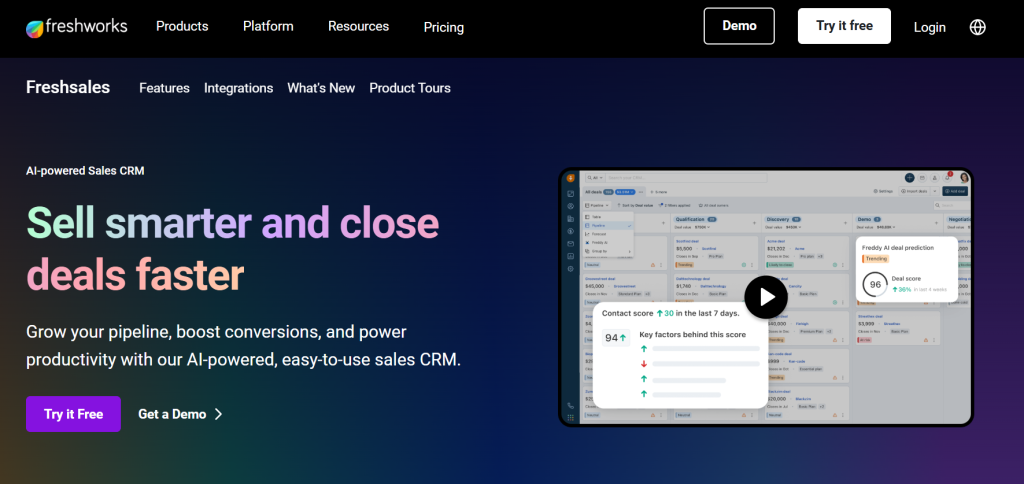
Freshsales (now part of Freshworks CRM) combines user-friendly design with powerful automation features. This makes it ideal for teams that want comprehensive functionality without complexity. The Free tier supports 3 users and includes basic CRM plus chat and telephony.
Key features
✓Visual sales pipeline with drag-and-drop interface
✓Built-in phone and email with auto-logging
✓Lead scoring and territory management
✓Workflow automation and approval processes
✓Advanced reporting and analytics
✓Integration with Freshworks suite
✓ Pros
Intuitive interface with minimal training required
Comprehensive all-in-one solution
Powerful automation capabilities
Good value for money
Strong mobile app functionality
✕ Cons
Limited features in lower-tier plans
Customer support can be inconsistent
Costs can escalate with add-ons
Some integration issues reported
What I like about Freshsales
The balance between simplicity and power is well-executed. New users can start selling without extensive training, while power users can leverage advanced automation and customization as they grow.
Keap (formerly Infusionsoft): Best for Small Business Automation
Best for
Small Business Automation
Pricing
From $299/month for 2 users (1,500 contacts). Note that older legacy plans like Keap Pro ($199), Max ($289), and Ultimate ($349) are no longer available for new customers.
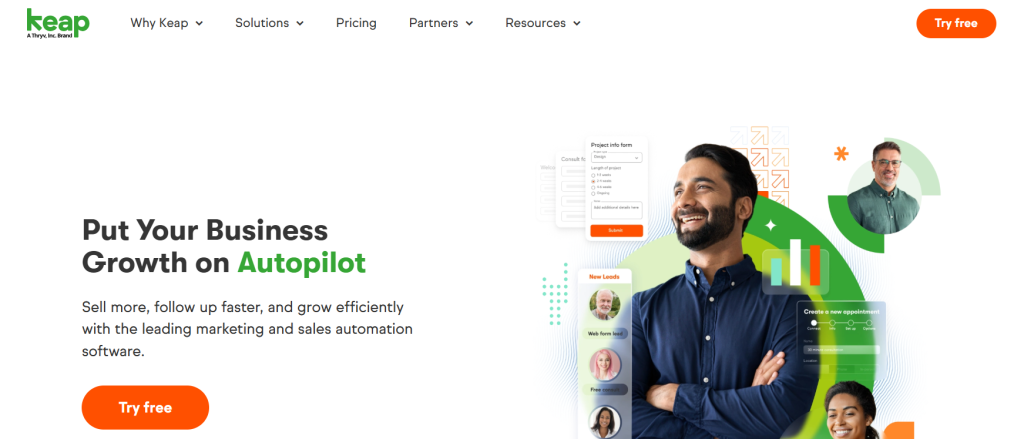
Keap (formerly Infusionsoft) specializes in sales and marketing automation for small businesses. It combines CRM, marketing automation, scheduling, and payments in one package. The platform includes CRM, marketing automation, sales and payments, and a lead capture app.
Key features
✓Advanced marketing automation and email campaigns
✓E-commerce integration and payment processing
✓Lead capture and nurturing workflows
✓Contact management and segmentation
✓Sales pipeline and opportunity tracking
✓Appointment scheduling and follow-up automation
✓ Pros
Powerful automation for lead nurturing
Combines CRM, marketing, and e-commerce
Strong customer support and training resources
Good for service-based businesses
Proven track record with small businesses
✕ Cons
Higher starting price than basic CRMs
Can be overwhelming for simple needs
Learning curve for automation setup
Limited customization compared to enterprise tools
What I like about Keap
The automation capabilities are exceptional for small businesses. You can create sophisticated lead nurturing sequences that follow up with prospects based on their behavior. This is available in enterprise-level platforms.
Clari: Best for Revenue Operations
Best for
Revenue Operations
Pricing
Quote-based (~$100-$120/user/month plus add-on modules)
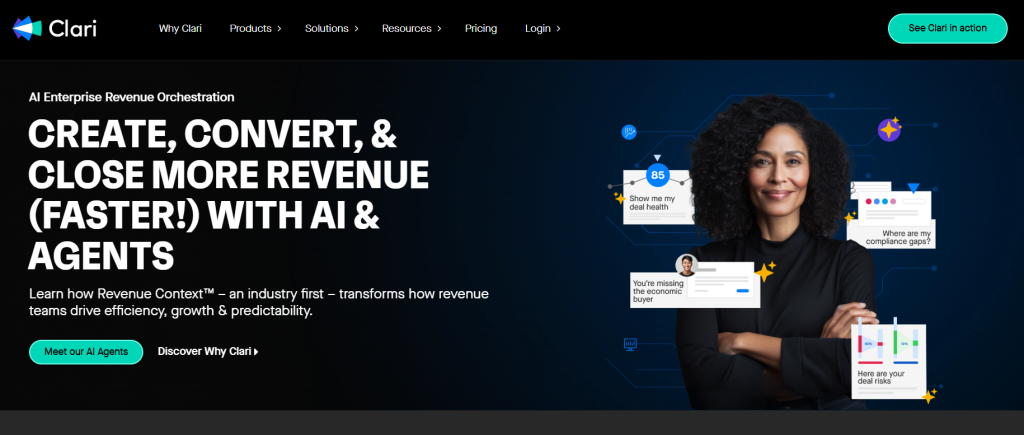
Clari is a comprehensive revenue platform that consolidates forecasting, pipeline inspection, and revenue operations automation to provide predictable revenue growth.
Key features
✓AI-powered revenue forecasting and prediction
✓Deal Intelligence for opportunity analysis
✓Conversation intelligence (Copilot) integration
✓Sales engagement platform (Groove)
✓Pipeline inspection and deal coaching
✓Revenue operations automation
✓ Pros
Accurate revenue forecasting
Comprehensive revenue operations platform
Seamless Salesforce integration
Strong analytics and reporting capabilities
Proven success with enterprise clients
✕ Cons
Interface can feel cluttered and complex
Expensive with modular pricing structure
Complex implementation and setup process
Designed for larger organizations
What I like about Clari
The forecasting accuracy is transformative for revenue planning. Instead of gut-feel predictions, leadership gets data-driven forecasts based on actual pipeline activity and historical patterns. This enables more confident business decisions.
Salesflare: Best for Automated Data Entry
Best for
Automated Data Entry
Pricing
From $39/user/month (Growth plan), with Pro at $64 and Enterprise at $124
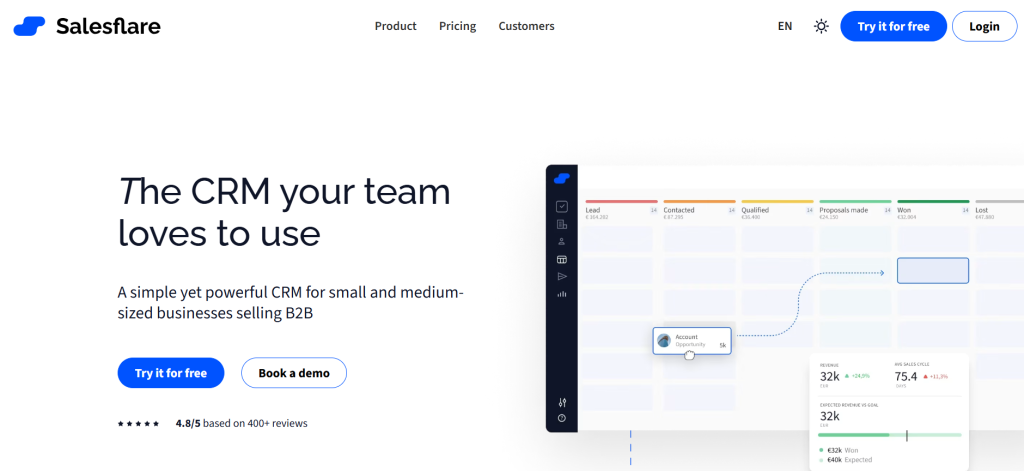
Salesflare eliminates manual data entry by capturing contact information from emails, calendars, and social profiles. This makes it ideal for busy sales teams. The platform automatically pulls customer data from emails and calendars, offers a visual pipeline with drag-and-drop stages, and includes email tracking and AI reminders.
Key features
✓Automated data entry from emails and calendars
✓Visual drag-and-drop sales pipelines
✓Email tracking and automated sequences
✓Gmail and Outlook sidebar integration
✓Intelligent reminders and follow-up suggestions
✓Mobile apps with offline access
✓ Pros
Massive time savings through automation
Seamless email integration and workflow
Intuitive interface with minimal learning curve
Intelligent reminders prevent leads from falling through cracks
Good value for small to medium teams
✕ Cons
Limited third-party integrations
Basic email marketing capabilities
Not optimized for complex enterprise needs
Fewer advanced customization options
What I like about Salesflare
The automatic data capture is accurate. Contacts, companies, and interaction history populate from your email and calendar. This eliminates the administrative overhead that kills CRM adoption.
OnePageCRM: Best for Action-Focused Sales
Best for
Action-Focused Sales
Pricing
Professional plan at $9.95/user/month (annual billing, 4 months free) or $15/user/month (monthly billing). Business plan at $19.95 (annual) or $29 (monthly).
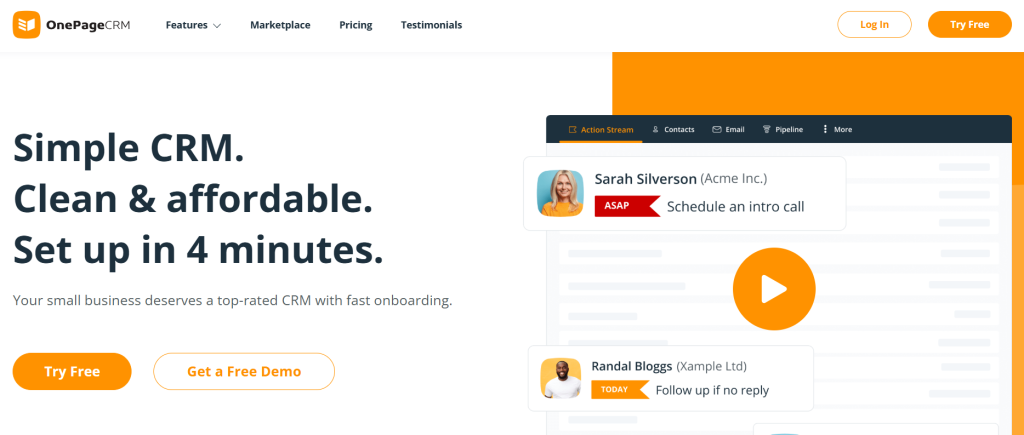
OnePageCRM is built around a “Next Action” sales methodology that ensures no lead is forgotten by focusing on the single most important action for each contact.
Key features
✓Next Action Sales Workflow methodology
✓Action Stream for prioritized task management
✓Contact management with interaction history
✓Visual sales pipeline tracking
✓Email integration and template library
✓Mobile apps with AI route planner
✓ Pros
Simple and intuitive interface
Effective Next Action system for follow-ups
Strong customer support
Transparent and affordable pricing
Good for solo entrepreneurs and small teams
✕ Cons
Limited advanced features compared to enterprise CRMs
Fewer integrations with business tools
Basic reporting and analytics capabilities
May be too simple for complex sales processes
What I like about OnePageCRM
The Next Action methodology is brilliant for maintaining momentum. Instead of getting lost in complex features, reps focus on the single most important task for each prospect. This improves follow-up consistency.
SPOTIO: Best for Field Sales Teams
Best for
Field Sales Teams
Pricing
Basic tier at $25/user/month, Team at $39, Business at $69, and Enterprise at $129 (all billed annually). Pricing may require user minimums for certain tiers.
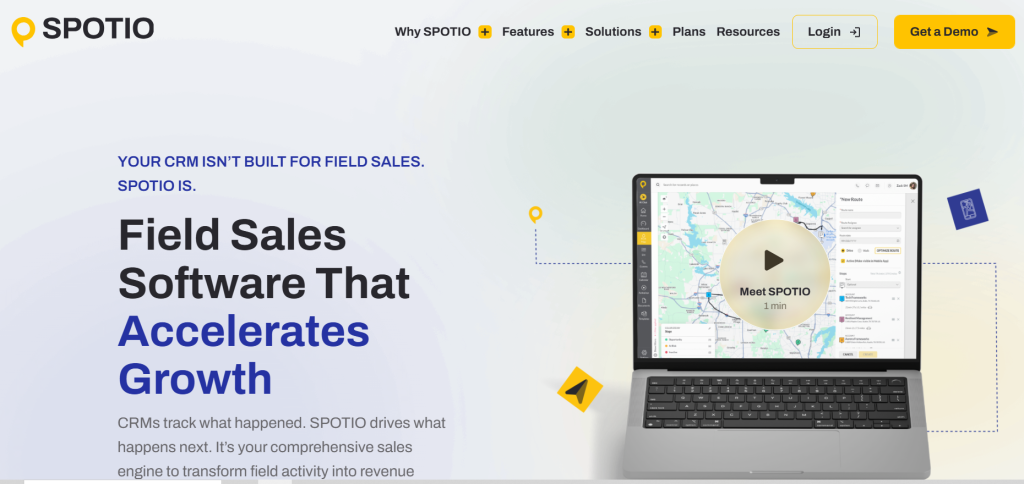
SPOTIO is a field sales engagement platform designed for outside sales teams that need territory management, route optimization, and mobile-first functionality. The platform includes territory mapping, route optimization, lead management, real-time dashboards, and GPS tracking for field sales teams.
Key features
✓Territory management and mapping
✓Route optimization for efficient field visits
✓Mobile app with GPS activity tracking
✓Lead management and prospecting tools
✓Real-time dashboards and reporting
✓Manager visibility and team performance tracking
✓ Pros
Strong mapping and routing capabilities
Increased accountability and visibility for managers
Intuitive mobile-first design
Streamlines field sales processes
Strong customer support and training
✕ Cons
High price point for smaller companies
Dependency on internet and cellular service
Non-transparent pricing model
Limited functionality for inside sales teams
What I like about SPOTIO
The GPS tracking and route optimization transform field sales efficiency. Reps can visit 40% more prospects per day with optimized routes. Managers get real-time visibility into field activity without micromanaging.
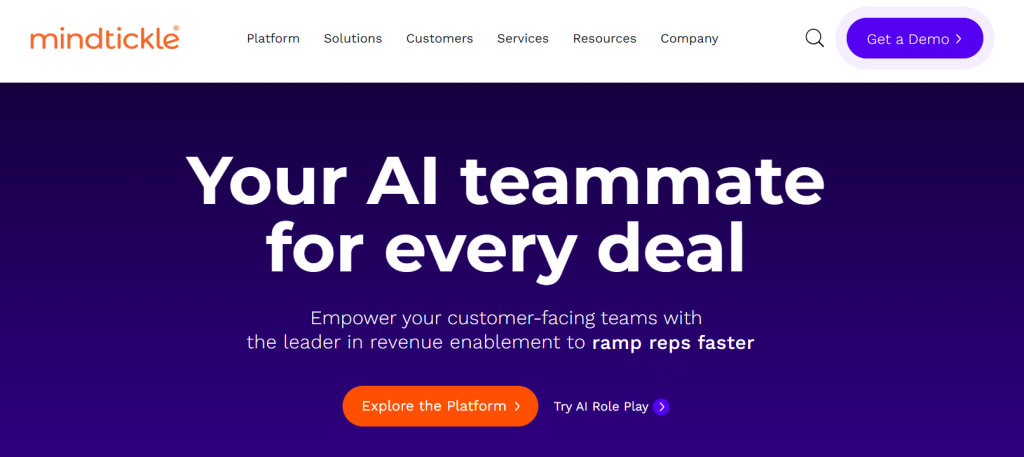
Mindtickle: Best for Sales Coaching and Enablement
Best for
Sales Coaching and Enablement
Pricing
Custom quote-based pricing (customers must request a quote)
Mindtickle is a comprehensive sales readiness platform that focuses on improving rep performance through training, coaching, and content management rather than just pipeline tracking.
Key features
✓Sales Readiness Index for performance measurement
✓Conversation Intelligence (Call AI) for coaching
✓Sales coaching tools and scorecards
✓Content management and sales enablement
✓Digital Sales Rooms for buyer engagement
✓Gamification and learning management
✓ Pros
Comprehensive all-in-one enablement platform
Strong analytics with Readiness Index
Engaging gamified learning experience
Strong customer support and success management
Proven ROI with enterprise clients
✕ Cons
Expensive enterprise-focused pricing
Complex setup and administration
Limited mobile functionality
Can be overwhelming for smaller organizations
What I like about Mindtickle
The Sales Readiness Index provides objective measurement of rep capabilities across skills, knowledge, and behaviors. This data-driven approach to coaching eliminates guesswork and focuses development efforts where they’ll have the biggest impact.
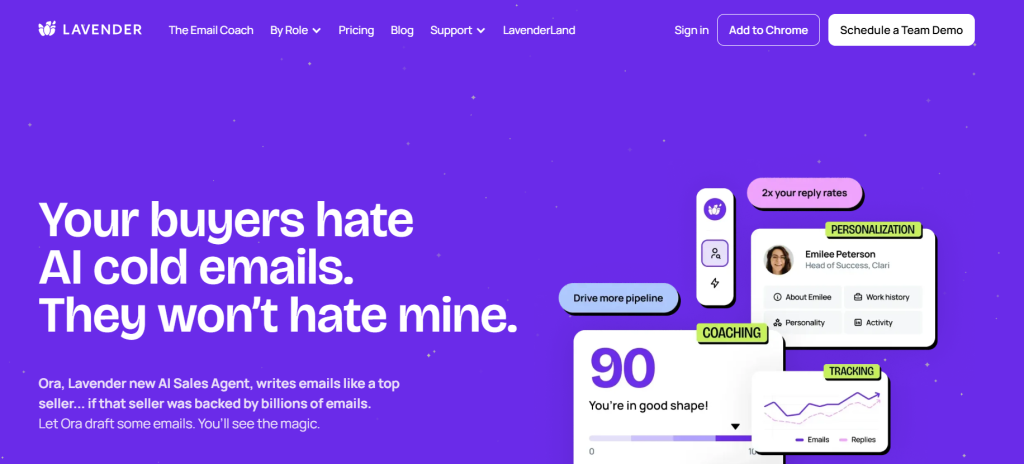
Lavender: Best for AI Email Coaching
Best for
AI Email Coaching
Pricing
Free tier available. Individual Pro at $29/month and Team plan at $49/user/month with shared dashboards.
Lavender is an AI-powered sales email assistant that provides real-time coaching and optimization suggestions within Gmail and Outlook to improve email effectiveness. The platform has a free tier, a $29/month Individual Pro plan, and a $49/user/month Team plan with shared dashboards.
Key features
✓AI Email Coach with 1-100 scoring system
✓Personalization Assistant for prospect research
✓AI email generation and template optimization
✓Team dashboard and performance analytics
✓Mobile editor for on-the-go optimization
✓Integration with major email platforms
✓ Pros
Improves email quality and reply rates
Saves time with real-time coaching
Easy setup within existing email workflows
Data-driven insights for optimization
Continuous learning and improvement
✕ Cons
Pricing can be steep for individual users
Personalization suggestions can be surface-level
Occasional technical glitches reported
Limited functionality beyond email optimization
What I like about Lavender
The real-time coaching transforms email quality. Reps get instant feedback on subject lines, personalization, and message structure. This leads to higher response rates without changing their workflow.
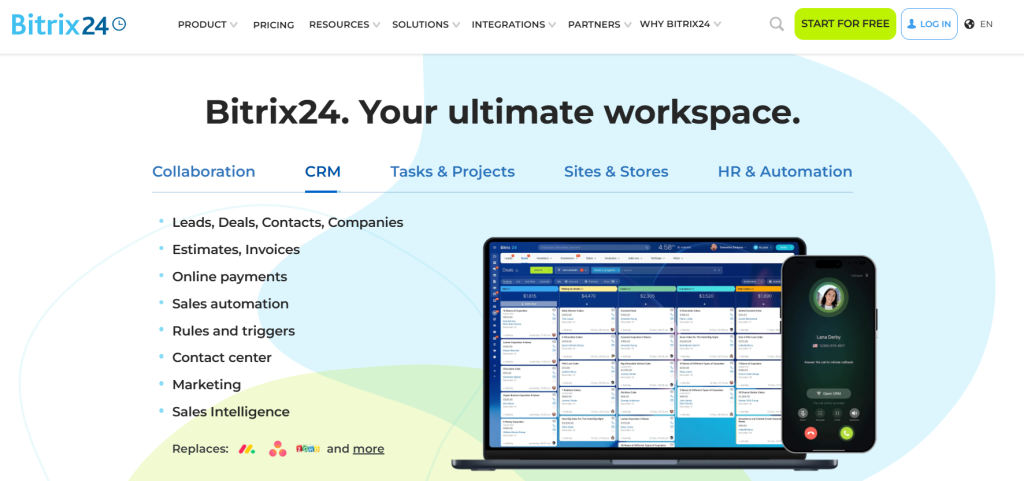
Bitrix24: Best for Team Collaboration
Best for
Team Collaboration
Pricing
Free plan supports up to 5 users. Paid plans (per organization, annual pricing): Basic $49/month, Standard $99, Professional $199, and Enterprise $399.
Bitrix24 combines CRM functionality with comprehensive team collaboration tools. This makes it ideal for businesses that need sales management integrated with project management and communication. Bitrix24 charges per organization, not per user.
Key features
✓CRM with pipeline and deal management
✓Project management and task tracking
✓Team communication and collaboration tools
✓Document management and file sharing
✓Email marketing and automation
✓Video conferencing and telephony
✓ Pros
Comprehensive all-in-one business platform
Free plan with substantial functionality
Strong project management integration
Good value for multi-functional teams
Regular feature updates and improvements
✕ Cons
Interface can feel cluttered and overwhelming
Learning curve for full feature utilization
CRM functionality less sophisticated than dedicated tools
Performance can be slow with heavy usage
What I like about Bitrix24
The integration between sales and project management is seamless. When a deal closes, the delivery team can access all customer information and begin project execution within the same platform. This eliminates handoff friction.
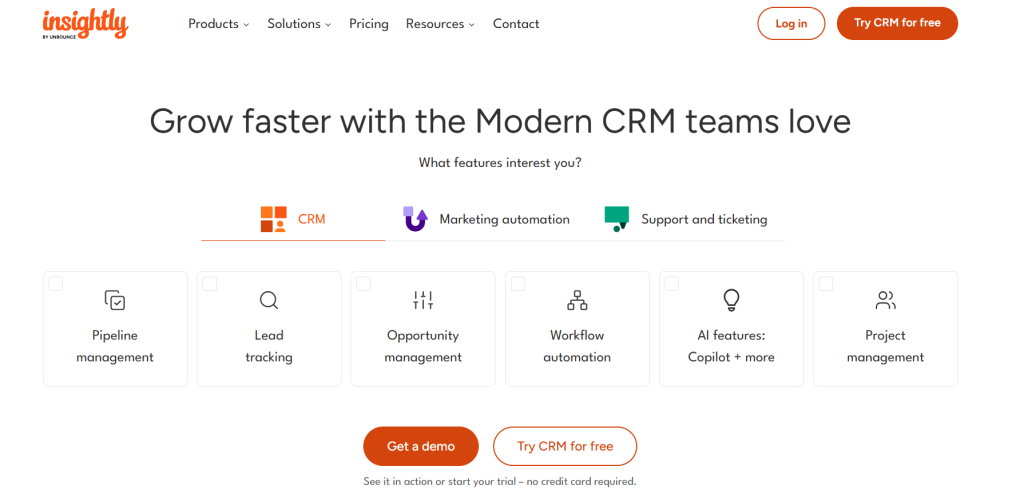
Insightly: Best for Project-Based Sales
Best for
Project-Based Sales
Pricing
Plus at $29/user/month (annual billing), Professional at $49, and Enterprise at $99. Higher tiers include features like lead assignment and workflow automation.
Insightly combines CRM with project management. This makes it ideal for service-based businesses that need to track both sales opportunities and project delivery.
Key features
✓CRM with opportunity and pipeline management
✓Integrated project management and task tracking
✓Contact and organization relationship mapping
✓Email integration and template management
✓Custom reporting and dashboard creation
✓Mobile apps for field access
✓ Pros
Strong integration between sales and project management
Good relationship mapping capabilities
Flexible and customizable workflows
Reasonable pricing for small to medium businesses
Good integration ecosystem
✕ Cons
Setup can be complex for new users
Limited advanced sales features
Interface feels dated compared to modern alternatives
Reporting capabilities could be more robust
What I like about Insightly
The project management integration eliminates the gap between selling and delivering. Service businesses can track opportunities through to project completion. This ensures nothing falls through the cracks during the handoff from sales to delivery teams.
Creatio: Best for AI-Native Sales Automation
Best for
AI-Native Sales Automation
Pricing
From $40/user/month (Growth) or $75/user/month (Enterprise), plus $15/user/month for Creatio Sales, with a 5-user minimum. The Unlimited plan includes all CRM products with no limits on users or AI agents, and its price depends on company size.
Creatio is an AI CRM and workflow platform where sales teams and AI agents work together, with no limits on AI agents, workflows, or scale. Creatio Sales runs on a single no-code platform with agentic AI built in, so managers get forecasting, pipeline control, and process automation in one system. It handles everything from short e-commerce deals to complex B2B sales cycles.
Key features
✓AI agents for account research, meeting prep, deal risk, and next-best-action
✓Lead and opportunity management with scoring and MEDDPICC automation
✓Revenue forecasting and AI-assisted pipeline health analysis
✓Portfolio and territory management with capacity balancing
✓Quotes, orders, contracts, and guided selling playbooks
✓No-code designers to customize pages, business rules, and workflows
✓ Pros
AI agents work directly with CRM data and business processes
No-code customization adapts the CRM to your exact sales process
Consumption-based model avoids per-seat limits as teams scale
Recognized by Gartner, Forrester, and Nucleus
Can be deployed standalone or with Creatio Marketing and Service
✕ Cons
Broad feature set requires upfront planning for complex rollouts
Quote-based pricing makes cost comparison harder
Built for midsize and large organizations, may be more than small teams need
What I like about Creatio
The AI agents take on the admin work that eats into selling time. They build meeting briefs, flag deal risk, explain lead scores, and suggest the next step. Managers can change stages, rules, or approvals without waiting on developers, so the CRM keeps up as the sales motion changes.
What Is Sales Management Software?
Sales management software is a centralized platform that automates and streamlines the sales process. It enables leaders to manage sales pipelines, track team activities and performance, and generate accurate revenue forecasts. Key functions include lead and contact management, sales process automation, pipeline visualization, and in-depth analytics to provide actionable insights for data-driven decision-making and team coaching.
These tools handle everything from pipeline reports to email automation. They come in many different forms from lightweight solutions for small businesses to comprehensive platforms for enterprise organizations. Your choice depends on your specific needs, team size, and sales complexity.
Key Features of Sales Management Software
Modern sales management tools offer a comprehensive suite of features designed to optimize every aspect of the sales process. Understanding these core capabilities helps you identify which features matter most for your business.
Pipeline Management and Visualization provides visual representations of your sales process. This allows teams to track deals through each stage and identify bottlenecks. Most platforms offer drag-and-drop interfaces that make it easy to move opportunities between stages and get instant visibility into pipeline health.
Contact and Lead Management centralizes all prospect and customer information, including interaction history, communication preferences, and deal context. Advanced systems capture data from emails, calls, and meetings to maintain complete customer profiles.
Sales Automation and Workflows eliminate repetitive tasks like follow-up reminders, email sequences, and data entry. Teams can create automated workflows that trigger based on specific actions or timeframes. This ensures consistent follow-up and reduces manual overhead.
Reporting and Analytics transform raw sales data into actionable insights through customizable dashboards and reports. Teams can track KPIs like conversion rates, sales velocity, and individual rep performance to make data-driven decisions.
Integration Capabilities connect sales management tools with existing business systems like email platforms, marketing automation, and customer service tools. Seamless integrations eliminate data silos and create unified customer experiences across departments.
How to Choose the Right Sales Management Tool for Your US Business
Selecting the right sales management tool requires a systematic approach that considers your current processes, future needs, and team dynamics. This 7-step framework ensures you make a decision that drives results rather than creates complexity.
Step 1: Assess Your Sales Process and Identify Pain Points
Map your current sales workflow from lead generation to deal closure and identify specific bottlenecks like manual data entry, inaccurate forecasting, or poor pipeline visibility. Document where reps spend time on non-selling activities and quantify the impact on productivity.
Step 2: Define Clear Objectives and Must-Have Features
Outline what you want to achieve with sales management software and create a feature checklist separating ‘must-haves’ from ‘nice-to-haves’. Prioritize features that address your identified pain points and support your specific sales methodology.
Step 3: Determine Your Budget and Total Cost of Ownership
Look beyond monthly subscription fees to include implementation costs, training expenses, integration fees, and potential add-on modules. Factor in the cost of data migration and any required customization work.
Step 4: Evaluate Integration Capabilities
Check for seamless integrations with your existing email platforms, calendar systems, marketing automation tools, and business applications. Poor integration creates data silos and reduces adoption rates.
Step 5: Shortlist Vendors and Prioritize User Experience
Involve your sales reps in the evaluation process and prioritize intuitive interfaces that require minimal training. The best features are useless if your team won’t adopt the platform consistently.
Step 6: Scrutinize Analytics and Mobile Access
Ensure the reporting capabilities can track your key KPIs and provide actionable insights. Verify that mobile apps offer full functionality for field sales teams and remote workers.
Step 7: Assess Scalability, Support, and Security
Choose solutions that can grow with your business without requiring platform migration. Evaluate customer support quality, training resources, and data security measures to ensure long-term success.
Sales Management vs CRM vs Sales Engagement vs Revenue Intelligence
The sales technology landscape includes multiple categories that often overlap. This creates confusion for buyers. Understanding the distinctions helps you select the right combination of tools for your specific needs.
Sales Management Software focuses on helping sales managers monitor, analyze, and optimize team performance through KPI tracking, forecasting, and territory management. These platforms are used by sales managers for internal team oversight. They provide visibility into rep activities, deal progression, and revenue predictability.
CRM (Customer Relationship Management) functions as a centralized database for customer interactions and data throughout the customer lifecycle. Used by sales reps, marketing teams, and customer service as a system of record, CRMs store contact information, communication history, and deal details to maintain comprehensive customer relationships.
Sales Engagement Platforms automate and optimize multi-channel prospect interactions through email sequences, call dialers, and A/B testing. Used by SDRs and account executives as a system of action, these tools focus on executing outreach campaigns and managing prospect communication at scale.
Revenue Intelligence Platforms use AI to analyze sales interactions and provide predictive insights for revenue optimization through conversation analysis and deal risk identification. Used by sales managers and revenue operations teams as a system of understanding and prediction, these platforms transform conversation data into coaching insights and accurate forecasts.
Many modern platforms combine elements from multiple categories. Comprehensive solutions like Salesforce offer CRM, sales management, and engagement features, while specialized tools like Gong focus on revenue intelligence capabilities.
FAQ
What is sales management software?
A sales management tool is any digital tool that allows sales managers to learn and keep track of KPIs across their company.
Sales management software will allow the sales manager to see which salespeople are in need of help to perform better and empower them to give them the help they need. They’ll also analyze and report on data so the manager can make better data-driven decisions.
Why should you use sales management software?
Sales management software is made to help both managers and salespeople, allowing them to meet their sales quotas, track KPIs, and reduce the time spent anywhere else that’s not selling. It can help sales and marketing teams to work together to keep your sales pipeline running.
A sales CRM also allows you to keep track of customers and automate boring, time-consuming activities to focus your time where you need it the most fully. You can also use it to keep track of your sales process and sales reps and for sales managers to help sales teams and sales reps.
What is the sales management process?
The sales management process is the activity of developing a strong sales team, coordinating sales, and implementing strategies to meet and surpass sales quotas reliably and consistently.
A good sales management strategy is therefore extremely important to the success of any sales team, allowing them to get better results in record times.
What are the five functions of sales management?
Typically, the five most important sales management functions are: – Sales Analysis – Planning – Implementing and supervising strategies – Making decisions – Establishing sales quotas
How do you do sales management?
The best way to do sales management is to hire the best salespeople, develop good training processes, give salespeople the sales tools they need to succeed, keep track of KPIs, develop an effective sales process, and try new things to improve.
There are infinite ways to approach it since there’s no such thing as a perfect sales management process. The more you try, test, and innovate, the better you’ll do at sales management.
Conclusion
Choosing the best sales management software depends on your specific needs, team size, and sales complexity. Since migrating to new software requires significant time investment, it’s crucial to pick the right tool for your sales team from the start.
Your business is evolving. Sales tools that work today might not fit your needs in five years. Focus on platforms that can scale with your growth and offer the flexibility to adapt to changing requirements.
To get maximum value from your investment, try several different options that suit your sales team’s needs. The best sales management tool will be the one that offers the most value for your investment while improving team productivity and revenue predictability.
Remember, UpLead is here to fuel your pipeline with high-quality, verified prospects whenever you need to accelerate growth.
Strategic & Tactical Sales Advice: Straight to Your Inbox.
Join 20,000 sales leaders receiving practical & in-depth content. No fluff, just the best sales how-to guides.
I agree to receive emails from UpLead, and can unsubscribe at any time.