



Your sales team spends less than a third of their week on selling. Sales reps spend only 28-34% of their time on selling activities. The rest is lost to admin tasks. This leads to inaccurate forecasts and a leaky pipeline.
This isn’t just frustrating. It impacts revenue.
Less than 20% of sales leaders rate their forecast accuracy as ‘predictable’. This leads to missed quotas, team burnout, and decisions based on guesswork instead of reliable data. The right sales management software transforms that chaos into a predictable revenue engine. It automates tasks, provides a single source of truth for your pipeline, and delivers the insights needed to coach your team.
What Are the Best Sales Management Tools?
The best sales management tools are UpLead for verified B2B data, HubSpot Sales Hub for all-in-one CRM, Salesforce Sales Cloud for enterprise customization, Close for high-velocity inside sales, Gong for revenue intelligence and Pipedrive for visual pipeline management.
| Tool | Best For | Starting Price (US) | USP |
|---|---|---|---|
| UpLead | B2B Prospecting Data | $74/month | 95% data accuracy guarantee |
| HubSpot Sales Hub | All-in-One CRM | $15/user/month | Free tier with full functionality |
| Salesforce Sales Cloud | Enterprise & Customization | $25/user/month | Unlimited customization options |
| Close | High-Velocity Inside Sales | $49/user/month | Built-in Power Dialer |
| Gong | Revenue Intelligence | Quote-based | AI conversation analysis |
| Pipedrive | Visual Pipeline Management | $14/user/month | Intuitive drag-and-drop interface |
How We Chose These Tools
We evaluated sales management platforms based on comprehensive criteria to ensure you get the most reliable recommendations for your US business.
- Feature depth and sales-specific functionality
- Data coverage and accuracy for US market
- User reviews from G2 and Capterra platforms
- Integration capabilities with existing business tools
- Pricing transparency and value for money
UpLead – Best for B2B Prospecting Data
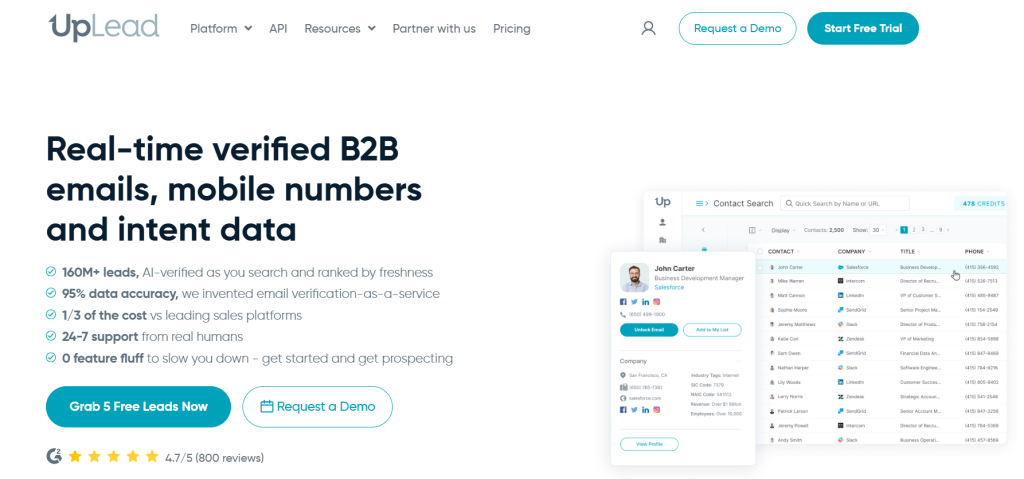
UpLead is a B2B prospecting platform that provides access to over 160 million verified contacts with a 95% data accuracy guarantee. While it doesn’t manage your entire sales process, it excels at filling your pipeline with high-quality leads that convert.

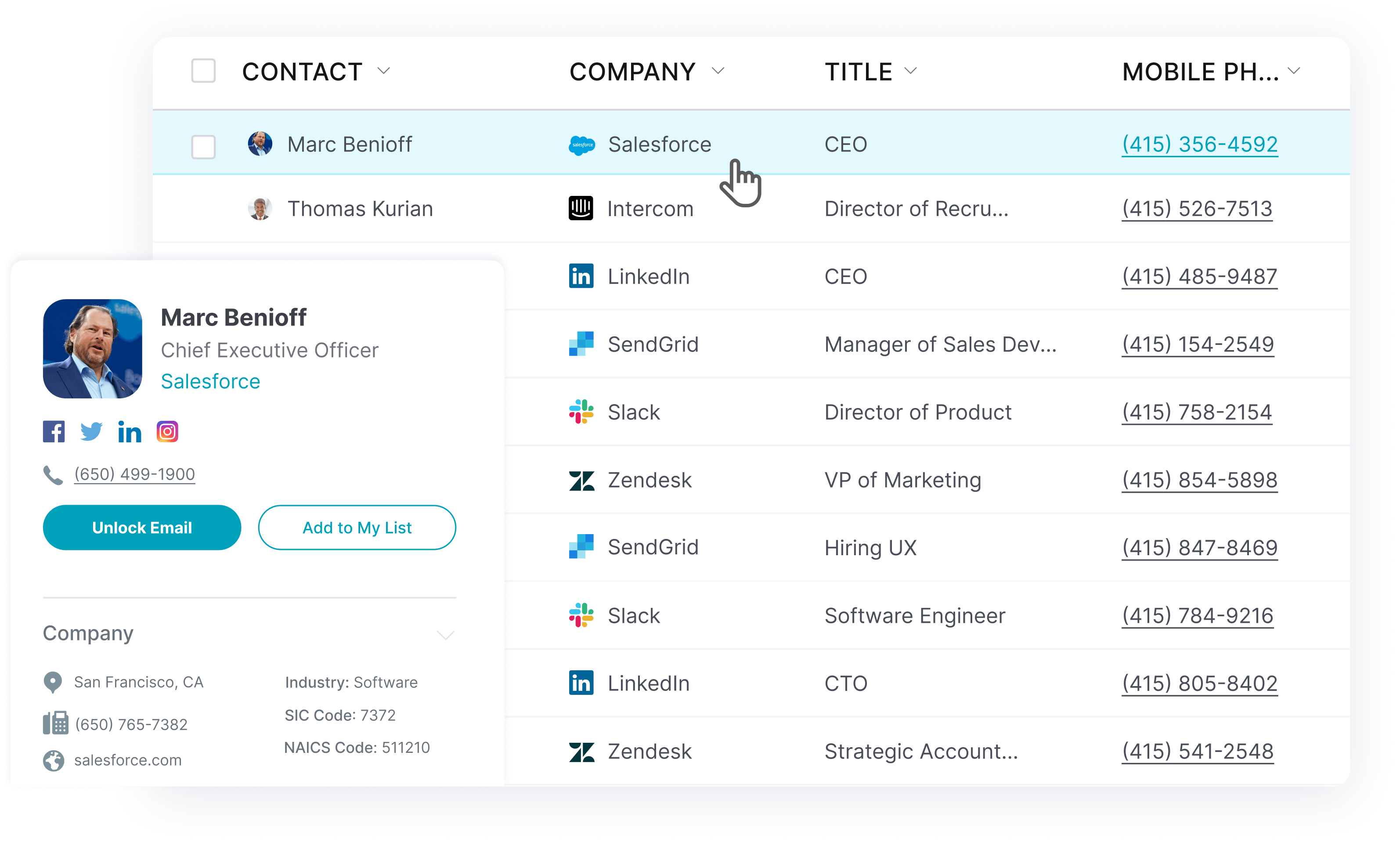
Key Features
- Real-time email verification at $0.003 per address
- 50+ advanced search filters including technographics
- Intent data to identify in-market buyers
- Chrome extension for LinkedIn prospecting
- Data enrichment for existing contact lists
- CRM integrations with Salesforce and HubSpot
Pros
- Industry-leading 95% data accuracy guarantee
- Intuitive interface requires minimal training
- Transparent pricing with no hidden fees
- Real-time verification prevents bounce rates
- 7-day free trial with full access
Cons
- Credit system can be complex for new users
- Limited CRM functionality beyond lead generation
- Customer support quality varies by plan
Pricing: From $74/month (Essentials plan, annual billing)
What I Like About UpLead: The real-time verification is a game-changer. I’ve seen bounce rates drop from 12% to under 3% after switching from other data providers. The technographics filtering lets you target companies using specific technologies, which is powerful for B2B sales teams.
HubSpot Sales Hub – Best for All-in-One CRM
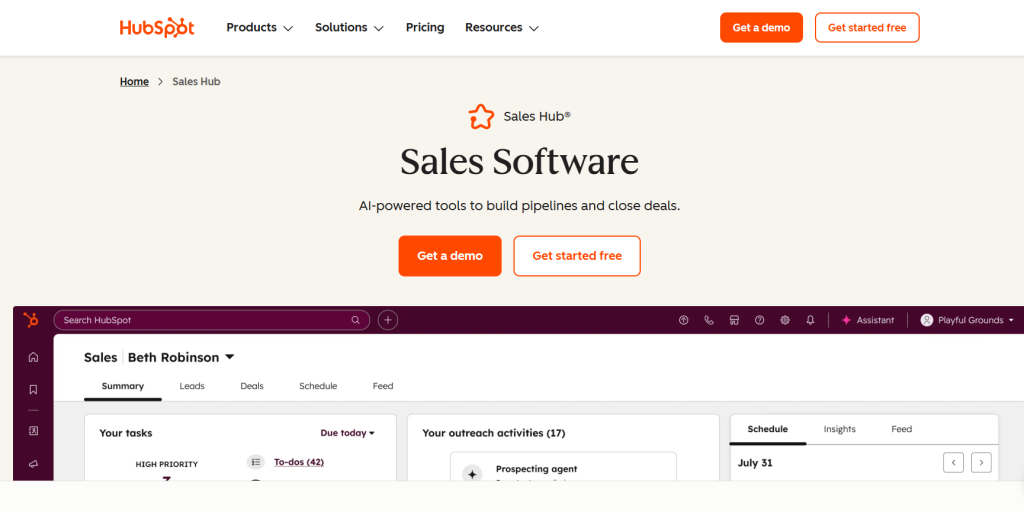
HubSpot Sales Hub is a comprehensive CRM platform that combines sales, marketing, and customer service tools in one integrated system. It offers a robust free tier and scales well for growing businesses.
Key Features
- Contact and deal management with timeline view
- Email tracking and scheduling tools
- Sales automation and workflow creation
- Reporting dashboards and sales analytics
- Integration with Marketing Hub and Service Hub
- Mobile app for iOS and Android
Pros
- Generous free tier with full CRM functionality
- Seamless integration across marketing and sales
- User-friendly interface with minimal learning curve
- Strong customer support and resources
- Strong ecosystem of third-party integrations
Cons
- Can become expensive as you add features
- Mandatory onboarding fees for higher tiers
- Limited customization compared to Salesforce
- Reporting can be slow with large datasets
Pricing: From $15/user/month (Starter plan, annual billing)
What I Like About HubSpot: The unified approach eliminates data silos between sales and marketing. When a prospect downloads a whitepaper, the sales rep sees it in their contact timeline. This visibility transforms how teams collaborate and follow up on leads.
Salesforce Sales Cloud – Best for Enterprise & Customization
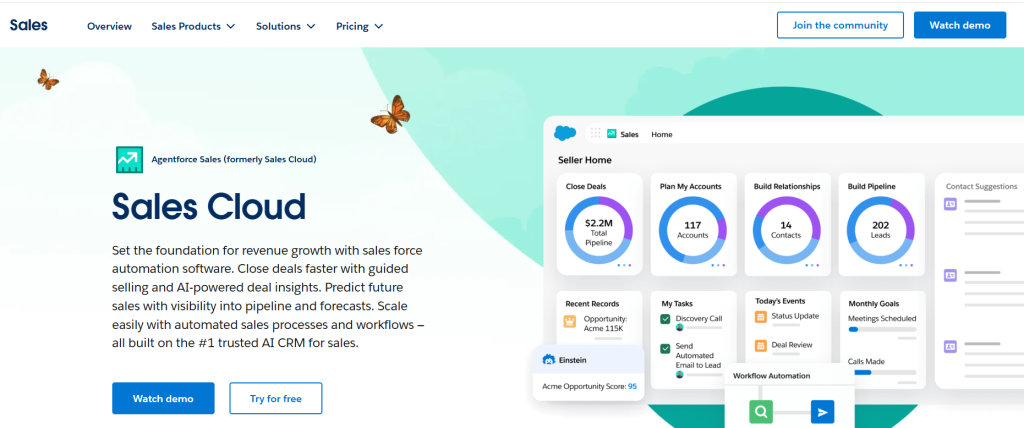
Salesforce Sales Cloud is the world’s leading CRM platform. It offers unmatched customization capabilities and enterprise-grade features. It powers sales teams at Fortune 500 companies and growing businesses alike.
Key Features
- Einstein AI for predictive analytics and forecasting
- Unlimited customization with custom objects and fields
- Advanced workflow automation and approval processes
- Comprehensive reporting and dashboard builder
- AppExchange marketplace with 5,000+ integrations
- Territory and quota management
Pros
- Unparalleled customization and scalability
- Robust ecosystem of third-party apps
- Advanced AI capabilities with Einstein
- Enterprise-grade security and compliance
- Comprehensive training and certification programs
Cons
- Steep learning curve for new users
- Can be slow to load with heavy customization
- Expensive for small teams
- Complex pricing structure with many add-ons
Pricing: From $25/user/month (Starter edition, annual billing)
What I Like About Salesforce: The platform grows with your business complexity. I’ve seen companies start with basic lead tracking and evolve to sophisticated revenue operations with custom objects, automated territory assignments, and predictive forecasting. No other platform offers this level of adaptability.
Close – Best for High-Velocity Inside Sales
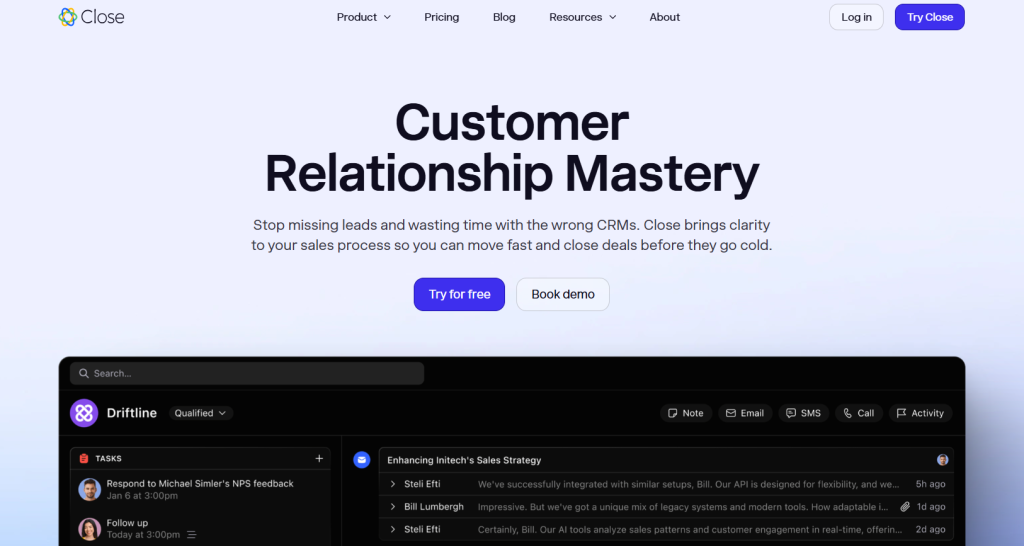
Close is a CRM built for inside sales teams that need to make high volumes of calls and send personalized emails. It combines all communication channels in one unified timeline.
Key Features
- Built-in Power Dialer and Predictive Dialer
- Unified communication timeline (calls, emails, SMS)
- Email and SMS workflow automation
- Smart Views for lead filtering and prioritization
- AI call assistant and automatic summaries
- Native integrations with popular business tools
Pros
- Exceptional efficiency for outbound sales teams
- All communication in one unified timeline
- Built-in calling eliminates need for separate tools
- Fast implementation and user adoption
- Strong customer support and training
Cons
- Limited customization options
- Costs can scale quickly for larger teams
- Fewer third-party integrations than competitors
- Not ideal for complex B2B sales cycles
Pricing: From $49/user/month (Startup plan, annual billing)
What I Like About Close: The speed advantage is remarkable. SDRs can dial 200+ prospects per day with the predictive dialer. Every interaction is logged. This eliminates the administrative overhead that kills productivity in traditional CRMs.
Gong – Best for Revenue Intelligence
Gong is a revenue intelligence platform that uses AI to analyze every customer conversation. It provides insights into deal risk, coaching opportunities, and revenue forecasting accuracy.
Key Features
- AI-powered conversation analysis and transcription
- Deal risk identification and opportunity scoring
- Revenue forecasting with conversation data
- Sales coaching insights and rep performance analytics
- Competitive intelligence from customer calls
- Integration with major CRM and communication platforms
Pros
- Unmatched visibility into customer conversations
- Data-driven coaching replaces guesswork
- Accurate revenue forecasting based on actual conversations
- Identifies successful sales behaviors for replication
- Strong integration ecosystem
Cons
- Expensive with complex pricing structure
- Requires significant platform fee plus per-user costs
- Customer support quality has declined
- Can be overwhelming for smaller sales teams
Pricing: Quote-based (platform fee ~$5,000+ plus ~$1,600/user/year)
What I Like About Gong: The conversation intelligence transforms sales from intuition-based to data-driven. Managers can identify why deals are stalling and coach reps on specific conversation patterns that drive success. It’s like having a sales performance consultant analyze every call.
Pipedrive – Best for Visual Pipeline Management
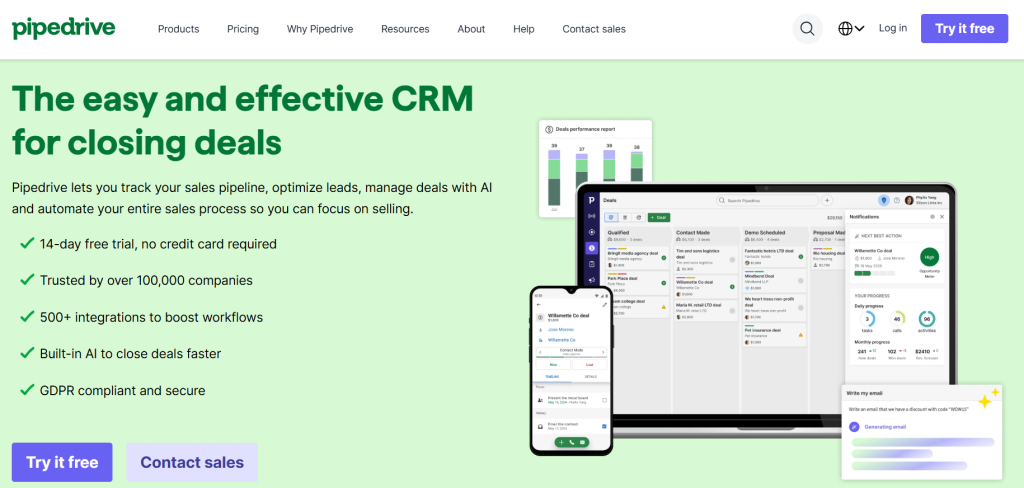
Pipedrive is a sales CRM designed around visual pipeline management. It makes it easy to track deals and identify bottlenecks in your sales process.
Key Features
- Visual drag-and-drop pipeline interface
- Customizable sales stages and deal tracking
- Activity reminders and follow-up automation
- Email integration and template library
- Sales reporting and goal tracking
- Mobile apps for iOS and Android
Pros
- Intuitive visual interface requires minimal training
- Affordable pricing for small and medium businesses
- Strong focus on sales pipeline visibility
- Strong mobile app functionality
- Good integration with popular business tools
Cons
- Limited customization compared to enterprise CRMs
- Basic reporting capabilities
- Lacks advanced automation features
- No built-in marketing automation
Pricing: From $14/user/month (Lite plan, annual billing)
What I Like About Pipedrive: The visual approach makes pipeline management intuitive for sales teams. You can see where deals are stuck and which reps need support. The drag-and-drop interface feels natural, unlike traditional CRMs that feel like database management tools.
Monday Sales CRM – Best for Customizable Workflows
Monday Sales CRM is built on the Monday.com Work OS platform. It offers unmatched visual customization and workflow flexibility for sales teams that need to adapt their processes. The platform’s standout feature is its fully customizable no-code workflow builder and deep integration with the broader Monday.com Work OS.
Key Features
- Fully customizable no-code pipeline builder
- Automation recipes for repetitive tasks
- Visual project management integration
- Advanced reporting and dashboard creation
- Team collaboration and communication tools
- Integration with broader Monday.com ecosystem
Pros
- Exceptional visual interface and user experience
- Unlimited customization without coding
- Seamless integration with project management
- Strong automation capabilities
- Strong team collaboration features
Cons
- Per-seat pricing with minimum requirements
- Learning curve for complex configurations
- Limited traditional CRM features out of the box
- Can become expensive for larger teams
Pricing: From $9/user/month (Basic CRM, annual billing) or $12/user/month (monthly billing), with a 3-seat minimum required
What I Like About Monday Sales CRM: The flexibility is unmatched. Teams can build the sales process they need without technical constraints. The visual boards make it easy to track complex B2B sales cycles with multiple stakeholders and decision points. Advanced reporting and automation are available only in higher tiers.
Copper – Best for Google Workspace Users
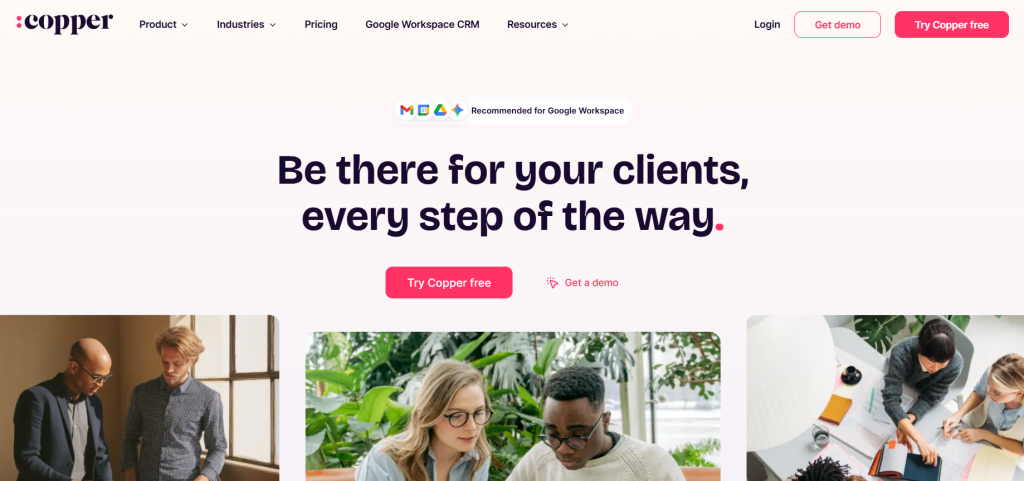
Copper is the CRM designed for businesses that live in Google Workspace. It offers native integration with Gmail, Calendar, and Drive.
Key Features
- Native Google Workspace integration
- Automatic data entry from Gmail and Calendar
- Chrome extension for seamless workflow
- Visual pipeline management
- Task and project management features
- Mobile apps with offline access
Pros
- Seamless Gmail integration eliminates context switching
- Automatic data capture reduces manual entry
- User-friendly interface with minimal training needed
- Strong customer support and onboarding
- Good value for Google Workspace teams
Cons
- Limited advanced features compared to enterprise CRMs
- Expensive for teams not using Google Workspace
- Basic reporting and analytics capabilities
- Fewer third-party integrations
Pricing: From $29/user/month (Basic plan)
What I Like About Copper: The invisibility factor is remarkable. For teams living in Gmail, Copper removes the friction of context-switching that plagues most CRM adoption. Contacts, deals, and tasks appear within your email workflow.
Apollo.io – Best for Combined Prospecting and Outreach
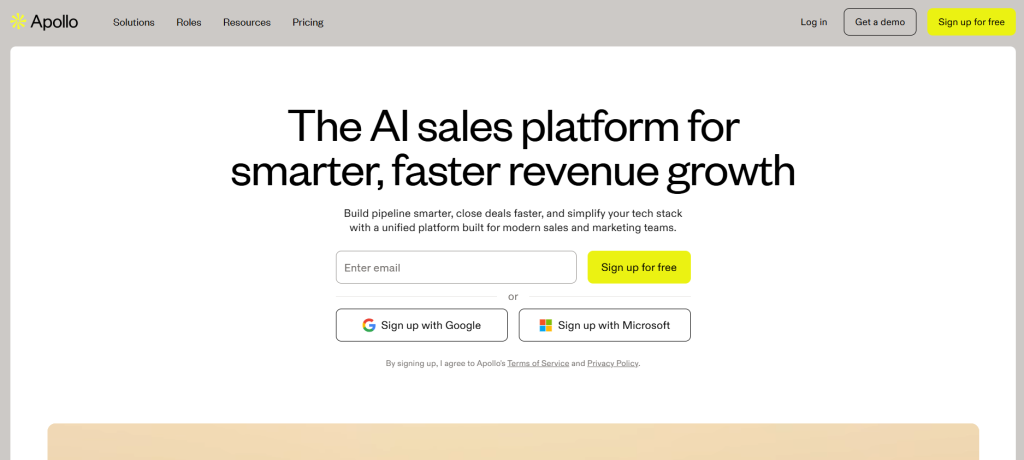
Apollo.io combines a massive B2B database with sales engagement tools. This allows teams to find prospects and execute outreach campaigns in one platform.
Key Features
- Database of 275+ million B2B contacts
- Sales engagement sequences and automation
- Lead scoring and data enrichment
- Built-in dialer and email tracking
- CRM integration and pipeline management
- Analytics and performance reporting
Pros
- Extensive database with good coverage
- Combines prospecting and outreach in one tool
- Generous free plan with 10,000 contacts
- User-friendly interface and setup
- Affordable pricing for small teams
Cons
- Data accuracy can be inconsistent
- Credit system can become costly
- Interface can feel cluttered with many features
- Customer support response times vary
Pricing: From $49/user/month (Basic plan, annual billing)
What I Like About Apollo.io: The all-in-one approach eliminates the need to switch between prospecting tools and engagement platforms. You can build a targeted list and launch email sequences within the same interface, which streamlines the entire outbound process.
Outreach – Best for Sales Engagement Automation
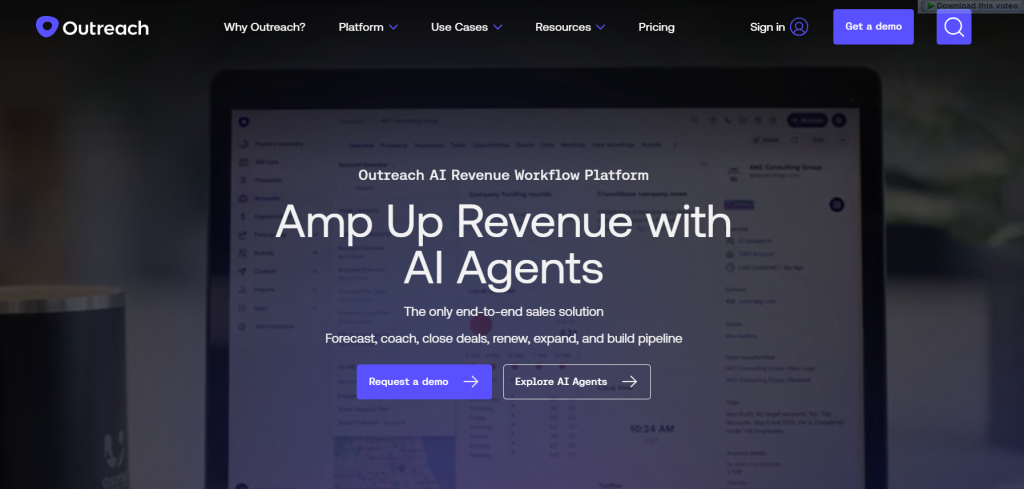
Outreach is a leading sales execution platform that automates and optimizes multi-channel outreach with AI-powered insights and workflow automation.
Key Features
- Multi-channel sequence automation (email, calls, social)
- AI Agents for autonomous workflow automation
- Smart Deal Assist for opportunity management
- Kaia conversation intelligence platform
- Deep CRM integration and data sync
- Advanced analytics and performance insights
Pros
- Powerful automation reduces manual tasks
- Comprehensive platform with advanced features
- Strong analytics for optimization
- Strong integration ecosystem
- Proven success with enterprise clients
Cons
- Expensive with non-transparent pricing
- Steep learning curve for full utilization
- Complex setup and configuration
- Overkill for smaller sales teams
Pricing: Quote-based (~$100-$135/user/month, annual contracts)
What I Like About Outreach: The AI Agents represent the future of sales automation. They can handle routine tasks like lead qualification and follow-up scheduling. This frees reps to focus on high-value conversations and relationship building.
Salesloft – Best for Revenue Orchestration
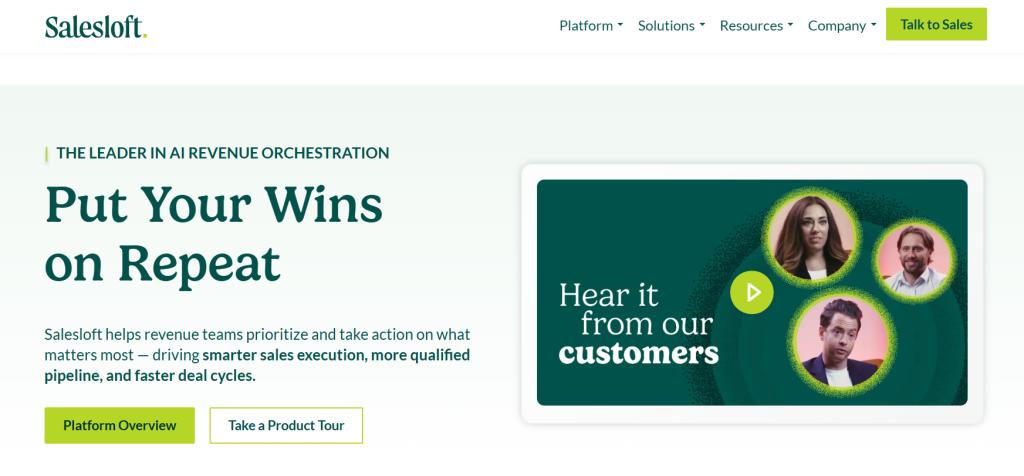
Salesloft is an enterprise-grade revenue orchestration platform that enforces structured sales processes while providing AI-powered coaching and analytics.
Key Features
- Cadence for multi-channel outreach sequences
- Conversations for AI-powered call coaching
- Rhythm AI engine for predictive insights
- Deal management and pipeline visibility
- Revenue forecasting and analytics
- Comprehensive CRM integrations
Pros
- Comprehensive all-in-one revenue platform
- Strong process enforcement and consistency
- Strong analytics and coaching insights
- Proven success with enterprise sales teams
- Strong customer success and support
Cons
- Expensive with quote-only pricing
- Complex implementation and setup
- Steep learning curve for full adoption
- Multi-user minimums required
Pricing: Quote-based (~$1,000-$1,350/user/year, multi-user minimums)
What I Like About Salesloft: The process enforcement creates consistency across sales teams. Every rep follows the same proven cadences and gets the same coaching insights. This improves new hire ramp time and overall team performance.
Nutshell – Best for SMB All-in-One Solution
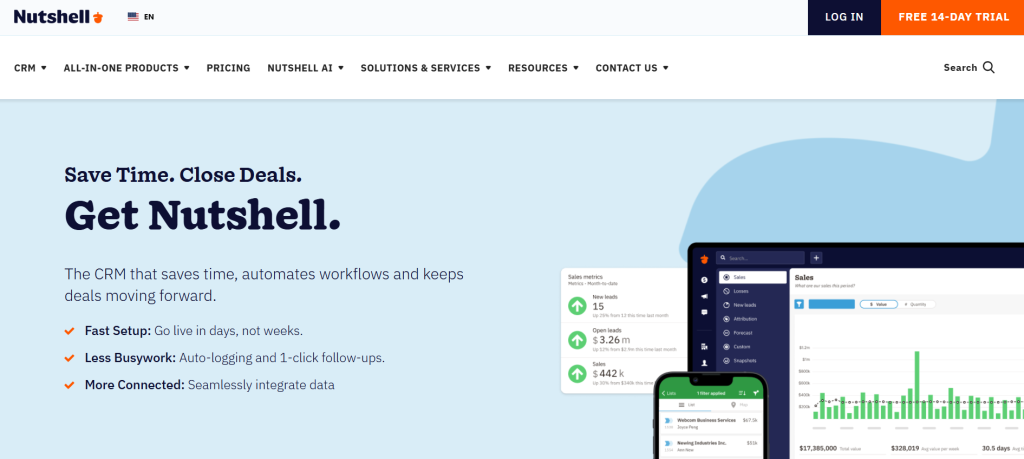
Nutshell combines CRM and email marketing in one affordable platform designed for small and medium businesses that need simplicity without sacrificing functionality.
Key Features
- Customizable sales pipelines and deal tracking
- Built-in email marketing (Nutshell Campaigns)
- Sales automation and workflow creation
- Contact management and lead scoring
- Comprehensive reporting and analytics
- AI-powered tools for efficiency
Pros
- Intuitive interface with minimal learning curve
- Strong live customer support
- Sales-first focus with practical features
- Free onboarding and data migration
- Combines CRM and marketing automation
Cons
- Limited customization for complex enterprises
- Lacks some native features like e-signatures
- Mobile app less polished than web version
- Fewer integrations than major platforms
Pricing: From $13/user/month (Foundation plan, annual billing) or $19/user/month (monthly billing). Higher tiers include Growth ($25), Pro ($42), Business ($59), and Enterprise ($79). Growth and higher tiers include Nutshell Campaigns (email marketing), unlimited pipelines, and automation.
What I Like About Nutshell: The combination of CRM and email marketing eliminates the need for separate tools. Small businesses can nurture leads through email campaigns and track the entire customer journey in one platform, which is both cost-effective and efficient.
Zoho CRM – Best for Budget-Conscious Teams
Zoho CRM offers comprehensive CRM functionality at competitive prices. This makes it an attractive option for cost-conscious businesses that need full-featured sales management. The platform provides sales and marketing automation, analytics and reporting dashboards, an AI assistant (Zia), and extensive integrations with Google Workspace, Office 365, Slack, QuickBooks, Mailchimp, and Zapier.
Key Features
- Complete sales pipeline and deal management
- Workflow automation and approval processes
- Advanced analytics and custom reporting
- Email marketing and social media integration
- AI assistant (Zia) for predictions and insights
- Integration with Zoho business suite
Pros
- Strong value for money with comprehensive features
- Strong customization capabilities
- Good integration with Zoho ecosystem
- Regular updates and feature additions
- Responsive customer support
Cons
- Interface can feel dated compared to modern alternatives
- Learning curve for advanced customization
- Some features require higher-tier plans
- Limited third-party integrations
Pricing: Free plan for up to 3 users. Paid plans start at $14/user/month (Standard plan, annual billing) or $20/user/month (monthly billing). Professional is $23/user/month (annual) or $30 (monthly), Enterprise is $40 (annual) or $50 (monthly), and Ultimate is $52 (annual).
What I Like About Zoho CRM: The feature-to-price ratio is exceptional. Teams get enterprise-level functionality like workflow automation, custom fields, and advanced reporting at a fraction of the cost of competitors. It’s valuable for growing businesses that need room to scale.
Freshsales – Best for Ease of Use
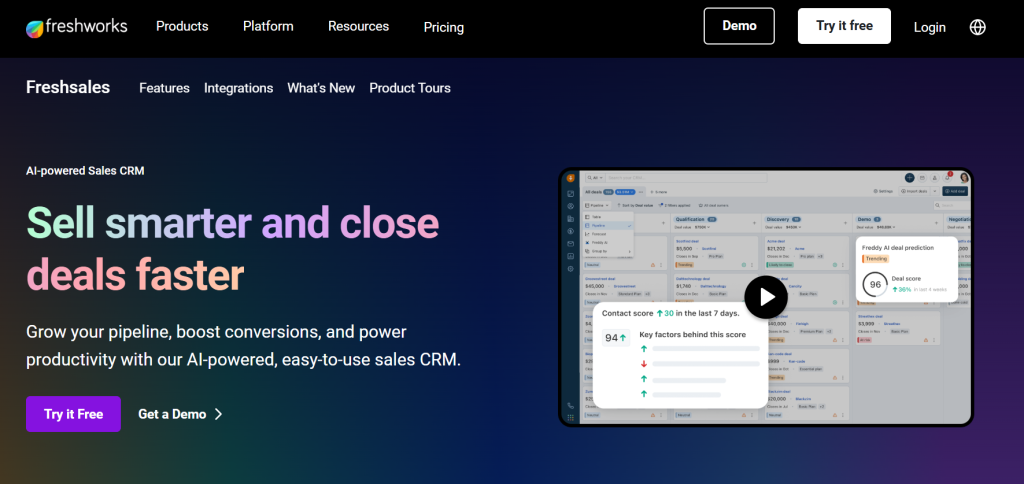
Freshsales (now part of Freshworks CRM) combines user-friendly design with powerful automation features. This makes it ideal for teams that want comprehensive functionality without complexity. The Free tier supports 3 users and includes basic CRM plus chat and telephony.
Key Features
- Visual sales pipeline with drag-and-drop interface
- Built-in phone and email with auto-logging
- Lead scoring and territory management
- Workflow automation and approval processes
- Advanced reporting and analytics
- Integration with Freshworks suite
Pros
- Intuitive interface with minimal training required
- Comprehensive all-in-one solution
- Powerful automation capabilities
- Good value for money
- Strong mobile app functionality
Cons
- Limited features in lower-tier plans
- Customer support can be inconsistent
- Costs can escalate with add-ons
- Some integration issues reported
Pricing: Free tier for 3 users. Growth plan at $9/user/month (annual billing), Pro at $39, and Enterprise at $59.
What I Like About Freshsales: The balance between simplicity and power is well-executed. New users can start selling without extensive training, while power users can leverage advanced automation and customization as they grow.
Keap (formerly Infusionsoft) – Best for Small Business Automation
Keap (formerly Infusionsoft) specializes in sales and marketing automation for small businesses. It combines CRM, marketing automation, scheduling, and payments in one package. The platform includes CRM, marketing automation, sales and payments, and a lead capture app.
Key Features
- Advanced marketing automation and email campaigns
- E-commerce integration and payment processing
- Lead capture and nurturing workflows
- Contact management and segmentation
- Sales pipeline and opportunity tracking
- Appointment scheduling and follow-up automation
Pros
- Powerful automation for lead nurturing
- Combines CRM, marketing, and e-commerce
- Strong customer support and training resources
- Good for service-based businesses
- Proven track record with small businesses
Cons
- Higher starting price than basic CRMs
- Can be overwhelming for simple needs
- Learning curve for automation setup
- Limited customization compared to enterprise tools
Pricing: From $299/month for 2 users (1,500 contacts). Note that older legacy plans like Keap Pro ($199), Max ($289), and Ultimate ($349) are no longer available for new customers.
What I Like About Keap: The automation capabilities are exceptional for small businesses. You can create sophisticated lead nurturing sequences that follow up with prospects based on their behavior. This is available in enterprise-level platforms.
Clari – Best for Revenue Operations
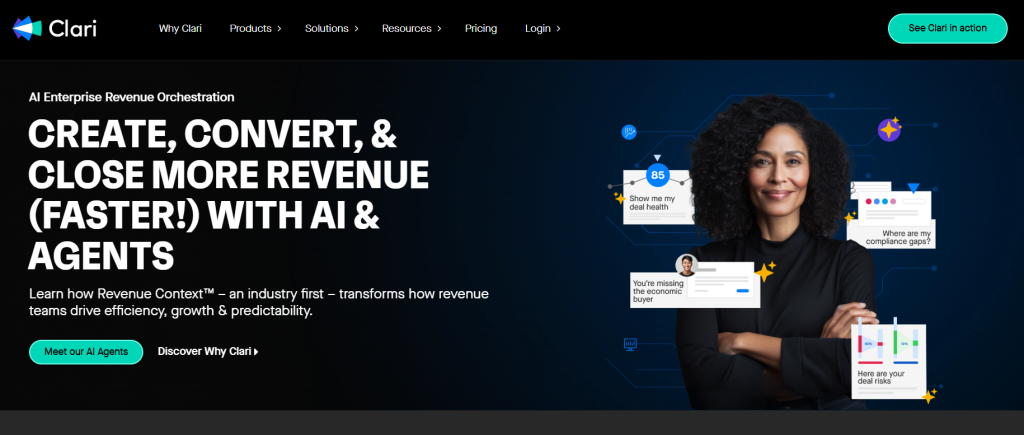
Clari is a comprehensive revenue platform that consolidates forecasting, pipeline inspection, and revenue operations automation to provide predictable revenue growth.
Key Features
- AI-powered revenue forecasting and prediction
- Deal Intelligence for opportunity analysis
- Conversation intelligence (Copilot) integration
- Sales engagement platform (Groove)
- Pipeline inspection and deal coaching
- Revenue operations automation
Pros
- Accurate revenue forecasting
- Comprehensive revenue operations platform
- Seamless Salesforce integration
- Strong analytics and reporting capabilities
- Proven success with enterprise clients
Cons
- Interface can feel cluttered and complex
- Expensive with modular pricing structure
- Complex implementation and setup process
- Designed for larger organizations
Pricing: Quote-based (~$100-$120/user/month plus add-on modules)
What I Like About Clari: The forecasting accuracy is transformative for revenue planning. Instead of gut-feel predictions, leadership gets data-driven forecasts based on actual pipeline activity and historical patterns. This enables more confident business decisions.
Salesflare – Best for Automated Data Entry
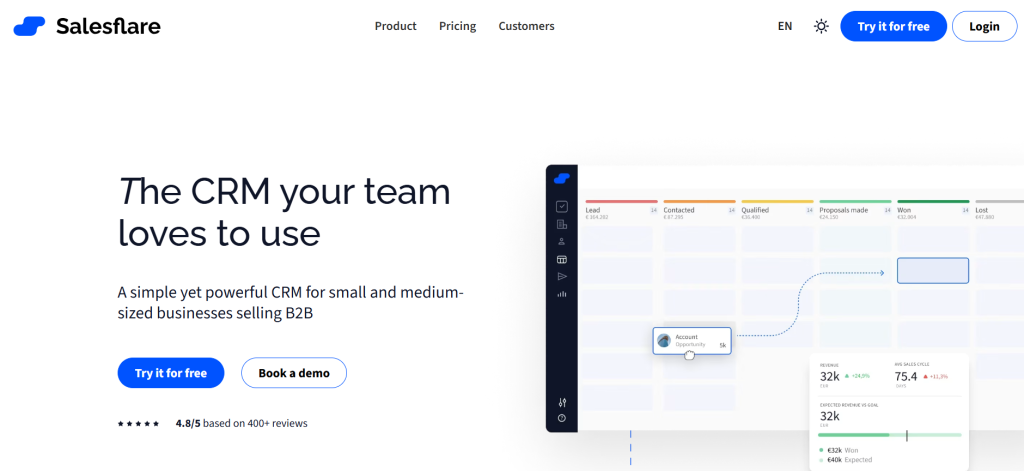
Salesflare eliminates manual data entry by capturing contact information from emails, calendars, and social profiles. This makes it ideal for busy sales teams. The platform automatically pulls customer data from emails and calendars, offers a visual pipeline with drag-and-drop stages, and includes email tracking and AI reminders.
Key Features
- Automated data entry from emails and calendars
- Visual drag-and-drop sales pipelines
- Email tracking and automated sequences
- Gmail and Outlook sidebar integration
- Intelligent reminders and follow-up suggestions
- Mobile apps with offline access
Pros
- Massive time savings through automation
- Seamless email integration and workflow
- Intuitive interface with minimal learning curve
- Intelligent reminders prevent leads from falling through cracks
- Good value for small to medium teams
Cons
- Limited third-party integrations
- Basic email marketing capabilities
- Not optimized for complex enterprise needs
- Fewer advanced customization options
Pricing: From $39/user/month (Growth plan), with Pro at $64 and Enterprise at $124
What I Like About Salesflare: The automatic data capture is accurate. Contacts, companies, and interaction history populate from your email and calendar. This eliminates the administrative overhead that kills CRM adoption.
OnePageCRM – Best for Action-Focused Sales
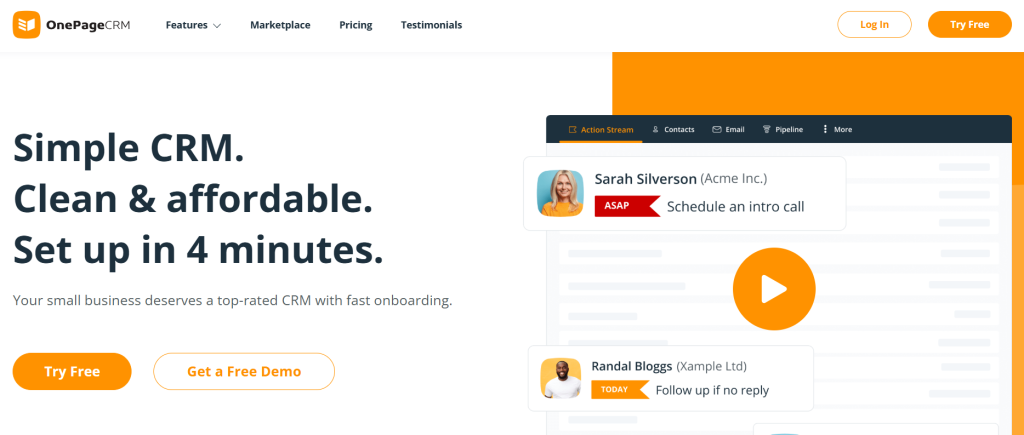
OnePageCRM is built around a “Next Action” sales methodology that ensures no lead is forgotten by focusing on the single most important action for each contact.
Key Features
- Next Action Sales Workflow methodology
- Action Stream for prioritized task management
- Contact management with interaction history
- Visual sales pipeline tracking
- Email integration and template library
- Mobile apps with AI route planner
Pros
- Simple and intuitive interface
- Effective Next Action system for follow-ups
- Strong customer support
- Transparent and affordable pricing
- Good for solo entrepreneurs and small teams
Cons
- Limited advanced features compared to enterprise CRMs
- Fewer integrations with business tools
- Basic reporting and analytics capabilities
- May be too simple for complex sales processes
Pricing: Professional plan at $9.95/user/month (annual billing, 4 months free) or $15/user/month (monthly billing). Business plan at $19.95 (annual) or $29 (monthly).
What I Like About OnePageCRM: The Next Action methodology is brilliant for maintaining momentum. Instead of getting lost in complex features, reps focus on the single most important task for each prospect. This improves follow-up consistency.
SPOTIO – Best for Field Sales Teams
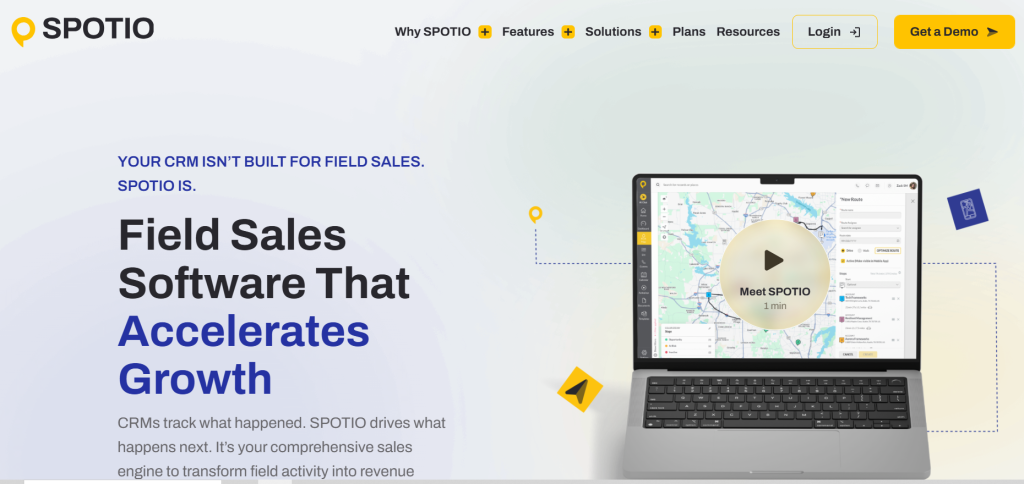
SPOTIO is a field sales engagement platform designed for outside sales teams that need territory management, route optimization, and mobile-first functionality. The platform includes territory mapping, route optimization, lead management, real-time dashboards, and GPS tracking for field sales teams.
Key Features
- Territory management and mapping
- Route optimization for efficient field visits
- Mobile app with GPS activity tracking
- Lead management and prospecting tools
- Real-time dashboards and reporting
- Manager visibility and team performance tracking
Pros
- Strong mapping and routing capabilities
- Increased accountability and visibility for managers
- Intuitive mobile-first design
- Streamlines field sales processes
- Strong customer support and training
Cons
- High price point for smaller companies
- Dependency on internet and cellular service
- Non-transparent pricing model
- Limited functionality for inside sales teams
Pricing: Basic tier at $25/user/month, Team at $39, Business at $69, and Enterprise at $129 (all billed annually). Pricing may require user minimums for certain tiers.
What I Like About SPOTIO: The GPS tracking and route optimization transform field sales efficiency. Reps can visit 40% more prospects per day with optimized routes. Managers get real-time visibility into field activity without micromanaging.
Mindtickle – Best for Sales Coaching and Enablement
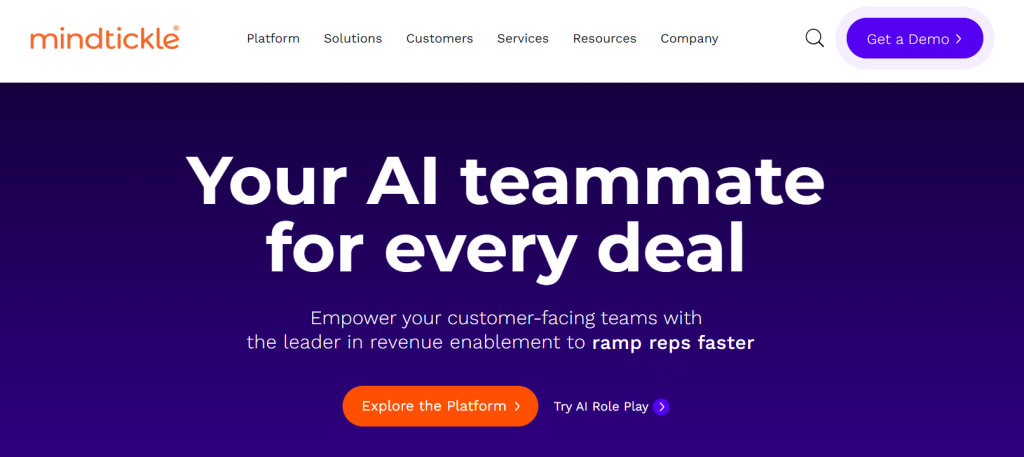
Mindtickle is a comprehensive sales readiness platform that focuses on improving rep performance through training, coaching, and content management rather than just pipeline tracking.
Key Features
- Sales Readiness Index for performance measurement
- Conversation Intelligence (Call AI) for coaching
- Sales coaching tools and scorecards
- Content management and sales enablement
- Digital Sales Rooms for buyer engagement
- Gamification and learning management
Pros
- Comprehensive all-in-one enablement platform
- Strong analytics with Readiness Index
- Engaging gamified learning experience
- Strong customer support and success management
- Proven ROI with enterprise clients
Cons
- Expensive enterprise-focused pricing
- Complex setup and administration
- Limited mobile functionality
- Can be overwhelming for smaller organizations
Pricing: Custom quote-based pricing (customers must request a quote)
What I Like About Mindtickle: The Sales Readiness Index provides objective measurement of rep capabilities across skills, knowledge, and behaviors. This data-driven approach to coaching eliminates guesswork and focuses development efforts where they’ll have the biggest impact.
Lavender – Best for AI Email Coaching
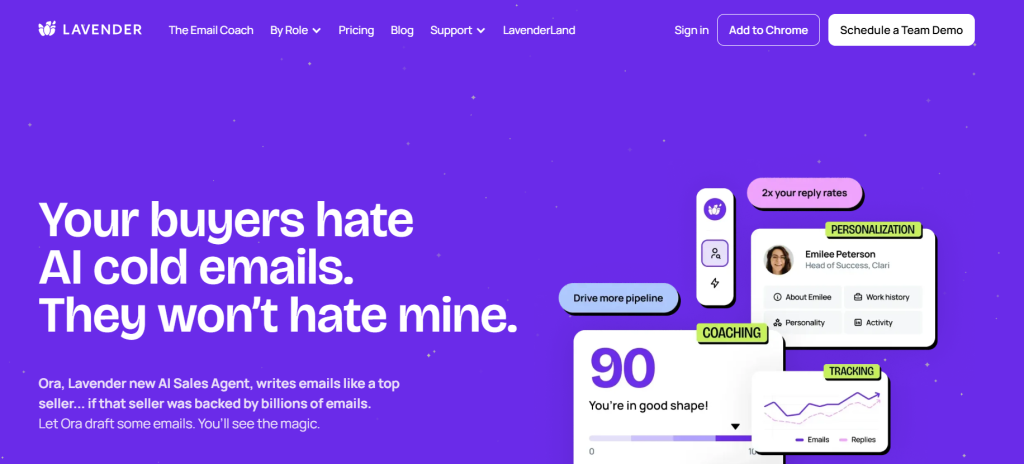
Lavender is an AI-powered sales email assistant that provides real-time coaching and optimization suggestions within Gmail and Outlook to improve email effectiveness. The platform has a free tier, a $29/month Individual Pro plan, and a $49/user/month Team plan with shared dashboards.
Key Features
- AI Email Coach with 1-100 scoring system
- Personalization Assistant for prospect research
- AI email generation and template optimization
- Team dashboard and performance analytics
- Mobile editor for on-the-go optimization
- Integration with major email platforms
Pros
- Improves email quality and reply rates
- Saves time with real-time coaching
- Easy setup within existing email workflows
- Data-driven insights for optimization
- Continuous learning and improvement
Cons
- Pricing can be steep for individual users
- Personalization suggestions can be surface-level
- Occasional technical glitches reported
- Limited functionality beyond email optimization
Pricing: Free tier available. Individual Pro at $29/month and Team plan at $49/user/month with shared dashboards.
What I Like About Lavender: The real-time coaching transforms email quality. Reps get instant feedback on subject lines, personalization, and message structure. This leads to higher response rates without changing their workflow.
Bitrix24 – Best for Team Collaboration
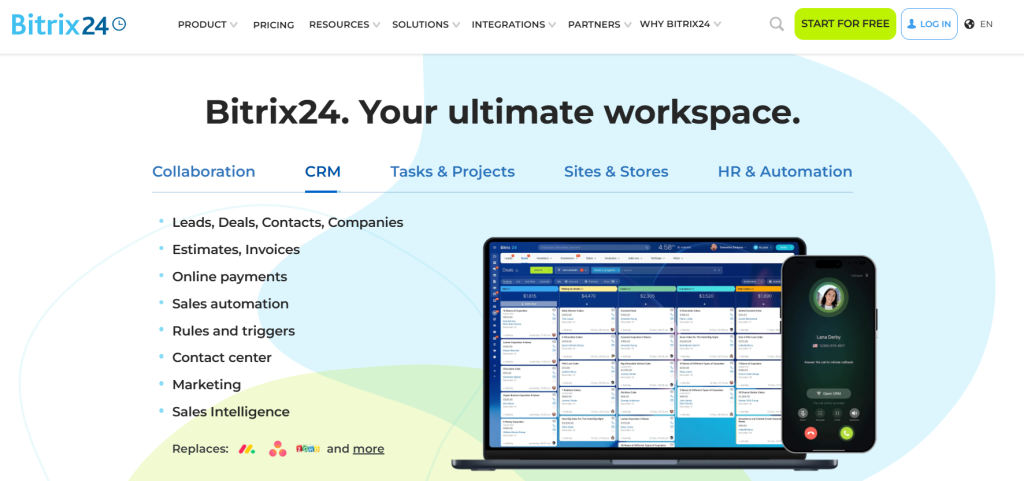
Bitrix24 combines CRM functionality with comprehensive team collaboration tools. This makes it ideal for businesses that need sales management integrated with project management and communication. Bitrix24 charges per organization, not per user.
Key Features
- CRM with pipeline and deal management
- Project management and task tracking
- Team communication and collaboration tools
- Document management and file sharing
- Email marketing and automation
- Video conferencing and telephony
Pros
- Comprehensive all-in-one business platform
- Free plan with substantial functionality
- Strong project management integration
- Good value for multi-functional teams
- Regular feature updates and improvements
Cons
- Interface can feel cluttered and overwhelming
- Learning curve for full feature utilization
- CRM functionality less sophisticated than dedicated tools
- Performance can be slow with heavy usage
Pricing: Free plan supports up to 5 users. Paid plans (per organization, annual pricing): Basic $49/month, Standard $99, Professional $199, and Enterprise $399.
What I Like About Bitrix24: The integration between sales and project management is seamless. When a deal closes, the delivery team can access all customer information and begin project execution within the same platform. This eliminates handoff friction.
Insightly – Best for Project-Based Sales
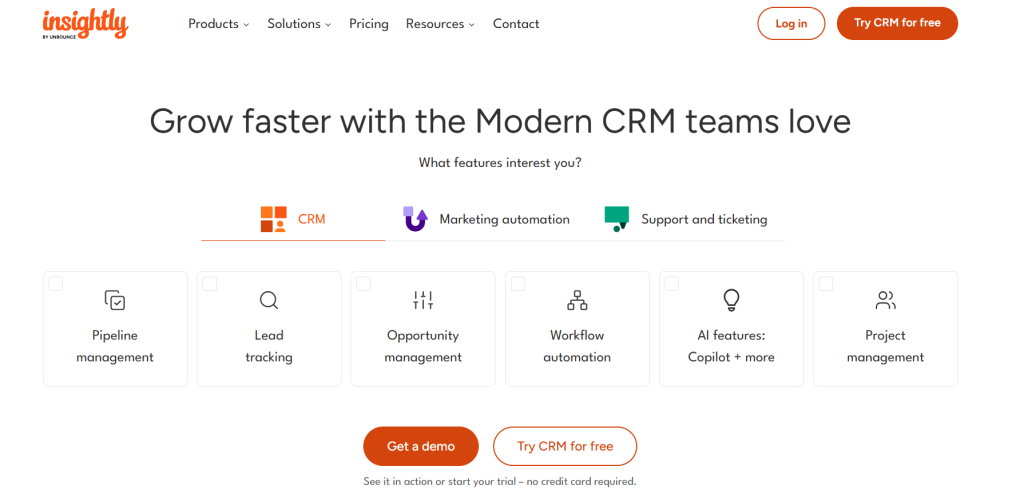
Insightly combines CRM with project management. This makes it ideal for service-based businesses that need to track both sales opportunities and project delivery.
Key Features
- CRM with opportunity and pipeline management
- Integrated project management and task tracking
- Contact and organization relationship mapping
- Email integration and template management
- Custom reporting and dashboard creation
- Mobile apps for field access
Pros
- Strong integration between sales and project management
- Good relationship mapping capabilities
- Flexible and customizable workflows
- Reasonable pricing for small to medium businesses
- Good integration ecosystem
Cons
- Setup can be complex for new users
- Limited advanced sales features
- Interface feels dated compared to modern alternatives
- Reporting capabilities could be more robust
Pricing: Plus at $29/user/month (annual billing), Professional at $49, and Enterprise at $99. Higher tiers include features like lead assignment and workflow automation.
What I Like About Insightly: The project management integration eliminates the gap between selling and delivering. Service businesses can track opportunities through to project completion. This ensures nothing falls through the cracks during the handoff from sales to delivery teams.
What Is Sales Management Software?
Sales management software is a centralized platform that automates and streamlines the sales process. It enables leaders to manage sales pipelines, track team activities and performance, and generate accurate revenue forecasts. Key functions include lead and contact management, sales process automation, pipeline visualization, and in-depth analytics to provide actionable insights for data-driven decision-making and team coaching.
These tools handle everything from pipeline reports to email automation. They come in many different forms from lightweight solutions for small businesses to comprehensive platforms for enterprise organizations. Your choice depends on your specific needs, team size, and sales complexity.
Key Features of Sales Management Software
Modern sales management tools offer a comprehensive suite of features designed to optimize every aspect of the sales process. Understanding these core capabilities helps you identify which features matter most for your business.
Pipeline Management and Visualization provides visual representations of your sales process. This allows teams to track deals through each stage and identify bottlenecks. Most platforms offer drag-and-drop interfaces that make it easy to move opportunities between stages and get instant visibility into pipeline health.
Contact and Lead Management centralizes all prospect and customer information, including interaction history, communication preferences, and deal context. Advanced systems capture data from emails, calls, and meetings to maintain complete customer profiles.
Sales Automation and Workflows eliminate repetitive tasks like follow-up reminders, email sequences, and data entry. Teams can create automated workflows that trigger based on specific actions or timeframes. This ensures consistent follow-up and reduces manual overhead.
Reporting and Analytics transform raw sales data into actionable insights through customizable dashboards and reports. Teams can track KPIs like conversion rates, sales velocity, and individual rep performance to make data-driven decisions.
Integration Capabilities connect sales management tools with existing business systems like email platforms, marketing automation, and customer service tools. Seamless integrations eliminate data silos and create unified customer experiences across departments.
How to Choose the Right Sales Management Tool for Your US Business
Selecting the right sales management tool requires a systematic approach that considers your current processes, future needs, and team dynamics. This 7-step framework ensures you make a decision that drives results rather than creates complexity.
Step 1: Assess Your Sales Process and Identify Pain Points
Map your current sales workflow from lead generation to deal closure and identify specific bottlenecks like manual data entry, inaccurate forecasting, or poor pipeline visibility. Document where reps spend time on non-selling activities and quantify the impact on productivity.
Step 2: Define Clear Objectives and Must-Have Features
Outline what you want to achieve with sales management software and create a feature checklist separating ‘must-haves’ from ‘nice-to-haves’. Prioritize features that address your identified pain points and support your specific sales methodology.
Step 3: Determine Your Budget and Total Cost of Ownership
Look beyond monthly subscription fees to include implementation costs, training expenses, integration fees, and potential add-on modules. Factor in the cost of data migration and any required customization work.
Step 4: Evaluate Integration Capabilities
Check for seamless integrations with your existing email platforms, calendar systems, marketing automation tools, and business applications. Poor integration creates data silos and reduces adoption rates.
Step 5: Shortlist Vendors and Prioritize User Experience
Involve your sales reps in the evaluation process and prioritize intuitive interfaces that require minimal training. The best features are useless if your team won’t adopt the platform consistently.
Step 6: Scrutinize Analytics and Mobile Access
Ensure the reporting capabilities can track your key KPIs and provide actionable insights. Verify that mobile apps offer full functionality for field sales teams and remote workers.
Step 7: Assess Scalability, Support, and Security
Choose solutions that can grow with your business without requiring platform migration. Evaluate customer support quality, training resources, and data security measures to ensure long-term success.
Sales Management vs CRM vs Sales Engagement vs Revenue Intelligence
The sales technology landscape includes multiple categories that often overlap. This creates confusion for buyers. Understanding the distinctions helps you select the right combination of tools for your specific needs.
Sales Management Software focuses on helping sales managers monitor, analyze, and optimize team performance through KPI tracking, forecasting, and territory management. These platforms are used by sales managers for internal team oversight. They provide visibility into rep activities, deal progression, and revenue predictability.
CRM (Customer Relationship Management) functions as a centralized database for customer interactions and data throughout the customer lifecycle. Used by sales reps, marketing teams, and customer service as a system of record, CRMs store contact information, communication history, and deal details to maintain comprehensive customer relationships.
Sales Engagement Platforms automate and optimize multi-channel prospect interactions through email sequences, call dialers, and A/B testing. Used by SDRs and account executives as a system of action, these tools focus on executing outreach campaigns and managing prospect communication at scale.
Revenue Intelligence Platforms use AI to analyze sales interactions and provide predictive insights for revenue optimization through conversation analysis and deal risk identification. Used by sales managers and revenue operations teams as a system of understanding and prediction, these platforms transform conversation data into coaching insights and accurate forecasts.
Many modern platforms combine elements from multiple categories. Comprehensive solutions like Salesforce offer CRM, sales management, and engagement features, while specialized tools like Gong focus on revenue intelligence capabilities.
FAQ
A sales management tool is any digital tool that allows sales managers to learn and keep track of KPIs across their company.
Sales management software will allow the sales manager to see which salespeople are in need of help to perform better and empower them to give them the help they need. They’ll also analyze and report on data so the manager can make better data-driven decisions.
Sales management software is made to help both managers and salespeople, allowing them to meet their sales quotas, track KPIs, and reduce the time spent anywhere else that’s not selling. It can help sales and marketing teams to work together to keep your sales pipeline running.
A sales CRM also allows you to keep track of customers and automate boring, time-consuming activities to focus your time where you need it the most fully. You can also use it to keep track of your sales process and sales reps and for sales managers to help sales teams and sales reps.
The sales management process is the activity of developing a strong sales team, coordinating sales, and implementing strategies to meet and surpass sales quotas reliably and consistently.
A good sales management strategy is therefore extremely important to the success of any sales team, allowing them to get better results in record times.
Typically, the five most important sales management functions are:
– Sales Analysis
– Planning
– Implementing and supervising strategies
– Making decisions
– Establishing sales quotas
The best way to do sales management is to hire the best salespeople, develop good training processes, give salespeople the sales tools they need to succeed, keep track of KPIs, develop an effective sales process, and try new things to improve.
There are infinite ways to approach it since there’s no such thing as a perfect sales management process. The more you try, test, and innovate, the better you’ll do at sales management.
Conclusiom
Choosing the best sales management software depends on your specific needs, team size, and sales complexity. Since migrating to new software requires significant time investment, it’s crucial to pick the right tool for your sales team from the start.
Your business is evolving. Sales tools that work today might not fit your needs in five years. Focus on platforms that can scale with your growth and offer the flexibility to adapt to changing requirements.
To get maximum value from your investment, try several different options that suit your sales team’s needs. The best sales management tool will be the one that offers the most value for your investment while improving team productivity and revenue predictability.
Remember, UpLead is here to fuel your pipeline with high-quality, verified prospects whenever you need to accelerate growth.





