If you need someone’s email address, an email finder tool is the fastest way to get it. Email finder tools let you find email addresses, look up emails in bulk and generate email lists. However, with so many options available, it can be hard to figure out which tools will give you the best leads.
In this article, we’ll review the best email finder tools and show you how to pick the right email finder for your needs.
What Are the Best Email Finder Tools?
The best email finder tools are UpLead for verified B2B emails, Apollo for all-in-one sales engagement, Hunter for domain-based searches, Kaspr for LinkedIn prospecting, Wiza for Sales Navigator integration and RocketReach for broad industry coverage.
- UpLead – Best for high-accuracy B2B data with 95% accuracy guarantee
- Apollo – Best for all-in-one sales engagement and prospecting
- Hunter – Best for domain-based email searches and verification
- Kaspr – Best for LinkedIn prospecting with generous free plan
- Wiza – Best for LinkedIn Sales Navigator integration
- RocketReach – Best for broad reach across industries and roles
We evaluated these email finder tools based on data accuracy, verification methods, CRM integrations, pricing transparency and dataset focus to help you find verified B2B contact information.
- Data accuracy and verification – We prioritized tools with 90%+ accuracy rates and real-time email verification
- Database coverage and search capabilities – Evaluated size, freshness and global B2B contact database scope
- CRM integrations and workflow – Tested connections with Salesforce, HubSpot and Chrome extensions
- Pricing transparency and value – Analyzed cost per verified email and feature accessibility
- Compliance and data privacy – Verified GDPR and CCPA adherence for responsible data sourcing
Here’s a comparison of all the email finder tools we’ve tested:
| Tool | Best for | Pricing | USP |
|---|---|---|---|
| UpLead | B2B outbound teams | From $74/month | 95% accuracy guarantee |
| Apollo | All-in-one sales engagement | From $49/month | 275M+ contacts with sequences |
| Hunter | Domain-based searches | From $49/month | Company email discovery |
| Kaspr | LinkedIn prospecting | From $49/month | Generous free plan |
| Wiza | Sales Navigator users | From $49/month | Real-time LinkedIn scraping |
| RocketReach | Multi-channel prospecting | From $40/month | 700M+ professional profiles |
| Snov.io | Cold outreach automation | From $39/month | All-in-one outreach platform |
| ZoomInfo | Enterprise sales teams | Custom pricing | Advanced sales intelligence |
| Seamless.AI | Real-time data searches | From $147/month | Live search engine |
| Lusha | Professional and personal data | From $29/month | Personal contact access |
| Voila Norbert | Simple email verification | From $49/month | High deliverability rates |
| Clearbit | Large enterprise teams | From $99/month | 200M+ contact database |
| ContactOut | Recruiters | From $79/month | 300M+ candidate profiles |
| AeroLeads | Small business prospecting | From $49/month | Affordable bulk searches |
| Anymail Finder | Email verification focus | From €9/month | Direct server validation |
| LeadFuze | B2B lead generation | From $147/month | LinkedIn lead scraping |
| SignalHire | Recruiting and HR | From $29/month | 850M+ profile database |
| Datanyze | Basic lead generation | From $21/month | Chrome extension focus |
| Clearout | Email validation | From $24/month | Bulk verification service |
| Skrapp | LinkedIn email extraction | From €30/month | Chrome extension tool |
| Prospect.io | Sales automation | From $99/month | Email campaigns included |
| GetProspect | LinkedIn prospecting | From $49/month | Built-in CRM |
| FindThatLead | Simple email searches | From €55/month | Confidence scoring system |
What Are the Best Free Email Finder Tools?
The best free email finder tools include Hunter with 50 monthly searches, Kaspr with 15 B2B email credits, RocketReach with 5 free lookups and UpLead’s 7-day trial with 5 credits for testing verified B2B contact data.
- Hunter – 50 searches and 50 verifications per month with basic filters
- Kaspr – 15 B2B email credits, 5 phone credits and 5 direct email credits monthly
- RocketReach – 5 free lookups per month, no credit card required
- UpLead – 7-day free trial with 5 credits for verified emails and mobile numbers
- Lusha – Up to 70 credits per month for basic prospecting and browser extension
- SignalHire – 5 credits (10 credits with browser extension installed)
- Datanyze – Free 90-day trial with 10 credits per month
- Clearout – 100 free credits at sign-up
- Skrapp – 100 email credits per month
- FindThatLead – 20 successful emails per month
- GetProspect – 50 valid emails and 100 verifications
- Anymail Finder – 3-day trial with up to 100 credits after fraud checks
The 23 Best Email Finder Tools Reviewed
Here are our detailed reviews of the best 23 email finder tools, including their key features, pros, cons and pricing:
UpLead – Best for Verified B2B Contact Data
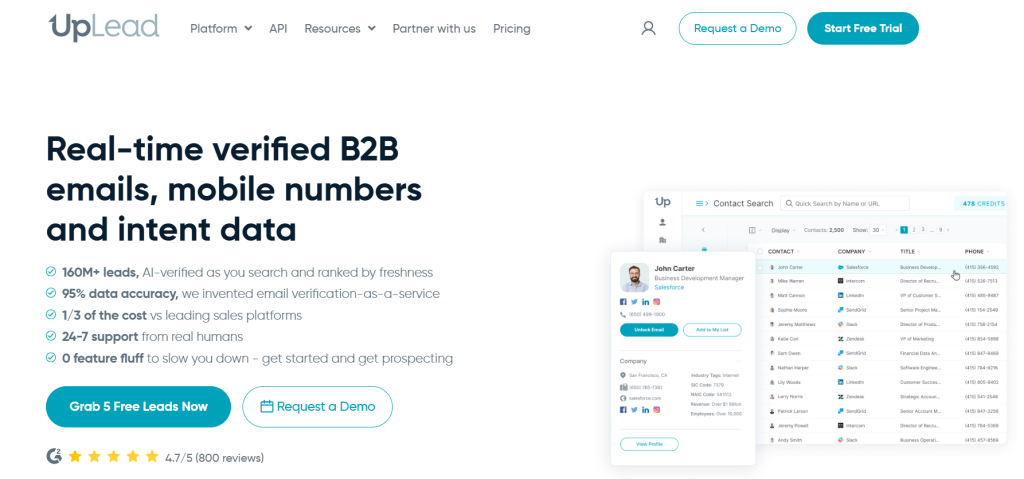
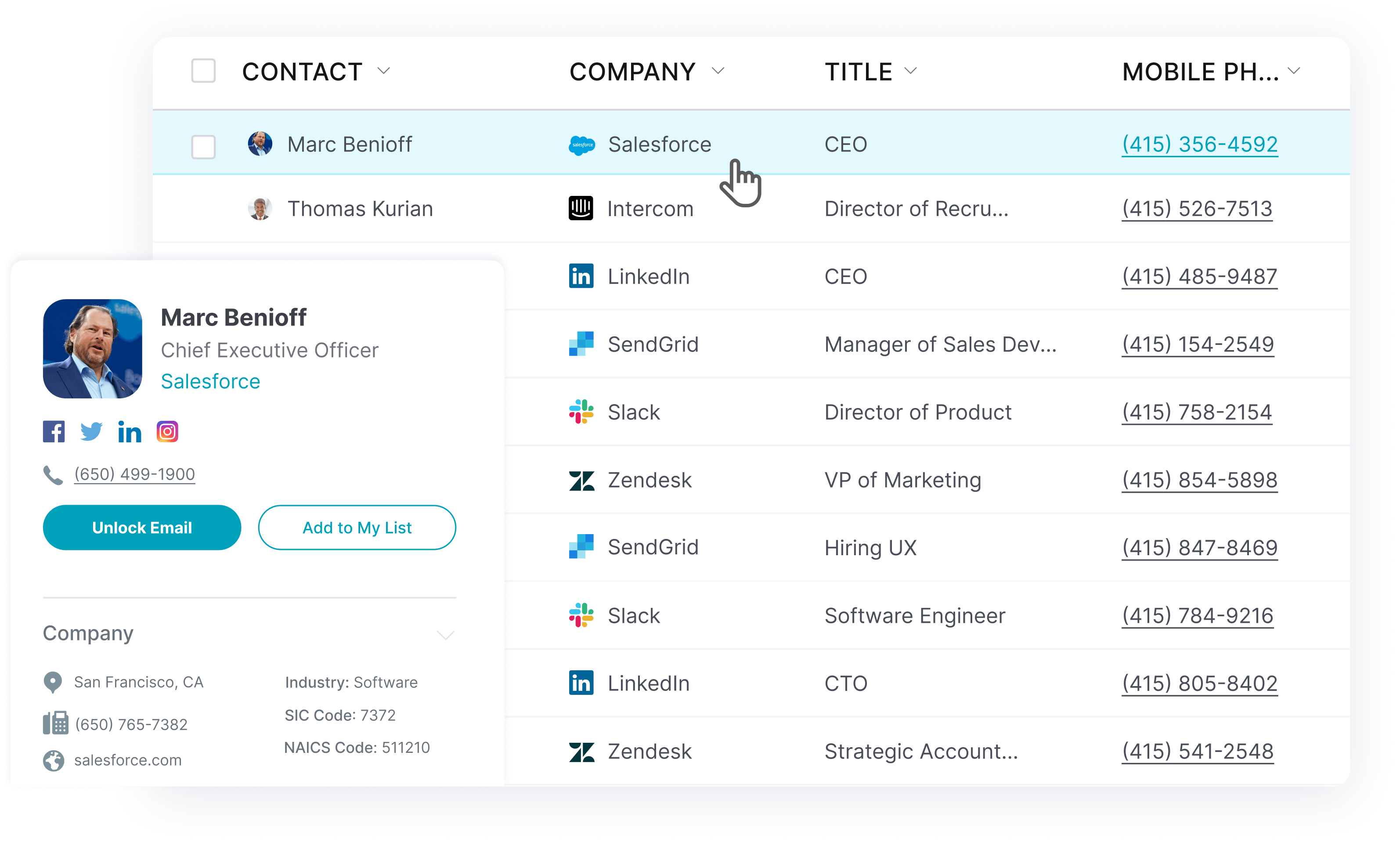
UpLead is a B2B contact database and email finder that combines high-accuracy data with real-time email verification. With access to over 160 million verified email addresses and a 95% data accuracy guarantee, UpLead ensures you never pay for leads you can’t contact.
Key Features
- 160M+ verified B2B contacts with 95% accuracy guarantee
- Real-time email verification and mobile number validation
- 50+ search filters including technographics and intent data
- Chrome extension for LinkedIn and company website prospecting
- CRM integrations with Salesforce, HubSpot and Pipedrive
- Data enrichment for existing contact lists
Pros
- Industry-leading 95% data accuracy guarantee
- Real-time email verification reduces bounce rates
- Comprehensive B2B contact database with mobile numbers
- Advanced technographic and intent data filters
- User-friendly interface with detailed prospect profiles
Cons
- Higher pricing than basic email finder tools
- Credit-based system may limit high-volume users
- Learning curve for advanced filtering features
Pricing: From $74/month (billed annually) for the Essentials plan with 170 credits per month. Monthly billing starts at $99/month. UpLead also offers a 7-day free trial with 5 credits.
What I Like About UpLead: The 95% accuracy guarantee eliminates the guesswork from B2B prospecting. I can build targeted lists with technographic filters and know that every email I download will reach my prospects, protect my sender reputation and maximize outreach efficiency.

Apollo – Best for All-in-One Sales Engagement
Apollo is a comprehensive sales intelligence platform. It combines a massive B2B contact database with email sequencing, analytics and a power dialer. With over 275 million contacts, Apollo serves as both an email finder tool and complete sales engagement solution.
Key Features
- 275M+ contact database with company data and contact details
- Multi-channel sequencing for email, phone and LinkedIn
- Integrated VoIP dialer and call recording
- AI-powered email writing and personalization
- Chrome extension for LinkedIn prospecting
- Deep CRM integrations and API access
Pros
- Massive database with global coverage
- Complete sales workflow in one platform
- Free plan available for testing
- Strong LinkedIn integration via Chrome extension
- Advanced analytics and reporting features
Cons
- Data accuracy can be inconsistent
- Steep learning curve for new users
- Credit limitations on lower-tier plans
- Interface can feel overwhelming
Pricing: From $49/user/month for the Basic plan. Free plan available with limited credits.
What I Like About Apollo: Apollo eliminates the need for multiple tools. It combines prospecting, outreach and analytics in one platform. The ability to find prospects, add them to sequences and track engagement metrics without switching between different tools streamlines the entire sales process.
Snov.io – Best for Cold Outreach Automation
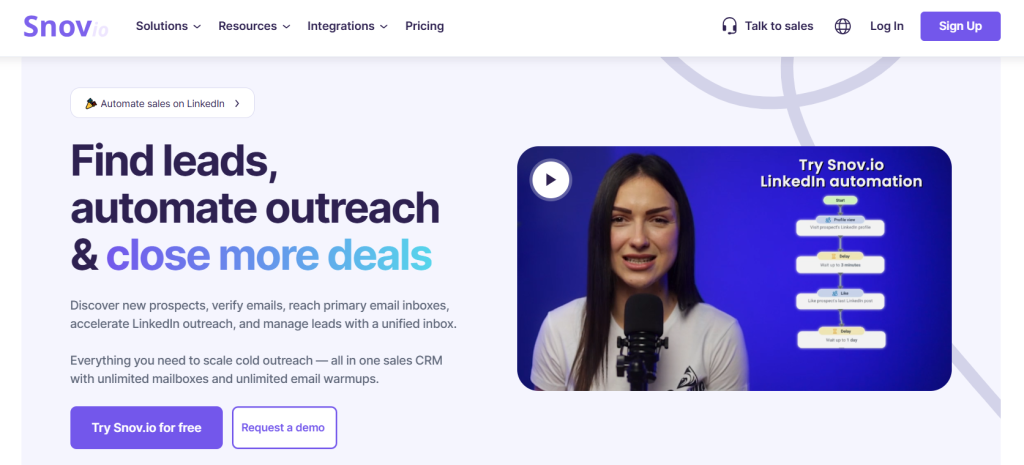
Snov.io is an all-in-one cold outreach platform. It combines email finder capabilities with verification, drip campaigns and CRM functionality. The platform enables users to find email addresses and enroll prospects in automated follow-up sequences.
Key Features
- Email finder with domain and LinkedIn search
- Built-in email verifier and deliverability tools
- Automated drip campaign builder
- Free CRM with lead management
- Chrome extension for email lookup
- API access and 5,000+ app integrations via Zapier
Pros
- Complete outreach automation workflow
- Free trial with 50 credits included
- Built-in CRM eliminates need for separate tools
- Affordable pricing for small teams
- Strong email deliverability features
Cons
- Credits expire monthly
- Users report occasional platform bugs
- Limited advanced filtering options
- Email finder accuracy varies by region
Pricing: From $39/month for the Starter plan with 1,000 credits and 5,000 email recipients. Free trial includes 50 credits.
What I Like About Snov.io: The integration between finding emails and launching outreach campaigns saves hours of manual work. I can discover prospects, verify their emails and have them enrolled in a personalized drip sequence within minutes, all from one platform.
Wiza – Best for LinkedIn Sales Navigator Integration
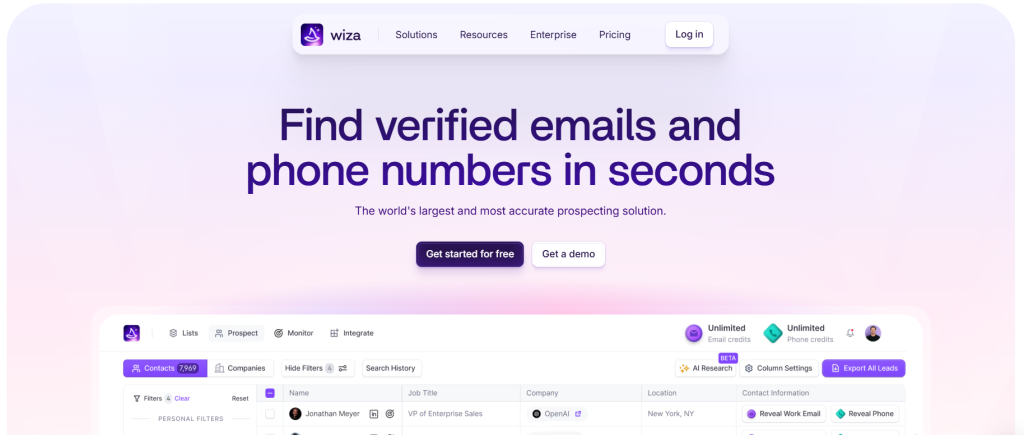
Wiza is a specialized email finder. It was designed for deep integration with LinkedIn Sales Navigator. The tool allows users to extract verified B2B emails and phone numbers in real-time while prospecting on LinkedIn. The platform focuses on streamlining the workflow from Sales Navigator searches to CRM import.
Key Features
- LinkedIn Sales Navigator Chrome extension integration
- Real-time email and phone number verification
- Bulk export up to 2,500 contacts from Sales Navigator
- Native CRM integrations with Salesforce and HubSpot
- Data enrichment with job title and company details
- Bounce rate under 1% with real-time verification
Pros
- Seamless Sales Navigator workflow integration
- High data accuracy with real-time verification
- Automated CRM syncing saves manual work
- Free plan available for testing
- Bulk processing capabilities
Cons
- Requires LinkedIn Sales Navigator subscription
- Credit-based pricing can become expensive
- Limited functionality outside LinkedIn ecosystem
- Credits consumed even when no contact found
Pricing: From $49/user/month for 100 email and phone credits. Free plan includes 20 email credits and 5 phone credits monthly.
What I Like About Wiza: Wiza transforms Sales Navigator from a research tool into a complete prospecting machine. The ability to scrape entire search results and have verified contact data synced to my CRM eliminates the tedious copy-paste workflow that used to slow down my LinkedIn prospecting.
Kaspr – Best for LinkedIn Prospecting
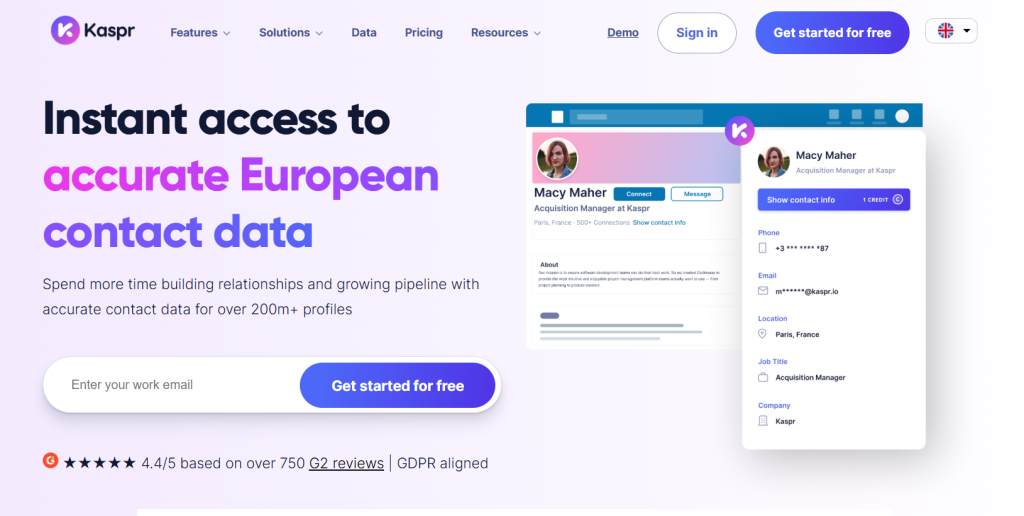
Kaspr is an all-in-one prospecting tool. It is known for its user-friendly Chrome extension that finds contact information on LinkedIn profiles. With a generous free plan and unlimited B2B email credits on paid plans, Kaspr makes LinkedIn prospecting accessible for individual prospectors and SMBs.
Key Features
- Chrome extension for LinkedIn, Sales Navigator and Recruiter
- 500M+ B2B contact database with European strength
- Lead management dashboard with automation workflows
- CRM integrations with Salesforce, HubSpot and Pipedrive
- GDPR and CCPA compliance for data privacy
- Phone numbers and direct email access
Pros
- Generous free plan with up to 70 credits monthly
- Unlimited B2B email credits on all paid plans
- User-friendly Chrome extension interface
- Strong European market coverage
- GDPR compliance for European prospects
Cons
- Mixed data accuracy with some outdated information
- Credit limitations for phone numbers and direct emails
- Weaker coverage outside European markets
- Limited advanced search filters
Pricing: From $49/user/month for the Starter plan with unlimited B2B emails and 100 phone credits. The Business plan at $79/month provides unlimited B2B email credits and 200 phone credits. Free plan includes 15 B2B email credits, 5 phone credits and 5 direct email credits monthly.
What I Like About Kaspr: The free plan lets me test LinkedIn prospecting without any upfront investment. The unlimited B2B emails on paid plans remove the anxiety of credit counting. The Chrome extension feels native to LinkedIn and makes prospect research feel seamless rather than disruptive.
RocketReach – Best for Multi-Channel Prospecting
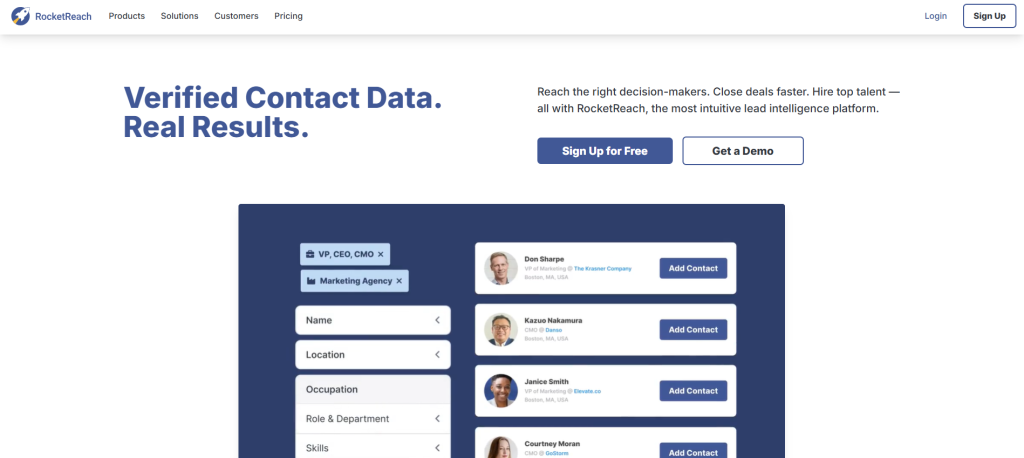
RocketReach provides access to over 700 million professional profiles. This makes it excellent for finding contacts across a wide range of industries and roles. The platform serves both sales teams and recruiters. It provides emails, phone numbers and social profiles for comprehensive outreach strategies.
Key Features
- 700M+ professional profiles across industries
- Email, phone and social media contact data
- Chrome extension for LinkedIn and company websites
- Advanced search filters and bulk email finder capabilities
- API access for custom integrations
- CRM integrations and CSV export options
Pros
- Massive database with broad industry coverage
- Multi-channel contact information available
- Free plan with 5 monthly lookups
- Strong for both sales and recruiting use cases
- Advanced filtering and search capabilities
Cons
- Data accuracy can be inconsistent
- Higher pricing for advanced features
- Credit-based system limits usage
- Interface can feel cluttered
Pricing: From $40-$70/month depending on plan features. Free plan includes 5 lookups per month.
What I Like About RocketReach: The sheer volume of profiles means I can find contacts in even the most niche industries or roles. Access to phone numbers and social profiles alongside emails enables true multi-channel outreach. This increases my chances of connecting with hard-to-reach prospects.
Hunter – Best for Domain-Based Email Searches
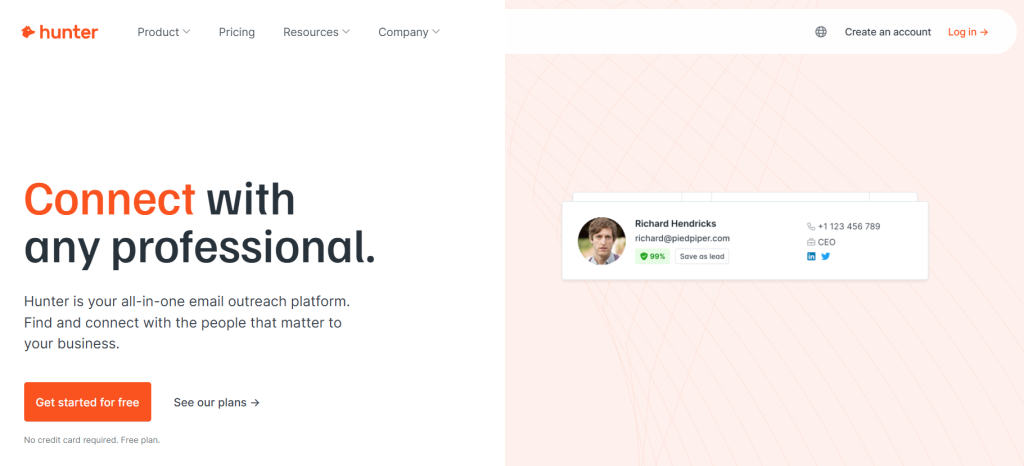
Hunter excels at finding all email addresses associated with a specific company domain through its Domain Search feature. The platform provides confidence scores for each email and includes built-in verification to reduce bounce rates. This makes it perfect for targeting specific companies.
Key Features
- Domain Search to find all company email addresses
- Email Finder for individual prospect lookup
- Built-in email verifier with confidence scores
- Bulk email verification and processing
- Chrome extension for website and LinkedIn use
- Email campaign builder for cold outreach
Pros
- Excellent domain-based email discovery
- Free plan with 50 monthly searches
- High email deliverability rates
- User-friendly interface and Chrome extension
- Built-in campaign management features
Cons
- Limited advanced search filtering
- Credit-based pricing can be restrictive
- Smaller database compared to competitors
- Less effective for individual prospect research
Pricing: From $49/month for the Starter plan. Free plan includes 50 searches and 50 verifications monthly.
What I Like About Hunter: The Domain Search feature is unmatched for account-based marketing. When I’m targeting specific companies, Hunter shows me the complete email landscape at that organization. This helps me identify the right contacts and understand their email patterns for better personalization.
Voila Norbert – Best for Simple Email Verification
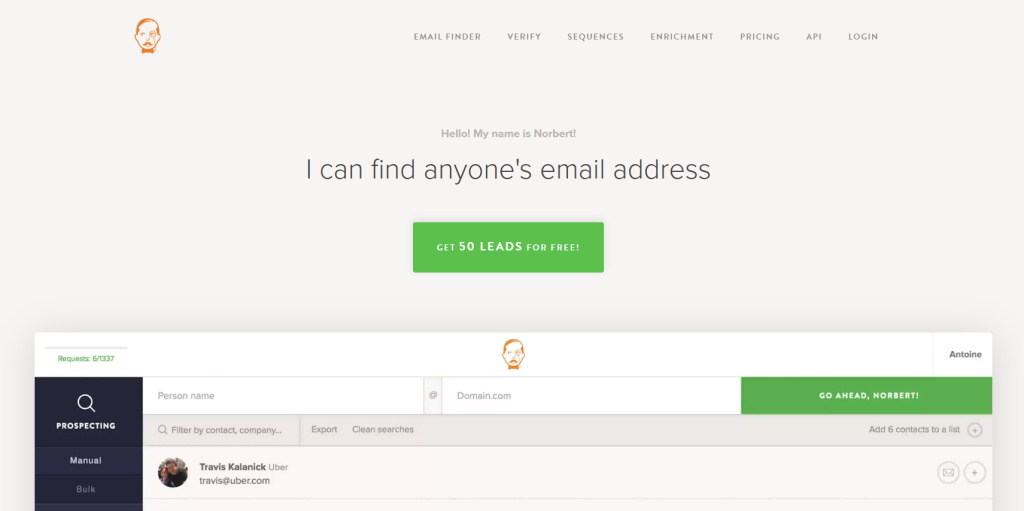
Voila Norbert is an email lookup tool. It focuses on simplicity and deliverability. The platform offers both individual and bulk email lookups with a straightforward interface. This makes it accessible for small businesses and teams that need reliable email finding without complex features.
Key Features
- Individual and bulk email lookup capabilities
- Email verification with deliverability focus
- Chrome extension for quick prospect lookup
- Bulk processing for large contact lists
- API access for custom integrations
- Email sequence automation for outreach
Pros
- Simple and intuitive user interface
- Free trial with 50 searches included
- High email deliverability rates
- Affordable pricing for small teams
- Good customer support responsiveness
Cons
- Limited database size compared to competitors
- Fewer advanced filtering options
- Data accuracy varies by region
- Basic feature set lacks advanced capabilities
Pricing: From $49/month for 1,000 leads. Free trial includes 50 searches.
What I Like About Voila Norbert: The platform’s simplicity is its strength. When I need to find and verify emails without learning complex workflows, Voila Norbert delivers what I need with minimal setup time and reliable results.
ZoomInfo – Best for Enterprise Sales Teams
ZoomInfo is an enterprise-grade sales intelligence platform. It combines email finder capabilities with advanced sales tools and analytics. The platform offers access to a curated database with comprehensive company and contact information designed for large sales organizations.
Key Features
- Enterprise B2B database with detailed company profiles
- Advanced sales intelligence and analytics
- Intent data and buyer signal tracking
- Comprehensive CRM integrations
- Data enrichment and cleansing capabilities
- Team collaboration and workflow tools
Pros
- Enterprise-grade features and security
- Comprehensive sales intelligence platform
- High-quality, curated database
- Advanced analytics and reporting
- Strong customer support and training
Cons
- High pricing unsuitable for small businesses
- Complex setup and learning curve
- Requires annual contracts
- Overkill for simple email finding needs
Pricing: Custom enterprise pricing starting at several thousand dollars annually.
What I Like About ZoomInfo: For enterprise sales teams, ZoomInfo provides the comprehensive intelligence needed to understand entire market landscapes. The intent data helps prioritize accounts showing buying signals and makes it invaluable for account-based marketing initiatives.
Seamless.AI – Best for Real-Time Data Searches
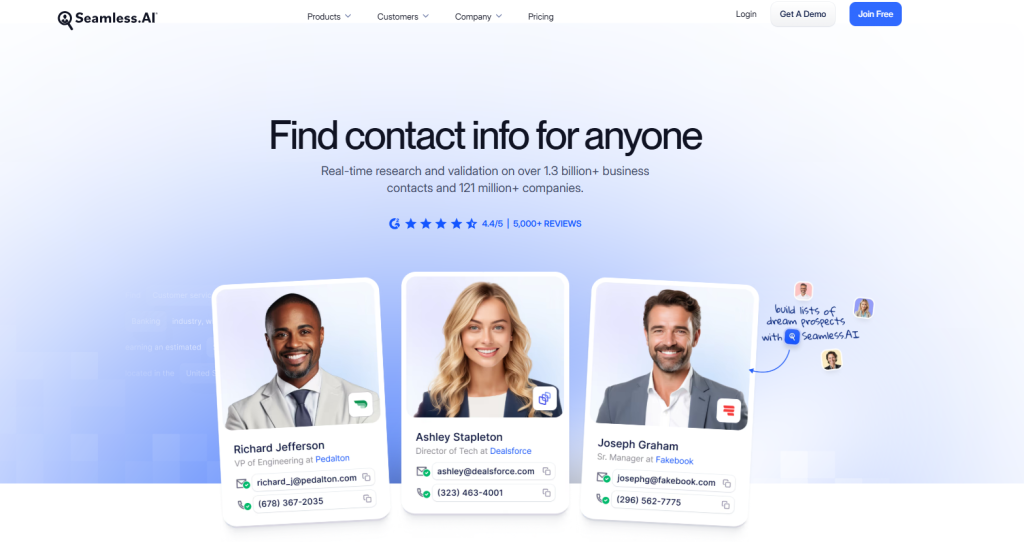
Seamless.AI operates as a real-time B2B search engine. It finds live contact information without relying on a static database. The platform searches the web in real-time to provide current email addresses and phone numbers and ensures data freshness.
Key Features
- Real-time web search engine for live data
- Chrome extension for LinkedIn and website prospecting
- Email and phone number verification
- CRM integrations and data export
- Company research and intelligence
- Team collaboration features
Pros
- Real-time data ensures freshness
- No reliance on outdated databases
- Comprehensive contact information
- Strong LinkedIn integration
- Good for hard-to-find contacts
Cons
- Higher pricing than database-based tools
- Search results can be inconsistent
- No access to historical data
- Slower than database lookups
Pricing: From $147/month for individual plans. Custom pricing for teams.
What I Like About Seamless.AI: The real-time approach means I’m getting the most current information available. When targeting hired executives or new companies, Seamless.AI often finds contact information that hasn’t made it into traditional databases yet.
ContactOut – Best for Recruiters
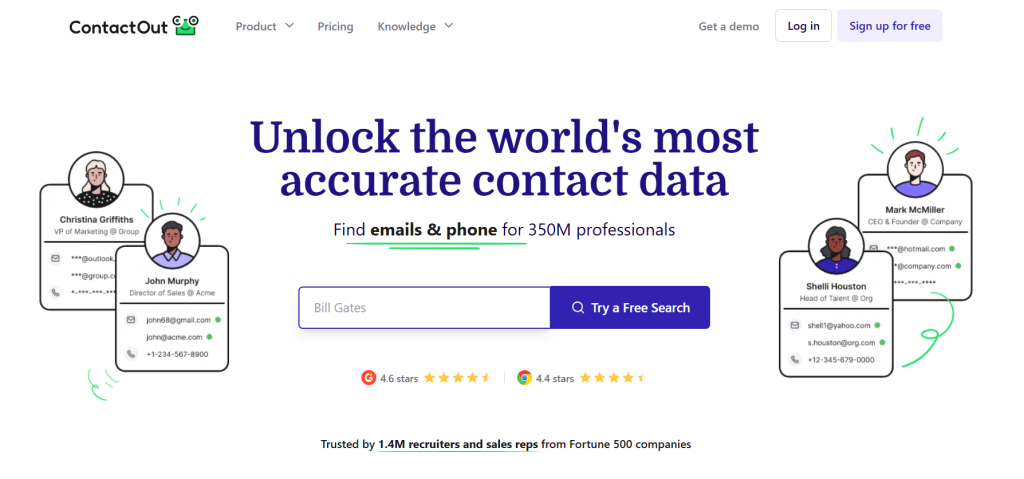
ContactOut is a recruitment intelligence tool. It was designed for HR and recruiting teams to find candidate contact details. The platform specializes in finding personal email addresses and phone numbers for passive candidates who may not be job searching.
Key Features
- Chrome extension for LinkedIn, Recruiter and GitHub
- 300M+ professional candidate profiles
- ATS integrations with Greenhouse, Lever and Bullhorn
- Search portal with skills and location filters
- Bulk data enrichment and export
- Team collaboration and candidate folders
Pros
- Specialized for recruiting workflows
- High success rate for personal email addresses
- Strong ATS integrations
- Free plan available for testing
- Used by 76% of Fortune 500 recruiters
Cons
- Higher pricing for advanced features
- Limited functionality outside recruiting
- Credit-based system can be restrictive
- Data quality varies by industry
Pricing: From $79/month for the Sales plan. Free plan available with limited credits.
What I Like About ContactOut: ContactOut solves the recruiter’s biggest challenge: reaching passive candidates who aren’t checking LinkedIn messages. Access to personal email addresses means I can reach top talent directly and improve response rates for high-priority positions.
Lusha – Best for Professional and Personal Data
Lusha is an email finder tool. It provides access to both professional email addresses and personal email addresses. The platform offers multiple integrations and a Chrome extension for prospecting while browsing company websites and LinkedIn profiles.
Key Features
- Professional and personal email address access
- Chrome extension for LinkedIn and website prospecting
- Phone number and mobile contact data
- CRM integrations with major platforms
- Bulk data enrichment capabilities
- API access for custom integrations
Pros
- Access to both business emails and personal contact data
- User-friendly Chrome extension
- Good database coverage
- Multiple CRM integrations
- Generous free plan with up to 70 credits per month
Cons
- Higher pricing than competitors
- No data accuracy guarantee
- Credit limitations on lower plans
- Data quality can be inconsistent
Pricing: From $29/month for basic plans. Higher tiers available for advanced features. Free plan includes up to 70 credits per month.
What I Like About Lusha: Access to both professional and personal contact information gives me multiple touchpoints for reaching prospects. This is valuable for B2B sales where decision-makers might be more responsive on personal channels.
Clearbit – Best for Large Enterprise Teams
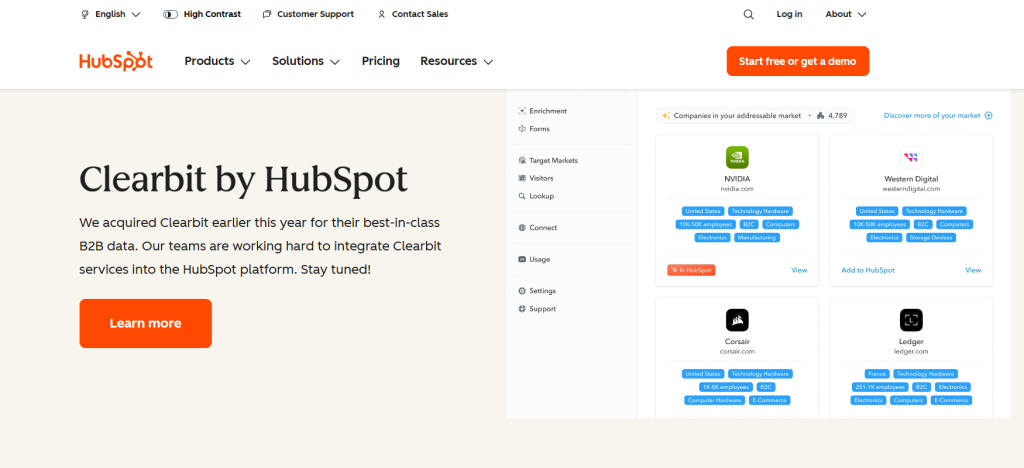
Clearbit offers a prospector tool. It searches through over 200 million contacts from 20 million companies. The platform provides comprehensive B2B contact database access with advanced features designed for larger organizations and enterprise teams.
Key Features
- 200M+ contact database from 20M companies
- Advanced search filters and segmentation
- Data enrichment and cleansing tools
- API access for custom integrations
- Integration with other Clearbit tools
- Enterprise-grade security and compliance
Pros
- Large, comprehensive database
- Enterprise-focused feature set
- Strong integration ecosystem
- High data quality standards
- Advanced analytics capabilities
Cons
- High pricing unsuitable for small businesses
- Requires other Clearbit tools for full functionality
- Complex setup and learning curve
- Overkill for simple email finding needs
Pricing: From $99/month for basic access. Enterprise pricing available.
What I Like About Clearbit: Clearbit excels when you need more than email addresses. The comprehensive company and contact enrichment helps build detailed prospect profiles that enable personalized outreach at enterprise scale.
AeroLeads – Best for Small Business Prospecting
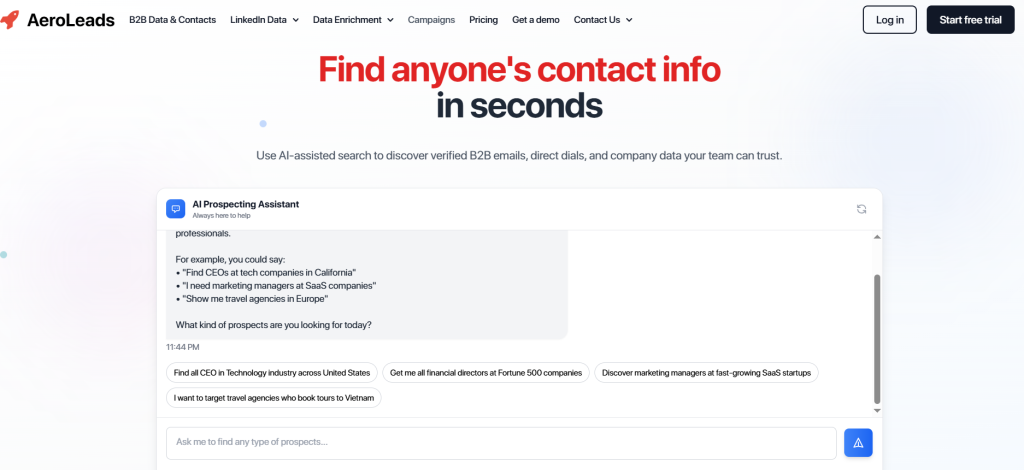
AeroLeads is a lead generation tool with email finder and LinkedIn prospecting features. The platform allows multiple search types including bulk domain search and company-based searches to find business email addresses and phone numbers at affordable pricing.
Key Features
- Multiple search types including bulk domain search
- LinkedIn Chrome extension for prospecting
- Email and phone number discovery
- CRM integrations and data export
- Company and contact search capabilities
- Affordable pricing tiers for small teams
Pros
- Affordable pricing structure
- Easy-to-use interface
- Bulk domain search capabilities
- Good for small business budgets
- Multiple search options available
Cons
- Limited advanced features
- Slower search processing
- Data accuracy can be inconsistent
- Smaller database than premium competitors
Pricing: From $49/month for the “Take Off” plan with 2,000 credits. Annual billing reduces cost to $39/month.
What I Like About AeroLeads: AeroLeads provides email finding functionality without the premium price tag. For small businesses or startups that need basic prospecting capabilities, it offers good value without overwhelming features they won’t use.
Anymail Finder – Best for Email Verification Focus
Anymail Finder is an email finder tool. It emphasizes verification and deliverability. The platform provides a 3-day trial with up to 100 credits after passing fraud checks and includes direct server validation to ensure email accuracy and reduce bounce rates.
Key Features
- Email verification with direct server validation
- Multi-website search capabilities
- API integration for developers
- Bulk email processing and verification
- Chrome extension for quick lookups
- 3-day trial with up to 100 credits after fraud checks
Pros
- Strong focus on email verification accuracy
- API access for custom integrations
- Direct server validation reduces bounces
- Trial available for testing platform
- Good deliverability rates
- Credits roll over and pay only for valid emails
Cons
- Limited database size
- Email-only focus, no phone numbers
- Fewer advanced features
- Limited search result volume
Pricing: Annual pricing starts at €9/month (600 credits per year) and scales up to €173/month for 300,000 credits. Credits roll over and users pay only for valid emails. A 3-day trial with up to 100 credits is available after passing fraud checks.
What I Like About Anymail Finder: The focus on verification quality over quantity means every email I get is likely to be deliverable. This approach protects my sender reputation and ensures my outreach efforts reach their intended recipients.
LeadFuze – Best for B2B Lead Generation
LeadFuze is an email finder tool with a large B2B database. It allows users to find email addresses and lead data while browsing online or scraping LinkedIn prospects. The platform includes email validation to ensure deliverability and accuracy.
Key Features
- Large B2B contact database
- LinkedIn lead scraping capabilities
- Email validation and verification
- Chrome extension for prospecting
- CRM integrations and data export
- Automated lead generation workflows
Pros
- All-in-one lead generation platform
- Good LinkedIn integration
- Reliable email validation
- Automated workflow capabilities
- Comprehensive B2B focus
Cons
- Rigid pricing structure
- Limited integration with other platforms
- Higher learning curve
- Can be expensive for small teams
Pricing: From $147/month for standard plans. Custom pricing for enterprise teams.
What I Like About LeadFuze: LeadFuze combines prospecting with lead nurturing in one platform and eliminates the need to juggle multiple tools. The LinkedIn scraping feature helps me build targeted lists from Sales Navigator searches.
SignalHire – Best for Recruiting and HR Analytics
SignalHire is a recruiting and HR analytics platform. It provides access to about 850 million candidate profiles. The platform combines email finder capabilities with recruiting features like ATS integration and bulk candidate processing.
Key Features
- 850M+ candidate profile database
- Chrome extension for LinkedIn and GitHub
- Integrated ATS and recruiting workflow tools
- Real-time email and phone verification
- Bulk search and candidate processing
- CRM integrations with Salesforce and Zoho
Pros
- Massive candidate database
- Recruiting-focused feature set
- Flexible pricing with free plan
- Strong ATS integrations
- Annual subscription discounts up to 43%
Cons
- Interface requires learning curve
- Credit-based pricing for phone numbers
- Limited sales-focused features
- Data accuracy varies by region
Pricing: Email-only or phone-only plans start at $29/month. The Emails & Phones plan is $49/month. Free plan includes 5 credits (10 credits if the browser extension is installed).
What I Like About SignalHire: The platform’s recruiting focus shows in every feature, from ATS integrations to candidate pipeline management. The ability to process bulk candidate lists while maintaining data accuracy makes it invaluable for high-volume recruiting operations.
Datanyze – Best for Basic Lead Generation
Datanyze is a B2B lead generation platform with a web app and Chrome extension. The platform offers basic lead generation capabilities alongside email-finding features. Users can generate email lookup results in bulk or through browser-based prospecting.
Key Features
- Web app and Chrome extension access
- Basic B2B lead generation tools
- Email finder and contact discovery
- Company and contact database
- Browser-based prospecting capabilities
- Free 90-day trial with limited functionality
Pros
- Easy-to-use interface
- Free 90-day trial available
- Good for basic prospecting needs
- Chrome extension functionality
- Affordable entry-level pricing
Cons
- Limited database coverage
- Data can be outdated
- Basic feature set
- Limited advanced filtering
Pricing: The Nyze Lite plan is a free 90-day trial with 10 credits per month. Paid plans begin at $29/month (80 credits/month) or $21/month when billed annually.
What I Like About Datanyze: Datanyze serves as a good entry point for teams new to email finding. The simple interface and affordable pricing make it accessible for small businesses testing email prospecting for the first time.
Clearout – Best for Email Validation
Clearout is an email validation and verification service. It also provides email finder capabilities. The platform can verify large volumes of emails and features powerful integrations and API access for developers focused on maintaining email list quality.
Key Features
- Email validation and verification service
- Email finder and email lookup
- Bulk email processing capabilities
- API access for developers
- Multiple CRM and platform integrations
- Real-time verification and validation
Pros
- Strong email verification capabilities
- API available for custom integrations
- Bulk processing for large lists
- Multiple platform integrations
- Good for maintaining email list quality
- 100 free credits at sign-up
Cons
- 98% validation accuracy lower than competitors
- Customer service response can be slow
- More focused on verification than finding
- Limited prospecting features
Pricing: From $24/month for basic validation plans. Higher tiers for advanced features. New users receive 100 free credits at sign-up.
What I Like About Clearout: Clearout excels at cleaning existing email lists and maintaining sender reputation. When I have large contact databases that need verification, Clearout ensures I’m only reaching valid email addresses and protects my domain reputation.
Skrapp – Best for LinkedIn Email Extraction
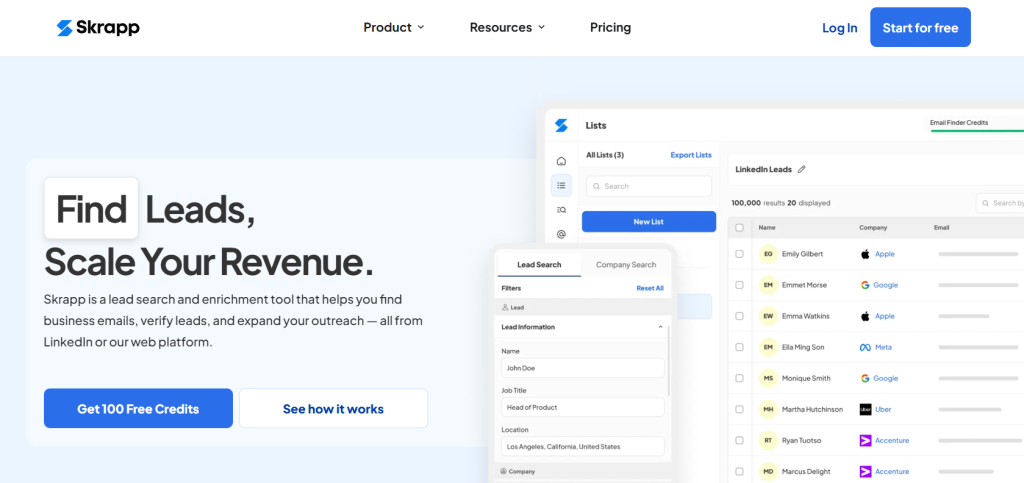
Skrapp features a business database. Users can access it to find business email addresses and lead information. The platform includes a Chrome extension, bulk domain search capabilities and affordable pricing tiers for small teams.
Key Features
- 200M+ business profile database
- LinkedIn Chrome extension for email extraction
- Bulk email finder and verification (92% success rate)
- CRM integrations with HubSpot, Salesforce, Pipedrive
- Lead search with advanced filtering
- Data enrichment capabilities
Pros
- Competitive pricing for small teams
- Good LinkedIn Chrome extension
- Free plan with monthly credits
- Data enrichment features
- Multiple CRM integrations
Cons
- No data accuracy guarantee
- Data can be outdated
- Limited advanced features
- Smaller database than premium competitors
Pricing: The Professional plan is €30 per month (approx. $32) with 1,000 email credits and 2 users. Free plan provides 100 email credits per month.
What I Like About Skrapp: The Chrome extension makes LinkedIn prospecting easy. It allows me to extract email addresses from profiles and company pages. The affordable pricing makes it accessible for solo prospectors and small sales teams.
Prospect.io – Best for Sales Automation
Prospect.io features an email finder that works with its sales automation platform. Users can find leads individually or in bulk, then enroll them in automated email sequences and manage the entire sales process within one platform.
Key Features
- Email finder with individual and bulk search
- Sales automation and email sequence builder
- Chrome extension for prospect lookup
- Email search API for custom integrations
- CRM integrations and pipeline management
- Campaign analytics and reporting
Pros
- Integrated sales automation workflow
- Multiple CRM integrations
- User-friendly interface
- Complete sales platform
- Good email deliverability features
Cons
- Limited global data coverage
- Higher bounce rates reported
- More expensive than email-only tools
- Learning curve for automation features
Pricing: From $99/month for combined prospecting and automation features.
What I Like About Prospect.io: The integration between finding prospects and launching outreach campaigns eliminates workflow friction. I can discover leads and have them enrolled in personalized sequences within minutes, all from one platform.
GetProspect – Best for LinkedIn Prospecting
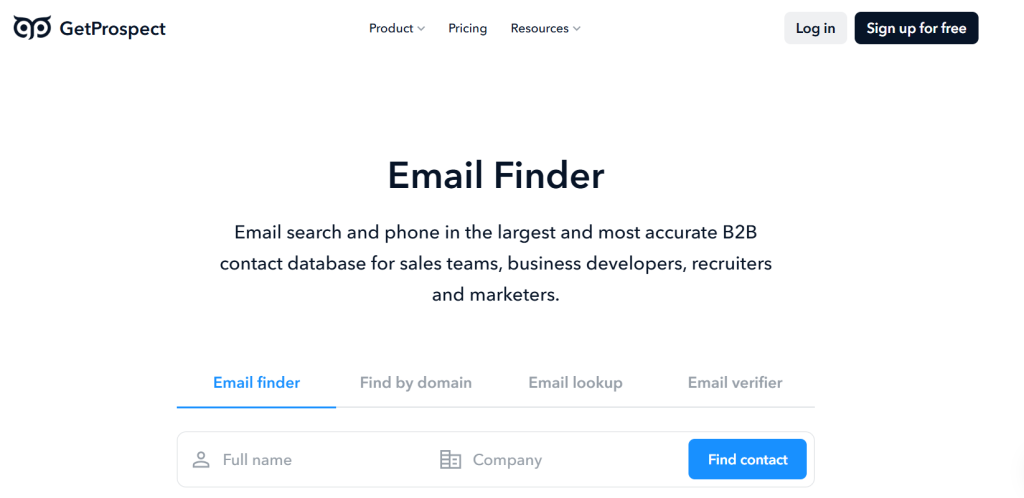
GetProspect is a LinkedIn email finder with multiple sales-focused tools and features. The platform includes a Chrome extension and built-in CRM. Users can create email lists and manage follow-up with leads in one integrated platform.
Key Features
- LinkedIn-focused email finder
- Built-in CRM for lead management
- Chrome extension for LinkedIn prospecting
- Multiple native platform integrations
- Email verification and validation
- Contact database and search filters
Pros
- Built-in CRM eliminates separate tools
- Good LinkedIn integration
- Affordable pricing tiers
- Multiple native integrations
- User-friendly interface
Cons
- No data accuracy guarantee
- Limited advanced features
- Smaller database than competitors
- Basic CRM functionality
Pricing: The Starter plan is $49/month (annual billing $588) and includes 1,000 valid emails, 2,000 verifications and 5 phone numbers. The Free plan offers 50 valid emails and 100 verifications.
What I Like About GetProspect: The built-in CRM means I can prospect on LinkedIn and organize leads into my sales pipeline without switching tools. This integration streamlines the entire process from discovery to deal closure.
FindThatLead – Best for Simple Email Searches
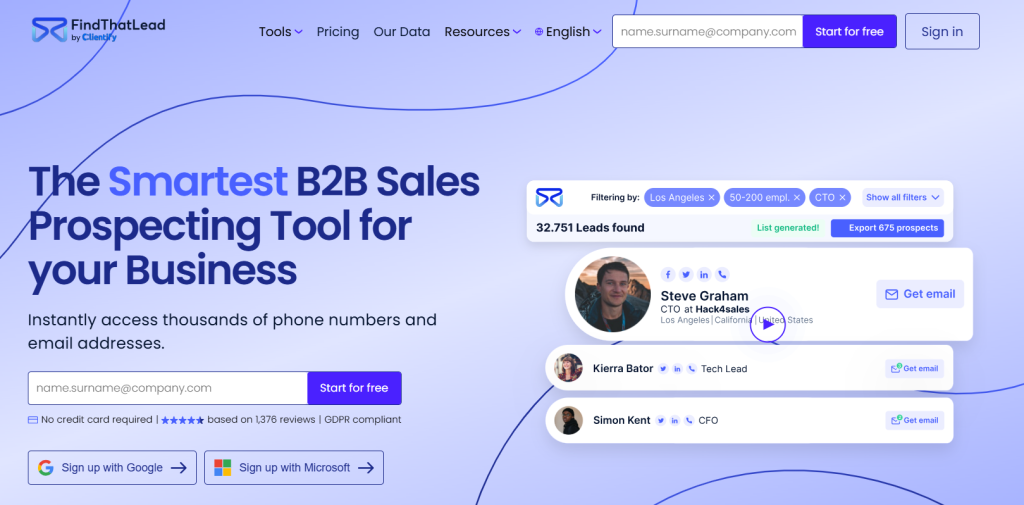
FindThatLead is an email finder tool. It allows users to look up email addresses using people’s names or company names. The platform ranks results by confidence score and offers a free plan with 20 successful emails per month for testing the service.
Key Features
- Email lookup by name or company name
- Confidence scoring system for results
- Chrome extension for quick searches
- Multiple platform integrations
- Bulk email processing capabilities
- Free plan with 20 successful emails per month
Pros
- Free plan for testing
- Simple platform interface
- Multiple integrations available
- Confidence scoring helps prioritize results
- Affordable pricing structure
Cons
- No data accuracy guarantee
- Confidence scoring can be confusing
- Limited database coverage
- Basic feature set
Pricing: The Growth plan costs €55/month (≈$60) and includes 1,000 correct emails. The Pro and Business plans scale to €150 and €399 per month with higher credit limits. Free plan provides 20 successful emails per month.
What I Like About FindThatLead: The confidence scoring system helps me prioritize which emails to use first. The free plan lets me test the service before committing. It’s perfect for straightforward email finding without complex features.
What Is an Email Finder Tool?
An email finder tool is a B2B contact database and email lookup software. It allows users to search for potential leads and find email addresses along with other contact information. These tools work by accessing curated databases compiled from public information, social media profiles and business directories.
Most email finder tools update their data to offer real-time verification and valid email addresses. Advanced platforms can perform bulk domain searches, validate email addresses and generate targeted contact lists based on criteria like job title, company size or industry.
Email finder tools serve multiple purposes including lead generation, recruiting, data enrichment and sales prospecting. The best email finder tool can find email addresses of decision-makers and CEOs and allows users to qualify leads and bypass gatekeepers.
Common Use Cases for Email Finder Tools
Email finder tools serve various professional roles across different industries and use cases:
B2B Sales and Lead Generation: Sales teams use email finder tools to identify and contact key decision-makers within target companies. They can bypass gatekeepers by accessing direct email addresses. They can personalize outreach and improve lead generation conversion rates. This involves identifying target accounts, finding contacts on LinkedIn and using an email finder to get verified contact data for cold email campaigns.
Recruitment and Talent Acquisition: Recruiters use these tools to find contact information for potential candidates, especially passive ones not job searching. This enables direct, personalized communication that’s more effective than generic LinkedIn messages. The workflow involves identifying suitable candidates, using an email finder to obtain professional email addresses or personal email addresses and initiating contact.
Link Building and SEO Outreach: SEO specialists and marketers use email finders to contact webmasters, editors and journalists for link-building campaigns. The goal is acquiring backlinks from high-authority websites to improve search engine rankings. This involves finding websites, identifying the right contact person and using email finder tools for personalized outreach pitches.
Event Planning and Promotion: Event organizers build targeted lists for promoting conferences, webinars and industry events. They identify and contact potential speakers, sponsors and attendees from specific industries or companies. This leads to more successful events.
Business Development and Partnerships: Founders, freelancers and business development managers use email finders to connect with potential partners, investors or influential figures in their industry. This facilitates professional relationship building and collaboration opportunities without needing prior introductions.
Key Features to Look for in Email Finder Software
Here are the features to evaluate when selecting email finder software:
Data Accuracy and Verification: An email finder tool is only valuable if the data it provides is accurate. Look for tools that offer a data accuracy guarantee of 90% or higher, along with real-time email verification. Good email finder tools should provide verified email addresses that reduce bounce rates and protect your sender reputation.
Database Size and Coverage: The size and scope of the B2B contact database impacts your ability to find prospects. Look for platforms with comprehensive global coverage, updated information and strong representation in your target markets and industries.
Search Capabilities and Filters: Advanced search filters allow you to find targeted prospects. Filters include job title, company size, industry, location and technographic data. The best email finder tools also offer bulk email finder capabilities and domain-based searches for comprehensive prospecting.
Integration and Workflow: Integration with your existing tools is crucial for efficiency. Look for email finder tools that offer Chrome extensions for LinkedIn prospecting, CRM integrations with platforms like Salesforce and HubSpot and API access for custom workflows.
Bulk Processing and Export: Bulk email finder capabilities allow you to generate large prospect lists. Look for tools that support bulk domain searches, list exports in multiple formats and the ability to process hundreds or thousands of contacts.
How Accurate Are Email Finder Tools?
Email finder tool accuracy varies between providers. Industry-leading tools claim 95-98% accuracy rates while independent tests show a wider range of 75-95% valid email rates.
Industry Accuracy Standards
High-quality email finder tools should achieve over 90% accuracy. However, accuracy depends on the verification methods used. Database lookup searches pre-existing contact databases but risk outdated information, as data decays at 22.5% annually. Real-time verification performs live checks including syntax validation, domain verification and SMTP server confirmation to ensure current email validity.
Verification Methods
The most accurate email finder tools use multi-step verification processes. This includes syntax checks to ensure proper email format, domain/MX record verification to confirm the domain exists and has mail servers and SMTP verification that connects to recipient mail servers to verify mailbox existence.
Confidence Scoring
Many email finder tools provide confidence scores. These indicate how certain they are that an email address is correct and deliverable. While helpful for risk management, confidence scores don’t guarantee accuracy. Some studies show tools with 87.5% average confidence scores were wrong one-third of the time. This highlights the importance of choosing providers with proven track records.
Are Email Finders Legal to Use?
Using email finder tools for B2B communication is legal in the US under the CAN-SPAM Act. The Act doesn’t require prior consent for commercial emails but mandates clear opt-out mechanisms, valid sender addresses and truthful subject lines.
US Legal Framework
The CAN-SPAM Act governs commercial emails in the US, including B2B messages. While prior consent isn’t required, every email must include a clear opt-out method, a valid physical postal address and truthful header information. Violations can result in penalties up to $53,088 per email as of 2024.
State-Level Regulations
California’s Privacy Rights Act (CPRA) applies to business contacts as of January 2023. It gives California prospects the right to know what personal information is collected, request deletion and opt-out of data ‘sale’ or ‘sharing.’ Using email finder services could trigger these rights and requires compliance measures.
GDPR Compliance
For US companies contacting EU individuals, GDPR applies and often requires a legal basis for processing personal data. While consent is ideal, B2B marketing can often rely on ‘legitimate interest’ if companies perform balancing tests ensuring commercial interests don’t override individual data protection rights.
Frequently Asked Questions
The best email finder is the one that adapts to your needs. You may want to use certain tools to look up a couple of emails and other email finder tools for bulk domain search and powerful lead generation capabilities.
There are multiple free email finder tools to test the tool and generate recruitment email lists. You can also use UpLead for free to see if it’s a good option for your lead generation needs.
You can use free email lookup tools to search for a few monthly emails. You can also look up emails on a company website, search for their social media profiles, or extrapolate their email based on the company’s pattern.
Email Finder Tools: Conclusion
Email finder tools are powerful options for anyone who looks for emails. The right email finder can provide more than someone’s email address and complete your data with lead information like demographics and profile data.
If you want to find emails on command and generate high-quality email lists, try UpLead. With UpLead, you search for your user persona and allow UpLead to generate all the leads you need.
Try UpLead for free today and see if it’s the right fit for you.