



Lead Forensics built its name on website visitor identification, turning anonymous traffic into named companies your sales team can chase. It works, but two things push buyers to look elsewhere: the pricing is opaque and quote-only, and the data stops at the company level when what most teams need is a verified contact to email or call. If you are paying for visitor identification but still hand-building prospect lists afterward, you are paying twice.
This guide covers the best Lead Forensics alternatives for 2026, from real time visitor identification platforms to B2B prospecting databases that give you the verified email and phone number behind the company name. Each tool below is reviewed on what it does well, who it fits and where it falls short, so you can match the pick to your workflow instead of the loudest marketing claim.
Why look for a Lead Forensics alternative?
Lead Forensics is a capable platform, but a few recurring frustrations send teams shopping. Pricing is the big one. Plans are quote-only with annual contracts, and reviewers consistently report figures that start well into the thousands per year, which is steep for a small sales team. The second issue is scope. Lead Forensics tells you which company visited, but it relies on a contact database to suggest who to reach, and many buyers want stronger, verified contact data baked in.
There is also the question of what problem you are solving. Visitor identification is reactive: it surfaces companies already on your site. Prospecting databases are proactive: they let you build a target list before anyone visits. The strongest stacks use both. The alternatives below split into those two camps, plus a few that try to do everything, so think about whether you need real time alerts on inbound traffic, a clean outbound list, or both before you commit.
The best Lead Forensics alternatives at a glance
- UpLead: best for verified B2B contact data and outbound prospecting with real time email verification.
- Leadfeeder (Dealfront): best for straightforward website visitor identification tied to Google Analytics.
- Snitcher: best for marketers who want enriched visitor identification plus segmentation.
- ZoomInfo: best for large enterprises that want one heavyweight data platform.
- Leadinfo: best for European teams focused on GDPR-aware visitor tracking.
- Visitor Queue: best for small teams that want simple, affordable lead capture.
- Factors.ai: best for combining visitor identification with intent data and analytics.
- Warmly: best for real time sales alerts and automated outreach on warm accounts.
- Albacross: best for account-based marketing teams in Europe.
- RB2B: best for identifying individual visitors on US traffic.
1. UpLead: best for verified B2B contact data
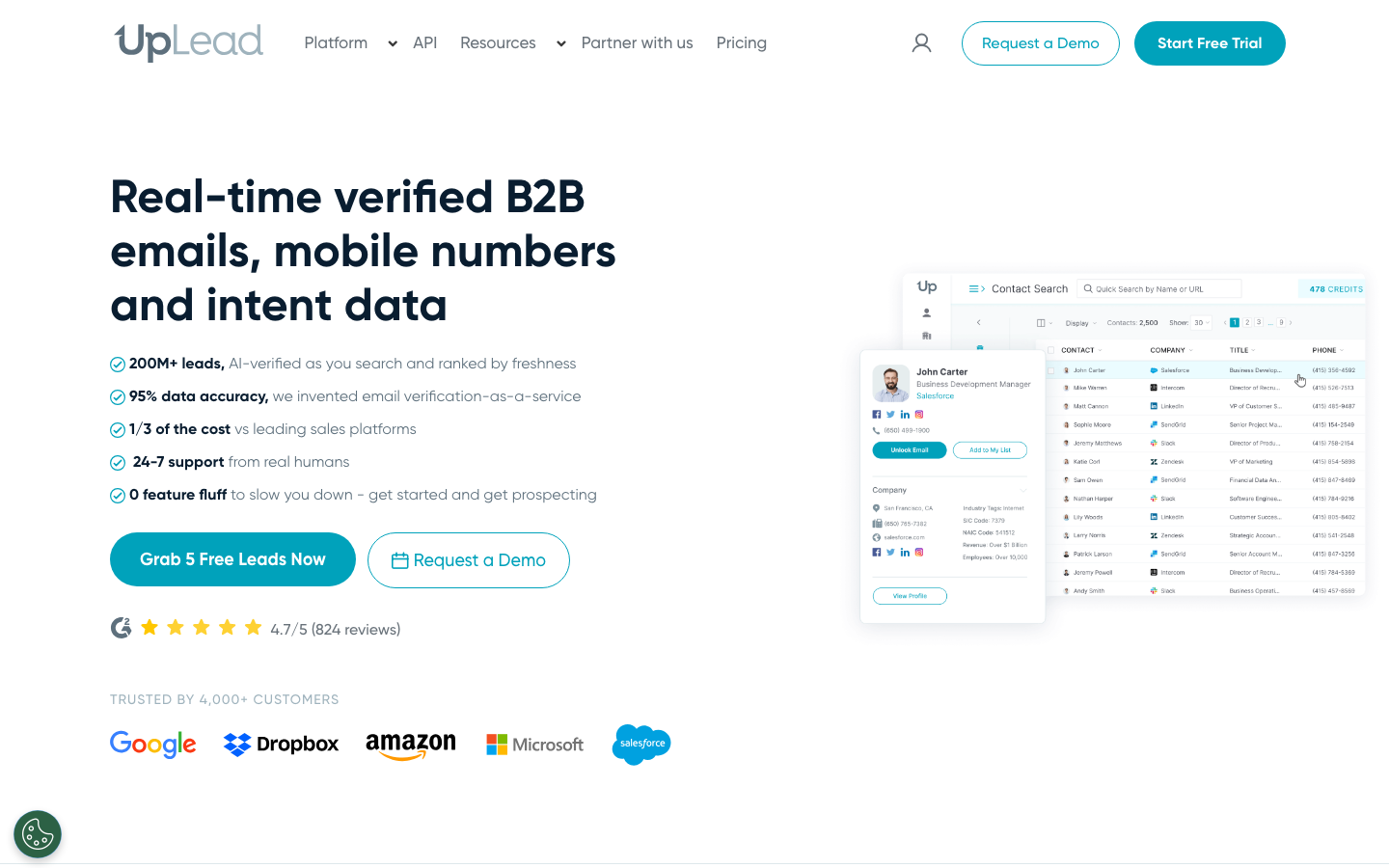
Ratings: G2 4.7/5, Capterra 4.7/5
Reviewers consistently single out data accuracy and accurate contact info as the standout strengths, while the most common gripe is unclear or expensive pricing for smaller buyers (Source: G2).
Lead Forensics tells you a company visited. UpLead tells you exactly who to email there and verifies the address before you send. That is the gap most teams feel after a few months on a visitor identification tool, and it is where UpLead fits. It is a B2B prospecting database with over 160 million contacts, more than 50 search filters and real time email verification that runs at the moment you build a list rather than on stale records.
The verification piece matters. UpLead guarantees 95 percent data accuracy and checks each email against the live mail server before it lands in your export, so bounce rates stay low and your sender reputation holds. You can filter by industry, company size, technology used, location and dozens of other attributes, then enrich the records with direct dials and mobile numbers. There is also an intent data layer that flags accounts actively researching topics in your category, which pairs well with whatever visitor identification you already run.
Pros
- High data accuracy and accurate contact details are the most cited strengths in reviews (Source: G2).
- Easy to use, with filtered lead views by industry and job title that save prospecting time (Source: G2).
- Clean Salesforce integration for direct lead export, backed by responsive support during campaigns (Source: G2).
Cons
- Some users report occasional missing or outdated contacts in niche segments (Source: G2).
- Pricing is flagged as expensive or unclear for smaller teams (Source: G2).
- A handful of reviewers note filtering and contact-limit constraints on lower tiers (Source: G2).
Pricing
- Free trial with verified credits, no card required to test the data.
- Essentials starts at 99 dollars per month with published, transparent tiers.
- Plus and Professional tiers add more credits, direct dials and intent data (Source: Vendor).
Best For
Sales and marketing teams that want verified contacts they can act on immediately, not just a company name.
Watch out for: UpLead is a prospecting database, not a website visitor tracker. If your only goal is to see which companies browse your site, pair it with one of the identification tools below.
2. Leadfeeder (Dealfront): best for Google Analytics-tied visitor identification
Reviewers love the dead-simple setup and actionable company insights, but a recurring theme is data inaccuracy and incomplete enrichment, plus frustration with aggressive auto-renewal billing (Source: G2).
Leadfeeder, now part of Dealfront, is the alternative most often compared head to head with Lead Forensics. It identifies the companies visiting your website, ranks them by engagement and pushes the activity into your CRM. Setup is quick because it leans on your existing Google Analytics data, and the company-level reporting is clean and easy to read.
Where it can frustrate buyers is contact depth. Leadfeeder identifies companies well but the contact suggestions are thinner than a dedicated database, so many teams export the company list and enrich it elsewhere. Pricing is more transparent than Lead Forensics, with a paid plan that scales by the number of identified companies.
Pros
- Dead-simple setup with a tracking script that shows data within minutes (Source: G2).
- Insightful, actionable company data that sharpens targeting and outreach (Source: G2).
- Seamless integrations with HubSpot and Google Tag Manager (Source: G2).
Cons
- Data can be incomplete or duplicated, with remote workers on consumer ISPs often invisible (Source: G2).
- Aggressive auto-renewal with a narrow cancellation window draws complaints (Source: G2).
- Support can be slow to help, especially on billing questions (Source: G2).
Pricing
- Free Lite plan with 7 days of history and up to 100 identified companies.
- Paid plans start around 99 dollars per month, billed annually, for up to 50 identified companies.
- Pricing scales with the number of identified companies; annual plans bill all 12 months upfront (Source: Vendor).
Best For
Teams that want reliable, real time company identification tied to Google Analytics without an enterprise contract.
3. Snitcher: best for enriched visitor identification
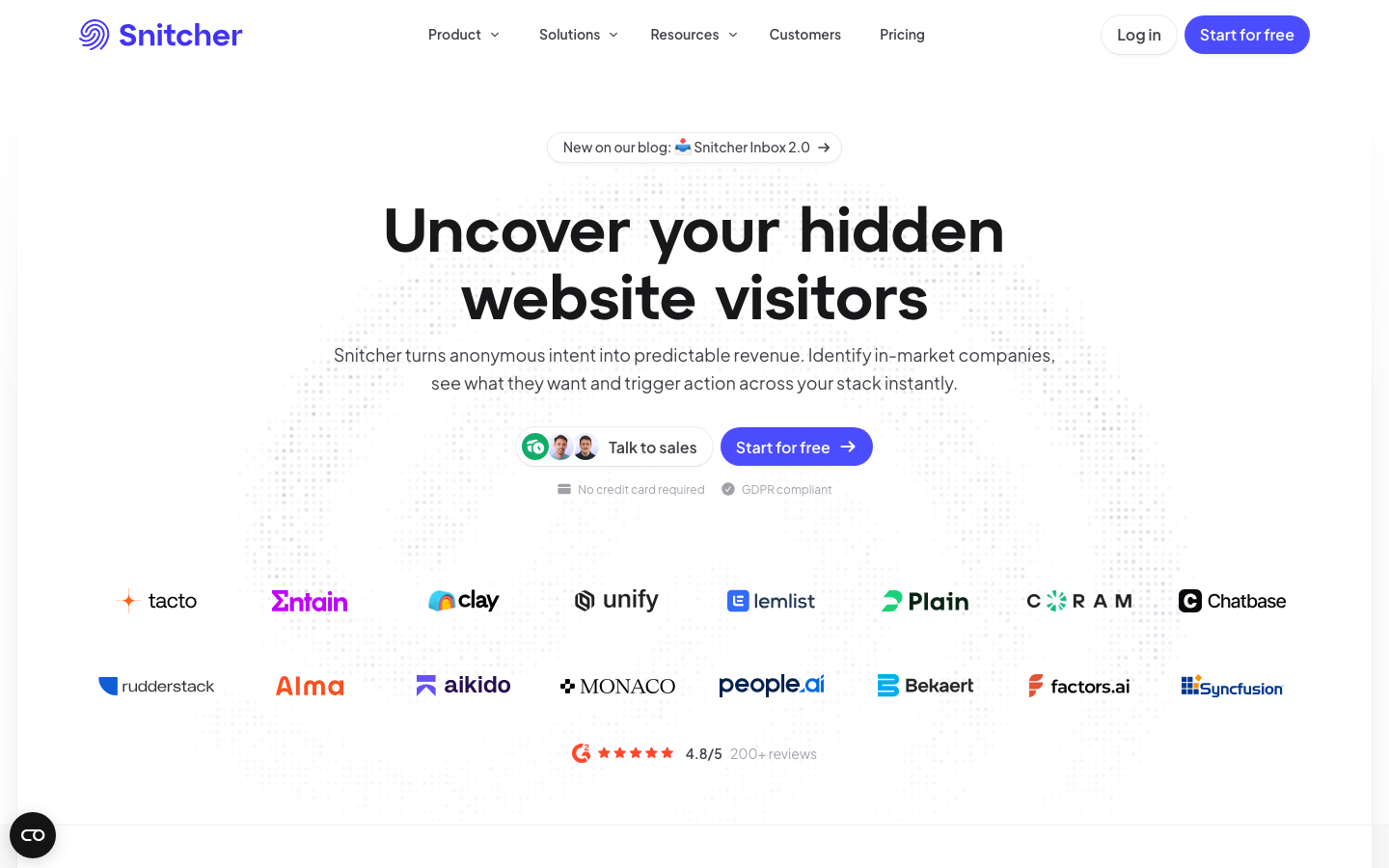
Ratings: G2 4.8/5, Capterra 4.4/5
Users praise the ease of use and accurate visitor identification, while the most common knocks are company-level-only data and filtering limits that bite high-traffic sites (Source: G2).
Snitcher positions itself directly as the number one Lead Forensics alternative, and it earns the comparison. It identifies anonymous website visitors, enriches them with firmographic detail and lets you build segments and triggers so the right accounts reach the right rep. The real time visitor feed is responsive, and the integrations with CRMs and Slack make it easy to act fast on a warm account.
The platform is strongest for marketing teams that want to slice and route traffic rather than just read a list. Smaller teams may not need the segmentation depth, and like most identification tools it works best on higher-traffic sites where there is enough volume to act on.
Pros
- Consistently praised for ease of use and accurate company identification (Source: G2).
- Reveals which companies visit and what they engage with, aligning sales and marketing on high-intent accounts (Source: G2).
- Full feature access including HubSpot, Salesforce and Slack integrations on paid plans (Source: G2).
Cons
- Identifies companies, not individual people, so contact detail is limited (Source: G2).
- Filtering limitations and no bulk delete for irrelevant leads are common complaints (Source: G2).
- Usage-based pricing scales expensively for high-traffic sites (Source: G2).
Pricing
- Paid plans start around 49 dollars per month, billed annually.
- Higher tiers run roughly 69 to 349 dollars per month based on volume.
- Contact reveal credits are an extra add-on on top of the base plan (Source: Vendor).
Best For
Marketers who want visitor identification plus segmentation and routing in one place.
4. ZoomInfo: best for enterprise data at scale
ZoomInfo is the most-reviewed sales intelligence platform on G2, with users praising the database breadth and support, while pricing opacity and occasional stale data outside the US draw the loudest criticism (Source: G2).
ZoomInfo is the heavyweight of the B2B data world. It combines a vast contact and company database with intent signals, website visitor tracking, conversation intelligence and engagement tools in one suite. For an enterprise that wants a single platform covering most of the revenue stack, it is hard to beat on breadth.
The tradeoffs are cost and complexity. ZoomInfo runs annual contracts that climb quickly, and the platform packs in more features than a small team will ever touch. Data accuracy is generally strong, though some users report stale records in niche segments. If you want ZoomInfo-grade contact data without the enterprise commitment, UpLead covers the prospecting layer at a fraction of the price.
Pros
- User-friendly and intuitive, with a straightforward setup that minimizes training (Source: G2).
- Accurate contact info and an extensive database that speeds up prospecting (Source: G2).
- Proactive, highly rated customer support and a broad integrations marketplace (Source: G2).
Cons
- Data accuracy drops outside the US and in less popular industries (Source: G2).
- Pricing is sales-gated with no published rates, no monthly billing and no free plan (Source: G2).
- Auto-renewal with a long cancellation window and steep renewal hikes frustrate buyers (Source: G2).
Pricing
- Custom quote-only pricing with annual contracts; no public rate card or free plan.
- Verified-buyer data places the median around 31,875 dollars per year.
- Add-ons such as Enrich and Global Data stack thousands more on top (Source: Vendor).
Best For
Large organizations that want one platform across data, intent and engagement.
5. Leadinfo: best for GDPR-aware European teams
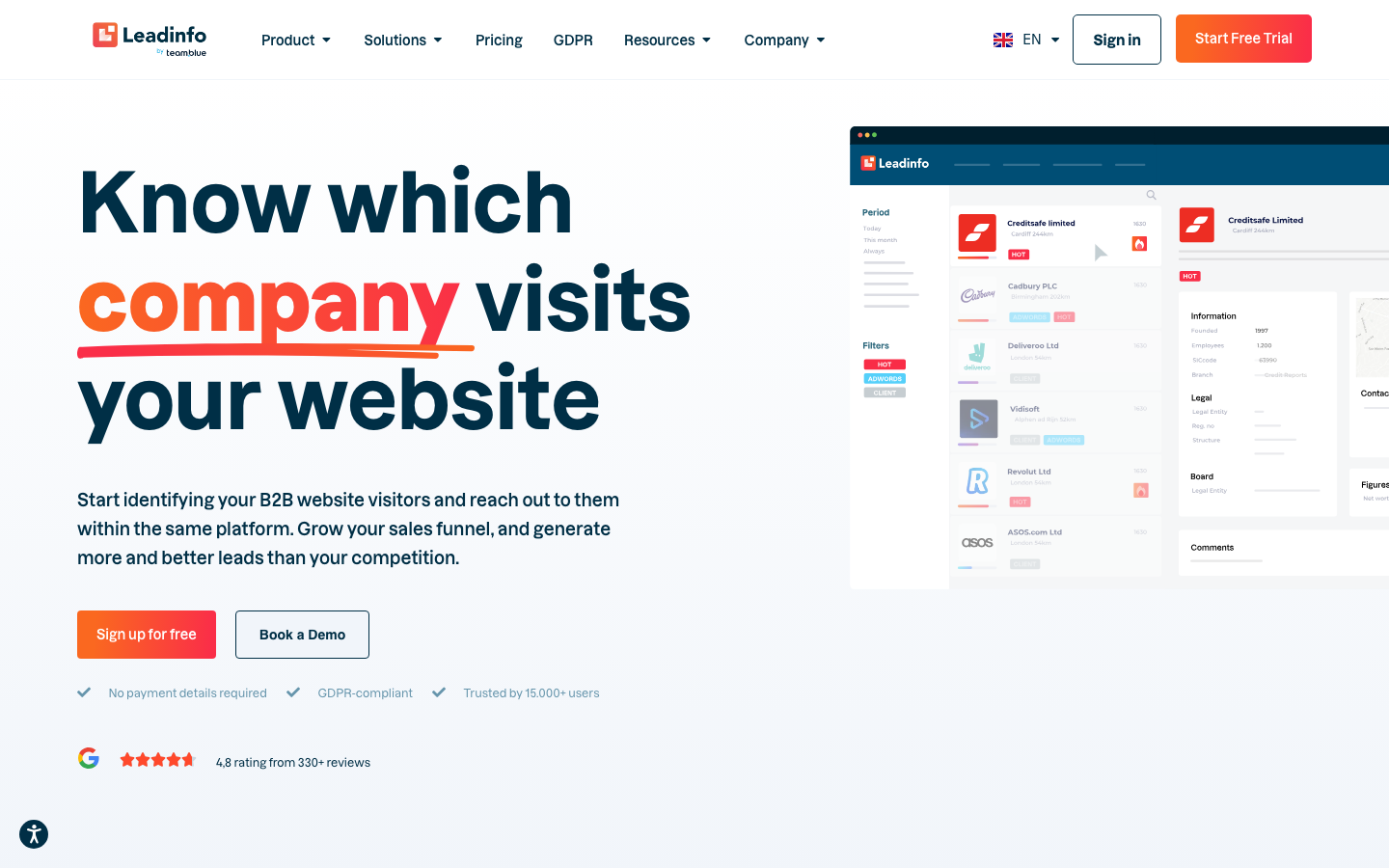
Reviewers describe a clean, intuitive interface and strong value versus Lead Forensics and Leadfeeder, while the data is not always complete and add-ons can push the total cost up (Source: G2).
Leadinfo is a European visitor identification platform that pitches itself as the best alternative for Lead Forensics in markets where data protection rules matter. It reveals the companies visiting your site in real time, shows their behavior on the page and pushes qualified leads into your CRM with automated rules. The interface is clean and the company database skews strong in European regions.
It carries the usual visitor-identification limits. Company-level data is the core output, and contact detail is lighter than a dedicated prospecting tool. For European sales teams that prioritize compliance and local data quality, it is a solid swap.
Pros
- Clean, intuitive interface that makes identifying and converting visitors easy (Source: G2).
- Good value relative to competitors, with strong European company coverage (Source: G2).
- 70-plus integrations plus automated lead scoring and Google Ads support (Source: G2).
Cons
- Pricing can feel steep for very small or low-traffic sites (Source: G2).
- No notification for auto-renewals, which several users dislike (Source: G2).
- Contact data such as emails and LinkedIn profiles is not always complete (Source: G2).
Pricing
- 14-day free trial with access to all features.
- Starter from 69 euros per month, Scale at 159 euros, Pro at 359 euros per month.
- Add-ons such as Autopilot and Leadbot start at 39 euros each (Source: Vendor).
Best For
European teams that want GDPR-aware visitor tracking with strong local coverage.
6. Visitor Queue: best for small teams on a budget
Ratings: G2 4.5/5, Capterra 4.6/5
Users like the under-10-minute setup, team-wide pricing and cost-effectiveness, while bot traffic eating identification credits and company-level-only data are the recurring complaints (Source: G2).
Visitor Queue is the value pick among visitor identification tools. It identifies the companies on your website, shows contact suggestions and integrates with the common CRMs, all at a price point that suits a small sales team or a single founder running outbound. The setup is fast and the dashboard is uncomplicated.
You give up some polish and data depth compared with the premium platforms. Treat the contact records as a starting point for enrichment, not a finished list. For teams that found Lead Forensics overkill and overpriced, Visitor Queue is the obvious downgrade in cost without losing the core function.
Pros
- Quick setup with one Google Analytics-linked pixel, live in under 10 minutes (Source: G2).
- Every plan covers the whole team and all web properties with no per-seat fees (Source: G2).
- Strong marks for cost-effectiveness and customer support (Source: Capterra).
Cons
- Bot traffic can consume a large share of monthly identification credits (Source: G2).
- Company-level only, so you still guess which decision-maker to contact (Source: G2).
- Remote-worker traffic on home IPs often goes unidentified (Source: G2).
Pricing
- 14-day free trial, no card required.
- Paid IP-based visitor identification starts around 31 dollars per month.
- Plans scale by the number of identified companies per month (Source: Vendor).
Best For
Small teams that want affordable, no-frills visitor identification.
7. Factors.ai: best for visitor identification plus intent
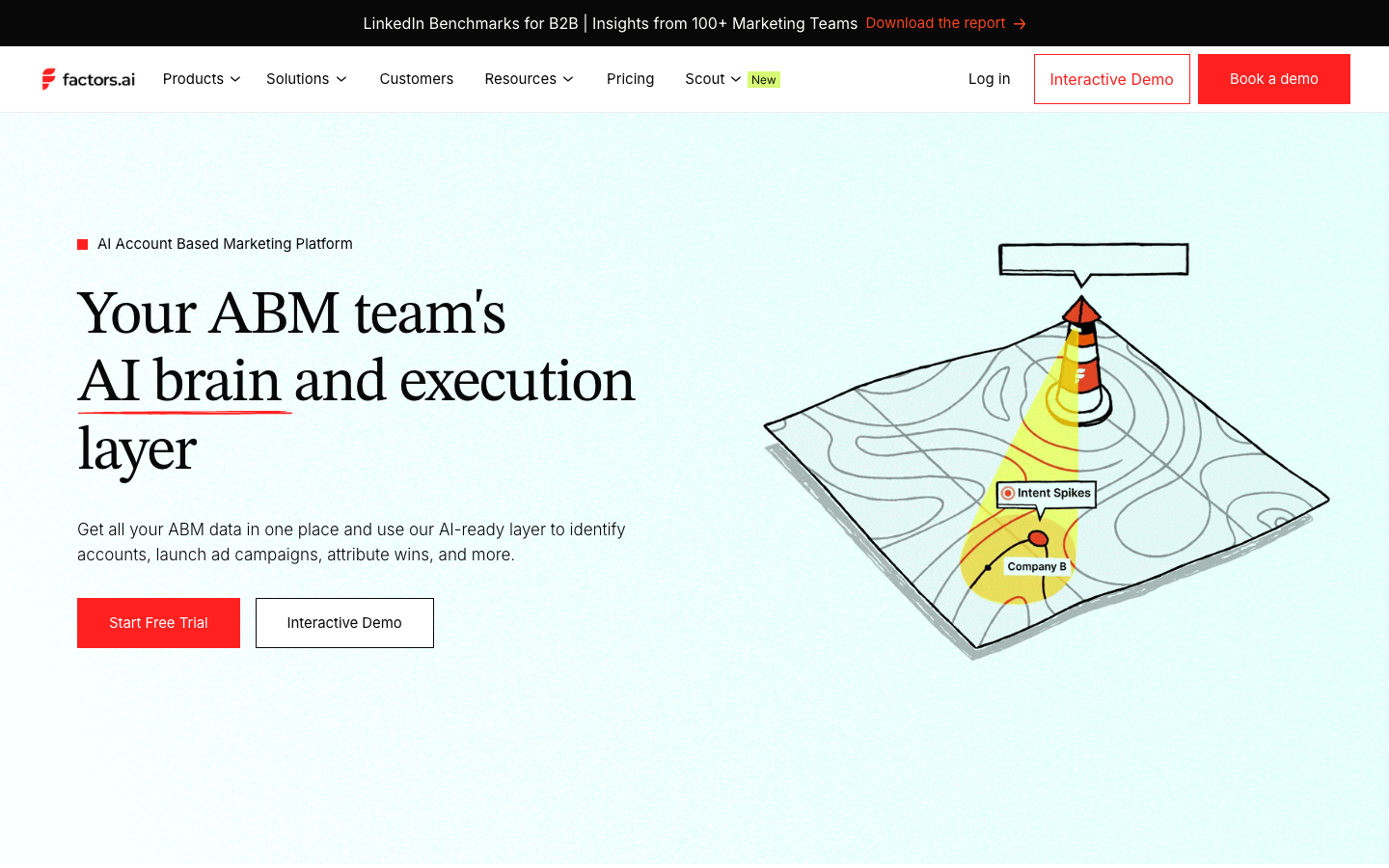
Reviewers highlight high company match rates and strong cross-channel attribution, while a steep learning curve and add-on pricing surprises are the most common cons (Source: G2).
Factors.ai blends website visitor identification with intent data and marketing analytics. It deanonymizes traffic, tracks account engagement across channels and ties it back to pipeline so you can see which accounts are heating up and why. For revenue teams that want analytics alongside identification, it is a strong fit.
The breadth means a steeper learning curve than a single-purpose tool. Getting full value depends on connecting your ad and CRM data first. Teams that just want a clean list of companies may find it more platform than they need.
Pros
- Identifies a high share of visiting companies and tracks them across pages and channels (Source: G2).
- Detailed dashboards with clear Google Ads and LinkedIn Ads attribution at contact and account level (Source: G2).
- More cost-effective with an easier interface than several competing platforms (Source: G2).
Cons
- Identifies companies, not people, so you need a separate tool to reach anyone (Source: G2).
- Steep learning curve appears repeatedly in the cons, with setup tricky for non-technical users (Source: G2).
- Add-ons such as LinkedIn AdPilot and Interest Groups each cost about as much as the base plan (Source: G2).
Pricing
- Free tier with up to 200 identified companies per month, no card required.
- Basic from 399 dollars per month (3,000 companies), Growth at 799 dollars (8,000 companies), billed annually.
- LinkedIn AdPilot and Interest Groups are priced separately on top of the base plan (Source: Vendor).
Best For
Revenue teams that want identification, intent and analytics in one view.
8. Warmly: best for real time sales alerts
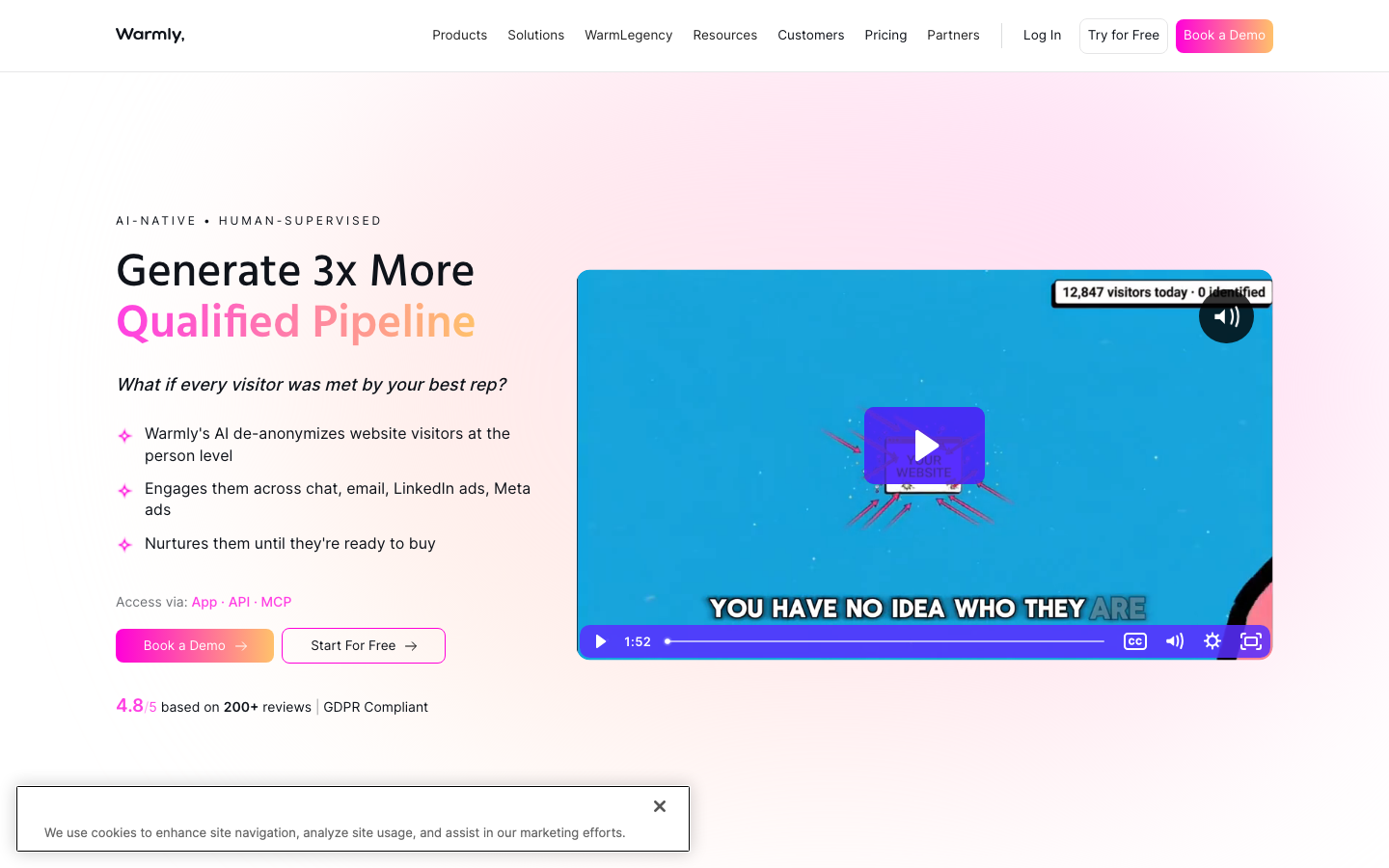
Ratings: G2 4.6/5
Reviewers love the real time visitor insights, fast setup and AI chatbot, while the lack of a built-in dialer and thin CRM options beyond HubSpot and Salesforce are the main gaps (Source: G2).
Warmly focuses on the moment of intent. It identifies the people and companies on your site, layers in intent signals and fires real time alerts so reps can reach out while the account is still warm. It also automates parts of the outreach, including Slack notifications and orchestrated sequences for accounts that hit a threshold.
Warmly shines for teams that live in speed-to-lead and want automation around warm traffic. The flip side is that its value depends on having enough qualified traffic to act on, so very early-stage sites may not see the payoff yet.
Pros
- Real time visitor insights that lift lead engagement and outreach (Source: G2).
- Fast implementation, with teams operational in hours and easy Slack and HubSpot integration (Source: G2).
- A real time AI chatbot that personalizes conversations and captures leads at peak intent (Source: G2).
Cons
- No built-in calling tool, so you need a separate dialer (Source: G2).
- Visitor identification accuracy can vary on anonymous traffic (Source: G2).
- Native CRM connections are limited to HubSpot and Salesforce (Source: G2).
Pricing
- Free plan up to 500 visitors per month.
- Paid plans start around 900 dollars per month on annual contracts.
- Higher commitments are quoted from roughly 15,000 dollars per year (Source: Vendor).
Best For
Mid-market sales teams that want automated, real time engagement on warm accounts.
9. Albacross: best for account-based marketing in Europe
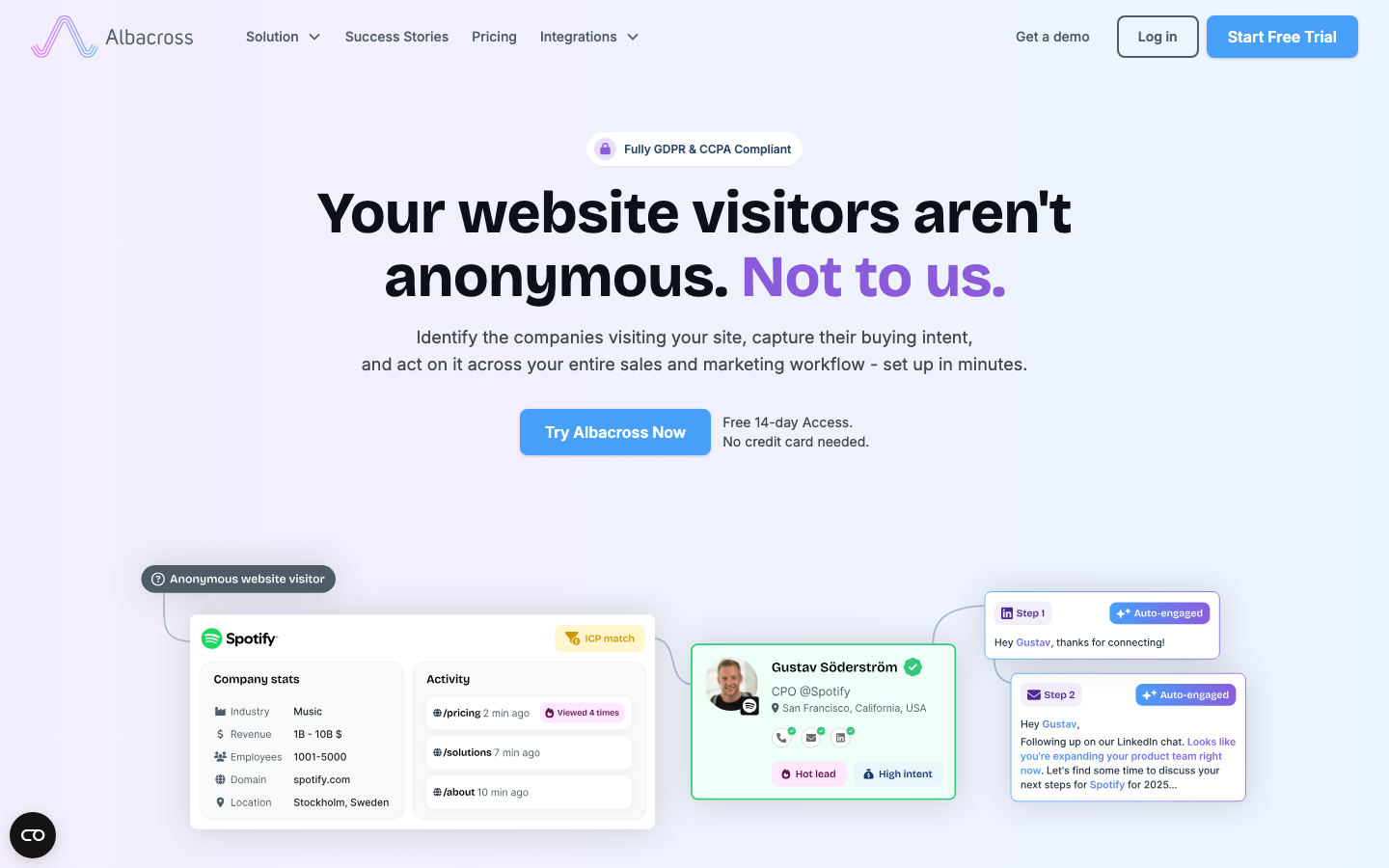
Reviewers praise the strong European match rates, clean dashboard and GDPR-friendly EU data residency, while coverage outside Europe and aggressive auto-renewal are the standout complaints (Source: G2).
Albacross is a visitor identification and account-based marketing platform popular with European B2B teams. It identifies companies, scores them against your ideal customer profile and feeds the data into ad platforms and CRMs so marketing and sales work the same target list. The ABM focus sets it apart from tools that stop at simple identification.
It is most useful when you have a defined account list and want to coordinate marketing around it. Teams that just want raw lead capture may find the ABM framing more structure than they need.
Pros
- Strong European company data with notably better match rates for EU traffic (Source: G2).
- Clean, intuitive dashboard with native HubSpot, Salesforce, Pipedrive and Slack integrations (Source: G2).
- EU data residency by default and GDPR-aware processing speed up legal review (Source: G2).
Cons
- Match rate drops outside Europe, especially for US small-business and remote traffic (Source: G2).
- Company-level only, with repeated complaints that you cannot get the actual person (Source: G2).
- Aggressive auto-renewal and tier-gated features such as no CSV export on Starter (Source: G2).
Pricing
- 14-day free trial, no card required.
- Starter from 59 euros per month (up to 50 companies), Professional from 149 euros (up to 250).
- Organization from 375 euros per month for up to 2,000 identified companies (Source: Vendor).
Best For
European ABM teams aligning marketing and sales on target accounts.
10. RB2B: best for person-level US visitor identification
Ratings: G2 4.5/5
Users praise the easy setup and real time Slack delivery of person-level leads, while US-only coverage and limited match rates on standard plans are the recurring drawbacks (Source: G2).
RB2B takes a different angle. Instead of stopping at the company, it tries to identify the individual person visiting your site and pushes their LinkedIn profile straight to Slack, focused on US traffic. For outbound teams that want a name and a face rather than just a logo, that person-level resolution is the draw.
Coverage is concentrated on US visitors, so international traffic sees lower match rates. Privacy-conscious buyers should review how the person-level data is sourced before rolling it out, but for US-focused outbound it is a sharp, fast tool.
Pros
- Easy setup with real time visitor insights that surface leads quickly (Source: G2).
- Real time Slack delivery captures prospects at the highest-intent moment (Source: G2).
- Person-level resolution returns a name, LinkedIn profile, company, title and pages viewed (Source: G2).
Cons
- Person-level identification is limited to US-based visitors by design (Source: G2).
- Match rates on standard plans are modest, so part of your traffic stays unknown (Source: G2).
- Identification only, with no built-in enrichment or outreach (Source: G2).
Pricing
- Free plan with up to 150 monthly resolutions.
- Starter at 79 dollars per month, Pro at 149 dollars, Pro Plus at 199 dollars per month.
- Business email addresses and CRM integrations unlock on the Pro plan (Source: Vendor).
Best For
US-focused outbound teams that want individual visitor identification in Slack.
How to choose the right Lead Forensics alternative
Start with the job to be done. If your goal is to see which companies visit your website and act on them in real time, pick a visitor identification tool like Leadfeeder, Snitcher or Leadinfo, and weight your choice by region and how much segmentation you need. If your goal is to build verified outbound lists and reach named decision-makers, a prospecting database like UpLead or ZoomInfo is the better spend.
Most high-performing teams run one of each. Use a visitor identification tool to catch warm inbound traffic, then use a verified contact database to find the right person at that company and at the lookalike accounts that never visited. The cost of the wrong choice is not the subscription, it is the bounced emails and missed deals from acting on incomplete data, so test the data quality on a free trial before you sign anything.
Frequently asked questions
What is the best Lead Forensics alternative?
The best Lead Forensics alternative depends on your goal. For verified B2B contact data and outbound prospecting, UpLead is the strongest pick because it pairs a 160-million-contact database with real time email verification and published pricing. For pure website visitor identification, Leadfeeder and Snitcher are the closest like-for-like replacements.
How much does Lead Forensics cost compared to alternatives?
Lead Forensics uses quote-only annual pricing that reviewers commonly report in the low thousands of dollars per year, with no public rate card. Most alternatives are cheaper and more transparent. UpLead starts at 99 dollars per month with published tiers, and tools like Visitor Queue and Leadfeeder offer entry plans well below enterprise pricing.
Do Lead Forensics alternatives give you contact details or just company names?
It depends on the tool type. Visitor identification platforms like Leadfeeder, Leadinfo and Snitcher mostly return company-level data with lighter contact suggestions. Prospecting databases like UpLead and ZoomInfo return verified individual contacts, including emails and direct dials, which is why many teams pair the two.
Are there free Lead Forensics alternatives?
There are no fully free enterprise-grade alternatives, but several offer free trials or limited free tiers so you can test before paying. UpLead provides a free trial with verified credits, and Leadfeeder and Visitor Queue offer trial periods. Free tiers cap volume, so they suit evaluation rather than ongoing production use.
Can you use a Lead Forensics alternative alongside your current tools?
Yes, and most teams do. A common stack pairs a visitor identification tool for warm inbound traffic with a verified contact database like UpLead for outbound prospecting and enrichment. Nearly all of these platforms integrate with major CRMs such as Salesforce and HubSpot, so the data flows into one system your reps already work in.





